
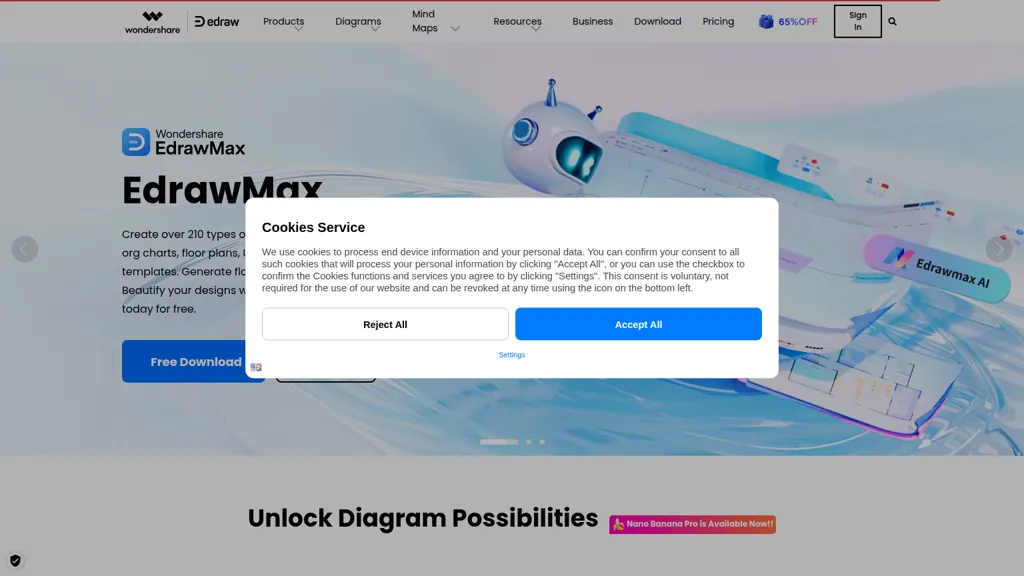
What is Edraw Software?
Edraw Software is a comprehensive diagramming tool designed for users across various sectors, including business, education, and engineering. It offers a multitude of templates and shapes for creating flowcharts, organizational charts, mind maps, and more, enabling users to visualize complex information clearly.
With features such as drag-and-drop functionality and customizable designs, Edraw Software streamlines the diagram creation process, enhancing productivity. Collaboration tools allow teams to work together efficiently in real-time, making it suitable for group projects and presentations.
Edraw Software details
- Company
- Wondershare Technology Group Co., Ltd
- Jurisdiction
- People's Republic of China
- Built for
- Businesses and teams
- Data residency
- Due to the international operation of our business, your personal data may be accessed from and transferred to jurisdictions outside of where you are located.
- Stated compliance
- SOC 2, GDPR, ISO 27001
Compliance as stated in Edraw Software's own published documentation.
Edraw Software pricing
Verify on the official pricing page.
View plansEdraw Software's key features
-
Diagramming tool
-
Templates and shapes
-
Drag-and-drop functionality
-
Collaboration tools
-
Multiple file format support
Edraw Software use cases
-
Create clear and visually appealing flowcharts for project management to facilitate better understanding during team meetings using Edraw Software's customizable templates and shapes
-
Collaborate effectively with team members to develop organizational charts in real-time, enhancing communication and clarity within your business structure using Edraw Software's collaboration tools
-
Design intricate mind maps for brainstorming sessions or educational purposes, leveraging Edraw Software's drag-and-drop functionality to visualize ideas and concepts efficiently
Edraw Software user reviews
Based on 19 reviews, 95% of users recommend Edraw Software, rated highly for ease of use.
Liked for
Disliked for
Would you recommend Edraw Software?
Who is Edraw Software for?
-
Diagramming professionals
-
Business strategists
-
Designers
-
Software developers
-
Creative writers
Edraw Software FAQ
Is Edraw Software safe to use?
Edraw Software states SOC 2, GDPR and ISO 27001 compliance in its own published documentation. Edraw Software is operated by Wondershare Technology Group Co., Ltd, registered in People's Republic of China. Edraw Software carries the TopAI.tools verified mark, which we award after a manual review of pricing transparency, published terms, public following and working functionality.
Is Edraw Software good?
Edraw Software has a 95% recommendation rate from 19 reviewers on TopAI.tools. Reviewers rate it highest on ease of use and value for money.
What are the best alternatives to Edraw Software?
The closest alternatives to Edraw Software are edraw ai, EdrawMax.com, Docugram, Napkin.ai and ChartAI. You can compare them side by side in the alternatives section further down this page.
What does Edraw Software do with my data?
Edraw Software states that customer content may be used to train its models. Its privacy policy states that personal data is sold or shared for marketing purposes. Data may be shared with third-party service providers that help run the product. Customer data is held in Due to the international operation of our business, your personal data may be accessed from and transferred to jurisdictions outside of where you are located..
Is there a mobile app for Edraw Software?
Yes. Edraw Software has a mobile app alongside its web version.
Who made Edraw Software?
Edraw Software is built and operated by Wondershare Technology Group Co., Ltd, a company registered in People's Republic of China.
Compliance, privacy and billing terms are as stated in each product's own published documentation and have not been independently verified by TopAI.tools.


