
What is Code to Flow?
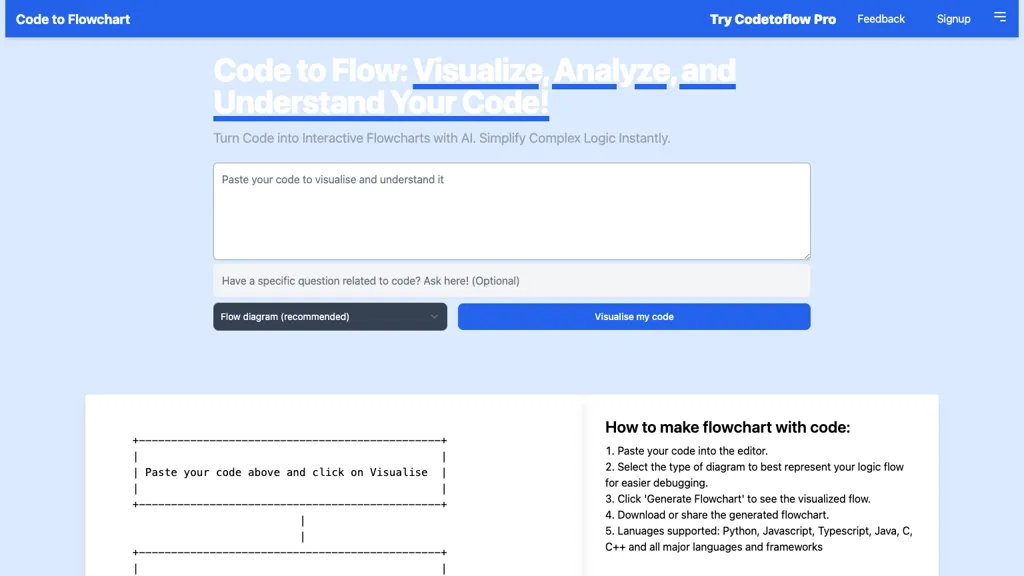
Code to Flowchart turns written code into interactive visual diagrams, automatically identifying functions, classes, and modules across major languages such as Python, JavaScript, Java, C++, and TypeScript. The AI engine parses code to produce flowcharts, sequence diagrams, or class diagrams, allowing users to explore logic paths, nested loops, and conditionals directly within the interface.
Generated charts can be exported as SVG, PNG, or PDF and customized with color schemes and themes. No code is stored on the platform, ensuring privacy while supporting collaborative review and debugging. The tool benefits individual developers, students, and teams by simplifying complex logic, enhancing documentation, and accelerating code comprehension.
Code to Flow details
- Jurisdiction
- USA
- Data residency
- USA
Code to Flow pricing
SubscriptionPricing details aren't listed here — check the official pricing page below.
Verify on the official pricing page.
View plansCode to Flow's key features
-
Supports all major programming languages
-
Generates interactive flowcharts
-
Provides sequence and class diagrams
-
Exports as SVG, PNG, PDF
-
Customizable color schemes and themes
-
AI analyzes code structure
-
No code storage
Code to Flow use cases
-
Streamline code reviews by automatically converting Python and JavaScript snippets into interactive flowcharts, enabling reviewers to instantly grasp logic paths and spot bugs without navigating raw code
-
Accelerate API documentation by mapping TypeScript classes into detailed class diagrams and sequence charts, then exporting clean PDF diagrams to embed directly into Swagger UI or ReadTheDocs
-
Securely debug complex loops in C++ projects by visualizing nested conditionals as interactive flowcharts, preserving privacy with no code upload, and sharing exportable PNGs with team members
Code to Flow user reviews
Would you recommend Code to Flow?
Who is Code to Flow for?
-
Software developers
-
Technical architects
-
System engineers
-
Quality assurance analysts
-
Project coordinators
Code to Flow FAQ
Is Code to Flow free?
No. Code to Flow is a paid product and requires a paid plan to use.
What are the best alternatives to Code to Flow?
The closest alternatives to Code to Flow are Napkin.ai, Image to Drawio, FlowCraft, FlowCraft and aiflowchart. You can compare them side by side in the alternatives section further down this page.
What does Code to Flow do with my data?
Code to Flow states that customer content is not used to train its models. Its privacy policy states that personal data is not sold or shared for marketing purposes. Data may be shared with third-party service providers that help run the product. Customer data is held in USA.
Compliance, privacy and billing terms are as stated in each product's own published documentation and have not been independently verified by TopAI.tools.


