
Bulk Image Format Conversion
The best 50 Bulk Image Format Conversion AI tools - Free & Paid
Explore 50 AI for Bulk Image Format Conversion
Bulk Image Generation quickly produces up to 100 images in 15 seconds with the Flux 1.1 model, needs only a simple description, and offers bulk editing, resizing, aspect‑ratio calculations, and prompt conversion for diverse projects.
Subscription
- $15/mo
ConvertFiles.ai offers free, server‑side conversion for PNG, JPEG, WEBP, and HEIC files up to 5000 × 5000 px via upload, URL, or drag‑and‑drop. It preserves quality, supports bulk processing, provides instant downloads, and includes a mobile app.
Freemium

Browser-based Online Audio Converter converts 300+ audio/video formats to MP3, WAV, M4A, FLAC, OGG, etc., extracts audio from video, offers bitrate/sample rate/channel controls, fade/reverse/voice removal, batch conversion, metadata editing, and cloud export.
Subscription
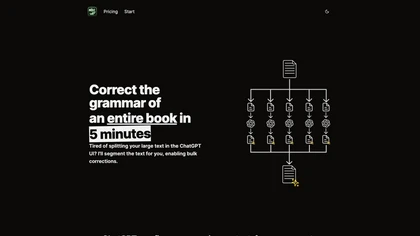
BulkCorrector segments large documents into ChatGPT‑sized chunks to auto‑correct grammar, spelling, and punctuation in one workflow. It also supports bulk translation, custom prompts, a prompt library, and a ten‑session history log via a copy‑paste web interface.
Subscription
- $29
BigJpg AI upsizes JPEG, PNG, GIF, BMP images from 2× to 16× while preserving edge sharpness and detail. It automatically sharpens textures, keeps fine lines and color gradients, and supports single or batch processing for printing, displays, and design work.
Paid
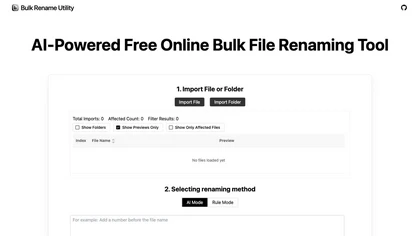
Web‑based AI bulk renamer that processes files locally, interpreting natural‑language instructions for batch renaming, numbering, or pattern rules. Supports Windows, macOS, and browsers via the File System Access API, offering preview, instant execution, and photo tagging by date or event.
Free
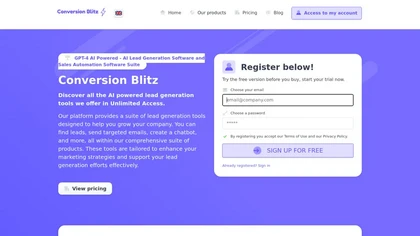
Conversion Blitz uses AI to extract and filter contact data from websites and social networks by job title, location, industry, and company size. It verifies emails, runs scalable email campaigns, and routes visitor data to email, SMS or Slack.
Subscription
- $49/mo

Scale offers a user-friendly platform for creating customizable product mockups for items like apparel and mugs. It supports bulk generation and integrates with e-commerce tools, enhancing efficiency for sellers in their mockup workflows.
Free trial
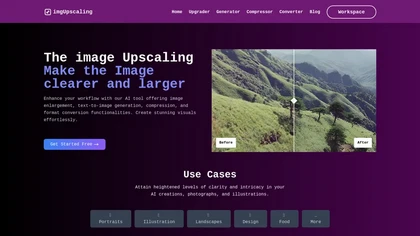
AI‑powered image editor that runs entirely in the browser, offering smart crop, AI expand, format conversion, lossless compression, watermarking, color adjustment, filter, GIF creation, side‑by‑side comparison, and batch workflow design—all processed locally with WebAssembly for speed and privacy.
Free

BankConv converts bank statement PDFs from 1,000+ banks into CSV, Excel, Google Sheets, OFX or QFX with extracted dates, descriptions, amounts and running balances. It supports batch and password-protected uploads, fast processing, TLS encryption, and automatic file deletion.
Freemium
- $29/mo

Music 2 Tube automatically converts MP3/WAV files into videos for YouTube, Instagram, TikTok, and Reels. It supports bulk drag‑and‑drop, direct uploads, scheduled publishing, visual effects, cloud‑based covers, and maintains original audio quality across platforms.
Paid
- $3.49
Automated Bulk Image Upscaler upsizes and sharpens images with one click, supporting batch processing. It runs locally or on the cloud, keeping data private, and offers REST API and Zapier integration for automated design and web workflows.
Subscription
- $49/mo
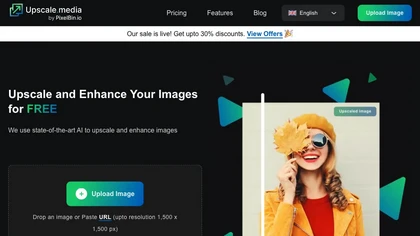
Upscale.media is a browser-based AI upscaler that increases image and short-video resolution up to 2×/4×/8×, reconstructs detail, reduces noise/artifacts, and offers deblur, sharpen, colorisation, face restoration, batch processing and API access.
Freemium
- $0.02
ImgUpscaler enlarges JPG, PNG, WebP images up to 400 % using super‑resolution, producing 16k × 16k outputs with minimal detail loss. Batch up to 5 images, offers basic editing, deletes uploads after 24 h, free commercial use.
Free
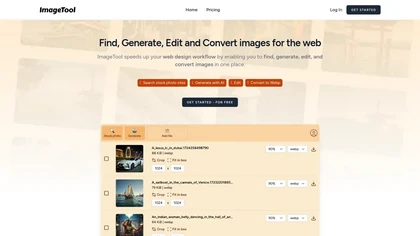
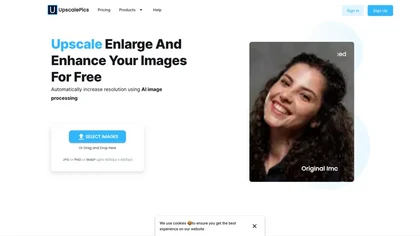
Upscalepics lifts image resolution up to 8× with one click via a machine‑learning model, supporting JPG, PNG, and WebP files up to 4000 px. It offers custom dimensions, bulk uploads, and outputs up to 256 MP for print‑ready quality.
Freemium
- $3.3/mo

Imglarger is an image enhancer that upsamples photos up to 8×, supports batch processing, and offers background, object, and face retouch tools. It converts WebP, JPEG, PNG, SVG, JFIF formats and lets users adjust brightness, contrast, and saturation via web or mobile.
Freemium
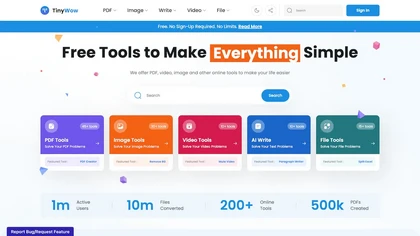
TinyWow is a web-based service that offers free tools for editing and converting PDFs, images, and videos, plus AI-driven text and image creation. Files are auto‑deleted after an hour for privacy.
Subscription
TheToolBus offers free, no‑watermark PDF and image utilities for small business owners, including merge, compress, OCR, conversion, background removal, calculators, QR codes, and AI text extraction, all accessible without sign‑up.
Freemium
AI Video Enhancement enlarges and improves video/images with no quality loss, scaling to 2K/4K/8K, noise‑reducing, colorizing black‑and‑white, interpolating up to 240fps for smooth slow‑motion. Supports MP4, MOV, MKV, AVI, JPG, PNG, BMP, GIF, WEBP; batch ZIP; desktop for Mac/Windows.
Paid
Wondershare UniConverter is an AI‑powered all‑in‑one tool that converts, enhances, compresses, records, and edits video and audio. It supports 1,000+ formats, delivers ultra‑fast conversions, upscales to 4K/8K, adds subtitles, removes backgrounds, and preserves metadata for creators and SMBs.
Paid
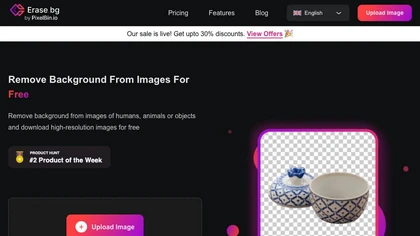
Erase.bg uses AI to remove backgrounds from PNG, JPG, JPEG, WEBP, and HEIC files. It supports batch processing, lets users replace backgrounds with colors or images, works on browser, iOS, Android, outputs PNG/JPEG, and clears data after use.
Freemium
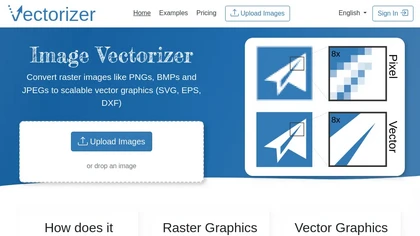
Image Vectorizer transforms raster PNG, BMP, JPEG files into scalable vector formats (SVG, EPS, DXF) using AI noise removal and color simplification. It sharpens edges, converts pixels to geometric primitives, and outputs high‑resolution vectors for logos, apparel, tattoos, and billboards.
Subscription
- $8.99/mo

BestPDF is a web-based PDF editor and converter that edits text/images, translates while preserving layout, performs OCR, converts between PDF, Word, Excel, PowerPoint and image formats, and offers batch merge, split, compress and text-polishing tools.
Freemium
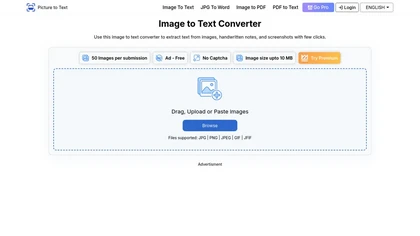
Image to Text Converter uses AI OCR to extract editable text from JPG, PNG, GIF, WEBP, BMP, HEIC, TIFF, and PDF images. It supports over twenty languages, allows drag‑and‑drop and batch processing, and automatically deletes uploads for privacy.
Paid
- $2.99
Bitscale consolidates data from 100+ sources, offering verified numbers, intent signals, and a 300M‑record database to build and automate personalized outbound campaigns. It syncs live with HubSpot, supplies AI‑driven enrichment, playbooks, and web‑scraping for efficient prospecting.
Freemium
- $89/mo

Video Converter is a free browser-based tool that converts video and audio files between popular formats and extracts audio. It offers cloud processing for large files, batch conversion, and adjustable quality settings, all with secure, encrypted handling.
Free
DOConvert extracts fields from PDFs and scanned images, converting them to JSON, CSV, or XML for integration with ERP systems like SAP, Salesforce, and Oracle. It offers deployment and can be implemented in ten business days, reducing entry and errors.
Subscription
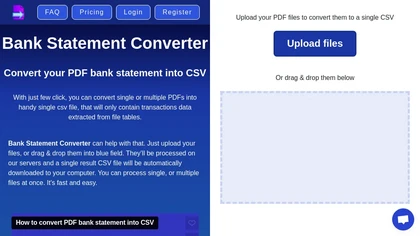
Transform your bank statements from PDF to CSV effortlessly with Bank Statement Converter. Easily upload your PDF files, convert them into a single CSV, and access all transaction data in organized tables.
Freemium
- $29/mo

BookFab downloads and decrypts ebooks and audiobooks from Kindle, Kobo, Audible and other stores, converts and batch-processes files to EPUB/PDF/MP3/FLAC/OPUS, preserves formatting and metadata, offers DRM removal, a Calibre plugin and AI TTS with voice cloning.
Free
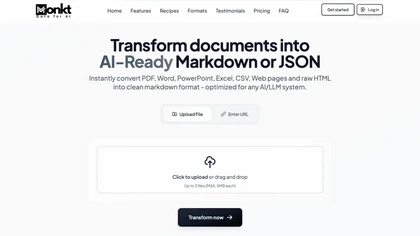
Monkt is a document transformation tool that converts various file types into AI-ready Markdown and structured JSON. It supports batch processing and API integrations, streamlining workflows for creating customizable AI chatbots and knowledge bases.
Subscription
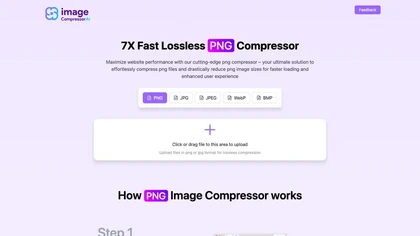
Image Compressor AI tool dramatically reduces PNG file sizes for faster loading times. Boasts batch processing, custom quality settings, and an intuitive interface, catering to web designers and bloggers seeking optimal visuals without sacrificing speed.
Free
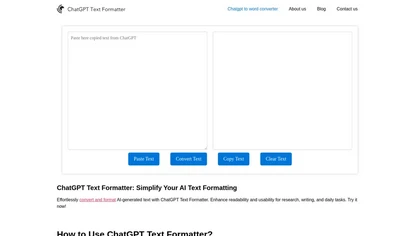
AI Text Formatter converts raw AI output into readable text by inserting line breaks, headings, bullets, and spacing while preserving meaning. It supports multiple languages and lets users quickly copy the formatted text to Word, Docs, Excel, or other apps.
Free

Bulk Apply automates job searches by linking users to multiple portals, matching roles, locations, and types, and auto‑submitting applications with tailored responses from resumes. It tracks submissions, alerts on status, and predicts ATS scores.
Subscription
- $15.99/mo
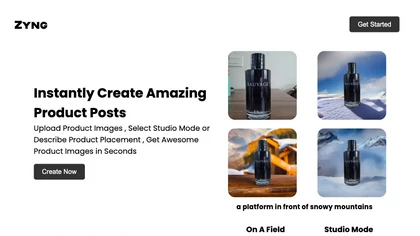
Zyng AI automates bulk image editing for e‑commerce and photography, offering background removal, face/body‑aware cropping, model swapping, outpainting, custom backgrounds, 8K quality retention, and outputs in JPEG, PNG, TIFF, PSD, AI with adjustable DPI.
Freemium
- $20/mo
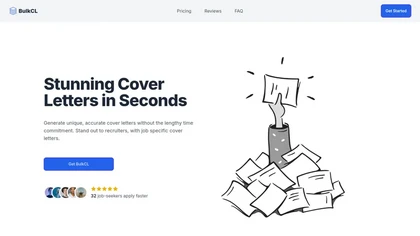
Bulkcl is an AI tool that generates personalized cover letters from resumes and job descriptions, saving time and enhancing application quality. It supports multiple formats and intelligently aligns content with specific job requirements for better employer engagement.
Subscription
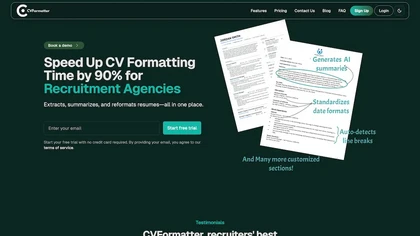
CVFormatter is an AI-driven resume formatting tool that streamlines the processing of resumes for HR professionals. It extracts, summarizes, and reformats documents into standardized templates while supporting bulk uploads and real-time collaboration for enhanced recruitment efficiency.
Free trial
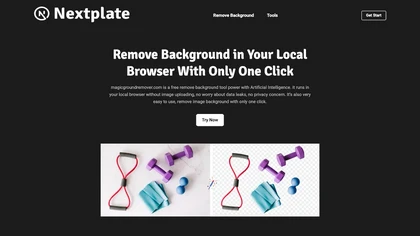
AI tool removes backgrounds from JPG, PNG, or WebP images (max 25 MB) via a web dashboard or REST API. Supports batch jobs, 4× upscaling, and outputs PNG, compressed JPG, or WebP, with webhook notifications for automation.
Freemium
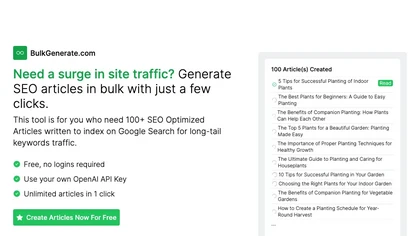
BulkGenerate is a Bulk Article Generator and AI Auto Writer, ideal for boosting site traffic with SEO articles. Generate over 100 SEO-optimized articles effortlessly using your OpenAI API key.
Freemium
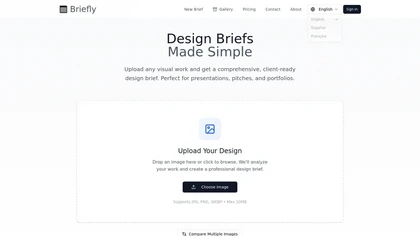
Converts uploaded JPG/PNG/WEBP images (up to 10 MB) into structured, client-ready design briefs detailing key visual elements, layout guidance, project specifications, and actionable notes. Supports side-by-side comparisons and exports in English, Español, and Français.
Subscription
- $24/mo

Prodtimize converts raw product data and spec sheets into marketplace-specific titles, descriptions, search terms and technical copy for Amazon, Shopify, eBay and Etsy, with bulk import/export, spec parsing, image analysis, auditing, catalog management and multi-client dashboards.
Free trial
- $19/mo
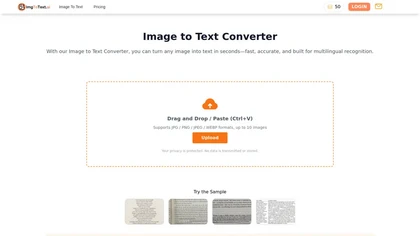
Image Text Converter is an AI-driven OCR tool designed for rapid text extraction from images in JPG, PNG, and WEBP formats. It supports batch processing, multilingual recognition, and handles handwritten notes while ensuring data privacy.
Freemium
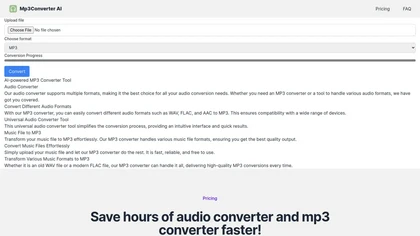
mp3converter AI is a user-friendly online tool for converting various audio formats, like WAV and FLAC, to MP3. It supports batch conversions, ensuring high-quality output and compatibility across devices while maintaining audio fidelity.
Freemium
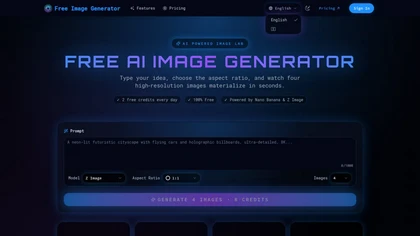
Generates high-resolution images from text prompts using multiple AI models, producing four variations per prompt for rapid iteration. Supports flexible aspect ratios (1K–4K output) and watermark-free downloads in common formats for commercial/personal use.
Freemium
- $20/mo
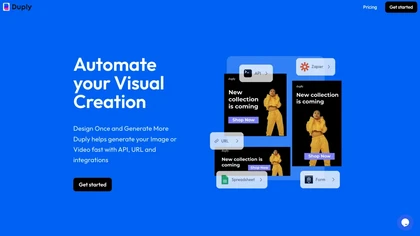
Duply automates image and video production via a RESTful API and dynamic URL templates. Users batch‑generate visuals with CSV, Zapier or Make.com, import spreadsheet forms, embed custom parameters, and instantly receive brand‑consistent graphics without opening an editor.
Subscription
- $26/mo
AI Keywording processes up to 10,000 images per upload, using AI to generate titles, descriptions, and keywords for stock photography. Outputs a CSV ready for stock sites or Adobe Bridge, with temporary image copies deleted after processing.
Freemium
- $20/mo
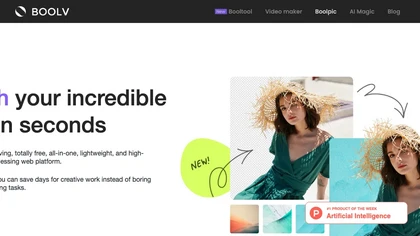
Boolv.Toolkit is a web platform offering AI‑driven image editing tools, including background removal, batch processing, single‑click filters, photo animation, resizing/compression, and upscaling. It guides uploads and downloads without requiring installation, for professionals and hobbyists alike.
Free
Image to Excel turns JPG and PNG images of tables into editable .xlsx files, recognizing English, Simplified, and Traditional Chinese while preserving column structure and cell data. Upload via web, iOS, or Android for cross‑device use.
Free