
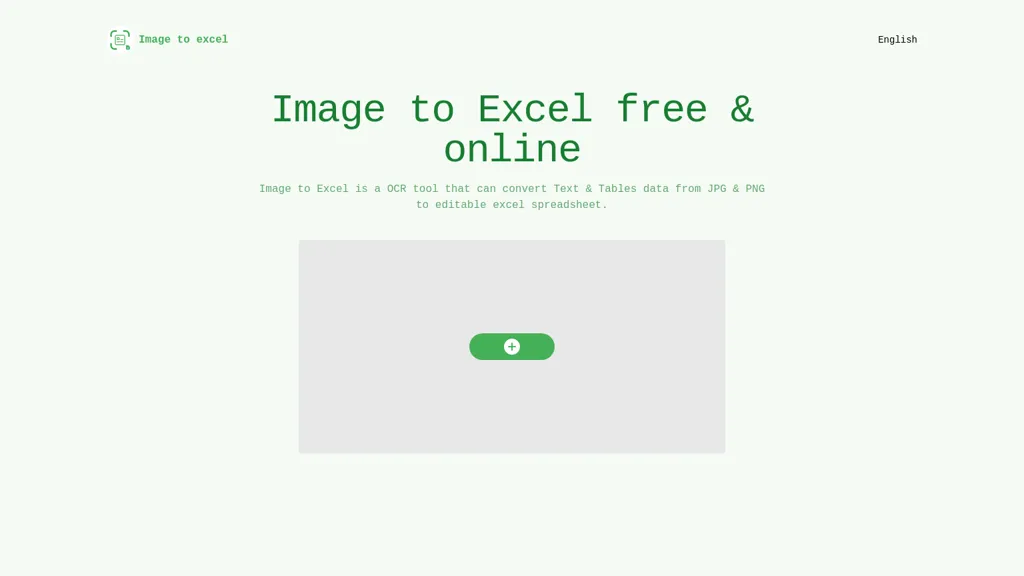
What is Image to Excel?
Image to Excel converts image files such as JPG and PNG into editable Excel spreadsheets. It detects tables and textual data in photos and reproduces the structure in an .xlsx file. The OCR engine supports English, Simplified Chinese, and Traditional Chinese, ensuring broad language compatibility.
Users can upload images through a web interface, iOS, or Android apps, making it accessible across devices. The tool requires clear, flat images with minimal distortion and a minimum text size of 40 pixels for accurate recognition. By cropping images and removing non‑table areas, users can improve conversion precision.
Image to Excel details
- Stated compliance
- GDPR
Compliance as stated in Image to Excel's own published documentation.
Image to Excel pricing
FreeThis tool is free to use, with no credit card required.
Verify on the official pricing page.
Get started freeImage to Excel's key features
-
Recognize tables and text
-
Convert JPG to Excel
-
Support PNG and other formats
-
Web, iOS, Android app
-
AI-powered precision accuracy
-
Export editable Excel file
Image to Excel use cases
-
Easily digitize handwritten or printed inventory sheets captured in JPG/PNG format into structured Excel files, cutting down manual entry time for warehouse managers.
-
Convert receipts and invoices photographed on the go into editable expense sheets, automatically recognizing Chinese or English data for streamlined bookkeeping.
-
Extract tables from academic research PDFs (in Simplified or Traditional Chinese) into Excel for data analysis, preserving column layouts without manual reconstruction.
Image to Excel user reviews
Would you recommend Image to Excel?
Who is Image to Excel for?
-
Product designers
-
Content creators
-
Data analysts
-
E-commerce sellers
-
Administrative staff
Image to Excel FAQ
Is Image to Excel free?
Yes. Image to Excel is free to use and does not require a credit card.
Is Image to Excel safe to use?
Image to Excel states GDPR compliance in its own published documentation.
What are the best alternatives to Image to Excel?
The closest alternatives to Image to Excel are JPG to Text, imagetotext.me, Picture translate, ScantextAI and Translateimages. You can compare them side by side in the alternatives section further down this page.
What does Image to Excel do with my data?
Its privacy policy states that personal data is not sold or shared for marketing purposes. Data may be shared with third-party service providers that help run the product.
Is there a mobile app for Image to Excel?
Yes. Image to Excel has a mobile app alongside its web version.
Compliance, privacy and billing terms are as stated in each product's own published documentation and have not been independently verified by TopAI.tools.


