
What is Music 2 Tube?
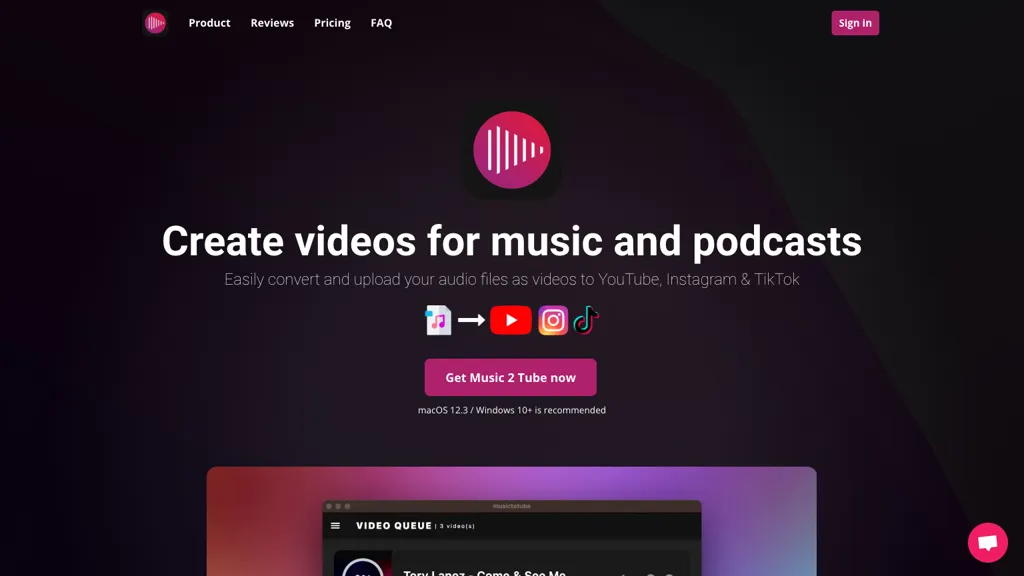
Music 2 Tube lets producers, independent artists, podcasters, and record labels automatically convert mp3 or wav files into videos for YouTube, Instagram, TikTok, and Reels. The application supports bulk creation, allowing multiple beat videos to be generated and queued from drag‑and‑drop.
It offers direct uploads to YouTube, scheduled publishing, and auto‑upload after rendering, eliminating manual steps. Users can apply visual effects such as blur, VHS, grain, GIF animations, and watermarks, or use cloud storage sources like Google Drive to build the video cover.
The tool preserves original audio quality, supports JPG, JPEG, PNG, GIF images, and renders videos in formats suitable for all major social platforms. Compatible with Windows 10+ and macOS 12.3+ (ARM/M1/M2), Music 2 Tube provides a streamlined workflow that saves time and keeps creators consistently present across channels.
Music 2 Tube details
- Jurisdiction
- Netherlands
- Built for
- Individuals
Music 2 Tube tech specs
- Payment Processors
- Stripe
- Integrations
- Discord Google Workspace
Music 2 Tube pricing
PaidVerify on the official pricing page.
View plansMusic 2 Tube's key features
-
Bulk beat video creation
-
Auto-upload to YouTube
-
Schedule video uploads
-
Customizable overlays and effects
-
Supports GIF animations
-
Cloud file import
-
Multiple platform video formats
Music 2 Tube use cases
-
Convert an entire album of MP3s into polished YouTube videos in a single drag‑and‑drop batch, automatically generating eye‑catching covers, preserving original audio quality, and scheduling posts for peak engagement
-
Rapidly produce TikTok and Instagram Reels from short WAV snippets by bulk converting audio to video, adding visual effects, cloud‑based covers, and auto‑uploading to each platform with one click
-
Create a podcast‑to‑video series by converting audio files into cross‑platform videos for YouTube, TikTok, and Reels, while maintaining audio fidelity, applying visual effects, and scheduling releases to reach a wider audience
Music 2 Tube user reviews
Based on 1 review, 0% of users recommend Music 2 Tube.
Would you recommend Music 2 Tube?
Who is Music 2 Tube for?
-
Content creators
-
Product designers
-
Independent musicians
-
Digital marketers
-
E-commerce sellers
Music 2 Tube FAQ
How much does Music 2 Tube cost?
Music 2 Tube is a paid product with no free plan. Plans include Weekly at $3.99, Yearly at $69.99 and Lifetime at $99.00.
What are the best alternatives to Music 2 Tube?
The closest alternatives to Music 2 Tube are EchoWave, Clipfly AI Video Generator, Video to Blog, ImageToVideo AI and Aivideo. You can compare them side by side in the alternatives section further down this page.
What does Music 2 Tube do with my data?
Its privacy policy states that personal data is sold or shared for marketing purposes.
What does Music 2 Tube integrate with?
Music 2 Tube connects with Discord and Google Workspace.
Compliance, privacy and billing terms are as stated in each product's own published documentation and have not been independently verified by TopAI.tools.


