
What is Picture To Text?
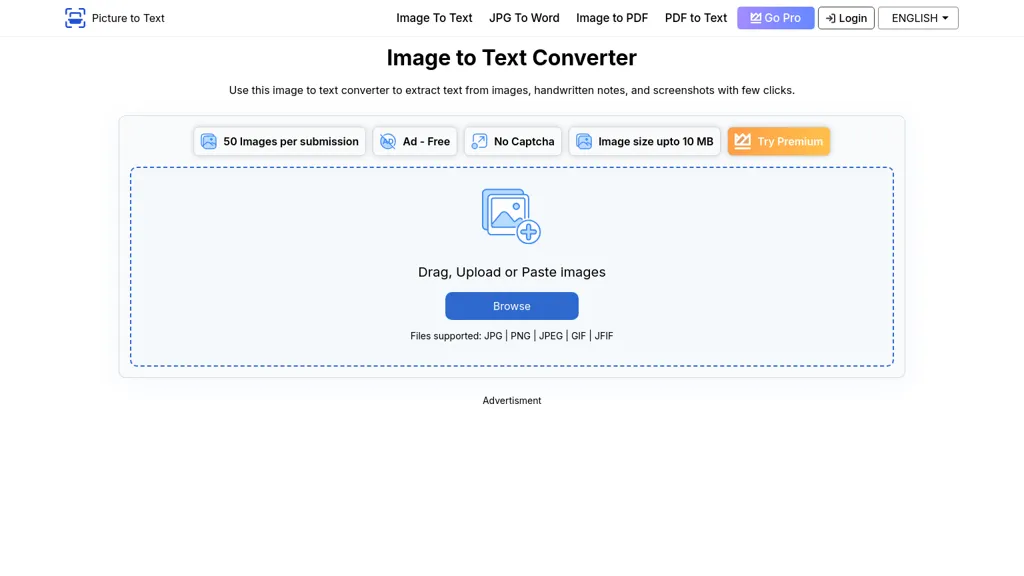
Image to Text Converter is an AI‑powered OCR tool that extracts editable text from image files such as JPG, PNG, GIF, WEBP, BMP, HEIC, TIFF, and PDF images. The interface allows a simple drag‑and‑drop, upload, or paste action, after which the software returns searchable text that can be copied to the clipboard or downloaded as a TXT file.
The converter supports more than twenty languages—including English, Spanish, French, German, Russian, Chinese, Arabic, and Korean—making it suitable for students, educators, researchers, legal professionals, and office workers who need to digitize documents, invoices, contracts, or handwritten notes.
Batch processing lets free users convert up to three images per submission, while premium accounts can handle up to fifty, speeding up workflow for teams that manage multiple scans. The tool deletes uploaded files automatically after conversion, ensuring data privacy and compliance with data protection standards.
Picture To Text details
- Built for
- Individuals
- Data residency
- United States
Picture To Text pricing
PaidVerify on the official pricing page.
View plansPicture To Text's key features
-
Plugin integration support
-
Code generation and debugging
-
Multilingual content creation
-
Real-time voice transcription
-
Dynamic QR code updating
-
Content template library
-
SEO-optimized content
Picture To Text use cases
-
Convert handwritten meeting notes into editable text instantly with Image to Text Converter, enabling rapid digital organization and easy sharing
-
Batch process scanned invoices in multiple languages using Image to Text Converter, automatically populating accounting spreadsheets for seamless bookkeeping
-
Extract text from research PDFs or scanned academic articles with Image to Text Converter, facilitating quick literature reviews and citation generation in any supported language
Picture To Text user reviews
Would you recommend Picture To Text?
Who is Picture To Text for?
-
Content creators
-
Product designers
-
Data analysts
-
Business analysts
-
Language translators
Picture To Text FAQ
How much does Picture To Text cost?
Picture To Text is a paid product with no free plan. Plans include Weekly at $2.99, Monthly at $8.99/$4.99 and Yearly at $39.99/$24.99.
What are the best alternatives to Picture To Text?
The closest alternatives to Picture To Text are JPG to Text, imagetotext.me, imgtotext.ai, ScantextAI and AIImagetoText. You can compare them side by side in the alternatives section further down this page.
What does Picture To Text do with my data?
Its privacy policy states that personal data is not sold or shared for marketing purposes. Data may be shared with third-party service providers that help run the product. Customer data is held in United States.
Compliance, privacy and billing terms are as stated in each product's own published documentation and have not been independently verified by TopAI.tools.


