
What is Video Converter?
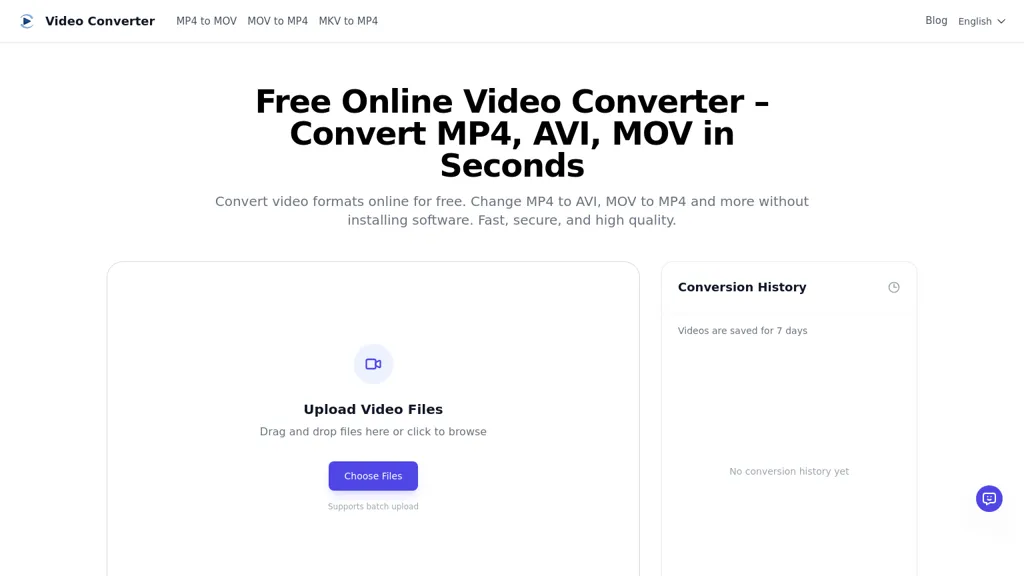
Free Online Video Converter converts video files directly in the browser without installing software.It supports common input and output formats including MP4, AVI, MOV, MKV, WEBM, WMV and FLV, and can extract audio to MP3, WAV or AAC.
Batch upload and drag-and-drop support speed up multi-file workflows, while adjustable resolution and quality settings let users convert for mobile, web, TV or social platforms.Cloud-based processing provides fast conversions for large files and options to reduce file size for sharing or storage.
The tool preserves video resolution and audio clarity during format changes and includes conversion history and straightforward download options.Browser compatibility across desktop and mobile devices enables use on Windows, macOS, iOS and Android without additional software.
Security features include encrypted uploads and automatic file removal after processing to limit retained copies.
Video Converter details
- Built for
- Individuals
Video Converter pricing
FreeThis tool is free to use, with no credit card required.
Verify on the official pricing page.
Get started freeVideo Converter's key features
-
Browser-based video conversion without installing software
-
Support for multiple input/output formats and audio extraction (MP4, AVI, MOV, MKV, WEBM, WMV, FLV; MP3, WAV, AAC)
-
Batch upload and drag-and-drop for multi-file workflows
-
Adjustable resolution and quality settings for target platforms
-
Cloud-based processing with large-file support and file size reduction
Video Converter use cases
-
Convert high-resolution camera or drone footage to MP4, MOV or other web-friendly formats in the browser with adjustable resolution and quality, preserving audio/video fidelity and using encrypted cloud processing for large files without installing software
-
Batch-convert multiple raw video formats (AVI, MKV, WEBM, MP4) to a uniform output for editing or publishing by dragging and dropping files, setting quality presets, and leveraging cloud processing with automatic file removal for security
-
Extract audio from lectures, podcasts, or interviews to MP3/WAV/AAC directly on mobile or desktop, maintain audio quality for transcription or republishing, and ensure privacy with encrypted uploads and automatic deletion
Video Converter user reviews
Based on 6 reviews, 67% of users recommend Video Converter, rated highly for quality results.
Liked for
Disliked for
Would you recommend Video Converter?
Who is Video Converter for?
-
Content creators
-
Video creators
-
Web developers
-
Social media managers
-
Business owners
Video Converter FAQ
Is Video Converter free?
Yes. Video Converter is free to use and does not require a credit card.
What are the best alternatives to Video Converter?
The closest alternatives to Video Converter are Music 2 Tube, Audioconverter, VideoCompress.ai, AudioTranscriber.io and FreeTTS. You can compare them side by side in the alternatives section further down this page.
What does Video Converter do with my data?
Video Converter states that customer content is not used to train its models. Its privacy policy states that personal data is not sold or shared for marketing purposes.
Compliance, privacy and billing terms are as stated in each product's own published documentation and have not been independently verified by TopAI.tools.


