
AI Subtitle Editor
The best 50 AI Subtitle Editor tools - Free & Paid
Explore 50 AI for AI Subtitle Editor
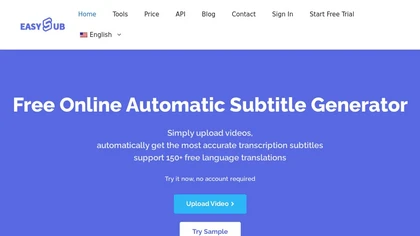
EasySub AI automatically transcribes and translates videos into over 150 languages. It supports MP4, MOV, AVI, MKV, MP3, WAV, and YouTube uploads, offers downloadable SRT/TXT/ASS files, an editor for fine‑tuning, and export presets for major social media platforms.
Freemium
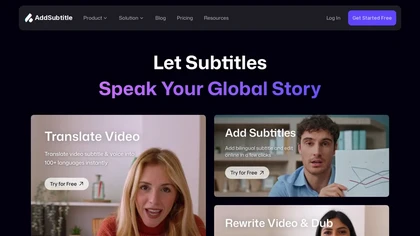
AddSubtitle is an AI video editing tool for creating multilingual subtitles and dubbing videos in 100+ languages, with translation and precise text-audio sync. It also allows subtitle customization and video rewriting while preserving original voice tones.
Freemium
- $18/mo
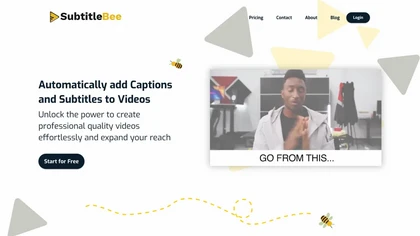
SubtitleBee automatically generates and syncs subtitles for video and audio files, supports on‑screen editing, customization, and multilingual translation, offers multiple export formats, and provides social‑media cropping for creators and podcasters, enabling accessible content across platforms.
Freemium
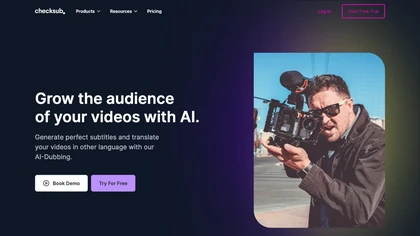
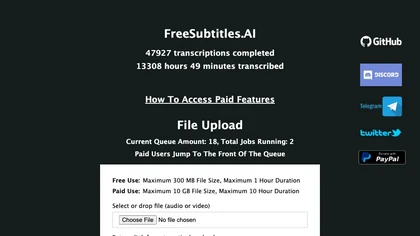
FreeSubtitles.AI converts MP4, MKV, MOV, MP3, WAV, and FLAC files up to 1 hour and 300 MB into accurate transcripts in over 100 languages, then translates subtitles into 91 languages, supporting educators, podcasters, and researchers.
Free
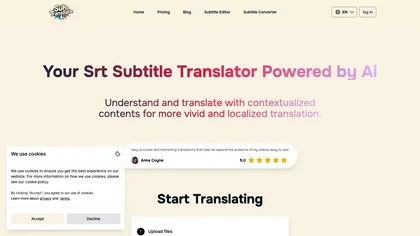
SRT Subtitle Translator converts SRT, VTT, MP3, WAV, MP4, MKV, AAC files into multiple languages using AI that considers full context. Users upload files, choose target languages, adjust settings, and download translated subtitles ready for editing or streaming.
Subscription
- $9.9/mo
2short.ai automatically extracts the most engaging segments from long videos to create 1080p YouTube Shorts, using facial‑tracking, one‑click animated subtitles, and flexible aspect ratios. It supports multiple languages, direct Drive/URL imports, and brand presets for consistent visuals.
Freemium
- $9.9/mo
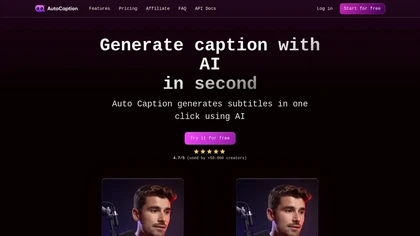
Auto Caption AI instantly generates subtitles in 99+ languages, preserving full HD 1080p/60 fps video quality. Editors can adjust fonts, colors, placement, and use ready‑made or custom templates, with one‑click emoji insertion to enhance captions.
Subscription
- $14/mo
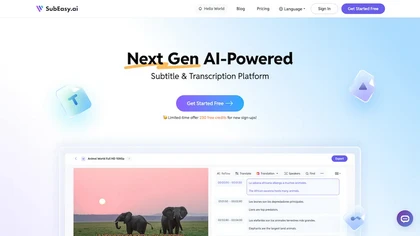
SubEasy AI delivers near‑perfect transcription and multilingual subtitles for video and audio, supporting 100 languages with 99 % accuracy. It offers dubbing, animated captions, speaker ID, OCR extraction, audio splitting, and export to VTT/SRT for social media publishing.
Freemium
- $9.9/mo
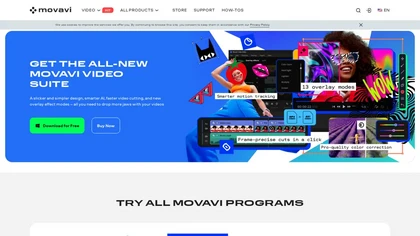
Movavi Video Editor is a desktop app for Mac and Windows that lets users trim, crop, color‑grade footage and add titles, overlays, and filters. AI features automate subtitles, noise suppression, and motion tracking. It includes a screen recorder for tutorials.
Paid

aivideosummarizer.io is an AI tool that converts videos (from uploads or links) into concise summaries, full transcripts, and chapter markers. It supports multiple formats and languages, generating editable outputs like study outlines and mind maps for faster content review.
Free

InShot is a mobile video editor that lets users cut, trim, and layer clips, auto‑generate multilingual captions, add music, intros/outros, and apply AI‑driven, 3D, glitch, and lens transitions, text, stickers, and picture‑in‑picture overlays.
Free
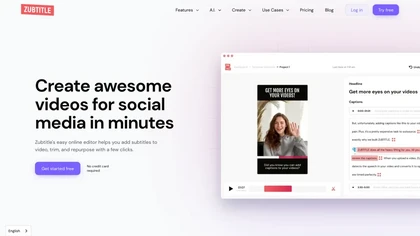
Zubtitle automatically captions videos, offers brand‑style templates and editing tools, and outputs ready‑to‑post formats for TikTok, YouTube, and LinkedIn. It adds subtitles, chapter timestamps, watermarks, and AI‑generated post copy.
Freemium
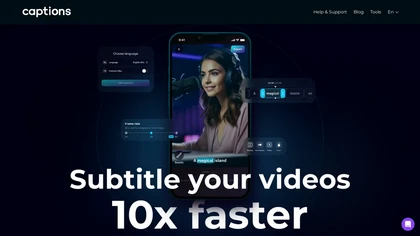
Captions App is an AI tool that simplifies adding subtitles and captions to videos with auto-generation, translation, and customization options. It also offers AI dubbing in over 100 languages, enabling creators to enhance accessibility and engage a broader audience effortlessly.
Freemium
VEED is an AI‑powered video editor that lets users upload media, auto‑generate subtitles, edit clips, add music or text, correct eye contact, reduce noise, remove backgrounds, translate captions, and export in multiple formats.
Freemium
- $11/mo
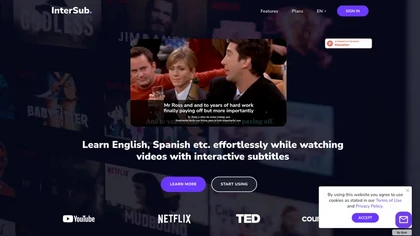
InterSub offers side‑by‑side subtitles in native and target languages on major streaming platforms. Hovering reveals real‑time AI definitions; highlighted words auto‑save to a personal wordbook that syncs with Anki, Telegram, and mobile apps.
Freemium

Maestra transcribes and translates audio/video into searchable text, subtitles, and dubbed audio across 125+ languages, offering live transcription, subtitle editing, voice cloning/TTS, collaboration tools, content workflows, and APIs for integrations and automated publishing.
Freemium
BlipCut AI Video Translator automates localization for over 140 languages, using speech recognition, transcription, AI‑dubbed voice cloning, and lip‑sync. It supports batch processing, subtitle editing, and customizable voice libraries for global video content.
Subscription
- $25/mo
Banva transcribes audio/video into subtitles in over 80 languages with 95% accuracy, handles background noise and multiple speakers, and offers an editor for corrections and styling. Export as SRT, VTT, TXT, JSON, or burn directly into the video.
Free
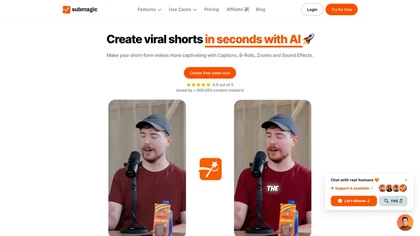
Submagic automates short‑form video editing, offering multilingual captions, text‑based trimming, AI‑powered features like auto‑zoom and eye‑contact correction, and direct multi‑platform publishing up to 4K@60fps, cutting editing time by up to 90%.
Free
- $1.33/mo
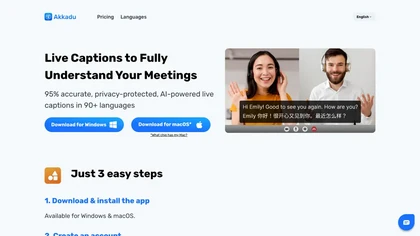
Akkadu delivers real‑time, multilingual AI translations and captions for live meetings, events, and streams on Zoom, Teams, Webex, YouTube Live, and Facebook Live. It lets users choose engines, add glossaries, customize fonts, apply safety filters, capture audio via OBS, and store transcripts online
Paid
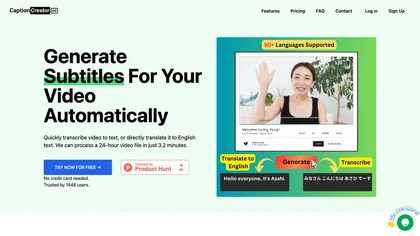
CaptionCreator automatically transcribes and captions audio/video in over 50 languages, detecting input language and translating to English. It handles noisy and multilingual speech, supporting files up to 2 GB and offering unlimited processing for registered users.
Paid
- $30
Crayo is a browser‑based AI video editor that lets creators upload or link clips, choose from 15+ subtitle styles, generate voiceovers, enhance speech, remove backgrounds, and produce short‑form videos in seconds, with tools for clipping, split‑screen, compression, and audio balance.
Subscription
- $19

YTvidhub is a YouTube subtitle downloader that extracts transcripts and captions from videos, playlists, and channels. It supports bulk downloads, multiple export formats (SRT, VTT, TXT), and includes an AI-powered summary generator for content analysis and repurposing.
Freemium
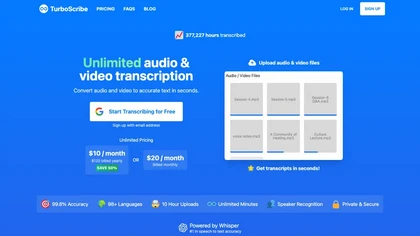
TurboScribe is an AI-powered transcription tool offering ultra-fast conversion of audio and video files to text. It supports over 98 languages, handles uploads up to 10 hours long, and features speaker recognition for meetings, interviews, and podcasts.
Freemium
- $10/mo
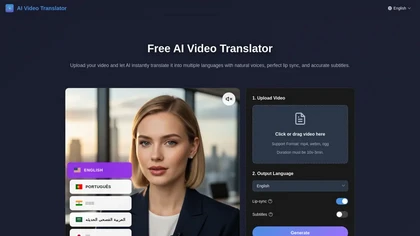
Free AI Video Translator converts videos into over 30 languages, offering natural voice synthesis and lip synchronization. It supports various formats and includes batch processing and a transcript editor for reviewing and editing translations.
Free trial
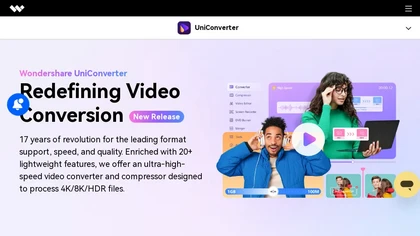
Wondershare UniConverter is an AI‑powered all‑in‑one tool that converts, enhances, compresses, records, and edits video and audio. It supports 1,000+ formats, delivers ultra‑fast conversions, upscales to 4K/8K, adds subtitles, removes backgrounds, and preserves metadata for creators and SMBs.
Paid
SNAPVID.AI automates cutting long videos into 30‑second clips, removes filler pauses, adds multi‑language subtitles, offers 4K output, AI‑generated B‑roll, audio cleanup, and batch processing with a credit‑based monthly reset for creators.
Subscription
- $16/mo
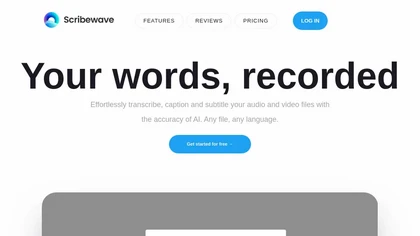
Scribewave converts audio and video up to 5 GB and 5 hours into accurate transcripts in over 90 languages. The platform offers real‑time editing, export to Word, Docs, SRT/VTT, subtitle burning, AI‑generated summaries, chapter markers, and GDPR‑compliant European data storage.
Subscription
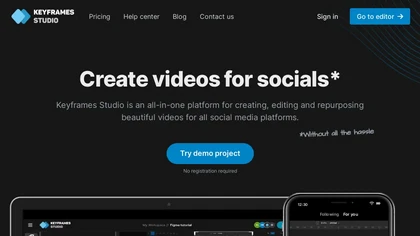
Keyframes Studio is an online video editor that auto‑generates keyframes and subtitles in up to 12 languages. Its drag‑and‑drop interface, live preview, and stock library enable trimming, cropping, while collaboration tools, brand kits, and direct export support social‑media video creation.
Subscription
- $5/mo
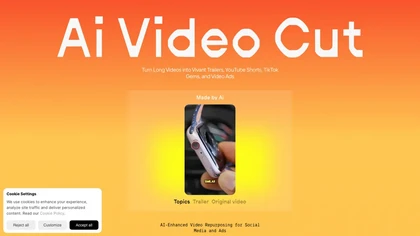
AI Video Cut uses prompt‑based AI to transform long videos into short, platform‑optimized clips. It auto‑detects faces, crops frames, adds multilingual captions, and supports multiple aspect ratios for fast, high‑quality content creation.
Freemium
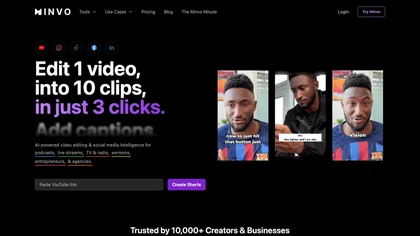
Minvo automates video editing and social media scheduling, converting long videos into short clips, images, and subtitles. Features include AI clip extraction, B‑roll insertion, multi‑language translation, animated captions, branding templates, and cross‑platform posting with performance analytics.
Subscription
- $6.99/mo

JimakuAI delivers enterprise‑grade English‑Japanese subtitles for long‑form technical videos, using a custom terminology database and human QA. It outputs SRT/VTT files in 12‑24 hours, supporting large libraries for multinational teams.
Paid
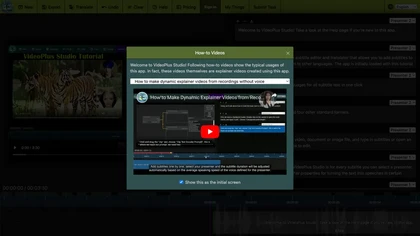
VideoPlus Studio applies cartoon filters, auto‑transcribes audio, and offers 80+ language voice‑over subtitles. It generates storybook videos from prompts, provides 458 voices and 528 avatars, and supports voice cloning for multi‑person presentations.
Freemium
- $9.99/mo
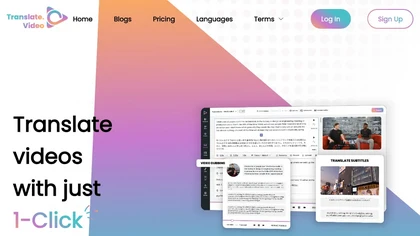
Translate.video automates video localization: it transcribes, generates subtitles, and dubs content in 75+ languages using voice cloning from a 50‑second clip. Users can edit captions, export SRT/VTT/MP4, and integrate plugins for Photoshop, Illustrator, and Figma.
Freemium
- $29/mo

Vizard.ai automatically transcribes footage, spots highlights, and creates TikTok, Reels, and Shorts‑ready clips with one click. It provides text trimming, timeline precision, vertical resizing, multilingual captions, brand templates, collaborative workspaces, and API integration.
Freemium

AIImageToVideo Pro is an AI tool that transforms static images and text prompts into short videos using models like Veo and Kling, offering control over motion, duration, and resolution. It features editing for text overlays and captions, with export options for creating watermark-free content for s
Freemium
- $9.99/mo
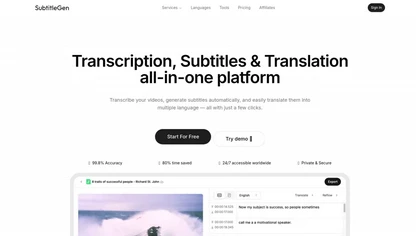
Subtitlegen is an AI-powered tool that automatically transcribes videos and generates subtitles with high accuracy in multiple languages. It features online editing, easy export options, and strong privacy measures, enhancing accessibility for content creators.
Freemium
- $10/mo
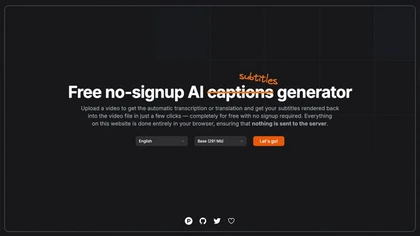
Automatically generate captions or subtitles from any video with a single upload. The tool transcribes dialogue or translates it into multiple languages, embedding subtitles back into the file. All processing occurs locally in the browser, ensuring privacy and quick creation for creators.
Free
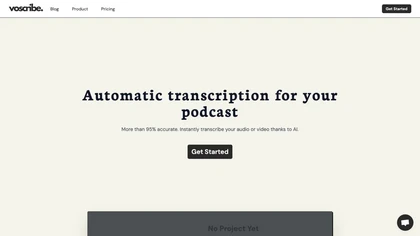
Voscribe automatically transcribes audio and video with over 95% accuracy, converting 15 minutes of content in about one minute. Transcripts sync to media and can export SRT subtitles, simplifying editing for podcasters and video producers.
Freemium
- $9/mo

HitPaw Edimakor is an AI video editor combining text-to-video, image-to-video and AI avatar generation with timeline editing. It automates subtitles, speech-to-text, translation and dubbing with over 400 voices, voice cloning, advanced effects, templates and one-click clip creation.
Freemium
- $9.99/mo
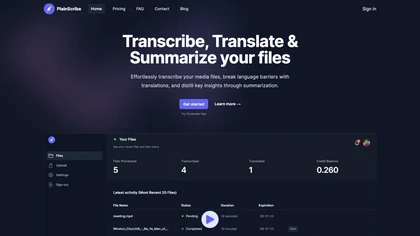
PlainScribe converts MP3, MP4, WAV, and M4A files into punctuated transcripts with speaker identification. It detects language, translates 47 languages to English, produces AI‑summaries, and exports to TXT, CSV, SRT, VTT, JSON, or subtitles.
Freemium
- $16.99/mo

HappyScribe captures audio from Google Meet, Teams, and Zoom, providing AI transcription, instant meeting notes, summaries, and action items. It supports over 120 languages, offers human‑edited reviews, secure GDPR‑compliant cloud storage, collaboration, integrations, and usage analytics.
Subscription
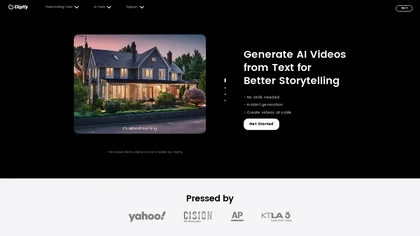
Clipfly turns text prompts into videos, animates images, and adds lifelike touches to photos. With an AI storyboard, one‑click enhancer, background removal, subtitles, and audio integration, it streamlines branded content, social clips, and personal memories.
Free

Videoleap is a cross‑platform editor with AI background removal, infinite‑zoom, text‑to‑video, audio cutting, subtitles, and built‑in filters. It offers templates for TikTok, Reels, Shorts, and ads, plus a drag‑and‑drop interface for quick professional videos on web or mobile.
Free trial
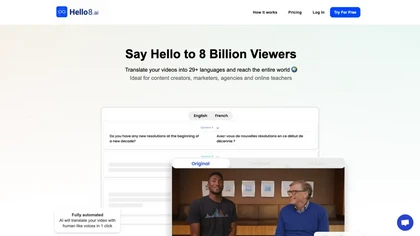
Hello8 automates speech‑to‑text transcription and adds human editing to deliver broadcast‑ready subtitles in 90+ languages. It enforces quality criteria, supports SRT/VTT/TTML, and stores data encrypted on EU servers, meeting GDPR and C2PA standards.
Subscription
- $9.99/mo

Wisecut uses AI to turn long recordings into short social clips by detecting highlights, cutting silences, auto-reframing, adding captions and translations, auto zoom and transitions, audio cleanup, and storyboard editing for faster multilingual content production.
Free
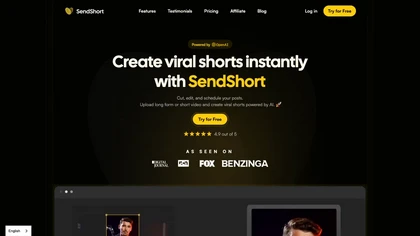
SendShort automatically converts long‑form videos into short‑form clips for TikTok, YouTube Shorts, and Instagram Reels. It adds faceless visuals, voiceovers, subtitles, translations, AI‑picked B‑roll, transitions, and lets users schedule multi‑platform publishing and export in 1080p or 2K.
Paid
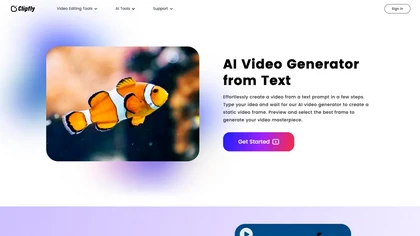
AI Video Generator by Clipfly seamlessly transforms text into engaging video frames. Easily add subtitles, stickers, music, and merge clips. Enjoy features like face swap and voiceover for professional video creation effortlessly.
Freemium
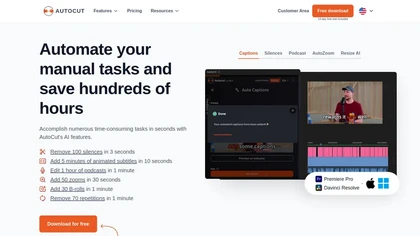
AutoCut AI is a Premiere Pro and DaVinci Resolve extension that automates routine editing—removing silences, auto‑captions, speaker‑driven angle cuts, context zooms, key moment extraction, stock integration, duplicate discard, profanity filtering, chapter markers, and social‑media resizing.
Paid