
What is Scribewave AI?
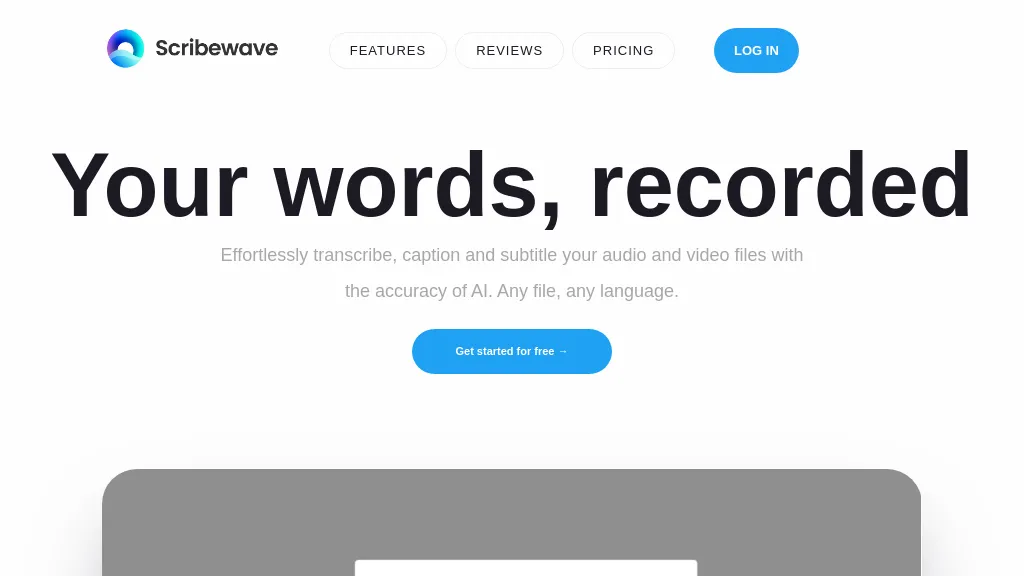
Scribewave is an AI transcription platform that converts audio and video files into accurate text using a speech‑to‑text algorithm. It supports over 90 languages and dialects, including English, Dutch, French, German, and Spanish, and accepts common media formats such as MP3, WAV, M4A, MP4, and others, with uploads up to 5 GB and durations up to 5 hours.
The integrated editor highlights spoken paragraphs in real time, allowing users to edit the transcript directly in document or timeline view. Transcripts can be exported to Microsoft Word, Google Docs, SRT, VTT, or burned into video with waveforms and subtitles.
A built‑in AI assistant provides summaries, chapterization, and meeting notes, each annotated with precise timecodes for easy navigation. The service is GDPR‑compliant and stores data on European servers, with options for permanent deletion. Researchers, journalists, educators, content creators, and HR professionals use Scribewave to streamline transcription, qualitative coding, and multilingual content conversion.
Scribewave AI pricing
SubscriptionVerify on the official pricing page.
View plansScribewave AI's key features
-
Upload up to 5GB files
-
AI speech-to-text 99 languages
-
Editor with real-time highlighting
-
Export to Word, Docs, subtitles
-
Built-in AI assistant summarization
-
GDPR compliant data storage
Scribewave AI use cases
-
Generate fully localized, GDPR‑compliant subtitles for a 3‑hour corporate training video in 12 languages, instantly burned into the footage and exported as SRT for YouTube, all without manual transcription.
-
Summarize a 4‑hour international conference recording into concise, searchable chapter markers and a 200‑word executive brief, exported to Word and shared across the team in real‑time.
-
Create a multilingual live‑stream script: upload a 2‑hour podcast, get a real‑time transcript, edit on the fly, and export to Google Docs for collaborative review, ensuring accurate subtitles and meeting notes.
Scribewave AI user reviews
Based on 2 reviews, 100% of users recommend Scribewave AI, rated highly for quality results.
Liked for
Would you recommend Scribewave AI?
Who is Scribewave AI for?
-
Content creators
-
Business leaders
-
Podcasters
-
Language learners
-
Academics
Scribewave AI FAQ
How much does Scribewave AI cost?
Scribewave AI is a paid product with no free plan. Plans include Pay-as-you-go at €9/hourincl. vat, Creative advantageous starter plan at €15/moincl. vat and Professional at €40/moincl. vat.
What are the best alternatives to Scribewave AI?
The closest alternatives to Scribewave AI are TurboScribe, TranscribetoText.AI, Audioconverter, Audio Transcription and Happy Scribe. You can compare them side by side in the alternatives section further down this page.


