
Youtube Subtitle Editor
The best 50 Youtube Subtitle Editor AI tools - Free & Paid
Explore 50 AI for Youtube Subtitle Editor

YTvidhub is a YouTube subtitle downloader that extracts transcripts and captions from videos, playlists, and channels. It supports bulk downloads, multiple export formats (SRT, VTT, TXT), and includes an AI-powered summary generator for content analysis and repurposing.
Freemium
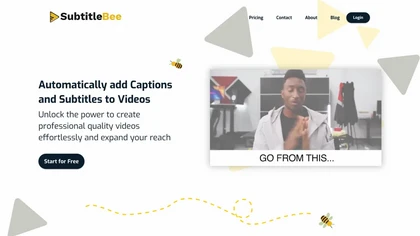
SubtitleBee automatically generates and syncs subtitles for video and audio files, supports on‑screen editing, customization, and multilingual translation, offers multiple export formats, and provides social‑media cropping for creators and podcasters, enabling accessible content across platforms.
Freemium
EasySub AI automatically transcribes and translates videos into over 150 languages. It supports MP4, MOV, AVI, MKV, MP3, WAV, and YouTube uploads, offers downloadable SRT/TXT/ASS files, an editor for fine‑tuning, and export presets for major social media platforms.
Freemium
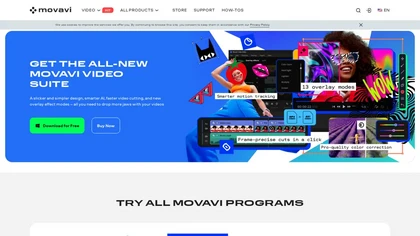
Movavi Video Editor is a desktop app for Mac and Windows that lets users trim, crop, color‑grade footage and add titles, overlays, and filters. AI features automate subtitles, noise suppression, and motion tracking. It includes a screen recorder for tutorials.
Paid
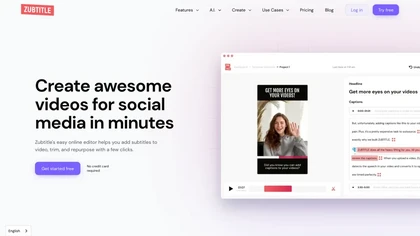
Zubtitle automatically captions videos, offers brand‑style templates and editing tools, and outputs ready‑to‑post formats for TikTok, YouTube, and LinkedIn. It adds subtitles, chapter timestamps, watermarks, and AI‑generated post copy.
Freemium
SliceTube trims and downloads YouTube videos directly, offering start‑and‑end selection and export to MP4, MP3, or WEBM up to 4K. Browser‑based, watermark‑free, and privacy‑protected, it’s useful for creators and educators needing quick clips.
Paid
- $5
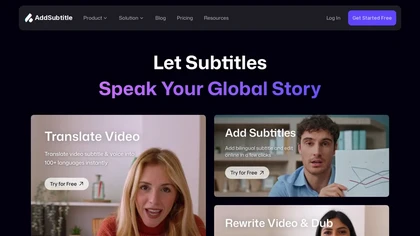
AddSubtitle is an AI video editing tool for creating multilingual subtitles and dubbing videos in 100+ languages, with translation and precise text-audio sync. It also allows subtitle customization and video rewriting while preserving original voice tones.
Freemium
- $18/mo
2short.ai automatically extracts the most engaging segments from long videos to create 1080p YouTube Shorts, using facial‑tracking, one‑click animated subtitles, and flexible aspect ratios. It supports multiple languages, direct Drive/URL imports, and brand presets for consistent visuals.
Freemium
- $9.9/mo
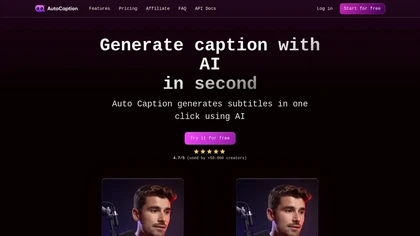
Auto Caption AI instantly generates subtitles in 99+ languages, preserving full HD 1080p/60 fps video quality. Editors can adjust fonts, colors, placement, and use ready‑made or custom templates, with one‑click emoji insertion to enhance captions.
Subscription
- $14/mo

YouTube Transcript Generator extracts accurate transcripts from YouTube videos by URL, allowing users to download in multiple formats. It features video summarization and caption translation, making video content more accessible and useful for various audiences.
Free trial
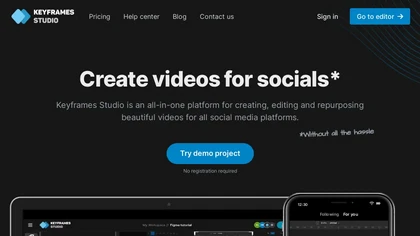
Keyframes Studio is an online video editor that auto‑generates keyframes and subtitles in up to 12 languages. Its drag‑and‑drop interface, live preview, and stock library enable trimming, cropping, while collaboration tools, brand kits, and direct export support social‑media video creation.
Subscription
- $5/mo
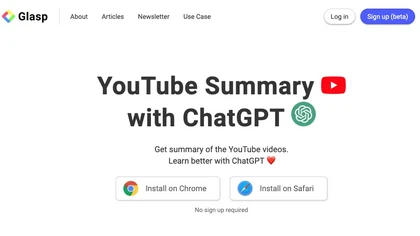
YouTube sumamry chrome extension is a YouTube video summary tool developed by Glasp Inc., currently in beta testing and requires installation on Chrome or Safari browsers along with sign-up.
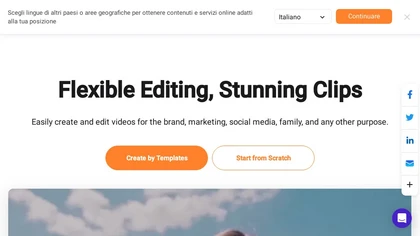
FlexClip is an online video editor with templates, resources, and powerful tools to create and edit videos for various purposes, as well as integration with royalty-free stock media providers and easy social media sharing.
Freemium
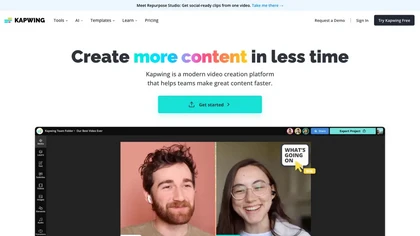
Kapwing is an online video platform offering drag‑and‑drop editing for trimming, layering, overlays, and team collaboration. Its audio tools record, edit, and clean tracks; subtitler auto‑generates captions in 40+ languages.
Freemium
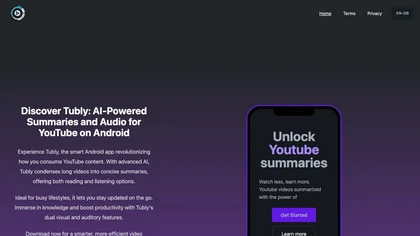
Tubly, a Chrome extension, uses the YouTube API to deliver AI‑generated summaries of subscribed channel videos. It extracts key transcript points, offers timestamps and chapter markers, and lets users save highlights and download transcripts.
Freemium

aivideosummarizer.io is an AI tool that converts videos (from uploads or links) into concise summaries, full transcripts, and chapter markers. It supports multiple formats and languages, generating editable outputs like study outlines and mind maps for faster content review.
Free
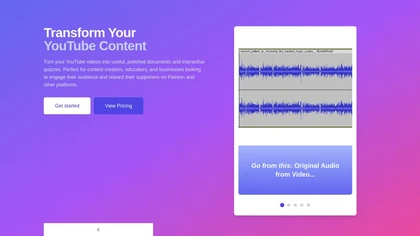
YouTube Transcript Optimizer turns video URLs into 98%+ accurate transcripts, formats them as Markdown, HTML, or PDF, auto‑generates quizzes, and lets users edit content with PDFs updating automatically. Ideal for creators, educators, and businesses needing structured video materials.
Paid
- $10
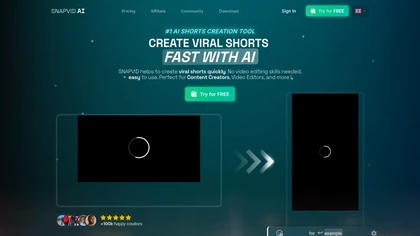
SNAPVID.AI automates cutting long videos into 30‑second clips, removes filler pauses, adds multi‑language subtitles, offers 4K output, AI‑generated B‑roll, audio cleanup, and batch processing with a credit‑based monthly reset for creators.
Subscription
- $16/mo
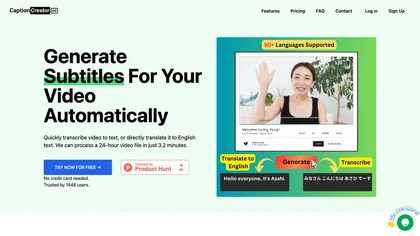
CaptionCreator automatically transcribes and captions audio/video in over 50 languages, detecting input language and translating to English. It handles noisy and multilingual speech, supporting files up to 2 GB and offering unlimited processing for registered users.
Paid
- $30
VEED is an AI‑powered video editor that lets users upload media, auto‑generate subtitles, edit clips, add music or text, correct eye contact, reduce noise, remove backgrounds, translate captions, and export in multiple formats.
Freemium
- $11/mo
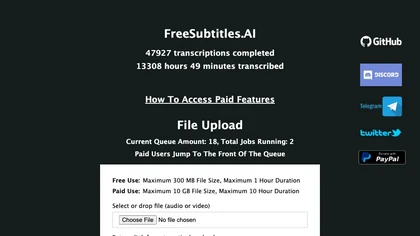
FreeSubtitles.AI converts MP4, MKV, MOV, MP3, WAV, and FLAC files up to 1 hour and 300 MB into accurate transcripts in over 100 languages, then translates subtitles into 91 languages, supporting educators, podcasters, and researchers.
Free
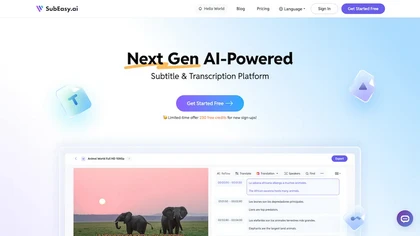
SubEasy AI delivers near‑perfect transcription and multilingual subtitles for video and audio, supporting 100 languages with 99 % accuracy. It offers dubbing, animated captions, speaker ID, OCR extraction, audio splitting, and export to VTT/SRT for social media publishing.
Freemium
- $9.9/mo
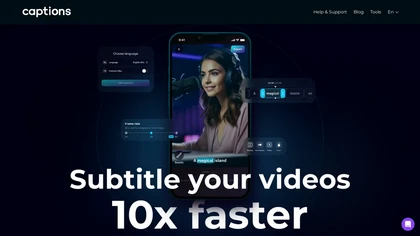
Captions App is an AI tool that simplifies adding subtitles and captions to videos with auto-generation, translation, and customization options. It also offers AI dubbing in over 100 languages, enabling creators to enhance accessibility and engage a broader audience effortlessly.
Freemium
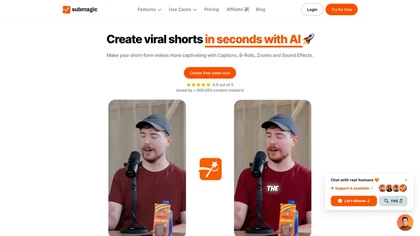
Submagic automates short‑form video editing, offering multilingual captions, text‑based trimming, AI‑powered features like auto‑zoom and eye‑contact correction, and direct multi‑platform publishing up to 4K@60fps, cutting editing time by up to 90%.
Free
- $1.33/mo
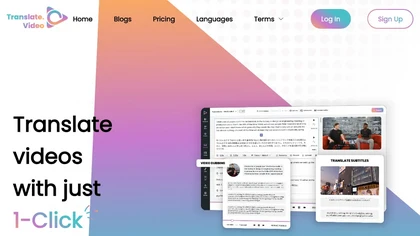
Translate.video automates video localization: it transcribes, generates subtitles, and dubs content in 75+ languages using voice cloning from a 50‑second clip. Users can edit captions, export SRT/VTT/MP4, and integrate plugins for Photoshop, Illustrator, and Figma.
Freemium
- $29/mo
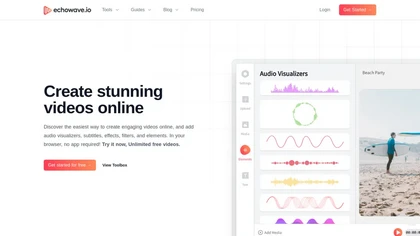
EchoWave converts audio into video using templates or custom layouts, adds subtitles and waveforms, offers editing tools, compresses files, and exports to social media formats—ideal for podcasters, musicians, and creators seeking quick, cloud‑based video production without software.
Freemium
- $19/mo
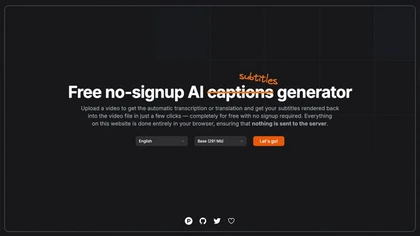
Automatically generate captions or subtitles from any video with a single upload. The tool transcribes dialogue or translates it into multiple languages, embedding subtitles back into the file. All processing occurs locally in the browser, ensuring privacy and quick creation for creators.
Free
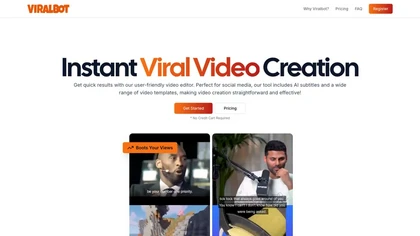
Viralbot automatically pairs user footage with a random clip at the bottom of a vertical video, generates multilingual subtitles, and offers drag‑and‑drop editing, templates, and instant download for TikTok, YouTube Shorts, and Instagram.
Freemium
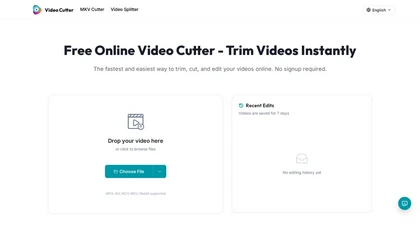
Video Cutter is a free online tool for precise, lossless trimming and splitting of videos in multiple formats. It features a drag-and-drop interface, preserves audio and subtitles, and allows quick export and sharing of clips.
Free
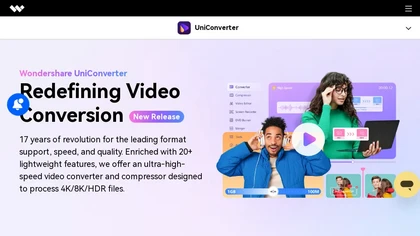
Wondershare UniConverter is an AI‑powered all‑in‑one tool that converts, enhances, compresses, records, and edits video and audio. It supports 1,000+ formats, delivers ultra‑fast conversions, upscales to 4K/8K, adds subtitles, removes backgrounds, and preserves metadata for creators and SMBs.
Paid
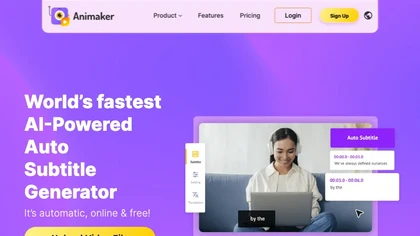
Animaker Subtitle Generator auto‑transcribes audio, adds and edits subtitles with a click, supports 20+ animated styles, translates to 100+ languages, allows manual adjustments or .srt/.vtt uploads, and exports videos or subtitle files for broader use.
Free
- $10/mo
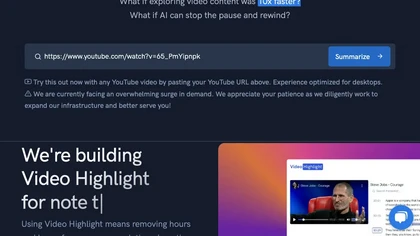
Video Highlight delivers AI‑driven summaries, searchable transcripts, and timestamped key points for YouTube, Vimeo, Dailymotion, and private files in 37+ languages. It supports annotations, exports to Notion, Word, Markdown, CSV, Readwise, and enables collaborative sharing.
Freemium
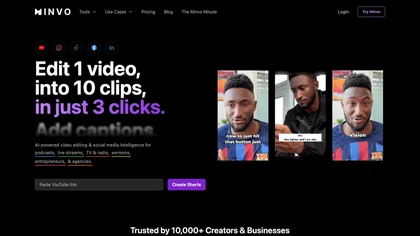
Minvo automates video editing and social media scheduling, converting long videos into short clips, images, and subtitles. Features include AI clip extraction, B‑roll insertion, multi‑language translation, animated captions, branding templates, and cross‑platform posting with performance analytics.
Subscription
- $6.99/mo
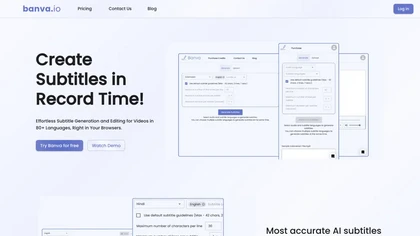
Banva transcribes audio/video into subtitles in over 80 languages with 95% accuracy, handles background noise and multiple speakers, and offers an editor for corrections and styling. Export as SRT, VTT, TXT, JSON, or burn directly into the video.
Free

InShot is a mobile video editor that lets users cut, trim, and layer clips, auto‑generate multilingual captions, add music, intros/outros, and apply AI‑driven, 3D, glitch, and lens transitions, text, stickers, and picture‑in‑picture overlays.
Free
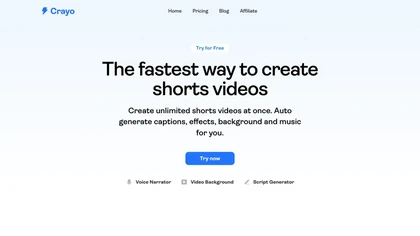
Crayo is a browser‑based AI video editor that lets creators upload or link clips, choose from 15+ subtitle styles, generate voiceovers, enhance speech, remove backgrounds, and produce short‑form videos in seconds, with tools for clipping, split‑screen, compression, and audio balance.
Subscription
- $19
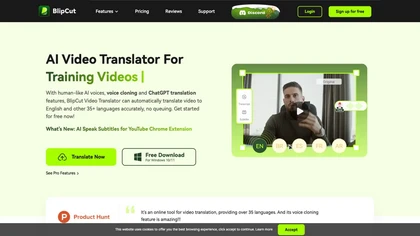
BlipCut AI Video Translator automates localization for over 140 languages, using speech recognition, transcription, AI‑dubbed voice cloning, and lip‑sync. It supports batch processing, subtitle editing, and customizable voice libraries for global video content.
Subscription
- $25/mo
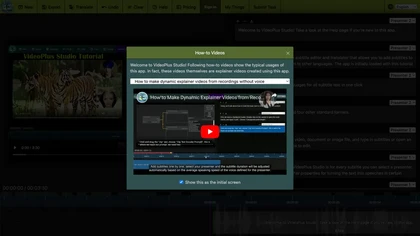
VideoPlus Studio applies cartoon filters, auto‑transcribes audio, and offers 80+ language voice‑over subtitles. It generates storybook videos from prompts, provides 458 voices and 528 avatars, and supports voice cloning for multi‑person presentations.
Freemium
- $9.99/mo

Eightify uses AI to extract key ideas from YouTube videos, delivering timestamped bullet‑point summaries, full transcripts, and comment insights via a Chrome extension and mobile apps. It supports 40+ languages, helping users preview, note‑take, and share content efficiently.
Freemium
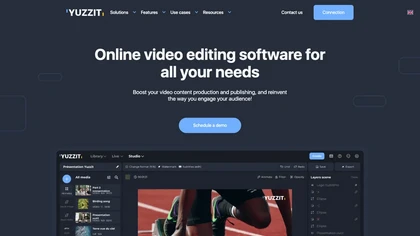
Yuzzit is a cloud‑based platform that captures and instantly clips live streams, automatically reframes videos for vertical formats, adds subtitles, and publishes highlights to social media and CDN endpoints with collaborative review and approval.
Freemium

Summarify AI gives YouTube video summaries in‑app and via Chrome, offering text, bullet, outline styles with timestamps for quick navigation. It supports export to PDF, Markdown, TXT, etc., helping students, researchers, creators save time and organize content.
Free
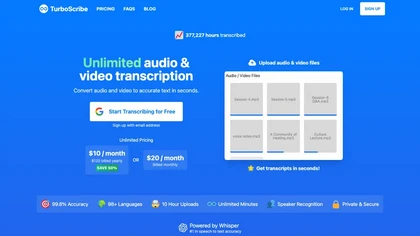
TurboScribe is an AI-powered transcription tool offering ultra-fast conversion of audio and video files to text. It supports over 98 languages, handles uploads up to 10 hours long, and features speaker recognition for meetings, interviews, and podcasts.
Freemium
- $10/mo
VideoLingo is an AI tool for generating bilingual subtitles and dubbing, focusing on precise translations and cultural localization. It supports over eight languages, enhancing global accessibility while maintaining emotional tone and technical accuracy.
Free trial
- $5/mo
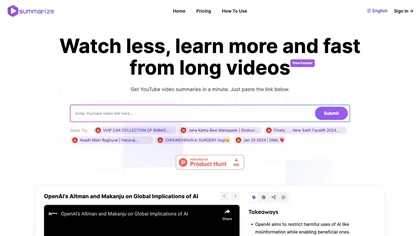
Summarize.ing instantly condenses YouTube videos into concise summaries, segmented sections, mind maps, and keyword lists. It generates 8‑10 Q&A pairs for review, aiding students, educators, and professionals in quick comprehension and decision‑making.
Freemium
- $15.7/mo
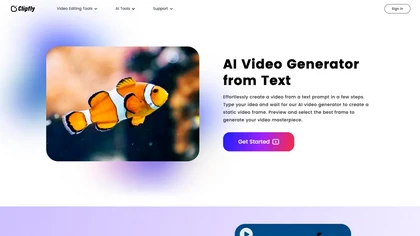
AI Video Generator by Clipfly seamlessly transforms text into engaging video frames. Easily add subtitles, stickers, music, and merge clips. Enjoy features like face swap and voiceover for professional video creation effortlessly.
Freemium
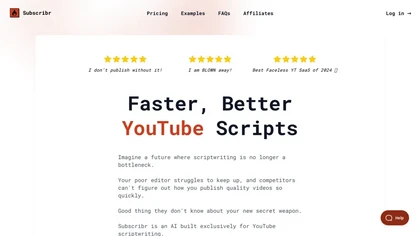
Subscribr is an AI‑powered platform that automates YouTube content creation with data‑backed video ideas, ready‑to‑publish scripts, and thumbnail design. It tracks competitors, delivers trend digests, supports multiple languages, and shortens research, planning, and writing time.
Paid
- $49/mo
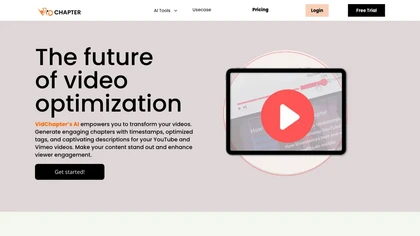
VidChapter automatically timestamps videos, generates chapters, tags, titles, and descriptions, and delivers near‑human transcription. It supports SRT, VTT, SBV, STL subtitles, multilingual translation, and can create summaries, thumbnails, blog posts, and other content for cross‑platform use.
Paid
- $15/mo

Vizard.ai automatically transcribes footage, spots highlights, and creates TikTok, Reels, and Shorts‑ready clips with one click. It provides text trimming, timeline precision, vertical resizing, multilingual captions, brand templates, collaborative workspaces, and API integration.
Freemium