
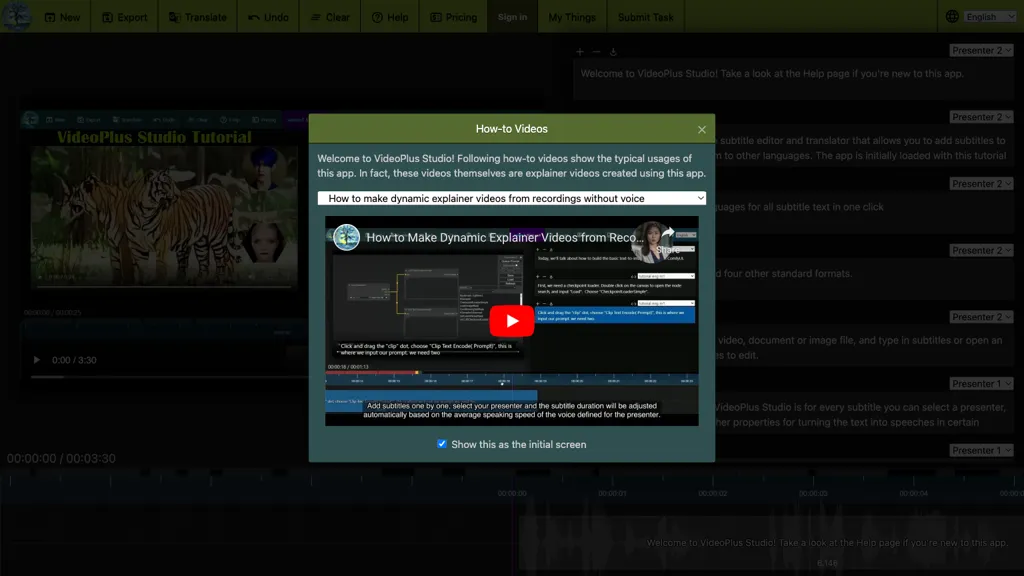
What is VideoPlus Studio?
VideoPlus Studio is a web‑based AI platform that applies cartoon and filter effects to videos, transcribes audio with automatic language detection, and adds subtitle‑driven voiceovers in 80 languages.
It generates video storybooks from prompts or documents, combining language model‑driven narratives, image generation, and TTS to create complete videos with a chosen avatar.
The tool offers 458 predefined voices, 528 avatars, and custom voice cloning, supporting multilingual, multi‑person presentations for product demos, sales pitches, and educational content.
Subtitle editing places speech at precise timestamps, and translation features allow subtitles and spoken text to be localized into additional languages.
No installation or special hardware is needed; the interface guides users without prior video‑editing experience through tutorials and sample workflows.
Typical use cases include virtual product demonstrations, podcast enhancement, multilingual transcription and dubbing, and interactive storybooks or greeting cards.
VideoPlus Studio pricing Freemium
Verify on the official pricing page.
View plansVideoPlus Studio user reviews
Would you recommend VideoPlus Studio?
VideoPlus Studio's key features
-
Cartoonize videos with special effects
-
Add multilingual AI voiceovers
-
Subtitle editing with text-to-speech
-
Auto-detect language transcription
-
Generate video storybooks from text
-
Translate subtitles into languages
VideoPlus Studio use cases
-
Generate multilingual product demo videos for global e‑commerce sites, auto‑transcribing audio, adding 80+ language voice‑over subtitles, and using voice cloning to maintain brand voice across multiple countries.
-
Create animated storybook videos for children’s learning apps, generating characters and avatars from prompts, applying cartoon filters, and providing 458 voice options in 80+ languages for immersive storytelling.
-
Produce professional corporate training videos with AI‑edited subtitles, multilingual dubbing, and multi‑person voice cloning for realistic instructor panels, ensuring accessibility and consistent messaging across languages.
Who is it for?
-
Video editors
-
Content creators
-
Language learners
-
Translators
-
Digital marketers


