
Screen Capture Analysis
The best 50 Screen Capture Analysis AI tools - Free & Paid
Explore 50 AI for Screen Capture Analysis
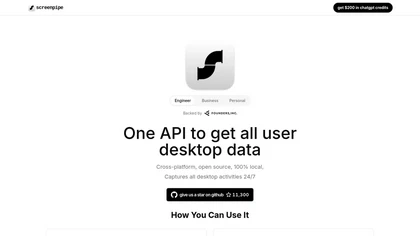
Screenpipe records screen and microphone continuously on macOS, Windows, or Linux, stores data locally, indexes it by text/audio, and runs AI agents that update CRMs, transcribe meetings, track expenses, or monitor competitors, delivering structured data to apps like Slack or Notion. Privacy is kept
Subscription
- $35/mo
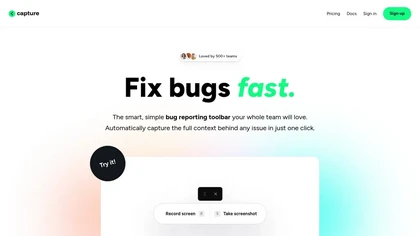
Capture.dev is a bug reporting tool that simplifies issue reporting with an intuitive toolbar, automatically captures context, and integrates with collaboration tools. It enhances communication and productivity by generating detailed bug reports and annotated playback for efficient resolution.
Free trial
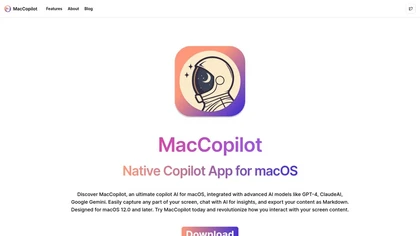
MacCopilot lets macOS users select any screen area, capture screenshots, and chat with AI models—GPT‑4o, Claude, Gemini, or local Ollama—to receive instant visual analysis, code reviews, design feedback, and contextual insights directly on‑screen. Hotkeys and history improve workflow.
Free
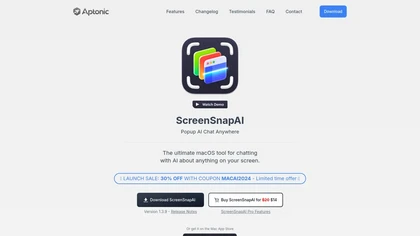
ScreenSnapAI auto‑renames and tags screenshots on macOS, letting users open an AI chat for instant content explanations. Accessible via menu or shortcut, it organizes images with AI‑generated metadata, speeding knowledge capture and retrieval on Intel and Apple Silicon machines.
Freemium
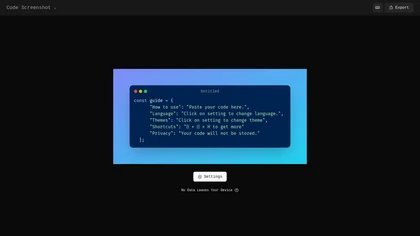
Code Screenshot allows developers to convert code snippets into visually appealing images with syntax highlighting for various languages. It features customizable themes, keyboard shortcuts for efficiency, and local storage for enhanced privacy in sensitive projects.
Freemium
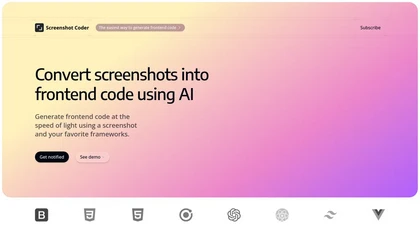
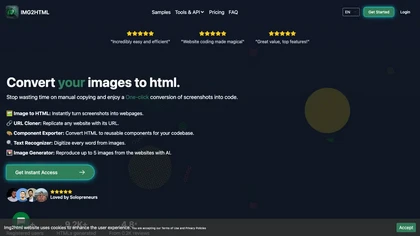
Screenshot Coder transforms visual mockups into production‑ready frontend code in seconds, supporting Tailwind CSS, Bootstrap, and React. It delivers responsive, clean UI code directly from screenshots, accelerating prototyping for designers and developers.
Free
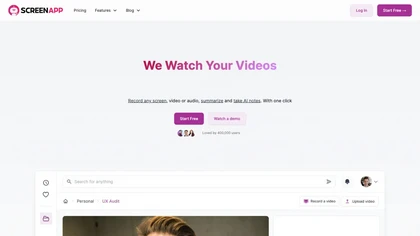
ScreenApp records and transcribes audio/video meetings, extracts key points and action items, and delivers searchable summaries and exports. It integrates with Zoom, Google Meet, YouTube and supports real‑time translation, helping teams quickly locate information.
Subscription
- $199/mo
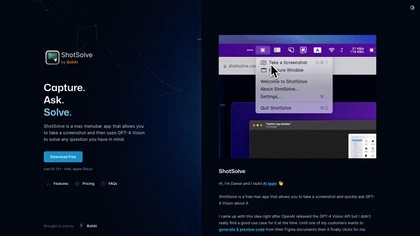
ShotSolve is a native macOS app that captures screenshots and uses GPT‑4o for instant queries. It offers a clean chat interface with themes, code styling, context controls, secure key storage, and configurable parameters for custom AI interactions.
Free
- $29/mo
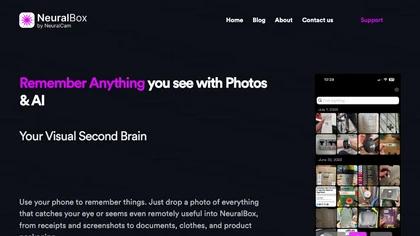
NeuralBox captures photos instantly via camera, lock‑screen widget, or share extension, auto‑imports screenshots, and offers a scanning mode. AI image recognition and OCR enable keyword searches; similarity browsing groups images by visual traits. Files sync locally or in the cloud.
Subscription
- $5.99/mo
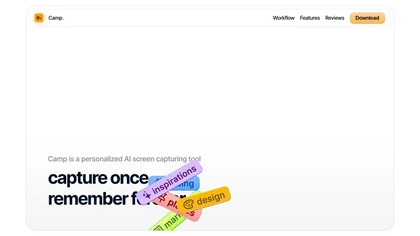
Camp is a macOS and iOS screen‑capture app that stores screenshots locally, auto‑tags and titles them, supports keyboard shortcuts, lets users annotate, search by keyword, and pin favorites for quick access.
Freemium
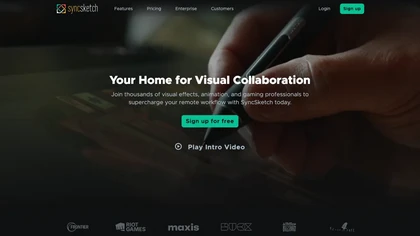
SyncSketch is a cloud-based collaboration tool for visual effects and gaming professionals, enabling remote teams to review media efficiently with synchronized presentations, frame-accurate annotations, version comparisons, and mobile access, while integrating with platforms like Jira and ShotGrid.
Free trial
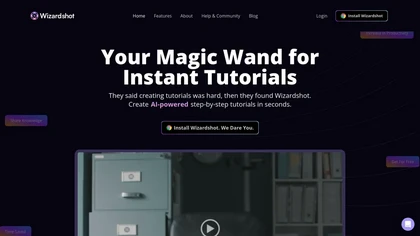
Wizardshot is a web app and Chrome extension that automatically converts screen recordings into structured, step‑by‑step tutorials. It exports to PDF/DOC, GIFs, embeds videos, supports team collaboration, role‑based access, blurs sensitive data, and provides analytics on usage and gaps.
Free
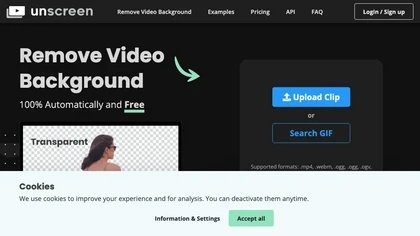
Unscreen is a cloud video editor that removes backgrounds from clips and exports them instantly, with format conversion and resizing. It offers plugins for After Effects and Premiere Pro and integrates with Canva for AI‑enhanced features.
Freemium
- $9
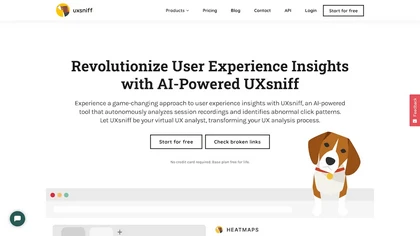
UXsniff automatically tracks UX changes by analyzing heatmaps and session recordings, comparing pre‑ and post‑release behavior. It flags layout, copy, and component updates linked to key metrics, offers impact reports, rage‑click detection, and historical A/B comparison using real user data.
Paid
- $19

TechScreen is an AI interview assistant that provides real-time support during technical interviews on video platforms. It processes audio and on-screen content, offers quick responses to coding challenges, and supports multiple programming languages to enhance interview efficiency.
Free trial
Screenify is an AI-powered interview platform that automates candidate screenings, ensuring consistency and reducing bias. It allows for customizable interviews and integrates with ATS, streamlining recruitment processes while enhancing candidate experiences and reducing hiring times.
Free trial
- $149/mo
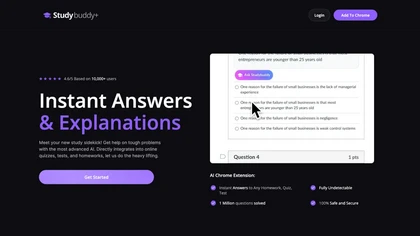
StudyBuddy Chrome Extension captures screenshots or highlights of questions to provide instant answers and detailed step‑by‑step explanations. It supports math, diagrams, and image queries in English, Spanish, and Portuguese, and includes a personal AI chat for broader study assistance.
Freemium
- $0.99
NotebookLM is an AI-powered research assistant designed to help users summarize and connect information from sources like PDFs, websites, videos, and audio. It offers detailed insights, citations, and an 'Audio Overview' feature for on-the-go engagement.

Supercut is an asynchronous video messaging platform that records screen and webcam (up to 4K), auto-edits and chapters recordings, provides branded shareable links with embedded CTAs, analytics and engagement tracking, collaboration tools, and enterprise-grade security.
Free trial
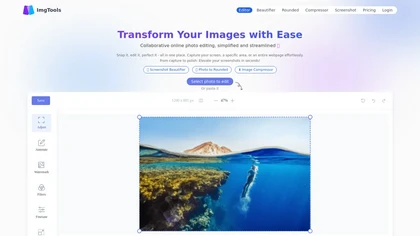
ImgTools is a versatile screenshot tool that simplifies capturing, editing, and enhancing images efficiently. It offers features like screenshot beautifier, advanced editing options, collaborative online editing, and customization tools to elevate your visuals effortlessly.
Freemium
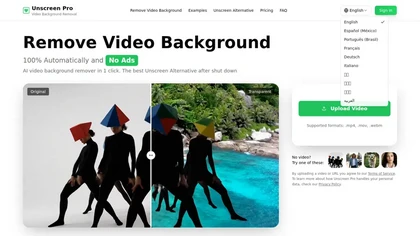
Unscreen Pro automatically removes video backgrounds frame by frame, no greenscreen, producing transparent outputs (MP4, MOV, WebM, AVI) at original or upscaled resolution, with live preview, batch processing and an API for workflow integration.
Freemium
- $4.99/mo
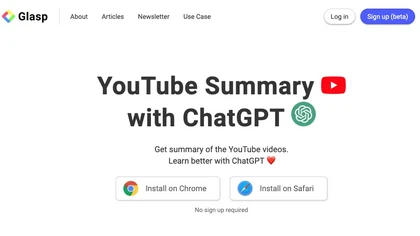
YouTube sumamry chrome extension is a YouTube video summary tool developed by Glasp Inc., currently in beta testing and requires installation on Chrome or Safari browsers along with sign-up.
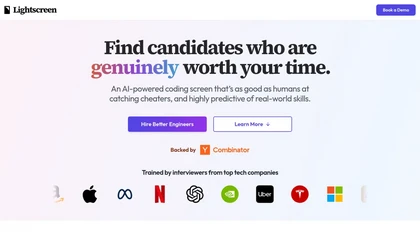
Lightscreen is an AI-driven interview platform for tech recruitment, featuring advanced coding assessments, real-time pair programming with a voice agent, and tools for behavior analysis and plagiarism detection to streamline candidate evaluation and enhance decision-making.
Freemium
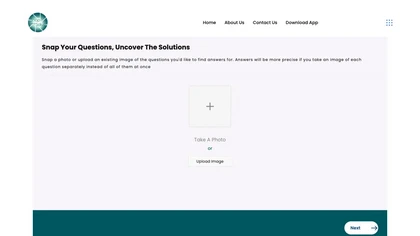
SnapAndSolve uses OCR and language‑model inference to turn photographed questions into quick, accurate answers. Users capture or upload images, crop for focus, and receive concise, context‑aware responses in seconds, supporting multiple languages for students, professionals, and educators.
Freemium
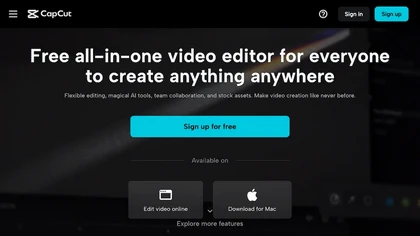
CapCut is an AI-powered video editor & design tool with social media templates, background removal, upscaling, color correction, portrait generation, text-to-speech, voice changers, and team collaboration support - accessible online and for Mac download.
Free trial
Pixelcode is a Chrome extension that extracts code from screenshots, images, PDFs, and video frames, recognizes over 30 programming languages, preserves formatting, and copies snippets directly to the clipboard for use in any editor.
Free
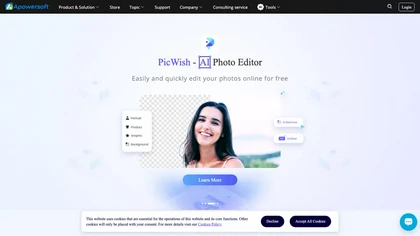
Apowersoft delivers cross‑platform screen, audio, and video capture with high‑fidelity recording, along with versatile media conversion, editing, and PDF OCR. It also offers background removal, data recovery for mobile/desktop, HEIC conversion, and multi‑monitor support for creators and businesses.
Free
Real‑time employee monitoring for Windows, macOS, and Linux. Tracks screens, keystrokes, and apps, offering dashboards, analytics, and reports. Supports office, remote, hybrid, and offline modes with time‑tracking, alerts, SSO, API, and compliance‑ready data retention.
Subscription
- $3/mo
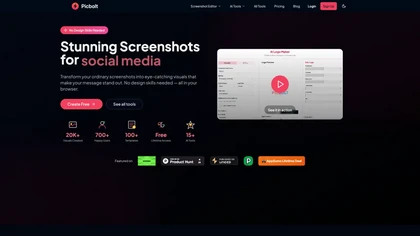
Picbolt is a screenshot editor that transforms screenshots into high-quality visuals with one-click presets, smart cropping, and customizable device mockups. It is ideal for educators, content creators, and small business owners, offering tools for annotations and workflow optimization.
Free trial
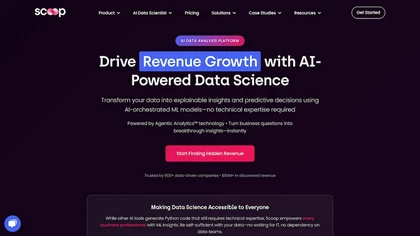
Scoop Analytics is an AI-powered platform that analyzes CRM, marketing, and sales data in real-time. It offers customizable reports and dashboards, helping business teams monitor key metrics and make data-driven decisions effectively.
Free trial
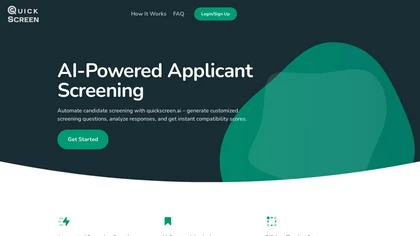
QuickScreen.ai parses CVs, extracts key data, and generates tailored screening questions for each job posting. It creates unique application links, consolidates submissions, and supplies AI‑derived scores and reviews to help recruiters shortlist candidates faster.
Subscription
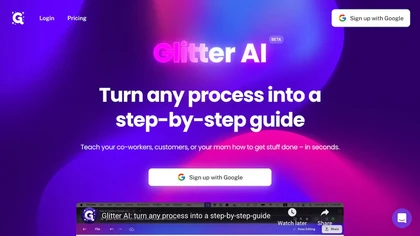
Glitter AI transforms video or screen‑capture recordings into structured step‑by‑step guides, SOPs, and onboarding documents. It auto‑transcribes, extracts key moments, and generates content with screenshots, exportable to PDF, HTML, Markdown, and popular knowledge‑base platforms.
Freemium
- $16/mo
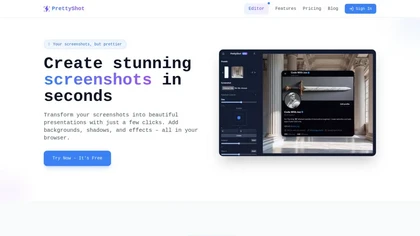
PrettyShot is a web-based tool that enhances standard screenshots by adding backgrounds, shadows, and effects, allowing users to create professional-quality visuals. It supports mockups with device frames and offers efficient preset slots for customization.
Free trial
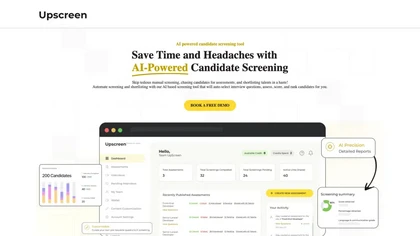
UpScreen automates resume screening, generates role‑specific assessments, and scores candidates using machine‑learning. It provides detailed reports—summaries, skill evaluations, proctoring logs—and integrates with any ATS, reducing hiring time and scoring bias.
Freemium
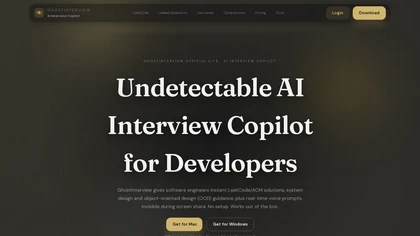
GhostInterview is a real-time AI interview copilot that provides live coding, system design, and OOD support. It transcribes audio, parses screenshots, and delivers stealth-visible hints and solution outlines during live interviews.
Free trial
- $99/mo

SynthAnswer AI is a browser extension that converts screenshots (text, math, code, handwritten notes) into instant answers with step-by-step explanations and formatted solutions, delivering fast, cross-platform problem solving for students, researchers, and professionals with privacy controls.
Free trial

ScrabbleCam is an AI tool that analyzes Scrabble board images, suggesting strategic moves in multiple languages (e.g., English and French) to enhance gameplay and skill development for users.
Freemium
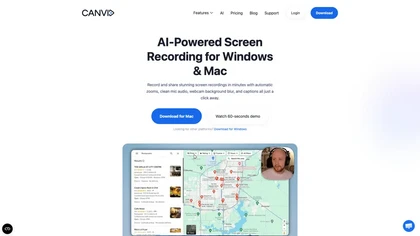

SwingVision is an on-device iOS app for tennis and pickleball that records matches, detects shots, tracks ball trajectory and player movement, and produces highlights, per-shot statistics, speed estimates, line-call indicators, exportable stats, and shareable session links.
Freemium

PhotoExamen uses OCR and AI to analyze exam and assignment images, offering step‑by‑step solutions for multiple choice, short answer, math, and language tasks. It auto‑generates concept maps, quizzes, transcribes audio, and summarizes texts for study support.
Paid
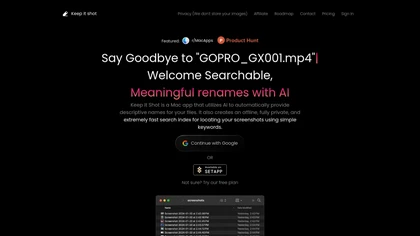
Keep It Shot is a macOS app that auto‑generates descriptive names for screenshots, builds a local index for quick keyword search, allows bulk renaming with two clicks, and can revert to original filenames if needed. OCR adds metadata.
Subscription
- $8/mo
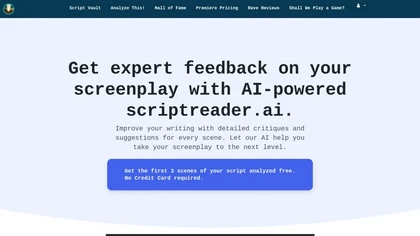
ScriptReader.ai uses AI to analyze screenplays, offering detailed critiques and personalized suggestions for each scene. It helps writers identify strengths and weaknesses, enabling informed revisions to enhance storytelling quality for both novice and experienced screenwriters.
Free trial
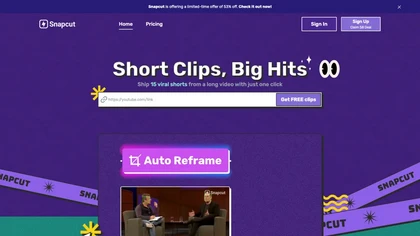
Snapcut.ai is an AI-driven video editing tool that transforms long videos into engaging short clips. It identifies key moments, reframes for various platforms, and adds animated captions, streamlining the editing process for social media content creators.
Free trial
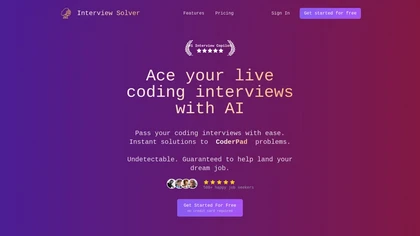
Interview Solver is a desktop AI copilot that supplies real‑time code and system‑design solutions during coding interviews, accepting screenshots, voice, and documents, and remains invisible in screen sharing and background processes.
Freemium
- $30

vidIQ delivers real‑time YouTube analytics, keyword research, AI‑powered thumbnail creation, and competitive insights. Its AI coach refines titles and descriptions, while clipping tools produce short videos. Available via Chrome or mobile, it boosts visibility and engagement for creators.
Subscription
- $31/mo
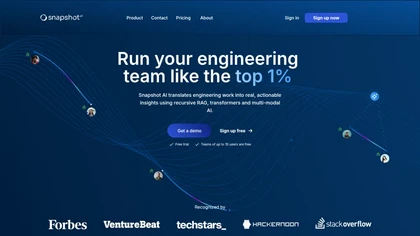
Snapshot AI analyzes code, commits, pull requests, reviews, and tickets using semantic NLP to surface bottlenecks, hidden expertise, reopened issues, and risk patterns; it generates automated changelogs, prioritization insights, and dashboards linking engineering metrics to business impact.
Subscription
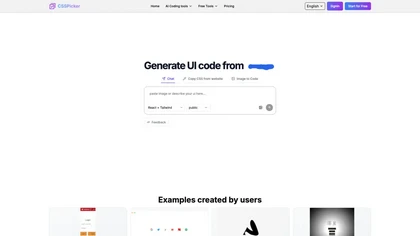
CSSPicker is an AI tool that transforms design screenshots into responsive HTML, CSS, or Tailwind code. With a real-time code editor and integration for frameworks like React, it aids both novice and experienced developers in UI coding tasks.
Free trial
- $30
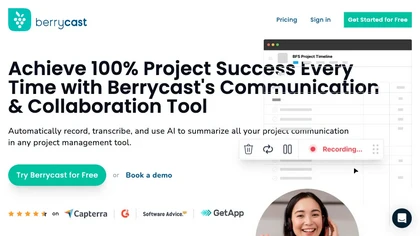
Berrycast is a cross‑platform screen‑recording tool that captures webcam, screen activity, and live voice narration. It instantly shares screencasts, integrates into productivity apps, and meets GDPR privacy and data‑security standards.
Subscription
- $1.33/mo