
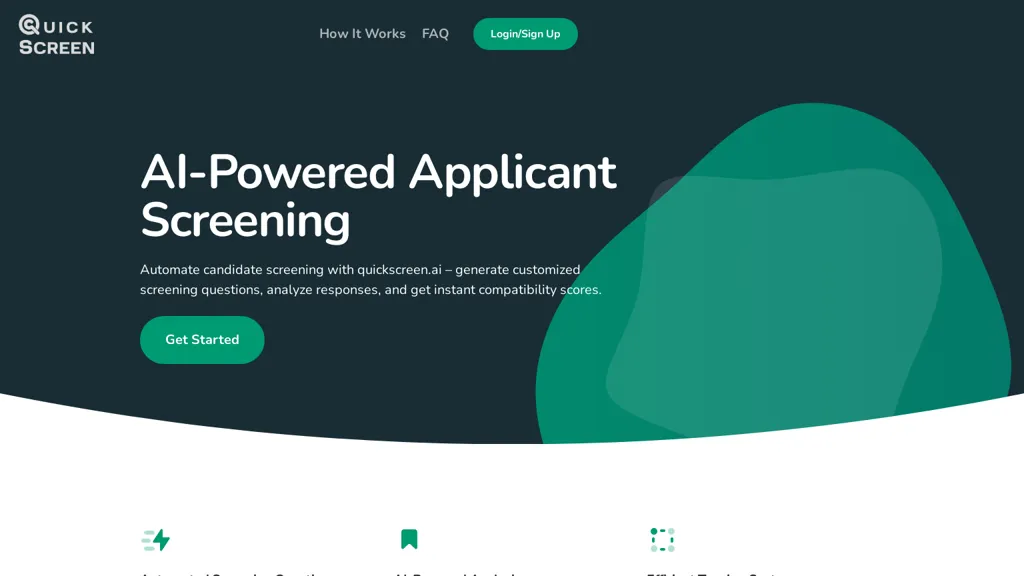
What is QuickScreen.AI?
QuickScreen.ai automatically parses CVs, extracts key information, and generates personalized screening questions based on the candidate’s résumé, the job description, and any custom instructions you provide. The platform creates unique application links for job postings, consolidating submissions in a single, organized view.
AI‑derived compatibility scores, highlights, and constructive reviews help recruiters quickly shortlist candidates and reduce initial screening time. Integration options support post‑screening workflows and custom testing, enabling a streamlined hiring process across multiple platforms.
QuickScreen.AI pricing Subscription
Verify on the official pricing page.
View plansQuickScreen.AI user reviews
Based on 6 reviews, 66.7% of users recommend QuickScreen.AI, rated highly for ease of use.
Liked for
Disliked for
Would you recommend QuickScreen.AI?
QuickScreen.AI's key features
-
Automates initial screening process
-
Generates personalized screening questions
-
Parses CVs to highlight key info
-
Sorts CVs by compatibility scores
-
Creates unique application links
-
Integrates post-screening workflows
-
Provides detailed compatibility analysis
QuickScreen.AI use cases
-
Extract candidate skills from CVs and generate job‑specific screening questions in minutes, enabling recruiters to filter applicants without manual review
-
Generate unique application links per posting, consolidate responses into a dashboard, and provide AI‑derived compatibility scores to streamline shortlisting
-
Integrate with existing ATS to automate candidate scoring and provide real‑time insights for hiring managers, reducing time‑to‑hire by up to 30%
Who is it for?
-
Recruitment managers
-
Human resources managers
-
Data analysts
-
Screening analysts
-
Technology evaluators


