
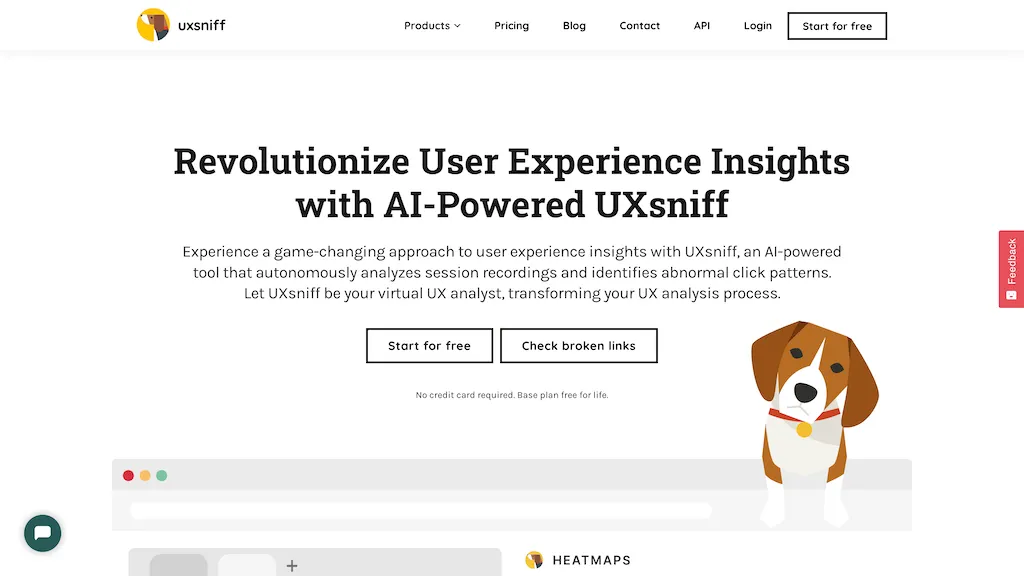
What is UXsniff?
UXsniff automatically detects user experience changes on a website by analyzing heatmaps and session recordings, then compares pre‑ and post‑change behavior to identify which interactions shifted. Its Change Radar continuously monitors for layout, copy, and component updates, flagging modifications that correlate with changes in key metrics.
Retro A/B, or Time‑Travel A/B, allows teams to perform a historical comparison without a planned experiment, using real user data to pinpoint the effect of a release. Impact Reports summarize the behavioral impact of each detected change, highlighting increases or decreases in conversion steps and linking them to specific UI elements.
The tool’s rage‑click detection surfaces unusual click patterns and dead‑clicks, providing evidence for friction points. A lightweight tracking script integrates quickly and operates non‑blocking, giving product and engineering teams rapid insight into what changed and why metrics move.
UXsniff details
- Jurisdiction
- Missouri
- Built for
- Individuals
- Stated compliance
- GDPR
Compliance as stated in UXsniff's own published documentation.
UXsniff tech specs
- Analytics
- Hotjar
- Integrations
- Shopify WordPress Webflow
UXsniff pricing
Paid- Auto-renewal
- Yes
Verify on the official pricing page.
View plansUXsniff's key features
-
Automatic UX change detection
-
Before‑after behavior comparison
-
Impact reports linking changes
-
Heatmaps and session recordings
-
Rage click detection
-
Lightweight script installation
-
AI abnormal click analysis
UXsniff use cases
-
Quickly validate that a new checkout layout boosts conversion by automatically comparing heatmaps before and after rollout, highlighting changes that correlate with higher add-to-cart rates.
-
Detect unexpected user frustration after a feature update by flagging rage-click clusters and generating an impact report that links copy changes to bounce rates.
-
Leverage historical A/B comparison to prioritize UI tweaks—compare session recordings across multiple releases and identify which component adjustments consistently improve engagement metrics over time.
UXsniff user reviews
Based on 6 reviews, 50% of users recommend UXsniff, rated highly for value for money.
Liked for
Disliked for
Would you recommend UXsniff?
Who is UXsniff for?
-
Product designers
-
Product managers
-
Digital analysts
-
Data scientists
-
Software developers
UXsniff FAQ
How much does UXsniff cost?
UXsniff is a paid product with no free plan. Plans include Poodle at $19, Hound at $49, K-9 at $89 and Wolf pack at $299.
Is UXsniff safe to use?
UXsniff states GDPR compliance in its own published documentation.
What are the best alternatives to UXsniff?
The closest alternatives to UXsniff are ClarityUX, Plerdy, AksToWeb, UI Auditor AI Tool and Userbird. You can compare them side by side in the alternatives section further down this page.
What does UXsniff do with my data?
Its privacy policy states that personal data is not sold or shared for marketing purposes. Data may be shared with third-party service providers that help run the product.
Does UXsniff auto-renew or offer refunds?
UXsniff subscriptions renew automatically until you cancel.
Does UXsniff have an API?
Yes. UXsniff offers an API, so you can call it from your own applications instead of using the interface directly.
What does UXsniff integrate with?
UXsniff connects with Shopify, WordPress and Webflow.
Compliance, privacy and billing terms are as stated in each product's own published documentation and have not been independently verified by TopAI.tools.


