Macos Screenshot Assistant
The best 50 Macos Screenshot Assistant AI tools - Free & Paid
Explore 50 AI for Macos Screenshot Assistant
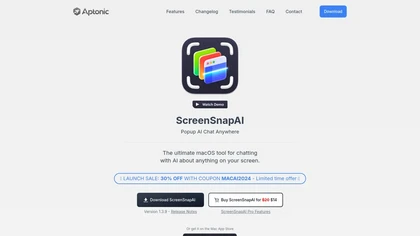
ScreenSnapAI auto‑renames and tags screenshots on macOS, letting users open an AI chat for instant content explanations. Accessible via menu or shortcut, it organizes images with AI‑generated metadata, speeding knowledge capture and retrieval on Intel and Apple Silicon machines.
Freemium
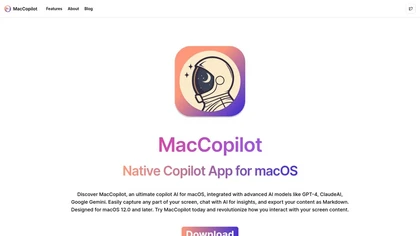
MacCopilot lets macOS users select any screen area, capture screenshots, and chat with AI models—GPT‑4o, Claude, Gemini, or local Ollama—to receive instant visual analysis, code reviews, design feedback, and contextual insights directly on‑screen. Hotkeys and history improve workflow.
Free
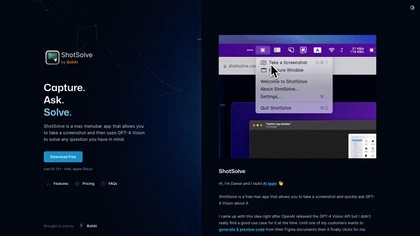
ShotSolve is a native macOS app that captures screenshots and uses GPT‑4o for instant queries. It offers a clean chat interface with themes, code styling, context controls, secure key storage, and configurable parameters for custom AI interactions.
Free
- $29/mo
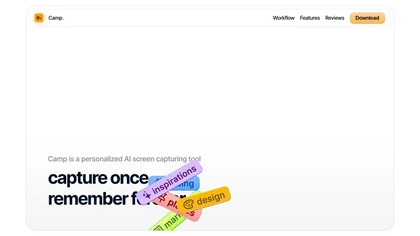
Camp is a macOS and iOS screen‑capture app that stores screenshots locally, auto‑tags and titles them, supports keyboard shortcuts, lets users annotate, search by keyword, and pin favorites for quick access.
Freemium
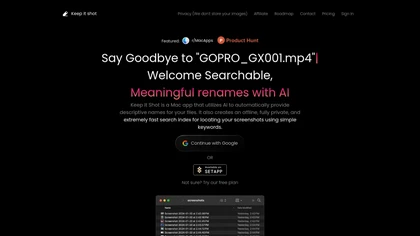
Keep It Shot is a macOS app that auto‑generates descriptive names for screenshots, builds a local index for quick keyword search, allows bulk renaming with two clicks, and can revert to original filenames if needed. OCR adds metadata.
Subscription
- $8/mo
Omnipilot is a macOS AI copilot that types in any app, offering context‑aware email drafting, Bash assistance, and streamlined updates. It supports coding, writing, and data tasks without extra software for developers, writers, and business professionals.
Freemium
Omnipilot is a macOS AI copilot that provides context‑aware typing assistance in any application. It auto‑completes emails, generates Bash commands, offers code suggestions, drafts documents, and creates meeting summaries, reducing typing and context switching.
Freemium
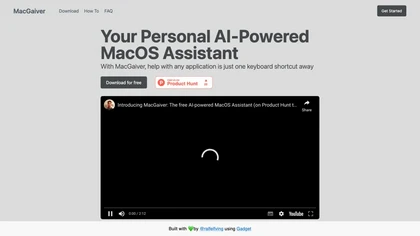
MacGaiver is a macOS AI assistant that, via a shortcut, captures a screenshot of the active window and sends it to OpenAI’s Vision API to deliver quick text or audio answers within any application.
Free
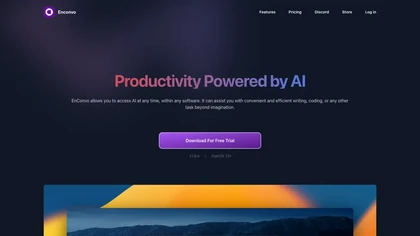
EnConvo turns macOS apps into AI agents via SmartBar, PopBar, and Companion Orb, offering voice input, live screen and camera sharing, multi‑provider web search, image generation, custom workflows, document chat, offline LLMs, open‑source plugins, and real‑time captions.
Freemium
- $10/mo
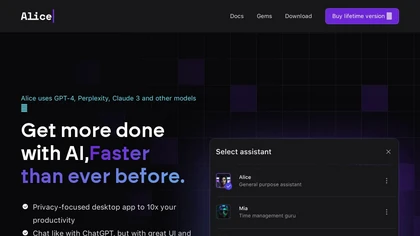
Alice is an AI assistant for macOS, Windows, and Linux that launches via hotkey, stores context locally, supports multiple LLMs through API keys, offers keyboard shortcuts, custom commands via Zapier/Make, and handles files, web, images, and visuals for reliable responses.
Paid
- $99
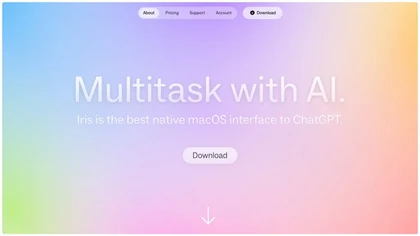
IRIS is a macOS AI assistant that streamlines scheduling by interpreting natural‑language prompts, auto‑filling meeting details, buffer times, and venue suggestions. It overlays as a floating column, learns user preferences, offers an enhanced screenshot tool, and features a quick onboarding flow.
Freemium
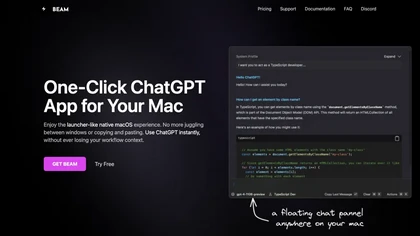
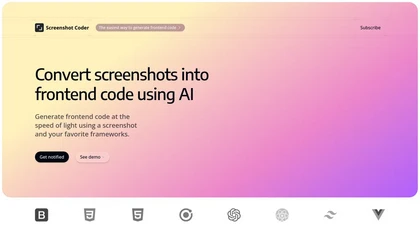
Screenshot Coder transforms visual mockups into production‑ready frontend code in seconds, supporting Tailwind CSS, Bootstrap, and React. It delivers responsive, clean UI code directly from screenshots, accelerating prototyping for designers and developers.
Free
AI Actions is a powerful tool that provides additional AI-related actions and shortcuts on macOS, including the ability to interact with the ChatGPT API. It requires macOS 13 or higher and is not available in China.
Free
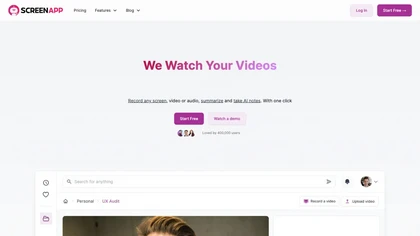
ScreenApp records and transcribes audio/video meetings, extracts key points and action items, and delivers searchable summaries and exports. It integrates with Zoom, Google Meet, YouTube and supports real‑time translation, helping teams quickly locate information.
Subscription
- $199/mo
Vidix for macOS lets users select text, press a shortcut, and insert AI‑generated responses directly into documents. It supports code‑review workflows, a visual workflow canvas, image assistance, multi‑provider model control, optional local execution, and local logging for privacy.
Subscription
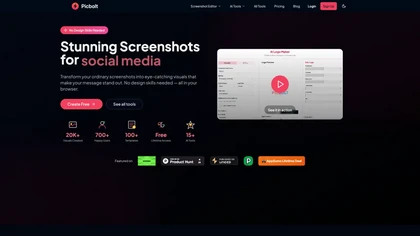
Picbolt is a screenshot editor that transforms screenshots into high-quality visuals with one-click presets, smart cropping, and customizable device mockups. It is ideal for educators, content creators, and small business owners, offering tools for annotations and workflow optimization.
Free trial
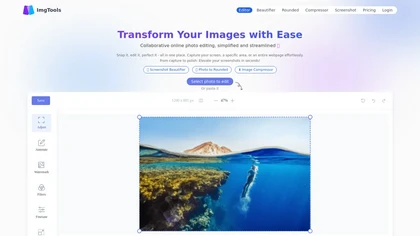
ImgTools is a versatile screenshot tool that simplifies capturing, editing, and enhancing images efficiently. It offers features like screenshot beautifier, advanced editing options, collaborative online editing, and customization tools to elevate your visuals effortlessly.
Freemium
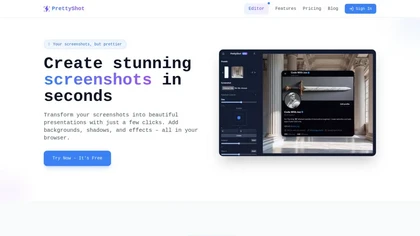
PrettyShot is a web-based tool that enhances standard screenshots by adding backgrounds, shadows, and effects, allowing users to create professional-quality visuals. It supports mockups with device frames and offers efficient preset slots for customization.
Free trial
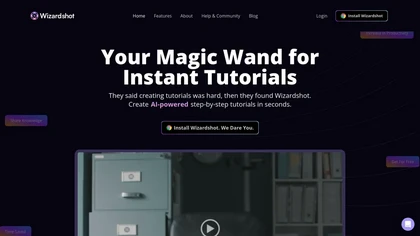
Wizardshot is a web app and Chrome extension that automatically converts screen recordings into structured, step‑by‑step tutorials. It exports to PDF/DOC, GIFs, embeds videos, supports team collaboration, role‑based access, blurs sensitive data, and provides analytics on usage and gaps.
Free
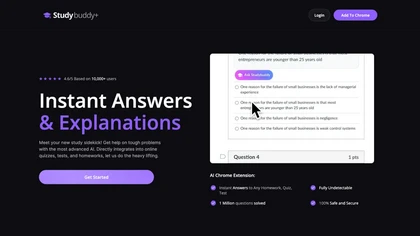
StudyBuddy Chrome Extension captures screenshots or highlights of questions to provide instant answers and detailed step‑by‑step explanations. It supports math, diagrams, and image queries in English, Spanish, and Portuguese, and includes a personal AI chat for broader study assistance.
Freemium
- $0.99
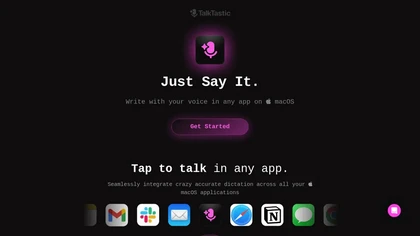
TalkTastic lets users dictate and edit text in macOS apps with accurate transcription. By capturing a snapshot of the active window when a note starts, it supplies context, tone, and proper‑noun recognition for smart rewriting, keeping data local and auto‑deleted.
Free

OneTap is a clipboard management app for Apple devices that streamlines the copy-paste process, enabling users to save and retrieve text, links, images, and files easily. It features cloud syncing, clipboard history, and Siri shortcuts for enhanced workflow.
Freemium
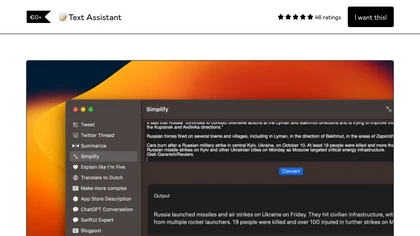
Text Assistant is a macOS Ventura app that lets users create, store, and reuse custom prompts for writing tasks. It offers an unlimited prompt library, shortcut support, quick copy/share, and integrates with OpenAI via user API key.
Freemium
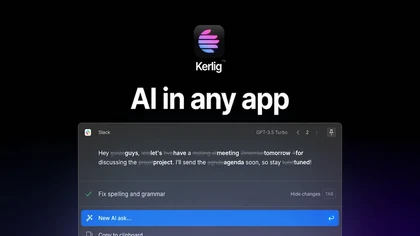
Kerlig is a macOS‑native AI assistant that edits, proofreads, summarizes, and generates content across apps via a hotkey. It supports 350+ cloud and local models, custom presets, and works with PDFs, Word, and web pages.
Paid
- $27

Picture Picker is an AI-driven image management tool that captures images via browser extension, syncs libraries across devices, supports one-click collection and bulk downloads, natural-language image search and automatic categorization, color palette extraction, format conversion, and compression.
Free
- $9/mo
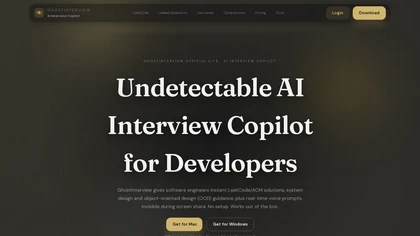
GhostInterview is a real-time AI interview copilot that provides live coding, system design, and OOD support. It transcribes audio, parses screenshots, and delivers stealth-visible hints and solution outlines during live interviews.
Free trial
- $99/mo

Ghost Engineer is an AI coding interview assistant that helps software engineers by providing instant coding solutions through screenshots and voice commands. It supports multiple programming languages and prioritizes user privacy during technical interviews.
Free trial
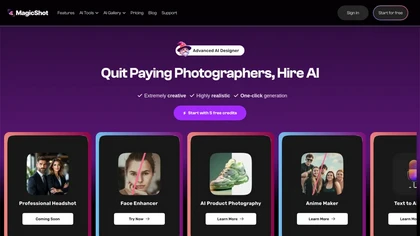
MagicShot.ai creates images, videos, and audio from text or photos. It offers AI image generation for product shots, logos, icons, and book covers, and a video generator that animates photos. Editing, avatars, stickers, QR codes, and 3D tools streamline design.
Paid
Raycast is an AI tool that can help developers write code faster, access a new layer of context, and accelerate tasks without any coding required.
Freemium
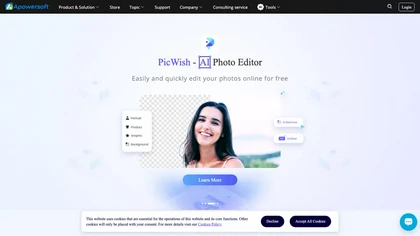
Apowersoft delivers cross‑platform screen, audio, and video capture with high‑fidelity recording, along with versatile media conversion, editing, and PDF OCR. It also offers background removal, data recovery for mobile/desktop, HEIC conversion, and multi‑monitor support for creators and businesses.
Free
Screenpipe records screen and microphone continuously on macOS, Windows, or Linux, stores data locally, indexes it by text/audio, and runs AI agents that update CRMs, transcribe meetings, track expenses, or monitor competitors, delivering structured data to apps like Slack or Notion. Privacy is kept
Subscription
- $35/mo
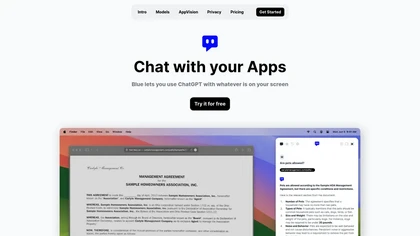
Blue is a macOS app that integrates ChatGPT capabilities for tasks like summarizing and translating, enhancing productivity. It features on-device processing, data privacy, and context-aware assistance through screen analysis, ensuring a seamless workflow for professionals.
Free trial
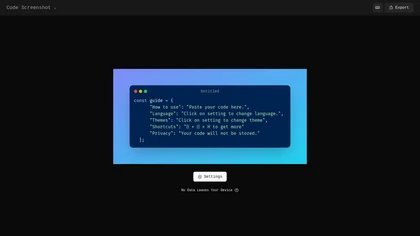
Code Screenshot allows developers to convert code snippets into visually appealing images with syntax highlighting for various languages. It features customizable themes, keyboard shortcuts for efficiency, and local storage for enhanced privacy in sensitive projects.
Freemium
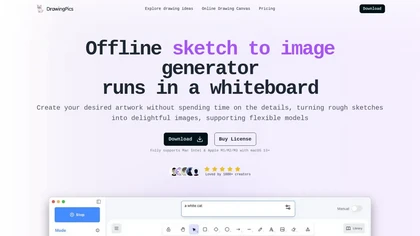
DrawingPics is an offline macOS AI art generator that turns sketches into detailed 512×512 images on a whiteboard. Using Metal GPU acceleration, it produces results in under six seconds, supports precision mode, iterative refinement, and local Stable Diffusion downloads.
Free trial
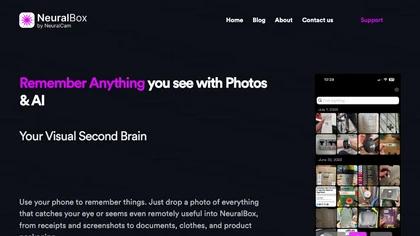
NeuralBox captures photos instantly via camera, lock‑screen widget, or share extension, auto‑imports screenshots, and offers a scanning mode. AI image recognition and OCR enable keyword searches; similarity browsing groups images by visual traits. Files sync locally or in the cloud.
Subscription
- $5.99/mo
Setapp is a subscription-based library that bundles curated macOS and iOS apps for productivity, creativity, and maintenance. It provides automatic updates, compatibility checks, guides, and an ad‑free experience for individuals and small teams.
Free trial
- $10.88/mo
Cross‑platform personal knowledge manager consolidating notes, bookmarks, articles, images, and quotes into one private space. Auto‑classifies content, generates AI summaries, and enables search by color, keyword, brand, or date. Real‑time sync across iOS, Android, macOS, Chrome, Edge, and Safari.
Subscription
- $24.92/mo
Interview Solver is a desktop AI copilot that supplies real‑time code and system‑design solutions during coding interviews, accepting screenshots, voice, and documents, and remains invisible in screen sharing and background processes.
Freemium
- $30
Atua is a macOS app that lets users trigger AI tasks in app via text, screenshots, or voice. Custom commands fetch or generate responses from chosen LLMs, then write back to Notes, calendars, files, or run scripts—keeping workflow in place.
Free
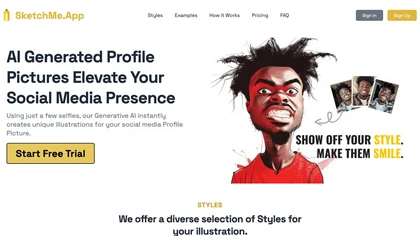
SketchMe.App transforms up to five selfies into stylized illustrations within minutes. Choose from pencil, flat, Pixar, pixel, caricature, or Gogh‑inspired styles and a theme color. Get eight downloadable variations, optionally watermark‑free, for social media and marketing use.
Paid
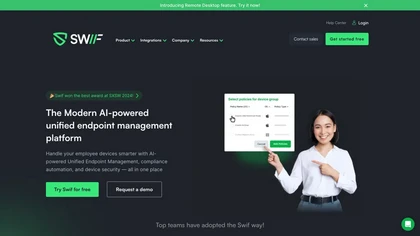
Swif's AI-driven unified device management simplifies security, access, and compliance on MacOS, Windows, and Linux. It automates control, configures smart groups, boosts remote operations, and integrates smoothly for SOC2 certification, ensuring data protection.
Free trial
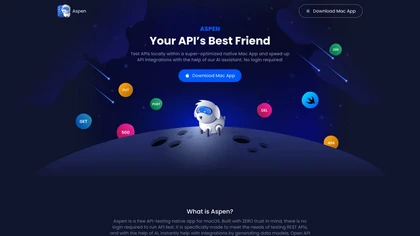
Aspen is a MacOS native API testing tool with a secure, zero-trust environment. Its AI assistant streamlines testing, generates integration code, and optimizes REST API testing. Developed by Treblle, Aspen integrates efficiency and security for seamless API testing and integration processes.
Free
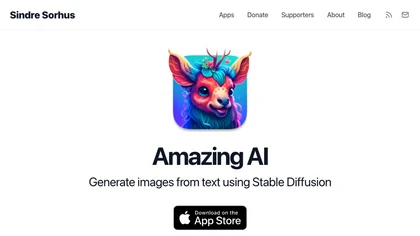
The Amaz AI tool generates text descriptions into images using stable diffusion deep learning on macOS 13.1 or later with Silicon Apple chips, follows Creative ML Openrail-m licensing restrictions, and is currently available in English.
Free

Jelli is a Chrome extension that captures screenshots with a hotkey and copies them to the clipboard. Users can annotate by drawing arrows or rectangles directly on the image, then paste into Slack, Jira, or documents.
Freemium
- $19.99/mo
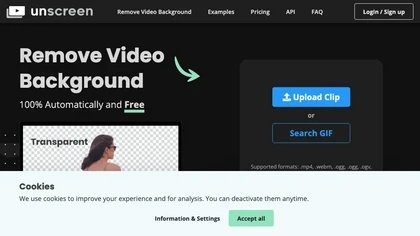
Unscreen is a cloud video editor that removes backgrounds from clips and exports them instantly, with format conversion and resizing. It offers plugins for After Effects and Premiere Pro and integrates with Canva for AI‑enhanced features.
Freemium
- $9
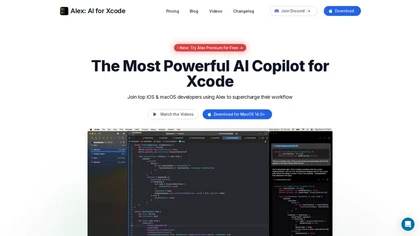
Alex is an AI coding assistant for Xcode, providing smart code completion, real-time error fixes, codebase searches, and voice input. It also features an image-to-code generator for Swift UI, ensuring secure, local code operation.
Freemium
- $20/mo

Ahsk is a macOS AI assistant that works on selected text across apps to translate, rewrite, summarize, and download video content, offering format presets, workflow-focused edits, and on-device processing with granular data controls.
Freemium