
Local Screenshot Manager
The best 50 Local Screenshot Manager AI tools - Free & Paid
Explore 50 AI for Local Screenshot Manager
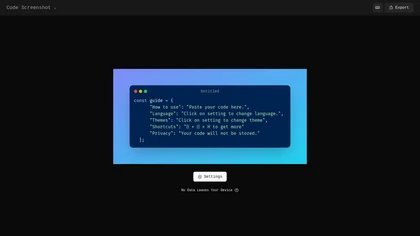
Code Screenshot allows developers to convert code snippets into visually appealing images with syntax highlighting for various languages. It features customizable themes, keyboard shortcuts for efficiency, and local storage for enhanced privacy in sensitive projects.
Freemium
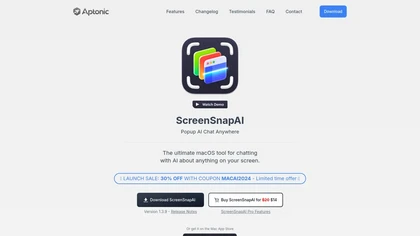
ScreenSnapAI auto‑renames and tags screenshots on macOS, letting users open an AI chat for instant content explanations. Accessible via menu or shortcut, it organizes images with AI‑generated metadata, speeding knowledge capture and retrieval on Intel and Apple Silicon machines.
Freemium
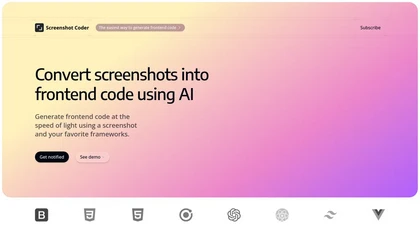
Screenshot Coder transforms visual mockups into production‑ready frontend code in seconds, supporting Tailwind CSS, Bootstrap, and React. It delivers responsive, clean UI code directly from screenshots, accelerating prototyping for designers and developers.
Free
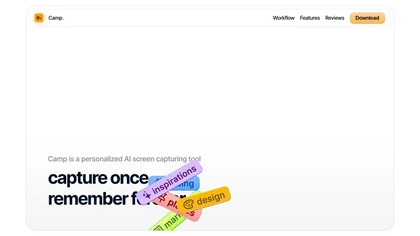
Camp is a macOS and iOS screen‑capture app that stores screenshots locally, auto‑tags and titles them, supports keyboard shortcuts, lets users annotate, search by keyword, and pin favorites for quick access.
Freemium
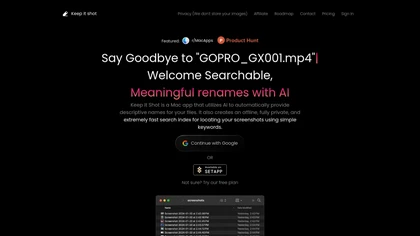
Keep It Shot is a macOS app that auto‑generates descriptive names for screenshots, builds a local index for quick keyword search, allows bulk renaming with two clicks, and can revert to original filenames if needed. OCR adds metadata.
Subscription
- $8/mo
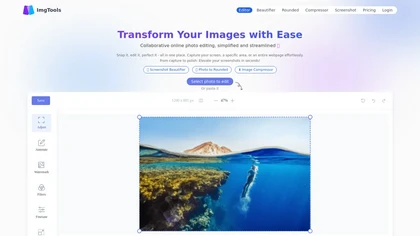
ImgTools is a versatile screenshot tool that simplifies capturing, editing, and enhancing images efficiently. It offers features like screenshot beautifier, advanced editing options, collaborative online editing, and customization tools to elevate your visuals effortlessly.
Freemium
MacCopilot lets macOS users select any screen area, capture screenshots, and chat with AI models—GPT‑4o, Claude, Gemini, or local Ollama—to receive instant visual analysis, code reviews, design feedback, and contextual insights directly on‑screen. Hotkeys and history improve workflow.
Free
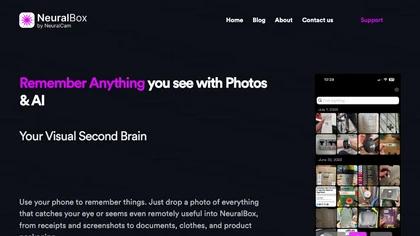
NeuralBox captures photos instantly via camera, lock‑screen widget, or share extension, auto‑imports screenshots, and offers a scanning mode. AI image recognition and OCR enable keyword searches; similarity browsing groups images by visual traits. Files sync locally or in the cloud.
Subscription
- $5.99/mo
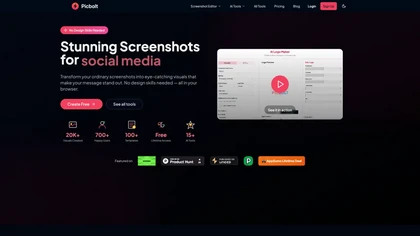
Picbolt is a screenshot editor that transforms screenshots into high-quality visuals with one-click presets, smart cropping, and customizable device mockups. It is ideal for educators, content creators, and small business owners, offering tools for annotations and workflow optimization.
Free trial
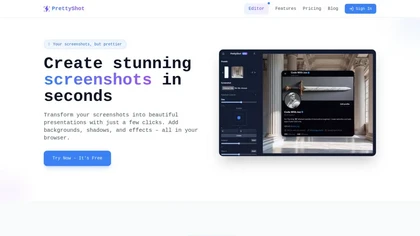
PrettyShot is a web-based tool that enhances standard screenshots by adding backgrounds, shadows, and effects, allowing users to create professional-quality visuals. It supports mockups with device frames and offers efficient preset slots for customization.
Free trial
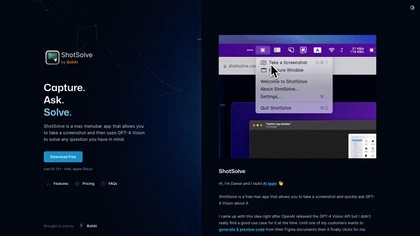
ShotSolve is a native macOS app that captures screenshots and uses GPT‑4o for instant queries. It offers a clean chat interface with themes, code styling, context controls, secure key storage, and configurable parameters for custom AI interactions.
Free
- $29/mo

Jelli is a Chrome extension that captures screenshots with a hotkey and copies them to the clipboard. Users can annotate by drawing arrows or rectangles directly on the image, then paste into Slack, Jira, or documents.
Freemium
- $19.99/mo
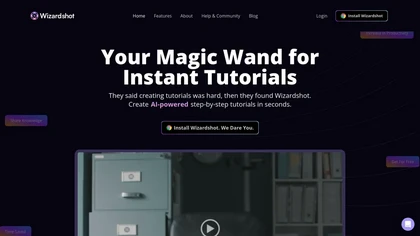
Wizardshot is a web app and Chrome extension that automatically converts screen recordings into structured, step‑by‑step tutorials. It exports to PDF/DOC, GIFs, embeds videos, supports team collaboration, role‑based access, blurs sensitive data, and provides analytics on usage and gaps.
Free

SnapEdit is an AI‑driven photo editor that removes objects, backgrounds, and text, provides 100+ background templates, upsamples images to HD/4K, and offers skin retouching, all accessible via web, iOS, and Android.
Freemium
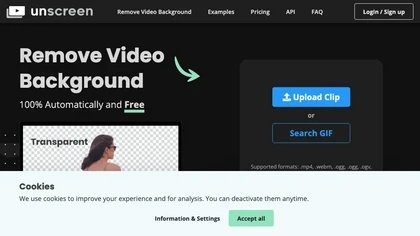
Unscreen is a cloud video editor that removes backgrounds from clips and exports them instantly, with format conversion and resizing. It offers plugins for After Effects and Premiere Pro and integrates with Canva for AI‑enhanced features.
Freemium
- $9
Pixelcode is a Chrome extension that extracts code from screenshots, images, PDFs, and video frames, recognizes over 30 programming languages, preserves formatting, and copies snippets directly to the clipboard for use in any editor.
Free
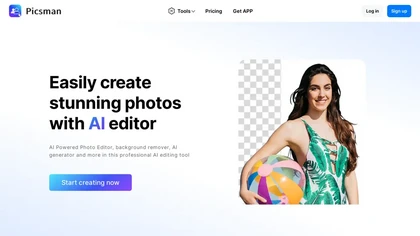
Picsman is an AI‑powered editor that removes or replaces backgrounds, ups image resolution, and applies styles like Ghibli or cartoon. It also offers text‑prompt editing, video generation, image extending, and watermark removal for quick, high‑definition results.
Free
- $5.99/mo

InShot is a mobile video editor that lets users cut, trim, and layer clips, auto‑generate multilingual captions, add music, intros/outros, and apply AI‑driven, 3D, glitch, and lens transitions, text, stickers, and picture‑in‑picture overlays.
Free
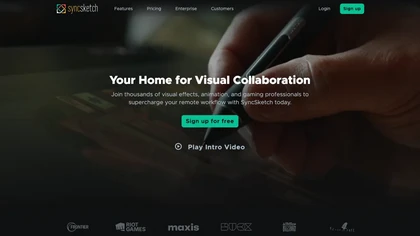
SyncSketch is a cloud-based collaboration tool for visual effects and gaming professionals, enabling remote teams to review media efficiently with synchronized presentations, frame-accurate annotations, version comparisons, and mobile access, while integrating with platforms like Jira and ShotGrid.
Free trial

SaveDay is a cross‑platform bookmark and knowledge organizer that captures web pages, videos, and other content with a single click. It auto‑tags items, offers AI‑powered search and summarization, and stores data locally with strict access controls.
Freemium
- $5.59/mo
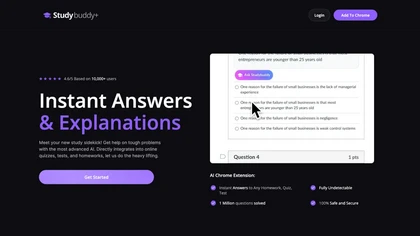
StudyBuddy Chrome Extension captures screenshots or highlights of questions to provide instant answers and detailed step‑by‑step explanations. It supports math, diagrams, and image queries in English, Spanish, and Portuguese, and includes a personal AI chat for broader study assistance.
Freemium
- $0.99

Self-Manager is an AI task manager that extracts tasks, owners, dates and priorities from notes and emails, offering date-centric planning, built-in timers with per-task time tracking, AI-generated period summaries, collaboration tools, customizable dashboards, and analytics.
Free trial
- $6/mo
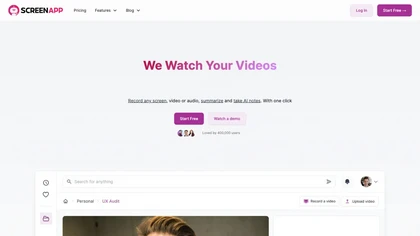
ScreenApp records and transcribes audio/video meetings, extracts key points and action items, and delivers searchable summaries and exports. It integrates with Zoom, Google Meet, YouTube and supports real‑time translation, helping teams quickly locate information.
Subscription
- $199/mo

Uizard converts text or screenshots into editable wireframes, mockups, and prototypes using AI. It offers screenshot and wireframe scanners, theme generation, ready‑made templates, a shared component library, real‑time collaboration, version control, and export to Figma and other tools.
Freemium
- $39/mo

OneTap is a clipboard management app for Apple devices that streamlines the copy-paste process, enabling users to save and retrieve text, links, images, and files easily. It features cloud syncing, clipboard history, and Siri shortcuts for enhanced workflow.
Freemium
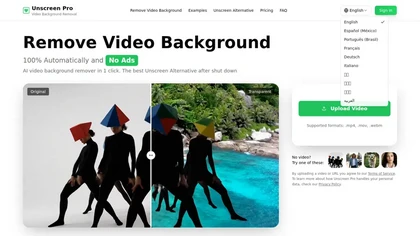
Unscreen Pro automatically removes video backgrounds frame by frame, no greenscreen, producing transparent outputs (MP4, MOV, WebM, AVI) at original or upscaled resolution, with live preview, batch processing and an API for workflow integration.
Freemium
- $4.99/mo
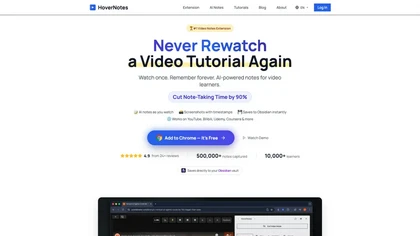
HoverNotes is an AI browser extension that enhances note-taking for videos by capturing key concepts, screenshots, and timestamps. It integrates with Obsidian for organized storage, making it ideal for students and professionals engaged in technical subjects.
Free trial
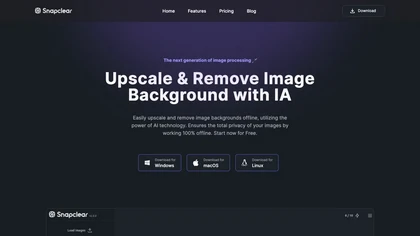
Snapclear is a cross‑platform desktop app that removes backgrounds and upsizes images up to 4× offline, preserving privacy for photographers, designers, and e‑commerce merchants. It supports bulk processing and smart cropping across Windows, macOS, and Linux.
Freemium
- $2.99/mo
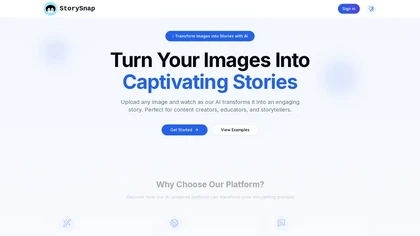
SnapStory turns text and images into AI‑generated comics and short videos, offering preset styles, language‑aware image analysis, collaborative editing, export to media formats, and direct social media publishing for designers, marketers, and studios.
Paid
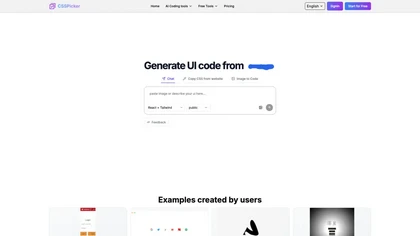
CSSPicker is an AI tool that transforms design screenshots into responsive HTML, CSS, or Tailwind code. With a real-time code editor and integration for frameworks like React, it aids both novice and experienced developers in UI coding tasks.
Free trial
- $30

PhotoGrid is a browser‑based AI photo editor that offers one‑click enhancement, background removal, and upscaling. It lets users build collages from 20,000 templates, add stickers, text, custom backgrounds, and convert images into short video clips.
Subscription
- $2.83/mo
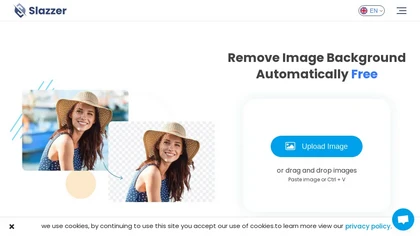
Slazzer: AI‑driven background removal that handles complex edges, offers upscale, shadow, sky replacement, and de‑oldifying. Available via web, desktop, mobile, API, and design‑software plugins for bulk processing, ideal for photographers, e‑commerce, marketers, and developers.
Paid
- $0.14
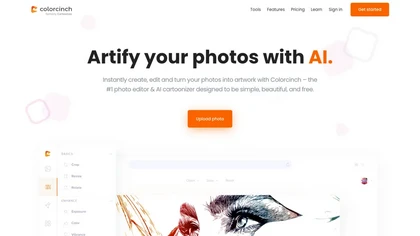
Colorcinch is an AI photo editor that instantly cartoonizes or sketches images and offers background removal, cropping, resizing, exposure and detail controls, file compression, and 400 DPI print‑ready export. Mobile app adds cartoonizing, background removal, and upscaling on the go.
Paid
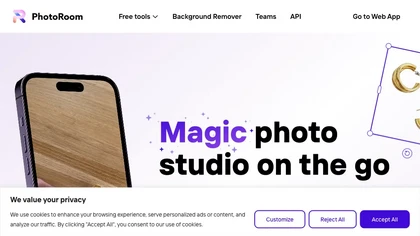
Photoroom is an AI-powered tool for creating professional product visuals at scale, featuring automatic background removal, image generation, virtual staging, and batch editing capabilities for efficient high-quality output.
Free trial
- $5.99/mo

Wallpapers.com provides a searchable library of 1.5M+ HD, 4K and 8K images organized by theme and device, with resolution presets, multi‑monitor and meeting backgrounds, built‑in upscaler, background remover, enhancers, free PNG/SVG assets and hosting.
Freemium

Shotva is an AI tool that transforms screenshots into polished images with customizable backgrounds, frames, and annotations. Its auto-styling feature analyzes content to create cohesive designs, while also streamlining ad creation with brand identity scraping.
Free
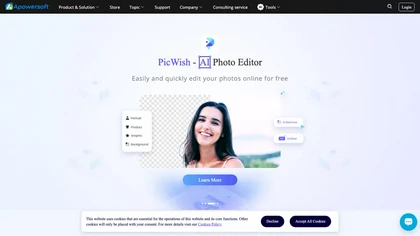
Apowersoft delivers cross‑platform screen, audio, and video capture with high‑fidelity recording, along with versatile media conversion, editing, and PDF OCR. It also offers background removal, data recovery for mobile/desktop, HEIC conversion, and multi‑monitor support for creators and businesses.
Free
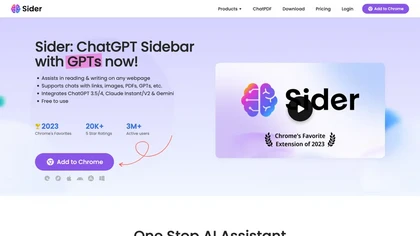
Sider AI is a browser extension that consolidates instant summarization, translation, and research tools in a side panel. Users compare AI model responses, receive on‑the‑fly explanations for highlighted text, extract OCR, and store snippets in a searchable knowledge base.
Free

Superhands is a web automation tool that streamlines capturing and replicating web components. Its one-click functionality allows users to efficiently integrate elements into projects, enhancing productivity for developers, designers, and content creators.
Free

Studioshot is an AI tool that transforms uploaded photos into professional headshots with customizable styles, lighting, and backgrounds. It delivers high-quality, retouched results quickly, including outfit and background adjustments.
Freemium
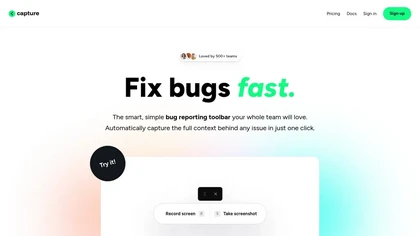
Capture.dev is a bug reporting tool that simplifies issue reporting with an intuitive toolbar, automatically captures context, and integrates with collaboration tools. It enhances communication and productivity by generating detailed bug reports and annotated playback for efficient resolution.
Free trial
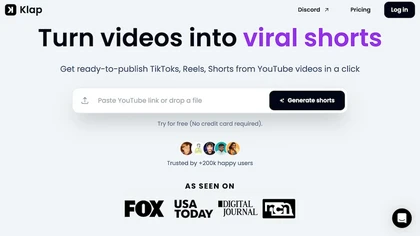
Klap automatically extracts key moments from long videos, reframes them for vertical formats, adds multilingual subtitles, and lets you customize branding. Upload files or YouTube links, then share or schedule ready‑to‑publish clips across TikTok, Instagram, LinkedIn, and YouTube.
Paid
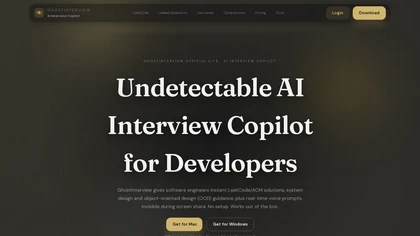
GhostInterview is a real-time AI interview copilot that provides live coding, system design, and OOD support. It transcribes audio, parses screenshots, and delivers stealth-visible hints and solution outlines during live interviews.
Free trial
- $99/mo
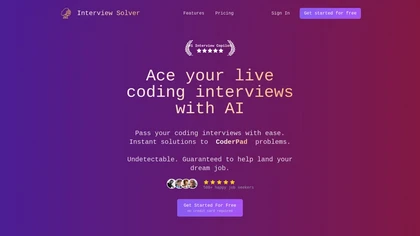
Interview Solver is a desktop AI copilot that supplies real‑time code and system‑design solutions during coding interviews, accepting screenshots, voice, and documents, and remains invisible in screen sharing and background processes.
Freemium
- $30
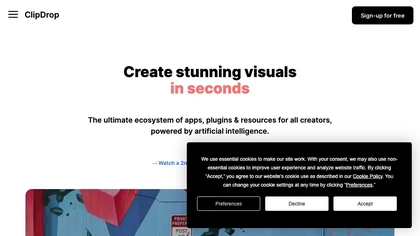
Clipdrop uses deep learning to remove backgrounds, objects, and text, upscale images, adjust lighting, uncrop, and resize. It also offers text‑to‑image generation and an API for developers, supporting design, marketing, and app workflows.
Subscription
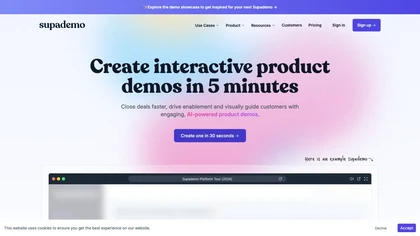
Supademo records user interactions and auto‑generates guided walkthroughs for web, mobile, and desktop apps. It offers HTML cloning, screenshots, Figma integration, multi‑language voiceovers, branching logic, analytics, and CRM integration to accelerate onboarding and support sales cycles.
Free trial
Storyboarder.ai transforms scripts into detailed shot lists, storyboards, and animatics. Upload PDFs, Fountain, or prompts to auto‑generate visual panels; edit frames, adjust camera, and export PDFs for crew. Supports film, TV, commercials, and web projects.
Freemium

paperclip is an open-source, self-hosted AI orchestration platform for creating and managing autonomous companies and agent teams—providing role-based hiring, goal-driven task delegation, budgeting, audit trails, multi-tenant deployment, extensible LLM integrations, and monitoring dashboards.
Free