
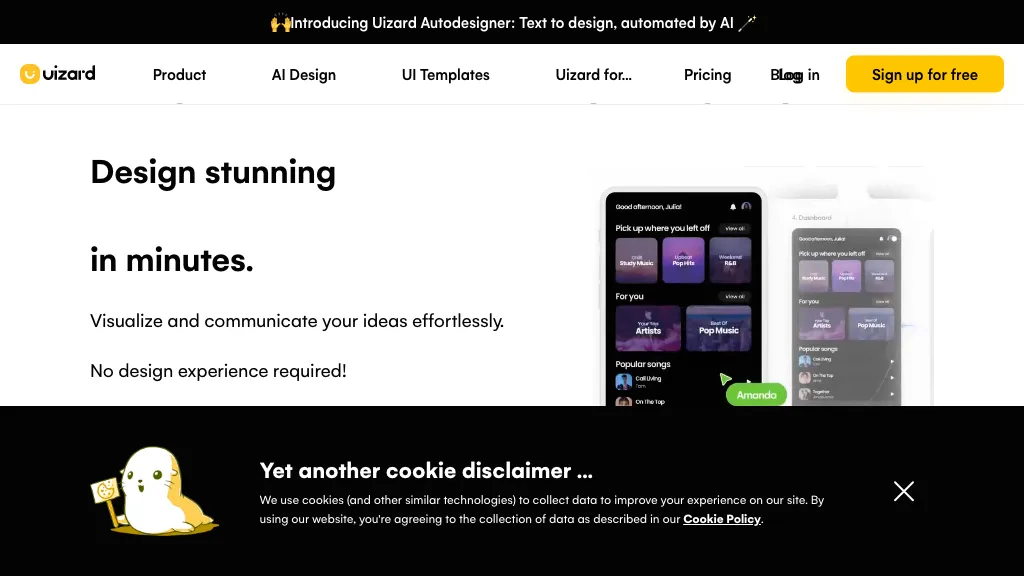
What is Uizard?
Uizard is an AI‑powered UI design platform that turns text prompts or screenshots into editable wireframes, mockups, and prototypes. The tool offers a screenshot scanner, a wireframe scanner, and a theme generator to speed up conversion of visual assets into design components.
Users can create mobile, web, tablet, and app interfaces with ready‑made templates and a shared component library. Product managers, designers, marketers, and startup founders can collaborate in real time, iterate quickly, and export designs to popular formats and tools such as Figma.
Uizard details
- Jurisdiction
- Kingdom of Denmark
- Built for
- Individuals
Uizard tech specs
- Integrations
- Figma
Uizard pricing
Freemium- Auto-renewal
- Yes
Verify on the official pricing page.
View plansUizard's key features
-
Generate UI from text prompt
-
Convert screenshots to editable mockups
-
Turn sketches into wireframes
-
Create themes automatically
-
Edit AI-generated components
-
Generate multi-screen prototypes
-
Real-time AI collaboration
Uizard use cases
-
Turn a screenshot of a legacy web page into a clean, editable wireframe in seconds, automatically generating reusable components and exporting the result to Figma for instant developer handoff.
-
Convert product requirement text into a fully interactive mobile app prototype, leveraging Uizard's theme generator to create device‑specific UI, and collaborate in real‑time with the design team to iterate quickly.
-
Build a responsive e‑commerce landing page from scratch using ready‑made templates and the shared component library, version‑controlling every change and ensuring design consistency across multiple platforms.
Uizard user reviews
Based on 18 reviews, 61% of users recommend Uizard, rated highly for value for money.
Liked for
Disliked for
Would you recommend Uizard?
Uizard playbooks
1Step-by-step guides to get the most out of Uizard
Who is Uizard for?
-
Product managers
-
Product designers
-
Startup founders
-
Software developers
-
Content creators
Uizard FAQ
Is Uizard free?
Partly. Uizard has a free plan with usage limits, and paid plans unlock the full feature set. Plans include Pro at $12/mo (if billed annually) and Business at $39/mo.
Is Uizard safe to use?
Uizard carries the TopAI.tools verified mark, which we award after a manual review of pricing transparency, published terms, public following and working functionality. It has a substantial audience that is independently measured month to month.
Is Uizard good?
Uizard has a 61% recommendation rate from 18 reviewers on TopAI.tools. Reviewers rate it highest on value for money and quality of results.
What are the best alternatives to Uizard?
The closest alternatives to Uizard are UX Magic, Banani, Motiff, Canva AI and Text to Design. You can compare them side by side in the alternatives section further down this page.
What does Uizard do with my data?
Uizard states that customer content may be used to train its models. Its privacy policy states that personal data is not sold or shared for marketing purposes. Data may be shared with third-party service providers that help run the product.
Does Uizard auto-renew or offer refunds?
Uizard subscriptions renew automatically until you cancel.
What does Uizard integrate with?
Uizard connects with Figma.
Compliance, privacy and billing terms are as stated in each product's own published documentation and have not been independently verified by TopAI.tools.


