
Event Sourced Tutorial Recorder
The best 50 Event Sourced Tutorial Recorder AI tools - Free & Paid
Explore 50 AI for Event Sourced Tutorial Recorder

CodeVideo records editor edits, terminal output, and UI events into an event-sourced, deterministic timeline for creating editable, scrubable code tutorials and training; export to video, Markdown, PDF, PPTX, HTML, framework-specific projects, or programmatic workflows via API/JSON.
Subscription
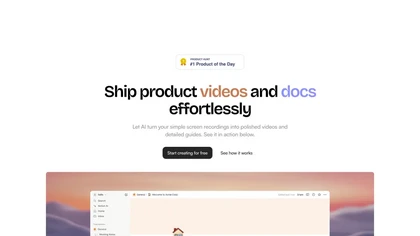
Trupeer turns browser screen recordings into product videos with AI‑generated scripts, voiceovers, and annotations. It supports 65+ languages, brand assets, avatars, and templates, and outputs videos, PDFs, or embed code. Centralized asset storage, searchable knowledge base, analytics, and security.
Freemium
- $19/mo
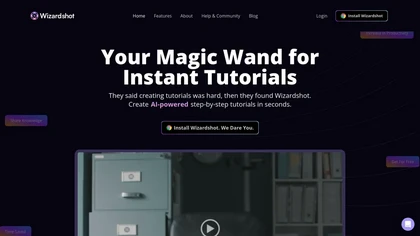
Wizardshot is a web app and Chrome extension that automatically converts screen recordings into structured, step‑by‑step tutorials. It exports to PDF/DOC, GIFs, embeds videos, supports team collaboration, role‑based access, blurs sensitive data, and provides analytics on usage and gaps.
Free

Backtrack records and transcribes trade-show and event conversations, offering real-time and post-event transcripts, searchable session replays, CRM-ready notes, automatic follow-up tasks, exportable contact/meeting data, and analytics for lead capture and ROI.
- $400
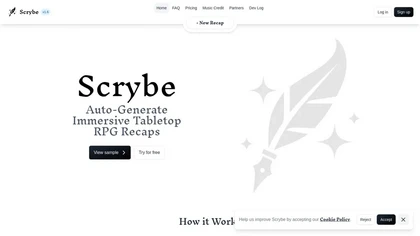
Scrybe Quill automatically generates audio/video recaps for tabletop RPG sessions by recording gameplay. Users can choose narrators and background music, preserving key moments and enhancing storytelling for future adventures.
Free trial
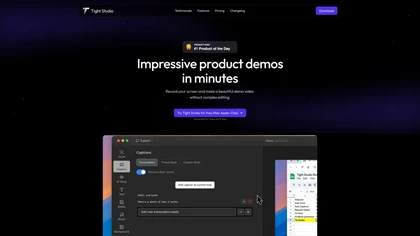
Tight Studio is a screen recording tool that enables users to create professional videos quickly. Features include smart zoom, captioning, background music, AI narration, and dynamic text overlays, making it ideal for tutorials, demos, and presentations.
Freemium
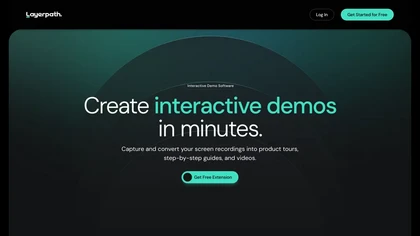
Layerpath converts a single screen recording into interactive demos, step‑by‑step guides, or videos, automatically capturing clicks and UI changes. It lets you edit steps, add multilingual narration, embed forms, apply branding, view analytics, and share via embed, link, or export.
Freemium
- $129/mo

Tella is a cross-platform screen recorder and video editor that captures screen and webcam in 4K, offers clip-based recording with multi-camera layouts, transcript-driven and AI-assisted editing (filler removal, silence trim), templates, hosting and export options.
Free trial
- $13/mo
Rewind is an AI tool that records, searches, and eliminates note-taking across apps and web pages for privacy and local storage. It can also record meetings.
Freemium
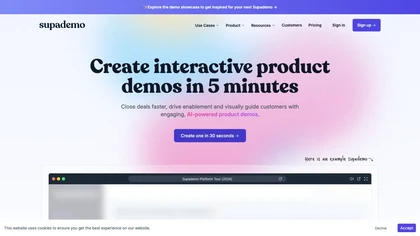
Supademo records user interactions and auto‑generates guided walkthroughs for web, mobile, and desktop apps. It offers HTML cloning, screenshots, Figma integration, multi‑language voiceovers, branching logic, analytics, and CRM integration to accelerate onboarding and support sales cycles.
Free trial

Riverside is a comprehensive platform for recording high-quality video and audio, with AI-powered editing and live streaming tools. It centralizes hosting, publishing, and analytics for podcasts and videos, supporting remote collaboration and content repurposing.
Freemium
- $24/mo
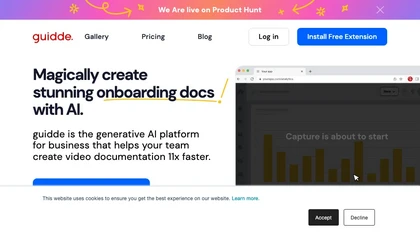
Guidde records screen activity, auto‑generates step‑by‑step video guides with AI narration and captions, editable and embeddable into platforms like Salesforce. Supports export, multilingual translation, and enterprise security for teams and knowledge bases.
Free trial
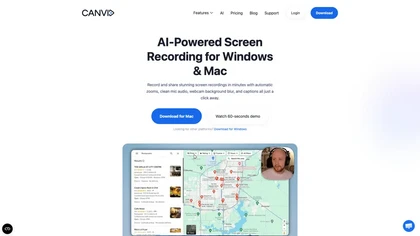
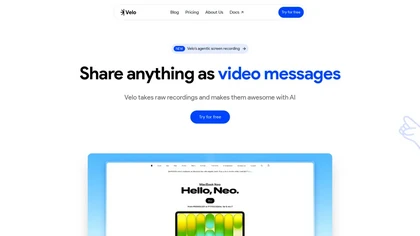
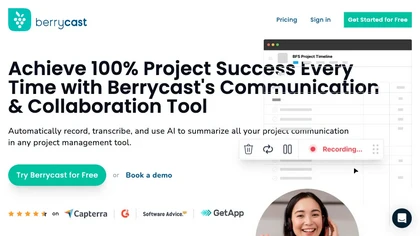
Berrycast is a cross‑platform screen‑recording tool that captures webcam, screen activity, and live voice narration. It instantly shares screencasts, integrates into productivity apps, and meets GDPR privacy and data‑security standards.
Subscription
- $1.33/mo
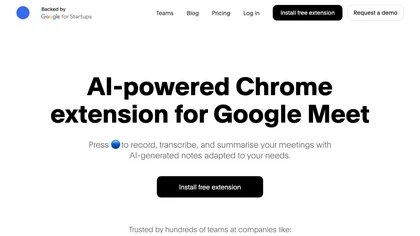
Bluedot AI Note Taker records, transcribes, and summarizes meetings across Zoom, Teams, Google Meet, browser tabs, and mobile. It delivers speaker‑identified transcripts, concise summaries in 100 + languages, extracts action items, and syncs notes to CRM and project tools via API.
Freemium
- $14/mo
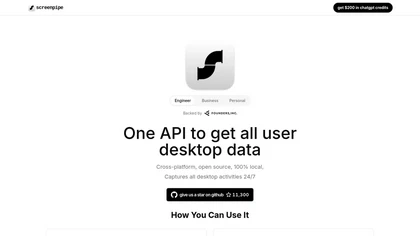
Screenpipe records screen and microphone continuously on macOS, Windows, or Linux, stores data locally, indexes it by text/audio, and runs AI agents that update CRMs, transcribe meetings, track expenses, or monitor competitors, delivering structured data to apps like Slack or Notion. Privacy is kept
Subscription
- $35/mo
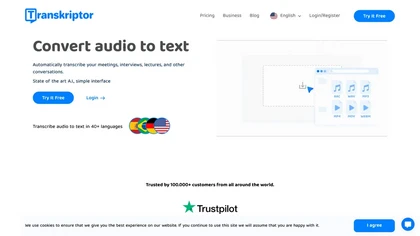
Transkriptor converts audio/video files into editable, timestamped transcripts in 100+ languages, auto‑detecting speakers. It extracts summaries, action items, and sentiment, and integrates via Zapier with CRMs and PM tools for automated workflow routing.
Subscription
- $30/mo
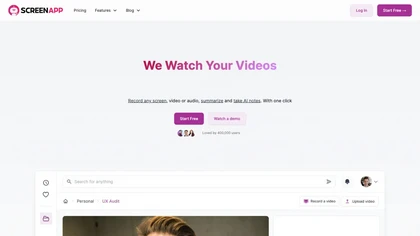
ScreenApp records and transcribes audio/video meetings, extracts key points and action items, and delivers searchable summaries and exports. It integrates with Zoom, Google Meet, YouTube and supports real‑time translation, helping teams quickly locate information.
Subscription
- $199/mo
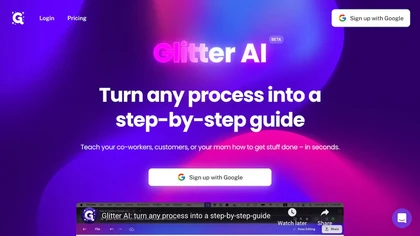
Glitter AI transforms video or screen‑capture recordings into structured step‑by‑step guides, SOPs, and onboarding documents. It auto‑transcribes, extracts key moments, and generates content with screenshots, exportable to PDF, HTML, Markdown, and popular knowledge‑base platforms.
Freemium
- $16/mo
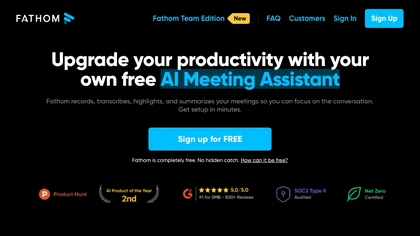
Fathom.video is a free AI-powered tool that automatically transcribes, highlights, summarizes, generates call notes and integrates with various communication and organization platforms for Zoom calls.
Free

Supercut is an asynchronous video messaging platform that records screen and webcam (up to 4K), auto-edits and chapters recordings, provides branded shareable links with embedded CTAs, analytics and engagement tracking, collaboration tools, and enterprise-grade security.
Free trial
Stork Voice Notes records voice, video, and screen sessions, transcribes them in real‑time, and generates concise summaries with highlighted action items. Time‑stamped comments and searchable transcripts enable quick navigation and knowledge‑base creation for remote teams.
Freemium
- $9.99/mo

HappyScribe captures audio from Google Meet, Teams, and Zoom, providing AI transcription, instant meeting notes, summaries, and action items. It supports over 120 languages, offers human‑edited reviews, secure GDPR‑compliant cloud storage, collaboration, integrations, and usage analytics.
Subscription
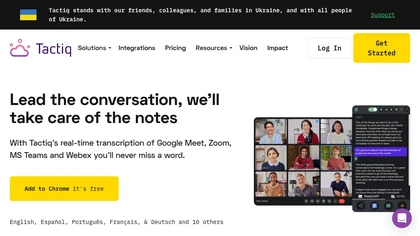
Tactiq.io captures real‑time, speaker‑identified transcripts for Google Meet, Zoom, and Teams without adding a bot. It auto‑generates AI summaries, lets users ask questions, and exports insights to Linear, HubSpot, Slack, etc., supporting 60+ languages and compliance standards.
Free
- $8/mo
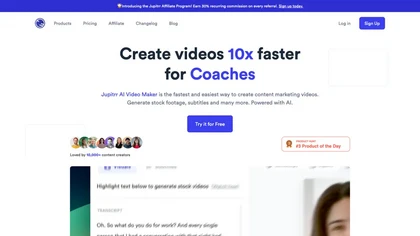
Jupitrr AI VideoOS offers an all‑in‑one workflow for planning, editing, and publishing videos. AI tools auto‑trim footage, generate scripts, create teleprompters, convert audio to clips, schedule cross‑platform posts, and track performance analytics.
Freemium
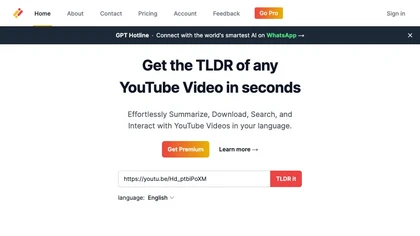
Transcribes, translates, and summarizes YouTube videos in 125+ languages, delivering instant transcripts, AI‑generated summaries with timestamps, and automatically formatted blog posts, LinkedIn articles, Twitter threads, PPT decks, chapter markers, and clip ideas for students, researchers, educator
Subscription
- $19/mo

Motionik is a Windows and macOS screen recording and editing app combining cursor-tracking auto-zoom, timeline editing, overlays (titles, captions, webcam, mobile capture), trimming and masks, background replacement, AI transcripts and noise reduction for efficient demos and tutorials.
Free
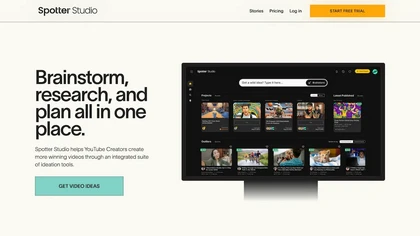
Spotter Studio provides Creators with an integrated solution for video brainstorming, research, and project planning. It's your all-in-one place to develop and organize high-performing video concepts, titles, and thumbnails solo or collaboratively with others.
Free trial
- $49/mo

Recapio converts YouTube videos and public articles into transcripts, AI summaries, searchable notes and visual whiteboard infographics, offers a chat-with-video interface with clickable timestamps, channel monitoring/Daily Digest, and a private searchable Memory for research and collaboration.
Free trial
- $4.99
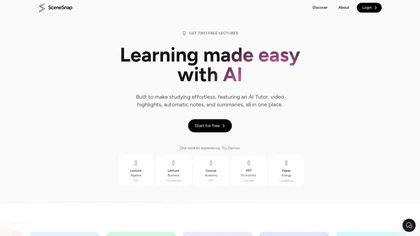

aivideosummarizer.io is an AI tool that converts videos (from uploads or links) into concise summaries, full transcripts, and chapter markers. It supports multiple formats and languages, generating editable outputs like study outlines and mind maps for faster content review.
Free
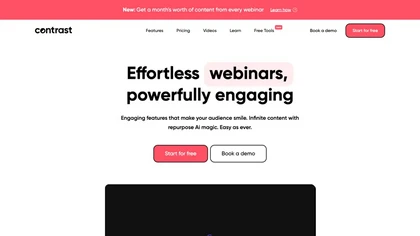
Contrast allows users to quickly create and host live or pre‑recorded webinars with branded pages, interactive widgets, and local FullHD recording. HubSpot integration syncs attendee data, while AI repurposes sessions into posts, clips, or subtitles, feeding engagement metrics to the CRM.
Free
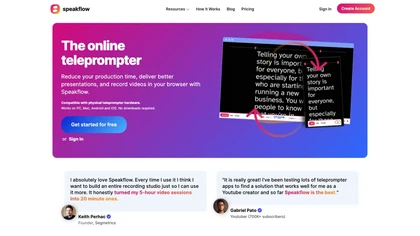
Speakflow is a web‑based teleprompter that lets users scroll scripts by voice or manually with real‑time speed control. It offers autosave editing, collaborative drafting, device‑synchronization, 1080p browser recording, and hardware compatibility.
Freemium
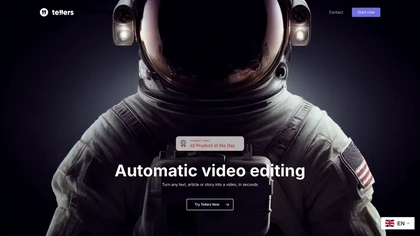
Tellers transforms scripts, live footage, and podcasts into finished videos. Its AI adds voice‑over, visual style, transitions, and auto‑edits camera footage. Illustrated Podcasts pairs audio highlights with royalty‑free clips from Pexels for dynamic visuals.
Freemium
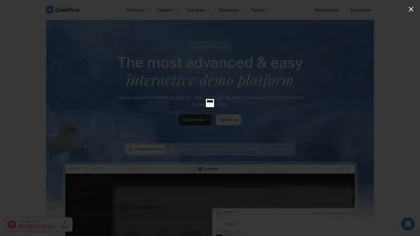
Guideflow automates creation of interactive product demos and live replicas by capturing user flows from browsers or apps, offering a no-code editor, AI-driven translations/voiceovers, sharing/embed options, analytics, reusable demo libraries, and enterprise integrations.
Free
- $35/mo
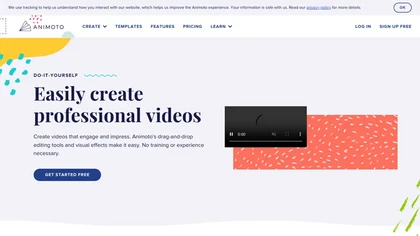
Animoto is a drag‑and‑drop video creation platform that lets users assemble polished videos using templates, screen and webcam recording, licensed music, and Getty stock assets. It supports voice‑overs, graphics, collaboration, and branding presets.
Freemium
- $7/mo
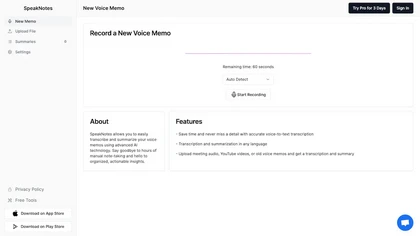
SpeakNotes transcribes and summarizes audio and video into structured text, supporting over 50 languages and 15+ formats with 95%+ accuracy. It auto‑detects speakers, offers customizable summary styles, and integrates with Notion, Slack, and Obsidian for workflow automation.
Freemium
Research Studio consolidates UX research by importing PDFs, videos, audio, Word, and Excel files in over 99 languages. Drag‑and‑drop widgets build personas, JTBD lists, sentiment statements, journeys, and stories instantly, while competitor data is pulled via widgets and exported directly to Notion.
Paid
Eightify uses AI to extract key ideas from YouTube videos, delivering timestamped bullet‑point summaries, full transcripts, and comment insights via a Chrome extension and mobile apps. It supports 40+ languages, helping users preview, note‑take, and share content efficiently.
Freemium
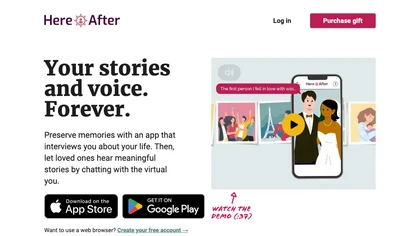
HereAfter AI captures and securely stores audio interviews with accompanying photos. A voice‑guided interface lets family members retrieve stories by topic or date, and only authorized recipients can access the content, available on web or mobile.
Subscription
- $3.99/mo
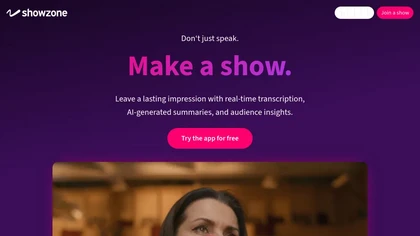
Showzone lets presenters upload slides or video, broadcast live via QR code, and provide real‑time transcription and AI‑generated slide summaries. Attendees view content on their phones, receive concise summaries, and organizers collect secure contact data for lead tracking.
Freemium
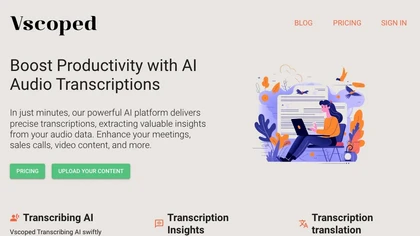
Vscoped transcribes MP3, MP4, WAV, M4A, and other audio or video files into text within minutes, supporting 90+ languages with speaker labels and punctuation. It offers translations, AI‑generated summaries, and exportable subtitles for creators.
Subscription
- $3.99/mo
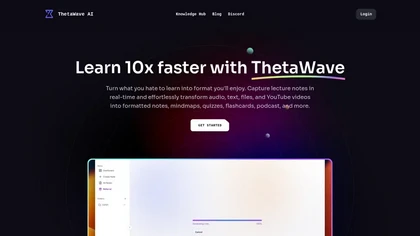
ThetaWave AI captures lecture audio, YouTube videos, and documents, transcribing them into searchable notes with tables, formulas, and charts. It generates quizzes, flashcards, mind maps, podcasts, and videos for flexible review.
Free

History Timelines is an app that enables users to create and view timelines of historical events.
Free
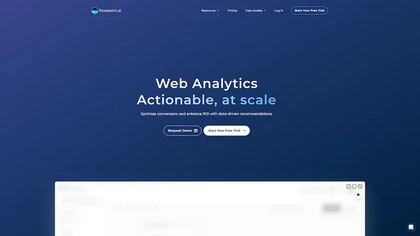
Flowpoint offers a single‑panel dashboard that aggregates key website analytics: top traffic sources, high‑performing pages, real‑time audience by geography, and detailed event timelines. It provides step‑by‑step funnel analysis and session recordings to pinpoint conversion drop‑offs.
Freemium
- $5/mo
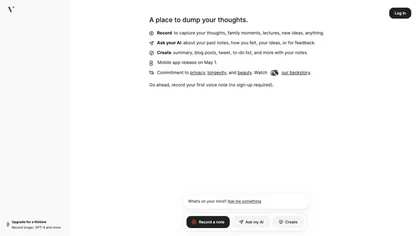
Voicenotes lets users record audio on iPhone, Android, desktop, or web, automatically transcribing and summarizing content. It supports 100+ languages, integrates with video calls, and converts notes into blogs, emails, or tasks, keeping recordings encrypted and private.
Freemium
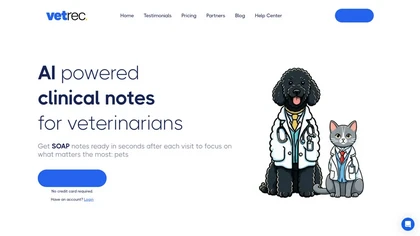
Vet AI Scribe by VetRec simplifies veterinary documentation with a one-click recording feature, generating SOAP-style notes within 30 seconds. Customizable templates enhance specialization, while maintaining a complete record assists in patient history and compliance.
Free trial