
What is Bluedot?
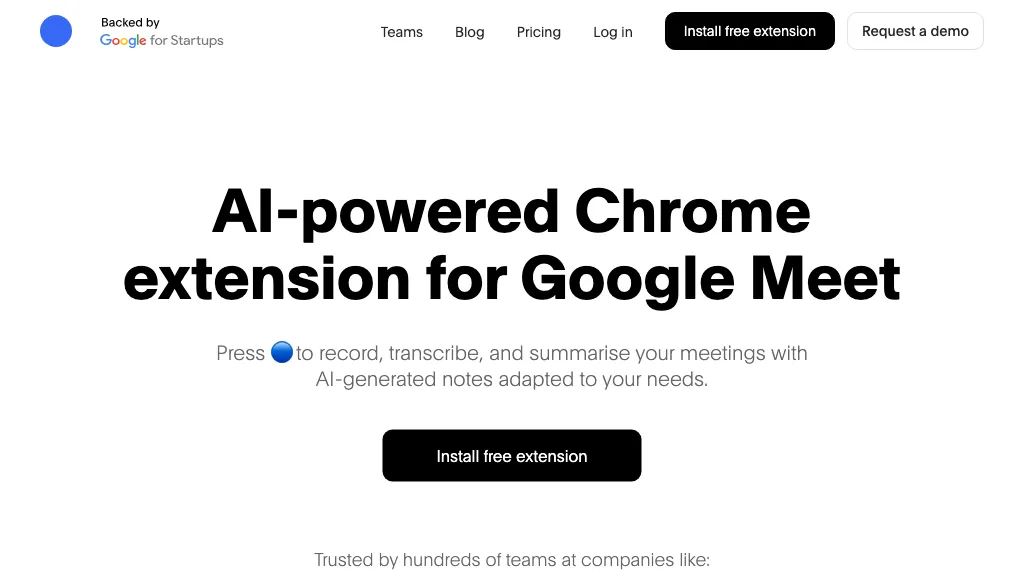
Bluedot AI Note Taker captures, transcribes, and summarizes meetings without joining the call, ensuring privacy and a natural conversation flow. It records audio and video from Zoom, Google Meet, Microsoft Teams, browser tabs, and mobile devices, supporting in‑person interviews via the iOS and Android apps.
The service produces accurate speaker‑identified transcripts and concise summaries in 100 + languages, automatically extracting action items. Integrated APIs sync notes and tasks to CRMs, ATSs, and project tools, while an AI chat layer allows users to query meeting content across sessions.
Teams can share searchable transcripts, clip highlights, and comment on key moments through links or embedded notes. The desktop apps for Windows and macOS provide a seamless recording experience for virtual and phone meetings. Designed for entrepreneurs, recruiters, sales professionals, managers, engineers, and customer‑success teams, Bluedot streamlines meeting documentation and post‑meeting follow‑ups.
Bluedot details
- Built for
- Businesses and teams
- Stated compliance
- SOC 2, GDPR
Compliance as stated in Bluedot's own published documentation.
Bluedot tech specs
- Integrations
- Zapier Slack Google Workspace Microsoft Teams
Bluedot pricing
FreemiumVerify on the official pricing page.
View plansBluedot's key features
-
AI note-taker for meetings
-
Transcribes audio and video calls
-
Generates clear summaries
-
Search conversations like knowledge base
-
Drafts follow‑up emails
-
Integrates with CRM tools
-
Supports 100+ languages
Bluedot use cases
-
Record, transcribe, and automatically sync client calls from Zoom to Salesforce CRM with speaker‑identified transcripts and action items, all in the caller’s native language
-
Summarize weekly product syncs across Teams and Google Meet in 100+ languages, extract action items, and push concise summaries to Jira via API for seamless task tracking
-
Capture and translate cross‑border stakeholder meetings from mobile browsers, deliver multilingual speaker‑identified transcripts, and store the notes in Confluence for global team access
Bluedot user reviews
Based on 32 reviews, 84% of users recommend Bluedot, rated highly for value for money.
Liked for
Disliked for
Would you recommend Bluedot?
Who is Bluedot for?
-
Browser extension developers
-
Meeting attendees
-
Team leaders
-
Meeting note takers
-
Automation engineers
Bluedot FAQ
Is Bluedot free?
Partly. Bluedot has a free plan with usage limits, and paid plans unlock the full feature set. Plans include Annual at $14/member/mo, Basic at $18/member/mo, Pro at $20/member/mo and Pro at $25/member/mo.
Is Bluedot safe to use?
Bluedot states SOC 2 and GDPR compliance in its own published documentation. Bluedot carries the TopAI.tools verified mark, which we award after a manual review of pricing transparency, published terms, public following and working functionality. It has a substantial audience that is independently measured month to month.
Is Bluedot good?
Bluedot has an 84% recommendation rate from 32 reviewers on TopAI.tools. Reviewers rate it highest on value for money and quality of results.
What are the best alternatives to Bluedot?
The closest alternatives to Bluedot are tl;dv, Read AI, Happy Scribe, Otter AI and TakeNote. You can compare them side by side in the alternatives section further down this page.
What does Bluedot do with my data?
Bluedot states that customer content is not used to train its models. Its privacy policy states that personal data is not sold or shared for marketing purposes. Data may be shared with third-party service providers that help run the product.
Does Bluedot have an API?
Yes. Bluedot offers an API, so you can call it from your own applications instead of using the interface directly.
Is there a mobile app for Bluedot?
Yes. Bluedot has a mobile app alongside its web version.
What does Bluedot integrate with?
Bluedot connects with Zapier, Slack, Google Workspace and Microsoft Teams.
Compliance, privacy and billing terms are as stated in each product's own published documentation and have not been independently verified by TopAI.tools.


