
Browser Based Diagram Editor
The best 50 Browser Based Diagram Editor AI tools - Free & Paid
Explore 50 AI for Browser Based Diagram Editor
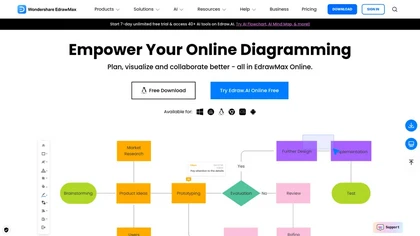
EdrawMax Online is a cloud diagramming platform with 210+ diagram types, including flowcharts, UML, and Gantt charts. It offers drag‑and‑drop editing, real‑time collaboration, 20,000 free templates, 26,000 symbols, and AI tools for diagram, chart, and PPT generation, OCR, and copy‑writing.
Freemium
- $5.33/mo
Edraw Software is a versatile diagramming tool that enables users to create flowcharts, mind maps, and organizational charts with ease. Its drag-and-drop functionality, collaboration features, and support for multiple file formats enhance productivity and integration.
- $59

MermaidViewer is a browser-based Mermaid diagram editor with live preview, supporting a wide range of chart types. It features AI-assisted code generation, real-time collaboration, and export options for team documentation workflows.
Free trial
- $69.99

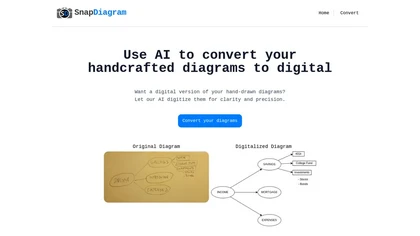
SnapDiagram uses AI to turn hand‑drawn diagrams into crisp digital images. It accepts any image format, outputs PNG, JPG, or editable files, lets users preview the conversion, and then download the refined result.
Freemium

OpenPencil.dev is a lightweight, open-source desktop design editor that runs locally with full Figma file support. It offers scriptable workflows and an optional AI chat tool, prioritizing developer control and extensibility under the MIT license.
Free
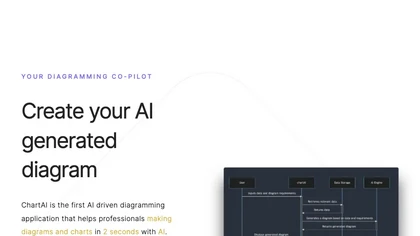
ChartAI auto‑creates diverse visualizations—mind maps, flowcharts, timelines, Gantt charts, ER diagrams, etc.—by converting data into polished diagrams. It offers templates, quick start, and dataset generation, aiding analysts, researchers, educators, and managers.
Free
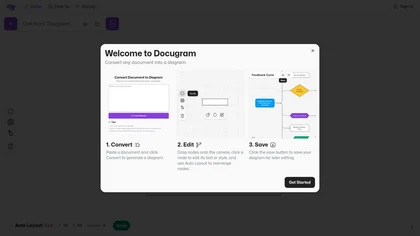
Docugram transforms text into visual diagrams like decision trees and flowcharts, enhancing clarity of complex information. It features editable nodes, auto layout for professional appearances, and easy saving for future editing, ideal for professionals communicating processes effectively.
Subscription
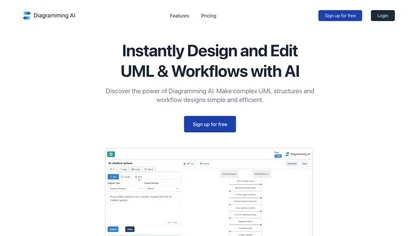
Diagramming AI generates and edits flowcharts, UML, and architecture diagrams across Mermaid, PlantUML, GraphViz, D2, and Excalidraw using natural‑language prompts. AI chat refines designs, auto‑corrects syntax, and converts text to interactive visuals with templates, versioned collaboration, and ex
Freemium
- $3/mo
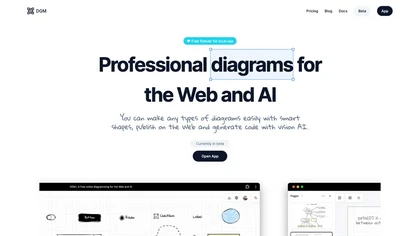
DGM is an AI-powered, free online diagramming tool with advanced features. It provides smart shapes (UML, ERD, flowcharts, UI wireframes) and code generation assistance. Key attributes include cloud storage, hand-drawn styles, web publication, and upcoming real-time collaboration.
Free

dg diagram-generator converts text prompts into structured diagrams — flowcharts, UML, ER, network, Gantt and infographics — offers quick drafts, 4K renders, editable Mermaid export, style templates, and Pro web grounding with layout-aware rendering.
Free trial

Cloudairy is a cloud-based collaborative workspace with AI-powered diagramming and project management tools. It enables real-time teamwork with flowcharts, mind maps, Kanban boards, and automated documentation for streamlined workflows.
Free trial
- $8/mo

Open Operator is a user-friendly AI tool that allows users to view, run, and browse AI models directly in their web browser. Powered by Stagehand and BrowserBase, it offers a seamless experience for exploring AI predictions effortlessly.

Converts text, images, PDFs and spreadsheets into editable diagrams—flowcharts, decision trees, UML, mindmaps, org charts and Gantt—by parsing processes into steps, decisions and loops, offering auto-layout, collaborative editing and PNG/SVG/PDF export.
Free trial
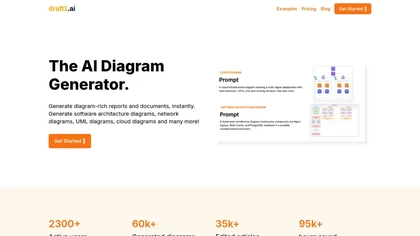

Boardmix is an AI‑powered online whiteboard that supports real‑time collaboration for up to 500 users on an infinite canvas. It offers diagramming tools, AI‑generated layouts, integrations, and embedded video/emoji chat for efficient team workflows.
Paid
- $0.42/mo

Bhava is an AI-powered diagram editor that converts text prompts or images into editable flowcharts, architecture, UML, ERD, sequence, network and org diagrams; recognizes sketches/screenshots, maps cloud icons, supports draw.io/Mermaid import/export, PNG/SVG/PDF, collaboration and API.
Freemium

Jeda.ai provides an infinite canvas powered by multimodal language models that auto‑generate diagrams, charts, and insights from text, data, or images. It supports up to three LLMs, real‑time web data, collaborative note‑taking, and exportable visual decks.
Freemium
- $10/mo


Sketch2scheme uses AI to convert hand‑drawn flowcharts and textual descriptions into clean digital diagrams. It auto‑detects nodes, aligns them, and lets users tweak via a visual editor or Mermaid code. Export to PNG, SVG, PDF, or diagrams.net.
Paid
- $3.99/mo

Octopus.do builds visual sitemaps by importing URLs, letting users organize site architecture and outline pages. It supports team collaboration, Figma integration, AI‑assisted content planning, SEO analysis, wireframing, and project estimation, with export options for easy deployment.
Freemium
- $0.83/mo
XAML.io is a web-based tool for generating and editing XAML code, offering syntax highlighting, real-time error checking, and drag-and-drop UI design. It facilitates collaboration and integrates with various development environments to enhance productivity.
Freemium

StudyBuddy Chrome Extension captures screenshots or highlights of questions to provide instant answers and detailed step‑by‑step explanations. It supports math, diagrams, and image queries in English, Spanish, and Portuguese, and includes a personal AI chat for broader study assistance.
Freemium
- $0.99
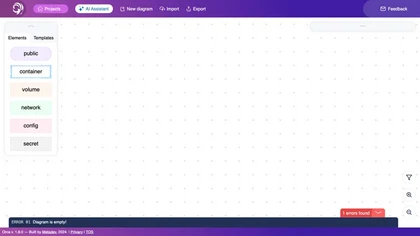
Orca Projects AI Assistant helps teams design, edit, and share detailed architectural diagrams of web and infrastructure stacks. It supports imports, exports, collaboration, version control, and pre‑built templates for popular tech stacks.
Freemium

TreeMind uses AI to convert prompts, images, or documents into structured mind maps and other diagram types. It supports unlimited nodes, real‑time collaboration, multiple export formats, and cross‑platform sync for students, educators, and teams.
Freemium
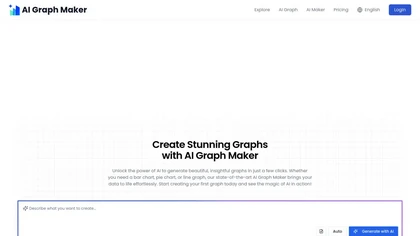
Free AI Graph Maker enables users to create interactive charts and graphs, including bar, pie, and line charts. It supports Gantt charts, flowcharts, and mind maps, facilitating effective data visualization for various sectors like education and finance.
Freemium

AI Infographic Generator converts text and data into customizable graphics like infographics and flowcharts. With over 500 templates and multi-language support, it enables editing and downloading in multiple formats, all while supporting 4K resolution.
Freemium
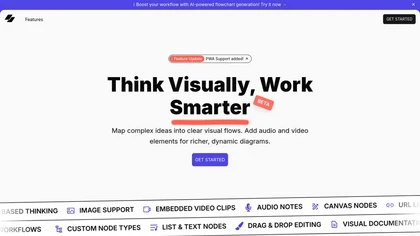
Visflow allows users to create interactive flowcharts and mind maps incorporating multimedia elements. Its drag-and-drop functionality supports real-time collaboration across devices while ensuring data remains local, making it ideal for creatives and educators focused on visual thinking.
Free
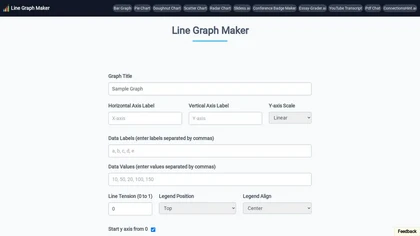
Line Graph Maker lets users input comma‑separated data to produce line charts in PNG, JPG, or SVG. Adjust titles, axis labels, Y‑axis scaling, line tension, legend, grids, colors, and download for reports or presentations.
Free

MyMap turns text prompts into mind maps, flowcharts, SWOT, timelines, and database schemas on an infinite canvas. It auto‑generates and places nodes with real‑time AI context awareness, letting users drag, connect, and reorganize for brainstorming and planning.
Freemium
- $12/mo
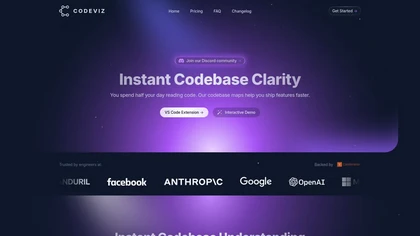
CodeViz automatically scans codebases in major languages to generate editable, versioned architecture diagrams. Teams view end‑to‑end workflows, API routes, and data flows, embed them in Git, Jira, Slack, or Figma, and sync branch‑specific designs for faster reviews and deployments.
Freemium
- $19/mo
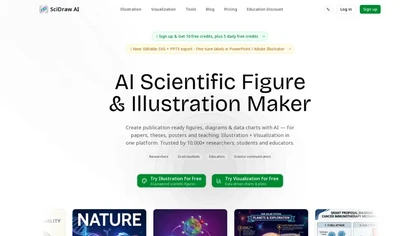
SciDraw AI is a scientific illustration and data visualization tool that converts text prompts, sketches, or images into publication-ready figures. It generates editable SVG/PPTX exports, data-driven charts from CSV/Excel, and supports journal style presets and colorblind-friendly palettes for repro
Free trial

Browser Use is a web automation tool that facilitates human-like interactions on websites. It offers features like captcha bypassing, stealth mode for authentication, and supports multiple languages, making it ideal for web scraping and navigation tasks.
Subscription
- $500
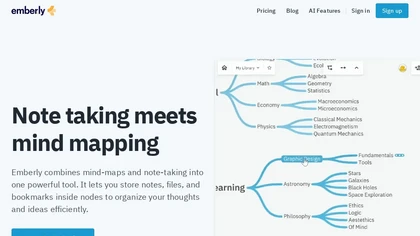
Emberly blends AI‑powered mind mapping with note‑taking, letting users store notes, files, and bookmarks in visual nodes. It auto‑creates mind maps, generates quizzes, offers an AI writing assistant, a discussion simulator, and supports real‑time collaboration with bi‑directional links.
Freemium
- $5/mo
Autodraw is an AI tool for quick drawing using machine learning, with a how-to section and shortcuts.
Free

PenPot.app is an open-source design platform for creating UI, wireframes, and interactive prototypes with CSS Grid and Flexbox layouts. It features AI-driven workflows for design-to-code automation, design systems management, and self-hosted deployment for enterprise control.
Freemium
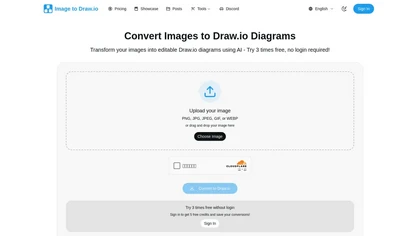
Image to Drawio is an AI-powered tool that converts static images (PNG, JPG, GIF) into editable draw.io diagrams, preserving shapes, text, and connections. It supports flowcharts, network diagrams, and sketches, allowing drag-and-drop uploads and secure, reusable edits.
Freemium
ChatUML is a desktop AI‑assisted diagram generator that turns textual descriptions into UML, flowcharts, and architecture diagrams. It exports common formats, stores diagrams in user accounts, and includes built‑in tutorials for developers and teams.
Freemium

PhotoPea is a browser-based photo editor that runs locally on your device, supporting layered PSD workflows and a wide range of file formats. It offers advanced editing tools, vector design features, and AI-powered background removal without requiring any installation.
Free
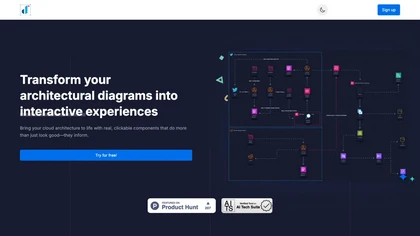
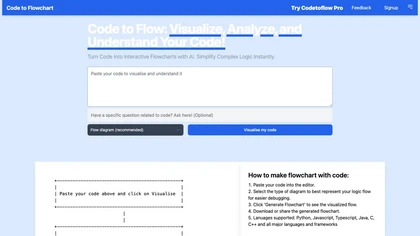
Code to Flowchart converts source code into interactive flowcharts, sequence, and class diagrams for Python, JavaScript, Java, C++, and TypeScript. It visualizes logic paths, loops, and conditionals, supports export to SVG/PNG/PDF, and prioritizes privacy with no code storage.
Subscription
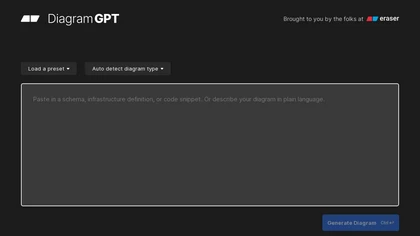
DiagramGPT turns natural‑language prompts into architecture, sequence, BPMN, flowchart, ERD, and cloud diagrams. Users pick templates, view use‑case videos, edit in code‑based Eraser, and export to documentation tools. Collaboration, dark mode, and API support are included.
Freemium
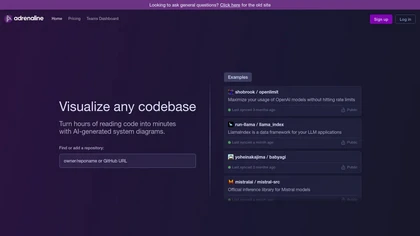
Adrenaline is a code visualization tool that generates system diagrams, such as UML and flowcharts, to simplify complex codebases. It includes a codebase understanding agent for explanations, supporting efficient collaboration and comprehension for software engineers and teams.
Subscription
- $8/mo
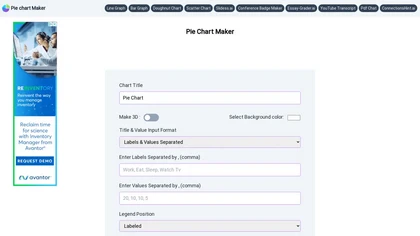
Pie Chart Maker lets users quickly create pie, doughnut, and 3‑D charts by entering comma‑separated labels and values. Adjust colors, legend placement, and rotation; export to PNG, JPEG, or SVG. Ideal for students, teachers, designers.
Free

Termdock is a terminal-centric AI development environment that consolidates multi-workspace, multi-terminal workflows with resizable windows and picture-in-picture monitoring, AST-driven code analysis across 13+ languages, drag-and-drop CLI inputs, unified caching, search, and Git visualizations.
Freemium
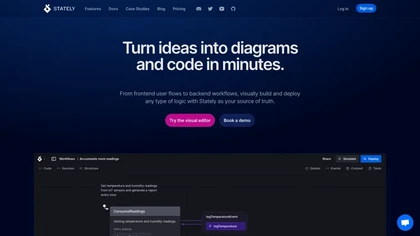
XState is a JS/TS library that models logic as finite state machines and statecharts. It offers a drag‑and‑drop editor, auto‑generates React, Vue, or Svelte code, syncs with VS Code, and supports testing, debugging, and diagram export.
Freemium