
What is PhotoPea?
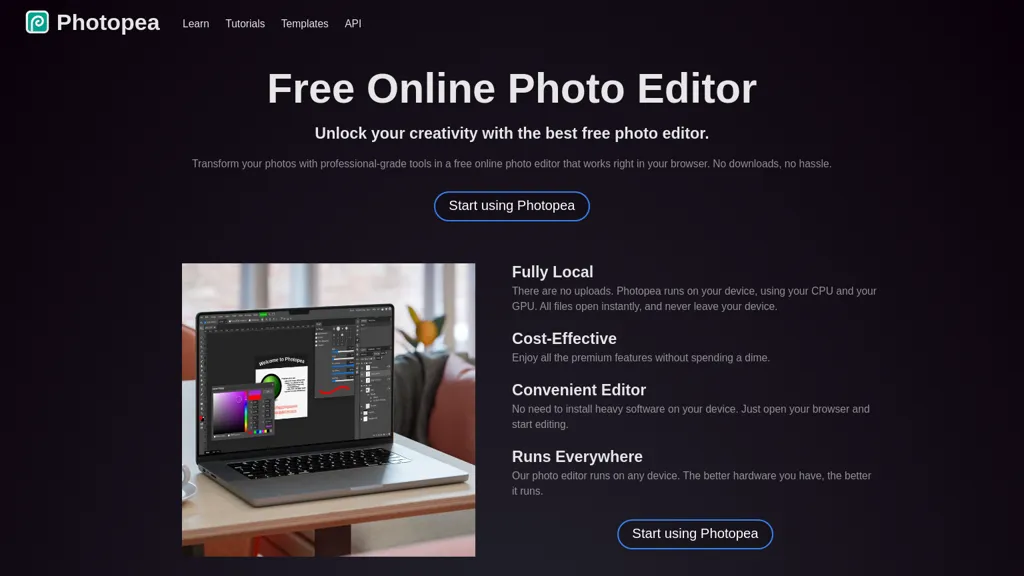
Photopea is a browser-based online photo editor that runs locally in the browser and processes files using the device CPU/GPU. It supports layered editing with masks, adjustment layers, layer styles, smart objects, channels and paths, compatible with common PSD workflows. Photopea opens and saves PSD and many formats (PNG, JPG, GIF, SVG, PDF, AI, TIFF, HEIC and RAW formats such as DNG, CR2, NEF). Image adjustments and filters include levels, curves, color balance, exposure, Gaussian blur, liquify and puppet warp, while vector tools support logo and icon design. AI features include one-click background removal and content-aware replacement for editing or replacing image regions. No installation is required—the editor runs in any modern browser and scales with available hardware. Useful for graphic designers, social media creators, students and small businesses for photo retouching, compositing, layout and web graphics.
PhotoPea tech specs
- Integrations
- Figma
PhotoPea pricing
FreeThis tool is free to use, with no credit card required.
Verify on the official pricing page.
Get started freePhotoPea's key features
-
Browser-based local editor that runs in modern browsers without installation and utilizes device CPU/GPU
-
Layered editing with masks, adjustment layers, layer styles, smart objects, channels and paths (PSD-compatible)
-
Opens and saves PSD and many formats (PNG, JPG, GIF, SVG, PDF, AI, TIFF, HEIC, RAW like DNG/CR2/NEF)
-
Extensive image adjustments and filters (levels, curves, color balance, exposure, Gaussian blur) and retouching tools (liquify, puppet warp)
-
AI features: one-click background removal and content-aware replacement
PhotoPea use cases
-
Remove backgrounds and retouch product photos using Photopea's AI background removal and content-aware replacement, compose and export web-ready PNG/JPEGs directly in the browser without installing software
-
Edit layered PSD mockups from designers in the browser, preserve layers, vector shapes and text layers, update visuals and export print- or web-ready assets while maintaining full PSD compatibility for handoff
-
Process RAW photos and create composites using Photopea's RAW editor, layer masks, filters and content-aware tools to produce marketing visuals or social posts while keeping an editable PSD for later revisions
PhotoPea user reviews
Would you recommend PhotoPea?
Who is PhotoPea for?
-
Graphic designers
-
Social media creators
-
Students
-
Small businesses
-
Digital artists
PhotoPea FAQ
Is PhotoPea free?
Yes. PhotoPea is free to use and does not require a credit card.
Is PhotoPea safe to use?
PhotoPea is also one of the most visited AI tools in the TopAI.tools index.
What are the best alternatives to PhotoPea?
The closest alternatives to PhotoPea are PicWish, PhotoGrid, Pixelied Image AI, Background Remover and Background remover from photo by Hitpaw. You can compare them side by side in the alternatives section further down this page.
What does PhotoPea do with my data?
Its privacy policy states that personal data is not sold or shared for marketing purposes.
What does PhotoPea integrate with?
PhotoPea connects with Figma.
Compliance, privacy and billing terms are as stated in each product's own published documentation and have not been independently verified by TopAI.tools.


