
Browser Audio Cutter
The best 50 Browser Audio Cutter AI tools - Free & Paid
Explore 50 AI for Browser Audio Cutter

Audio Cut is a browser-based tool for trimming and cutting audio files without installation. It supports multiple formats, processes files securely in your browser, and allows for lossless export.
Free

Browser-based Online Audio Converter converts 300+ audio/video formats to MP3, WAV, M4A, FLAC, OGG, etc., extracts audio from video, offers bitrate/sample rate/channel controls, fade/reverse/voice removal, batch conversion, metadata editing, and cloud export.
Subscription
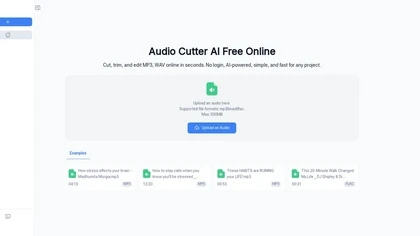
Audio Cutter AI is a browser-based tool for trimming and editing MP3, WAV, and FLAC files with AI-assisted cut point detection and precise interval selection. It enables a simple three-step workflow—upload, set trim points, and download—for creating polished audio clips without any local software.
Freemium
SliceTube trims and downloads YouTube videos directly, offering start‑and‑end selection and export to MP4, MP3, or WEBM up to 4K. Browser‑based, watermark‑free, and privacy‑protected, it’s useful for creators and educators needing quick clips.
Paid
- $5
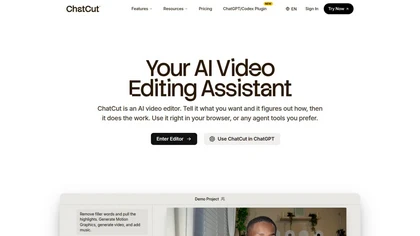
ChatCut is a browser and ChatGPT-plugin video editor that uses transcript-based editing to remove fillers, trim and reorder talking-head footage, assemble coherent cuts, generate motion graphics, B-roll, captions (100+ languages) and AI music, and export timelines.
Subscription
- $25
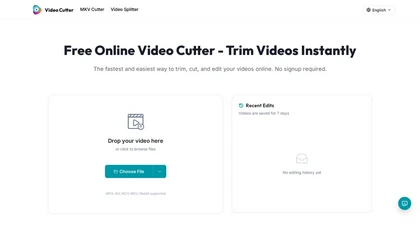
Video Cutter is a free online tool for precise, lossless trimming and splitting of videos in multiple formats. It features a drag-and-drop interface, preserves audio and subtitles, and allows quick export and sharing of clips.
Free
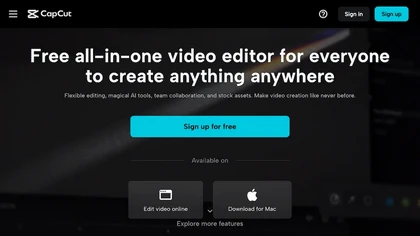
CapCut is an AI-powered video editor & design tool with social media templates, background removal, upscaling, color correction, portrait generation, text-to-speech, voice changers, and team collaboration support - accessible online and for Mac download.
Free trial

EZTrimmer is a browser-based video editor for trimming, splitting, and merging clips with a timeline interface. It enables quick preparation of short-form content for platforms like TikTok and YouTube Shorts with frame-accurate cuts and drag-and-drop simplicity.
Free
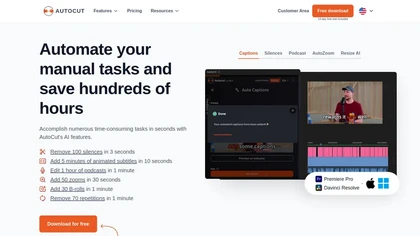
AutoCut AI is a Premiere Pro and DaVinci Resolve extension that automates routine editing—removing silences, auto‑captions, speaker‑driven angle cuts, context zooms, key moment extraction, stock integration, duplicate discard, profanity filtering, chapter markers, and social‑media resizing.
Paid
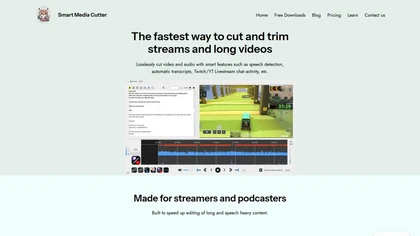
Smart Media Cutter is a desktop tool for streamers and editors that enables frame-accurate, lossless cutting of video and audio. It uses AI transcription, chat activity overlays, and automated silence removal to quickly find highlights and export clips for social media.
Free
opencut.app is an open-source, privacy-first video editor in early beta that enables cross-platform timeline editing with dark theme and standard export formats. It prioritizes local, auditable workflows for creators and developers, supported by an active community and public roadmap.
Freemium

Karaoke Maker uses browser-based AI vocal isolation to turn MP3, WAV, FLAC, or M4A tracks into downloadable instrumentals. Adjust vocal bleed and transpose pitch via sliders for practice, covers, performances, or video soundtracks.
Free
- $4/mo
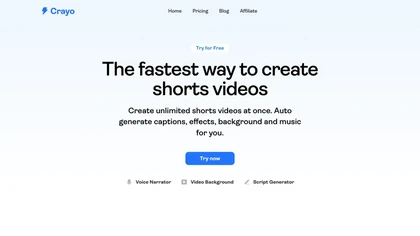
Crayo is a browser‑based AI video editor that lets creators upload or link clips, choose from 15+ subtitle styles, generate voiceovers, enhance speech, remove backgrounds, and produce short‑form videos in seconds, with tools for clipping, split‑screen, compression, and audio balance.
Subscription
- $19
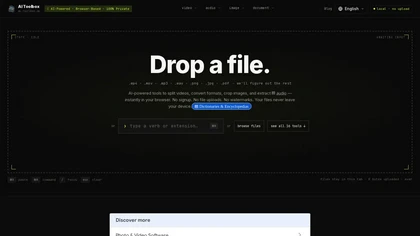
AI Toolbox is a browser-based multimedia toolkit that processes video, audio, images, and documents locally via WebAssembly. Files stay on your device, enabling private editing, conversion, and extraction with no account needed.
Free
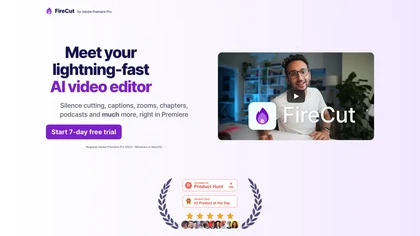
FireCut is an AI‑powered plugin for Premiere Pro and DaVinci Resolve that cuts silence, filler words, profanity, and repetitions. It auto‑generates multilingual captions, adds chapter markers, auto‑zoom, B‑roll, music, voiceover transcription, and short‑video exports for social media.
Subscription
- $10/mo

BrowserFly enhances web browsing by providing AI interactions within your browser. It offers automated summaries, optimized video searches, customizable chat prompts, and an automation agent mode for navigating websites and completing tasks efficiently.
Free trial
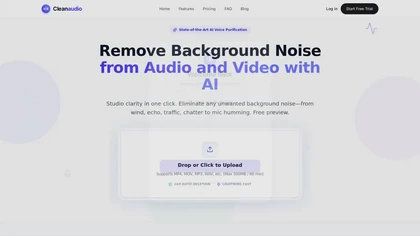
cleanaudio.io is a browser-based AI tool that removes background noise and reverb from audio and video files with one click. It instantly cleans wind, traffic, fan hum, static, pet barking, and room echo in formats like mp4, mp3, and wav for clearer speech.
Free trial
- $16.99/mo

YouTube sumamry chrome extension is a YouTube video summary tool developed by Glasp Inc., currently in beta testing and requires installation on Chrome or Safari browsers along with sign-up.
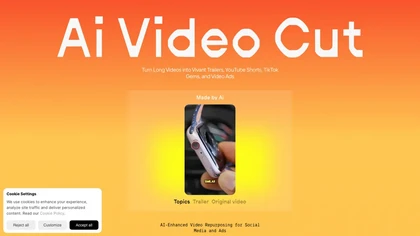
AI Video Cut uses prompt‑based AI to transform long videos into short, platform‑optimized clips. It auto‑detects faces, crops frames, adds multilingual captions, and supports multiple aspect ratios for fast, high‑quality content creation.
Freemium
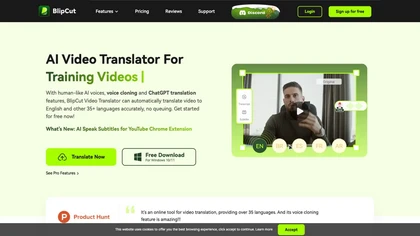
BlipCut AI Video Translator automates localization for over 140 languages, using speech recognition, transcription, AI‑dubbed voice cloning, and lip‑sync. It supports batch processing, subtitle editing, and customizable voice libraries for global video content.
Subscription
- $25/mo

BrowserAct is an AI-powered no-code web scraper that extracts data using natural language commands and bypasses geo-blocks with residential IPs. It automates CAPTCHA solving, offers real-time monitoring, and stores data long-term with built-in ad-blocking.
Freemium
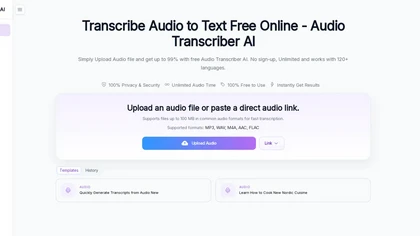
Audio Transcriber AI is a browser-based tool that converts audio and video files into timestamped, speaker-labeled text. It supports major formats, large uploads up to 5 GB, automatic language recognition for 120+ languages, and includes TikTok MP3 conversion and YouTube audio extraction.
Free trial
Splitter.ai automatically separates audio into 5‑stem (vocals, drums, bass, piano, other) or 2‑stem (vocal, instrumental) tracks, removes reverb, and processes YouTube and cloud uploads. It offers an API for developers and supports producers, DJs, forensic, and karaoke use.
Free
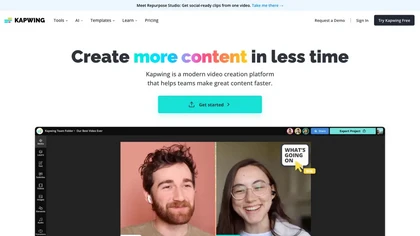
Kapwing is an online video platform offering drag‑and‑drop editing for trimming, layering, overlays, and team collaboration. Its audio tools record, edit, and clean tracks; subtitler auto‑generates captions in 40+ languages.
Freemium

Browser‑based AI upscaler uses WebGPU and open‑source algorithms like Anime4K and RealESRGAN to enlarge video and image resolution. It processes each frame client‑side, preserving privacy, with drag‑and‑drop, side‑by‑side comparison, and selectable output sizes.
Free

Webcam Effects Chrome Plugin provides browser-based virtual backgrounds, blur, and background replacement with images or video; records browser tabs or single sources; adds AI noise cancellation, smart auto-framing, picture-in-picture, emoji/Giphy, and custom layouts.
Freemium

m3u8 player online is a browser-based HLS player and downloader that plays live and on-demand streams with adaptive bitrate switching, while also enabling in-browser conversion of m3u8 files to MP4/WebM/MKV and batch downloading with resume support.
Free
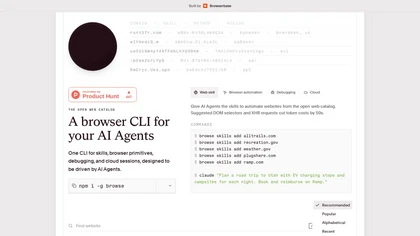
Browse.sh is a CLI tool for browser automation and AI agents, providing primitives like click, scroll, and type with accessibility-aware selectors for efficient web testing and data extraction. It also offers a searchable catalog of site-specific skills and structured APIs for platforms like Amazon,
Freemium
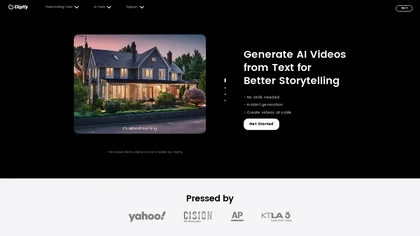
Clipfly turns text prompts into videos, animates images, and adds lifelike touches to photos. With an AI storyboard, one‑click enhancer, background removal, subtitles, and audio integration, it streamlines branded content, social clips, and personal memories.
Free
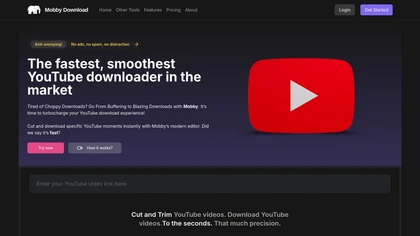
Mobby Download enables users to trim and download YouTube videos easily, offering support for multiple export formats like MP4 and MP3. Its user-friendly interface and fast processing speeds make it suitable for both casual and professional creators.
Free trial

Clipdrop is an AI image editor that adjusts aspect ratios, extends boundaries, and adds background space while preserving detail. It offers background removal, object cleanup, relighting, universal resizing, upscale, and text‑to‑image generation for photographers and designers.
Freemium
- $15/mo
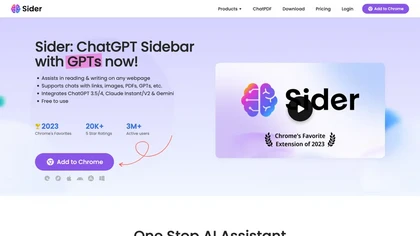
Sider AI is a browser extension that consolidates instant summarization, translation, and research tools in a side panel. Users compare AI model responses, receive on‑the‑fly explanations for highlighted text, extract OCR, and store snippets in a searchable knowledge base.
Free

Supercut is an asynchronous video messaging platform that records screen and webcam (up to 4K), auto-edits and chapters recordings, provides branded shareable links with embedded CTAs, analytics and engagement tracking, collaboration tools, and enterprise-grade security.
Free trial
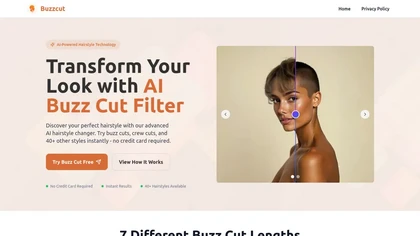
BuzzCut.ai is an AI tool that lets you visualize over 40 different buzz cut styles on your own photo. Using facial recognition, it generates a lifelike preview so you can see the look before you commit.
Free trial
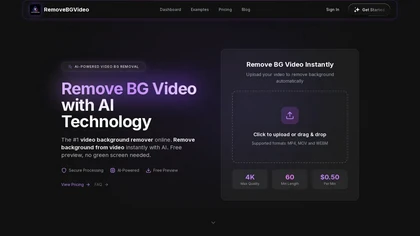
RemoveBGVideo is an AI tool that automatically removes backgrounds from videos, supporting HD/4K footage up to 60 minutes. It offers batch processing, green-screen support, and exports with transparent or custom backgrounds for content creators and e-commerce.
Freemium
- $6
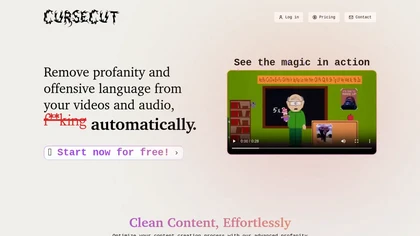
CurseCut automatically removes profanity from MP3, WAV, MP4, AVI, MOV files up to 2 GB. It supports batch processing, detects over 30 languages, allows custom word lists, and offers censor options (beep, silence, sound effect, reversal) locally.
Free
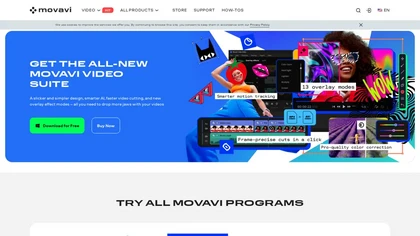
Movavi Video Editor is a desktop app for Mac and Windows that lets users trim, crop, color‑grade footage and add titles, overlays, and filters. AI features automate subtitles, noise suppression, and motion tracking. It includes a screen recorder for tutorials.
Paid
Quetta is a cross‑platform browser that lets users download videos in MP4, M3U8, or HLS with one click. It includes ad blocking, Chrome and Edge extensions, privacy safeguards, and features like picture‑in‑picture, background audio, speed control, and offline playlists.
Free
Apowersoft delivers cross‑platform screen, audio, and video capture with high‑fidelity recording, along with versatile media conversion, editing, and PDF OCR. It also offers background removal, data recovery for mobile/desktop, HEIC conversion, and multi‑monitor support for creators and businesses.
Free
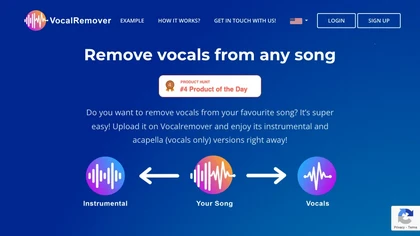
VocalRemover separates vocals from music in audio or video files up to 10 GB, supporting .wav, .mp3, .flac, .ogg, .opus, .mp4, .mkv, .avi, and .mov. Outputs include karaoke, vocals‑only, and individual instruments, with quick batch processing and temporary storage.
Subscription
- $4.99/mo
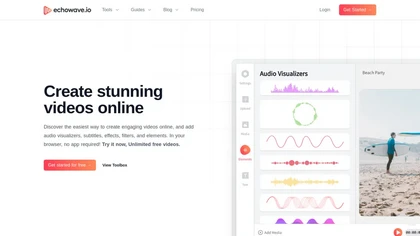
EchoWave converts audio into video using templates or custom layouts, adds subtitles and waveforms, offers editing tools, compresses files, and exports to social media formats—ideal for podcasters, musicians, and creators seeking quick, cloud‑based video production without software.
Freemium
- $19/mo
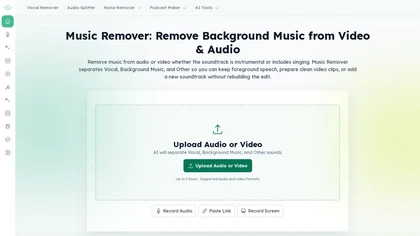
MusicRemover AI is a browser-based AI karaoke maker that separates vocals and instrumentals to create karaoke-ready tracks and lyric videos. It offers vocal/music removal, audio cleaning, word-level lyric editing, layout controls, and exports MP4 for singers, teachers, cover makers, and event hosts.
Free
FlexClip is an online video editor with templates, resources, and powerful tools to create and edit videos for various purposes, as well as integration with royalty-free stock media providers and easy social media sharing.
Freemium

Cutout.pro is a powerful AI-based platform for creating and editing visual content that enhances e-commerce and marketing efforts.
Freemium
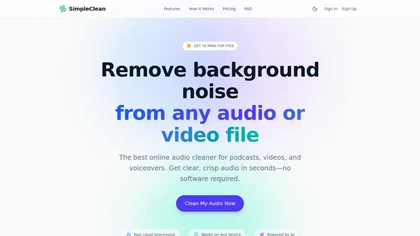
SimpleClean is a browser-based AI noise reducer that removes wind, traffic, hums, clicks, and background chatter from audio and video (MP3, WAV, MP4, MOV, etc.), preserving natural speech, supporting bulk uploads, cloud processing, and multiple output formats.
Subscription
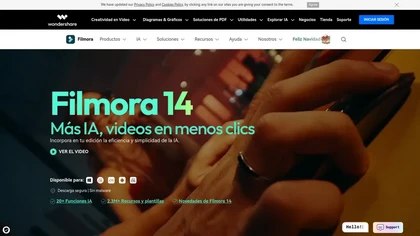
Wondershare Filmora® is an AI-driven video editing software that offers intuitive drag-and-drop editing, automatic scene detection, and audio synchronization, alongside templates and effects, making it suitable for beginners and experienced editors alike.
Freemium
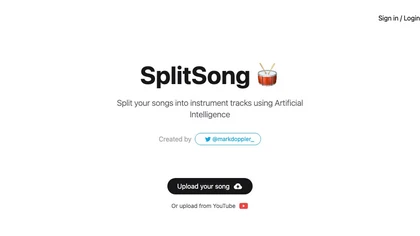
SplitSong.com uses AI to separate uploaded MP3, WAV, or YouTube audio into individual stems—drums, bass, guitars, keys, vocals—ready for download, remixing, karaoke, or instrument study, all without any installation.
Freemium

AIVideo.com automates video production, creating music videos, lyric visuals, looping clips, and converting audio or images into video. It offers text‑to‑image/video, background removal, matchcut editing, and visual effects, enabling quick, professional media creation.
Freemium
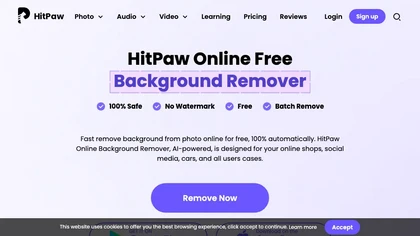
HitPaw Online Background Remover uses AI to delete backgrounds in seconds, supporting single or up to 50‑image batch uploads. It offers transparent, black, or template backgrounds, realistic shadows, and works on Windows, macOS, iOS, Android, and browsers.
Freemium
FreeTTS delivers browser‑based AI audio utilities: multilingual text‑to‑speech, accurate speech‑to‑text transcription, vocal isolation, voice enhancement, precise cut/join, and format conversion (MP3, WAV, FLAC, OGG, M4A). All processing is local and files auto‑delete after 12 hours.
Freemium