
Batch Video Resizer
The best 50 Batch Video Resizer AI tools - Free & Paid
Explore 50 AI for Batch Video Resizer
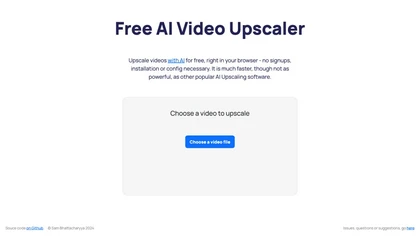
Browser‑based AI upscaler uses WebGPU and open‑source algorithms like Anime4K and RealESRGAN to enlarge video and image resolution. It processes each frame client‑side, preserving privacy, with drag‑and‑drop, side‑by‑side comparison, and selectable output sizes.
Free
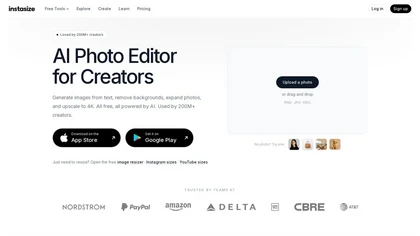
Instasize is an AI-powered photo editor and image resizer that optimizes visuals for specific social media platforms like Instagram, YouTube, and TikTok. It offers background removal, 4K upscaling, and batch processing to streamline content creation for creators, marketers, and e-commerce teams.
Freemium

Upscale.media is a browser-based AI upscaler that increases image and short-video resolution up to 2×/4×/8×, reconstructs detail, reduces noise/artifacts, and offers deblur, sharpen, colorisation, face restoration, batch processing and API access.
Freemium
- $0.02

Resize.ai is an AI-powered tool that automatically converts horizontal or square videos into the vertical 9:16 format for TikTok and mobile platforms. It uses smart cropping to keep subjects in focus and offers batch processing to save time for creators and marketing teams.
Freemium
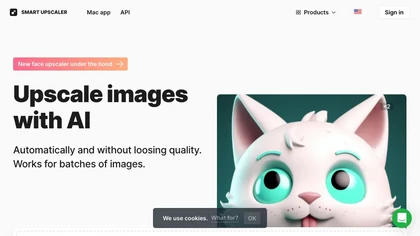
AI-driven image upscaler that enlarges photos to 7680 × 7680 px, supporting JPEG, PNG, WebP and up to 500 images per batch. It offers an API for sharpening, noise reduction, and a Mac app with background removal, photographers, designers, marketers, and social media managers.
Subscription
- $19.99/mo
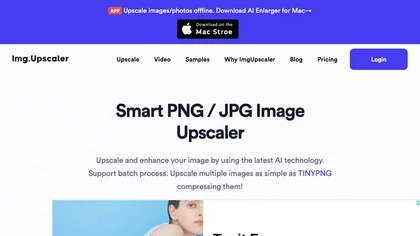
ImgUpscaler enlarges JPG, PNG, WebP images up to 400 % using super‑resolution, producing 16k × 16k outputs with minimal detail loss. Batch up to 5 images, offers basic editing, deletes uploads after 24 h, free commercial use.
Free
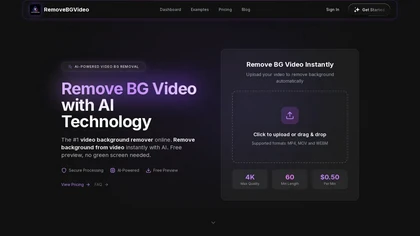
RemoveBGVideo is an AI tool that automatically removes backgrounds from videos, supporting HD/4K footage up to 60 minutes. It offers batch processing, green-screen support, and exports with transparent or custom backgrounds for content creators and e-commerce.
Freemium
- $6
Clipdrop is an AI image editor that adjusts aspect ratios, extends boundaries, and adds background space while preserving detail. It offers background removal, object cleanup, relighting, universal resizing, upscale, and text‑to‑image generation for photographers and designers.
Freemium
- $15/mo
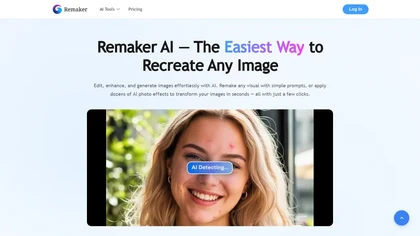
remaker ai offers web and mobile AI image and video editing for creators and teams, including upscaling, background removal, object erasing, face swap, text-to-image, lip-sync, batch processing and templates for short-form social content.
Free trial
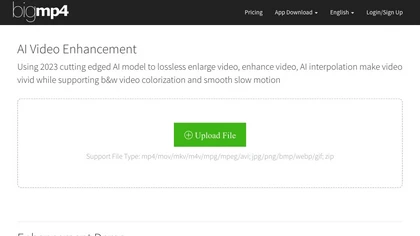
AI Video Enhancement enlarges and improves video/images with no quality loss, scaling to 2K/4K/8K, noise‑reducing, colorizing black‑and‑white, interpolating up to 240fps for smooth slow‑motion. Supports MP4, MOV, MKV, AVI, JPG, PNG, BMP, GIF, WEBP; batch ZIP; desktop for Mac/Windows.
Paid
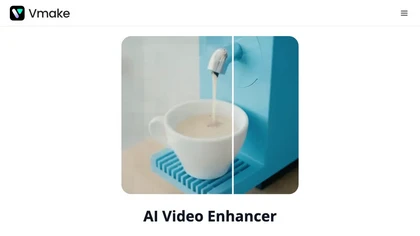
Vmake AI Video Enhancer upsamples MP4, MOV, AVI, etc. to 2K/4K/AI 4K+, removes artifacts, improves low‑light, reduces noise, and offers watermark/text removal, background elimination, and subtitle generation, giving creators, e‑commerce, and gamers sharper, cleaner videos.
Subscription
- $9.99/mo

TensorPix enhances SD video to 4K 60FPS, removes artifacts from VHS and old footage, offers real‑time call improvement, batch processing, API integration, and cloud GPU processing—no local install needed.
Freemium
Imglarger is an image enhancer that upsamples photos up to 8×, supports batch processing, and offers background, object, and face retouch tools. It converts WebP, JPEG, PNG, SVG, JFIF formats and lets users adjust brightness, contrast, and saturation via web or mobile.
Freemium

AI TikTok Video Resizer converts horizontal and square footage to native 9:16 vertical format using AI framing to auto-crop and reframe while preserving faces and key subjects. Supports batch processing, manual framing, presets, and standard exports.
Freemium
Bulk Image Generation quickly produces up to 100 images in 15 seconds with the Flux 1.1 model, needs only a simple description, and offers bulk editing, resizing, aspect‑ratio calculations, and prompt conversion for diverse projects.
Subscription
- $15/mo

AI Background Remover deletes backgrounds from JPG, PNG, WebP images while preserving resolution, handling up to 500 at once. Users can replace with color, gallery, or upload; ideal for designers, marketers, and e‑commerce workflows.
Freemium
- $9
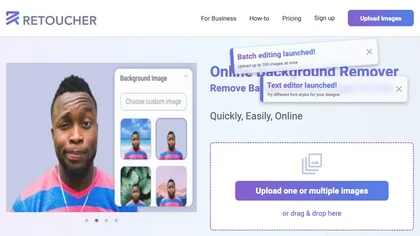
Retoucher Online is an AI background remover handling batch uploads via drag‑and‑drop, camera, or file selection. It isolates foregrounds, lets users keep transparent backgrounds, replace with white or custom images, add shadows, fine‑tune edges, and download PNG/JPG at various resolutions.
Freemium
- $659/mo

PhotoGrid is a browser‑based AI photo editor that offers one‑click enhancement, background removal, and upscaling. It lets users build collages from 20,000 templates, add stickers, text, custom backgrounds, and convert images into short video clips.
Subscription
- $2.83/mo
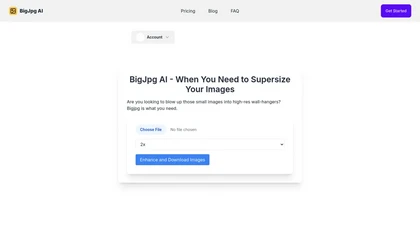
BigJpg AI upsizes JPEG, PNG, GIF, BMP images from 2× to 16× while preserving edge sharpness and detail. It automatically sharpens textures, keeps fine lines and color gradients, and supports single or batch processing for printing, displays, and design work.
Paid
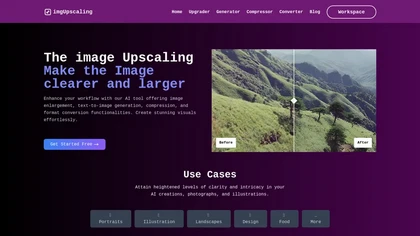
AI‑powered image editor that runs entirely in the browser, offering smart crop, AI expand, format conversion, lossless compression, watermarking, color adjustment, filter, GIF creation, side‑by‑side comparison, and batch workflow design—all processed locally with WebAssembly for speed and privacy.
Free

AIUpscaler.ai is a browser-based AI tool that instantly enhances photos and videos to HD or 4K resolution with one click. It upscales, sharpens, and restores detail directly in your browser while preserving colors and ensuring privacy.
Freemium
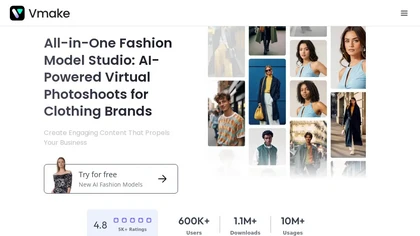
Vmake automates UGC and viral video cloning, producing product, fitness, and real‑estate clips with AI editing tools—watermark removal, background swap, noise suppression, upscaling. It auto‑generates captions, hooks, thumbnails, supports batch processing, and offers a teleprompter for polished deli
Free
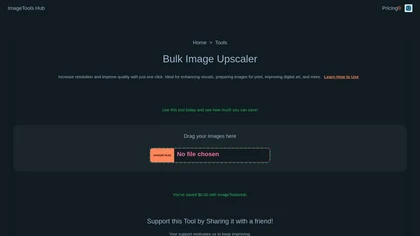
Automated Bulk Image Upscaler upsizes and sharpens images with one click, supporting batch processing. It runs locally or on the cloud, keeping data private, and offers REST API and Zapier integration for automated design and web workflows.
Subscription
- $49/mo

Upload video files (MP4, MOV, MKV, M4V, AVI) and apply AI models—Face, Animation, Denoise, Low‑Light, Colorize—to improve clarity, reduce noise, brighten dark scenes, or add color. Preview changes, upscale to 4K, then download without watermarks.
Paid
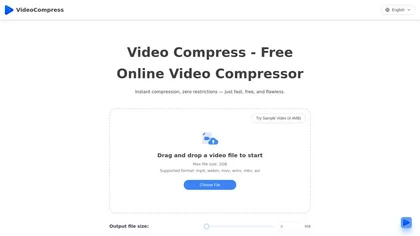
VideoCompress.ai is a free online tool that drastically reduces video file sizes by up to 80% using advanced H.265 encoding. It allows you to preview the compression in real-time while ensuring your files are secured with end-to-end encryption.
Free
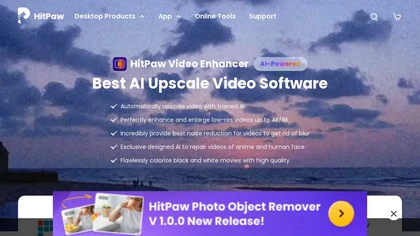
HitPaw Video Enhancer is an AI-powered tool that upscales and enhances low-resolution videos to higher resolutions and improves video quality without losing it.
Free trial
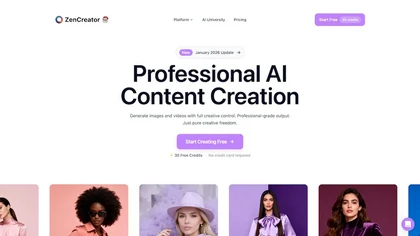
ZenCreator is an AI content suite for generating and editing high-resolution images and videos. It specializes in scalable workflows for social media, e-commerce visuals, and marketing assets with tools like avatars, lip-sync, and virtual try-ons.
Free trial
- $19.99
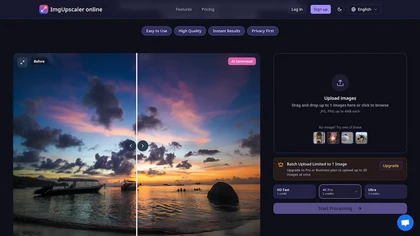
ImgUpscaler.online is an AI-powered tool that instantly upscales low-resolution images to HD, 4K, or Ultra quality, reducing blur while preserving detail. It offers batch processing and is designed for photographers, e-commerce, and real estate to enhance web and print visuals.
Free trial
- $2.5/mo
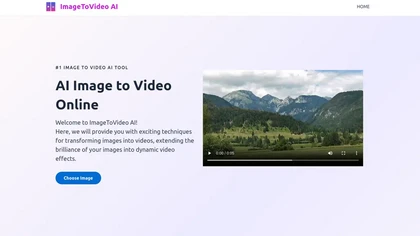
ImageToVideo AI converts JPG, PNG, or WebP images into MP4 videos. Users can crop, resize to social‑media ratios, choose speed/quality presets, apply 50+ templates, add AI music, and edit motion via a prompt editor—all watermark‑free.
Paid
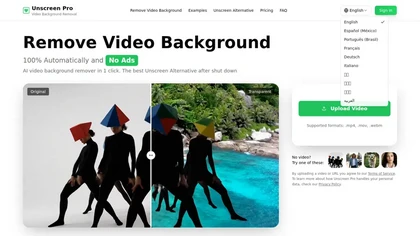
Unscreen Pro automatically removes video backgrounds frame by frame, no greenscreen, producing transparent outputs (MP4, MOV, WebM, AVI) at original or upscaled resolution, with live preview, batch processing and an API for workflow integration.
Freemium
- $4.99/mo
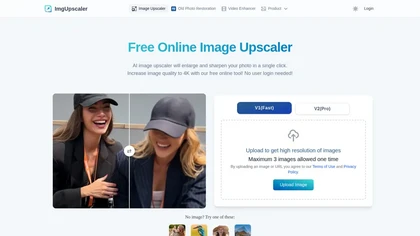
Imgupscaler is an AI tool for enhancing image quality by upscaling images to 4K resolution. It supports multiple formats and restores details while reducing noise, making it suitable for e-commerce, social media, and graphic design.
Freemium
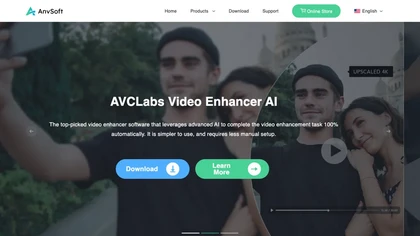
AVCLabs Video Enhancer AI uses deep learning to upscale, denoise, sharpen, colorize, and interpolate frames, automatically detecting and refining faces. It supports batch conversion, preview comparison, multiple formats, preserves frame rates, and leaves originals unaltered.
Free
Video Cutter is a free online tool for precise, lossless trimming and splitting of videos in multiple formats. It features a drag-and-drop interface, preserves audio and subtitles, and allows quick export and sharing of clips.
Free
WatermarkRemover.io uses AI to erase watermarks from images, videos, and PDFs while preserving quality. It supports batch uploads, command‑line, web, API, and plugin integration for workflows, with secure, compliant data handling.
Subscription
Artguru is a one‑click AI enhancer that sharpens photos, restores old or blurry images, upsamples videos to 8K, removes backgrounds, cleans scanned PDFs, and batch‑processes folders across phone and desktop for consistent, high‑quality media.
Freemium
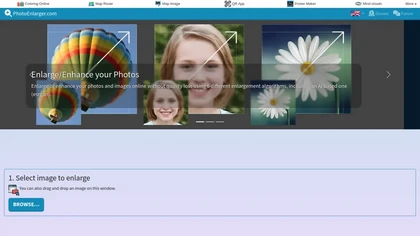
Upload or drag a photo, then upscale it with one of six algorithms—Magic Kernel Sharp, Lanczos 3, Hermite, or AI‑based ESRGAN—entirely client‑side for privacy. Crop as needed and download in JPG, PNG, or WebP.
Free
FlexClip is an online video editor with templates, resources, and powerful tools to create and edit videos for various purposes, as well as integration with royalty-free stock media providers and easy social media sharing.
Freemium
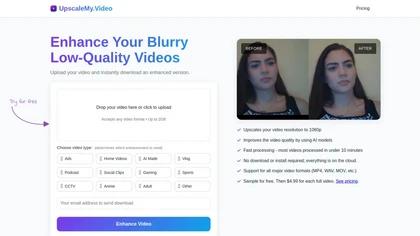
UpscaleMy.Video enhances low-resolution and blurry videos using AI, supporting various formats like MP4 and MOV. Users can easily upload videos for fast cloud processing, making it ideal for content creators and professionals seeking improved video quality.
Free trial
- $4.99
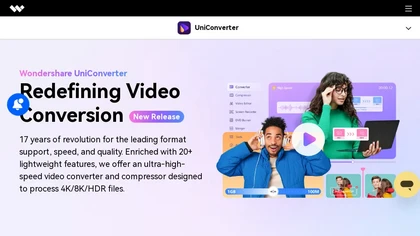
Wondershare UniConverter is an AI‑powered all‑in‑one tool that converts, enhances, compresses, records, and edits video and audio. It supports 1,000+ formats, delivers ultra‑fast conversions, upscales to 4K/8K, adds subtitles, removes backgrounds, and preserves metadata for creators and SMBs.
Paid
Topaz Video AI is a powerful video enhancement tool that uses AI models to upscale, deinterlace, stabilize, and interpolate frames for high-quality results.
Paid
- $99
ImageMover is an AI-powered video creation tool that transforms images into stunning videos using customizable templates. Ideal for social media, marketing, and storytelling, it offers a user-friendly interface for fast and effortless video generation.
Freemium
Gigapixel AI is an AI-driven image upscaler that enhances image quality up to 10x, preserving details and textures. It supports batch processing and offers specialized presets for portraits, landscapes, and more, making it suitable for both professionals and casual users.
Free trial

PicWish AI Photo Editor automates image enhancement, background removal, and watermark deletion. It processes batches of up to 30 files, offering resizing, lighting, upscaling, AI Designer prompts, Face Cutout, and single‑click unblur/sharpen. Available on Windows, macOS, iOS, Android, and browser.
Subscription
- $9.99/mo
Clipdrop uses deep learning to remove backgrounds, objects, and text, upscale images, adjust lighting, uncrop, and resize. It also offers text‑to‑image generation and an API for developers, supporting design, marketing, and app workflows.
Subscription
HitPaw Online Background Remover uses AI to delete backgrounds in seconds, supporting single or up to 50‑image batch uploads. It offers transparent, black, or template backgrounds, realistic shadows, and works on Windows, macOS, iOS, Android, and browsers.
Freemium
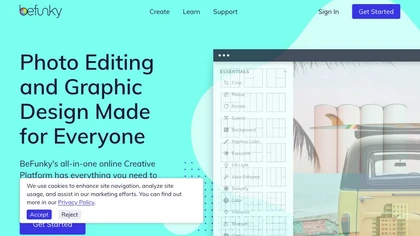
BeFunky is an online editor for photos, collages, and graphics. It offers crop, resize, blur, exposure, batch edits, AI background removal, object erasing, upscale, artistic filters, and drag‑and‑drop templates for banners, flyers, and social‑media posts.
Free

EZTrimmer is a browser-based video editor for trimming, splitting, and merging clips with a timeline interface. It enables quick preparation of short-form content for platforms like TikTok and YouTube Shorts with frame-accurate cuts and drag-and-drop simplicity.
Free
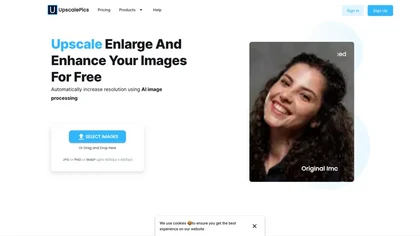
Upscalepics lifts image resolution up to 8× with one click via a machine‑learning model, supporting JPG, PNG, and WebP files up to 4000 px. It offers custom dimensions, bulk uploads, and outputs up to 256 MP for print‑ready quality.
Freemium
- $3.3/mo