
What is ImageToVideo AI?
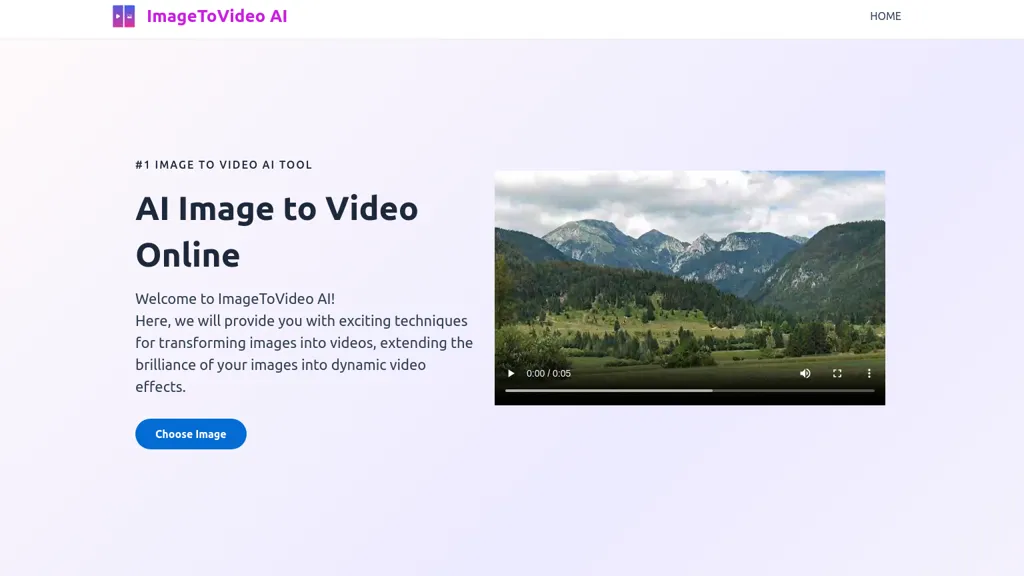
ImageToVideo AI transforms single images into MP4 videos using generative AI. It accepts JPG, PNG, and WebP files, allowing users to crop and resize images to 2,3, 16,9, or other ratios for TikTok, Instagram, YouTube, and ads. Users can choose from Basic 1.
0 (5 s, 720p), Fast 1.4 or Fast 2.4 (5–10 s, up to 1080p), or Pro‑Turbo 2.5 (5–10 s, 1080p) models to balance speed and quality. The platform offers 50 + pre‑built templates for trending formats such as AI kiss, twerk, and dance, and lets creators add optional AI‑generated background music for a cinematic feel.
Output videos are watermark‑free, and the tool includes a built‑in image resizer, AI‑powered effects, and a text prompt editor for precise motion control. Creators, marketers, and designers can quickly convert photos into engaging short videos without manual editing.
ImageToVideo AI pricing
PaidVerify on the official pricing page.
View plansImageToVideo AI's key features
-
Upload images up to 16MB
-
Generate animated videos via AI
-
Custom animation prompts
-
Add background music
-
Download videos locally
-
720p/1080p resolution options
-
Supports JPG, PNG, GIF formats
ImageToVideo AI use cases
-
Generate engaging Instagram Reels from a single vacation photo using ImageToVideo AI’s 4K presets and auto‑animated backgrounds, ensuring a smooth 30‑second loop without any manual editing
-
Create a product demo video from a series of product images, applying the 'Showcase' template, adding background music, and adjusting motion via the prompt editor for a polished 15‑second clip for e‑commerce listings
-
Turn a collection of event photos into a cinematic highlight reel, using the 'Event' template, cropping to 16:9, and auto‑selecting music that matches the mood, ready for sharing on Facebook and YouTube
ImageToVideo AI user reviews
Based on 6 reviews, 50% of users recommend ImageToVideo AI, rated highly for quality results.
Liked for
Disliked for
Would you recommend ImageToVideo AI?
Who is ImageToVideo AI for?
-
Video editors
-
Creative designers
-
Content creators
-
Digital marketers
-
Marketing analysts
ImageToVideo AI FAQ
How much does ImageToVideo AI cost?
ImageToVideo AI is a paid product with no free plan. Plans include 60 credits at $9.9, 3300 credits at $199, 240 credits (10 bonus included) at $29.9 and 630 credits (30 bonus included) at $49.9.
What are the best alternatives to ImageToVideo AI?
The closest alternatives to ImageToVideo AI are AIImageToVideo Pro, Image to Video AI, ImageToVid, Meta Image Generator and CapCut. You can compare them side by side in the alternatives section further down this page.
What does ImageToVideo AI do with my data?
Its privacy policy states that personal data is sold or shared for marketing purposes. Data may be shared with third-party service providers that help run the product.
Compliance, privacy and billing terms are as stated in each product's own published documentation and have not been independently verified by TopAI.tools.


