
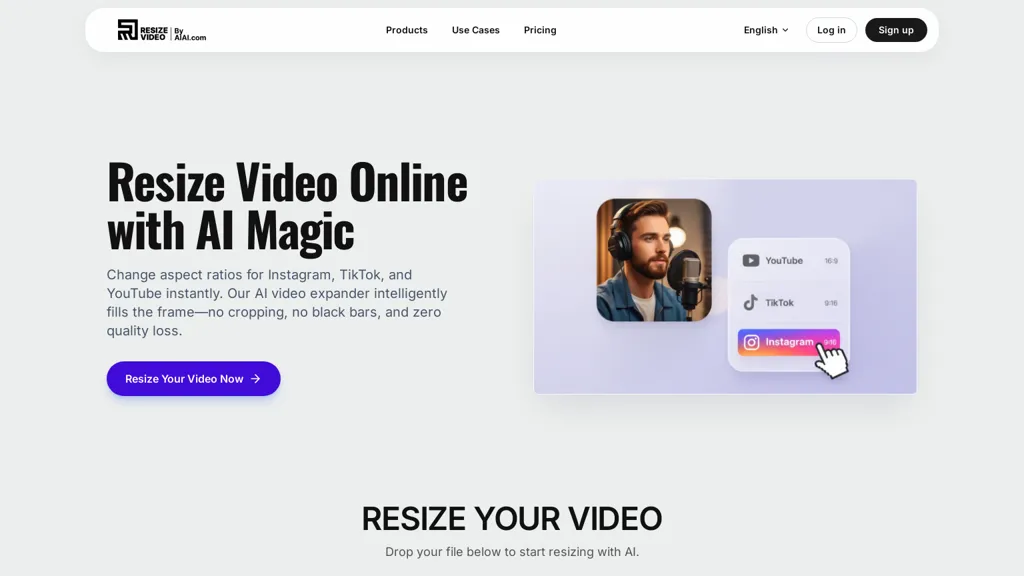
What is Resize Video - AIAI?
AI Video Resizer converts horizontal and square videos into native 9:16 vertical format for TikTok and other social platforms.It uses AI framing to auto-crop and reframe footage, preserving faces and key subjects while reducing manual edits.
The tool supports batch resize and export workflows to process multiple clips and output common formats and codecs.Adjustable presets, manual framing controls, and zoom/scale options enable precise composition for vertical video.
It preserves aspect ratio and visual continuity across cuts, with configurable padding or blurred background fills when full-frame conversion is not possible.Designed for short-form content creators, influencers, and social media teams, it fits into existing editing pipelines via standard file export.
Metadata and filename options help streamline uploads to TikTok and related platforms.
Resize Video - AIAI pricing
FreemiumResize Video - AIAI offers a free plan with paid upgrades available.
Verify on the official pricing page.
View plansResize Video - AIAI's key features
-
Convert horizontal and square videos to native 9:16 vertical format
-
AI framing auto-crop and reframe that preserves faces and key subjects
-
Batch resize and export workflows with output to common formats and codecs
-
Adjustable presets, manual framing controls, and zoom/scale options for precise composition
-
Preserve aspect ratio and visual continuity across cuts with configurable padding or blurred background fills
Resize Video - AIAI use cases
-
Repurpose horizontal YouTube videos into native 9:16 TikTok/Reels/Shorts using AI TikTok Video Resizer's face-aware auto-crop and reframing to preserve presenters and key on-screen action, batch entire channels and export platform-ready files without manual editing
-
Convert product demos and ad footage into portrait-format TikTok ads with consistent framing and branding using presets and batch processing, manually tweak frames for complex shots and export standard formats ready for ad platforms to improve CTR
-
Turn webinars, interviews, and long-form recordings into snackable vertical clips for social, leveraging AI framing to keep speakers and visual aids centered, process multiple files at once and apply manual framing where needed to scale content repurposing
Resize Video - AIAI user reviews
Would you recommend Resize Video - AIAI?
More from this provider


Who is Resize Video - AIAI for?
-
Content creators
-
Video editors
-
Social media managers
-
Marketing agencies
-
Post-production editors
Resize Video - AIAI FAQ
Is Resize Video - AIAI free?
Partly. Resize Video - AIAI has a free plan with usage limits, and paid plans unlock the full feature set.
What are the best alternatives to Resize Video - AIAI?
The closest alternatives to Resize Video - AIAI are KWIKmotion, Vizard, AI Video Cut, Makefilm and AIImageToVideo Pro. You can compare them side by side in the alternatives section further down this page.


