
What is Background Remover?
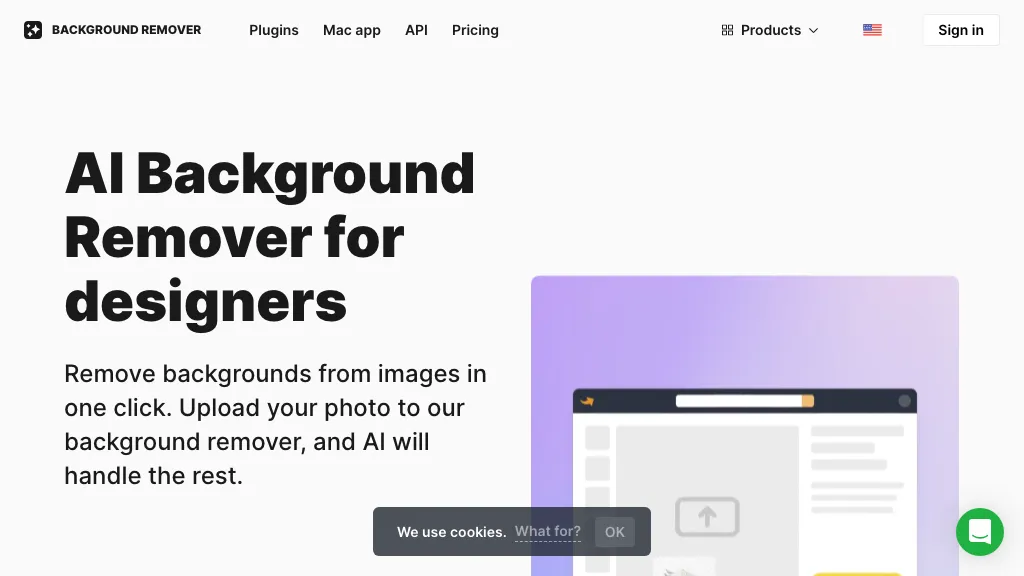
AI Background Remover automatically deletes backgrounds from photos, illustrations, logos, and product images. The tool accepts JPG, PNG, and WebP files, handles up to 500 images at once, and preserves the original resolution for professional use. Users can replace the removed background with a solid color, a gallery photo, or an uploaded image, streamlining design workflows.
The AI accurately separates subjects even in complex scenes such as hair or jewelry, ensuring clean cutouts for marketing, presentations, and e‑commerce catalogs. Designers and marketing teams can batch process images quickly, while developers can integrate the service through a dedicated API.
Background Remover pricing
FreemiumVerify on the official pricing page.
View plansBackground Remover's key features
-
Automatic AI face refacing
-
High-resolution 1024px output
-
Supports varied head poses
-
Multiswap for group photos
-
Skin beautification tool
-
AI background removal
-
Batch upload capability
Background Remover use cases
-
Streamline e‑commerce listings by removing backgrounds from up to 500 product photos at once, replacing them with a clean white or branded background while preserving full resolution for crisp catalog images.
-
Accelerate marketing collateral by batch‑removing backgrounds from influencer or model photos, then inserting them into branded templates—no manual retouching or complex software required.
-
Simplify design workflows for agencies by replacing backgrounds of logos, icons, and product shots in bulk, enabling instant previews across social media, ads, and print materials.
Background Remover user reviews
Based on 28 reviews, 82% of users recommend Background Remover, rated highly for value for money.
Liked for
Disliked for
Would you recommend Background Remover?
Who is Background Remover for?
-
Creative designers
-
Digital marketers
-
Content creators
-
E-commerce managers
-
Digital builders
Background Remover FAQ
Is Background Remover free?
Partly. Background Remover has a free plan with usage limits, and paid plans unlock the full feature set. Plans include Limited subscription at $9 and Unlimited subscription at $99 $120.
Is Background Remover safe to use?
Background Remover carries the TopAI.tools verified mark, which we award after a manual review of pricing transparency, published terms, public following and working functionality. Background Remover is also one of the most visited AI tools in the TopAI.tools index.
Is Background Remover good?
Background Remover has an 82% recommendation rate from 28 reviewers on TopAI.tools. Reviewers rate it highest on value for money and quality of results.
What are the best alternatives to Background Remover?
The closest alternatives to Background Remover are Erase.bg, Bg.Eraser, Removebackgroundai, Background remover from photo by Hitpaw and Retoucher. You can compare them side by side in the alternatives section further down this page.
Does Background Remover have an API?
Yes. Background Remover offers an API, so you can call it from your own applications instead of using the interface directly.


