
Text Based Video Trimming
The best 50 Text Based Video Trimming AI tools - Free & Paid
Explore 50 AI for Text Based Video Trimming

EZTrimmer is a browser-based video editor for trimming, splitting, and merging clips with a timeline interface. It enables quick preparation of short-form content for platforms like TikTok and YouTube Shorts with frame-accurate cuts and drag-and-drop simplicity.
Free
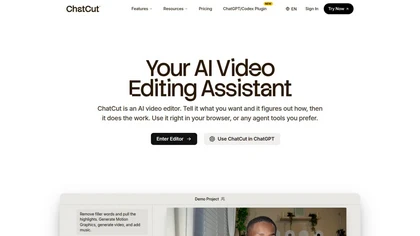
ChatCut is a browser and ChatGPT-plugin video editor that uses transcript-based editing to remove fillers, trim and reorder talking-head footage, assemble coherent cuts, generate motion graphics, B-roll, captions (100+ languages) and AI music, and export timelines.
Subscription
- $25
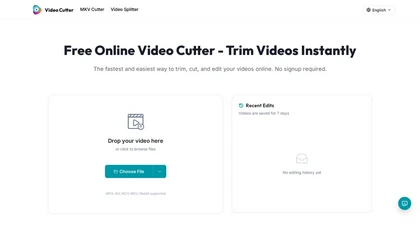
Video Cutter is a free online tool for precise, lossless trimming and splitting of videos in multiple formats. It features a drag-and-drop interface, preserves audio and subtitles, and allows quick export and sharing of clips.
Free
FlexClip is an online video editor with templates, resources, and powerful tools to create and edit videos for various purposes, as well as integration with royalty-free stock media providers and easy social media sharing.
Freemium
SliceTube trims and downloads YouTube videos directly, offering start‑and‑end selection and export to MP4, MP3, or WEBM up to 4K. Browser‑based, watermark‑free, and privacy‑protected, it’s useful for creators and educators needing quick clips.
Paid
- $5
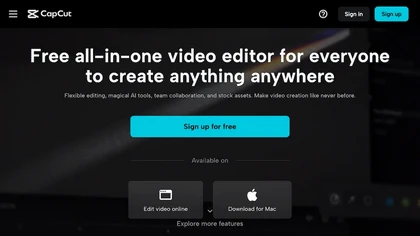
CapCut is an AI-powered video editor & design tool with social media templates, background removal, upscaling, color correction, portrait generation, text-to-speech, voice changers, and team collaboration support - accessible online and for Mac download.
Free trial
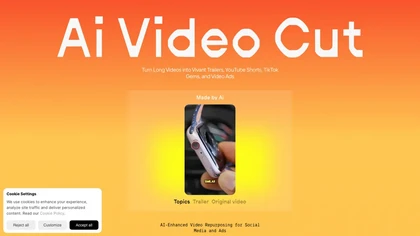
AI Video Cut uses prompt‑based AI to transform long videos into short, platform‑optimized clips. It auto‑detects faces, crops frames, adds multilingual captions, and supports multiple aspect ratios for fast, high‑quality content creation.
Freemium
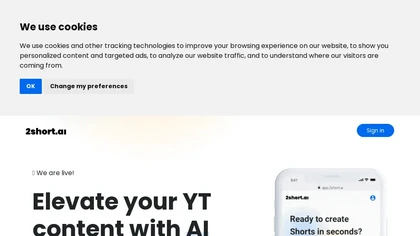
2short.ai automatically extracts the most engaging segments from long videos to create 1080p YouTube Shorts, using facial‑tracking, one‑click animated subtitles, and flexible aspect ratios. It supports multiple languages, direct Drive/URL imports, and brand presets for consistent visuals.
Freemium
- $9.9/mo

Textideo is an AI-powered tool that transforms text prompts and images into 1080p videos. It enables control over style and composition to create cohesive multi-shot sequences with special effects.
Subscription
- $8.33/mo

AIVideo.com automates video production, creating music videos, lyric visuals, looping clips, and converting audio or images into video. It offers text‑to‑image/video, background removal, matchcut editing, and visual effects, enabling quick, professional media creation.
Freemium

removefrom.video uses AI video inpainting to remove watermarks, logos, text, subtitles and unwanted objects from MP4, MOV and WEBM files. Drag-and-drop upload, automatic detection and manual masking with cloud processing that preserves motion and lighting.
Freemium
- $8.33/mo
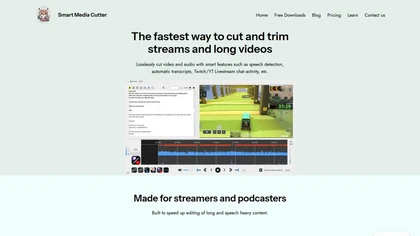
Smart Media Cutter is a desktop tool for streamers and editors that enables frame-accurate, lossless cutting of video and audio. It uses AI transcription, chat activity overlays, and automated silence removal to quickly find highlights and export clips for social media.
Free
Videoleap is a cross‑platform editor with AI background removal, infinite‑zoom, text‑to‑video, audio cutting, subtitles, and built‑in filters. It offers templates for TikTok, Reels, Shorts, and ads, plus a drag‑and‑drop interface for quick professional videos on web or mobile.
Free trial
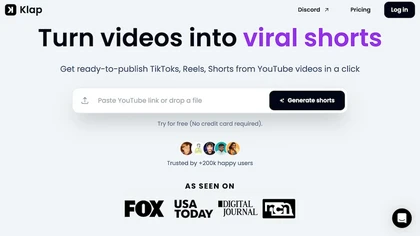
Klap automatically extracts key moments from long videos, reframes them for vertical formats, adds multilingual subtitles, and lets you customize branding. Upload files or YouTube links, then share or schedule ready‑to‑publish clips across TikTok, Instagram, LinkedIn, and YouTube.
Paid
Qlip automatically extracts short, vertical or square clips from longer videos, preserving focus on key moments. It applies brand templates, generates speech‑to‑text transcripts with speaker tags, and offers an API for clip creation, aspect‑ratio conversion, subtitle burning, and transcription.
Free
- $30
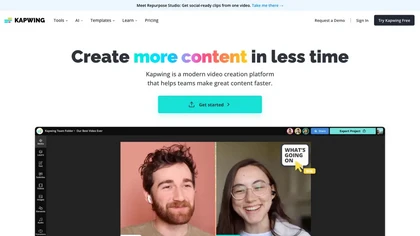
Kapwing is an online video platform offering drag‑and‑drop editing for trimming, layering, overlays, and team collaboration. Its audio tools record, edit, and clean tracks; subtitler auto‑generates captions in 40+ languages.
Freemium
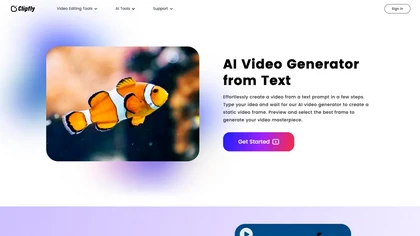
AI Video Generator by Clipfly seamlessly transforms text into engaging video frames. Easily add subtitles, stickers, music, and merge clips. Enjoy features like face swap and voiceover for professional video creation effortlessly.
Freemium
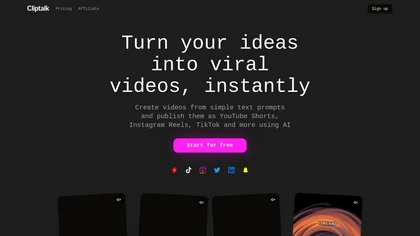
Cliptalk turns text, images, or website content into ready‑to‑publish short‑form videos, automating editing, captions, B‑roll, and voice creation. It supports multiple languages, voice styles, and natural‑language editing for quick publishing.
Paid
- $19
OpusClip is an AI-powered video tool that transforms long videos into shareable short clips with one click. It uses AI to identify compelling moments, generate captions, and optimize for social media.
Freemium
VEED is an AI‑powered video editor that lets users upload media, auto‑generate subtitles, edit clips, add music or text, correct eye contact, reduce noise, remove backgrounds, translate captions, and export in multiple formats.
Freemium
- $11/mo
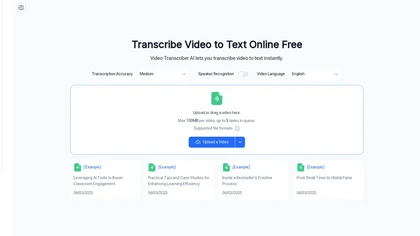
Video Transcriber AI is a tool that instantly converts videos from MP4, YouTube, or Zoom into text. It offers speaker recognition and accuracy modes for transcriptions up to 1GB, with no sign-up required.
Freemium
SNAPVID.AI automates cutting long videos into 30‑second clips, removes filler pauses, adds multi‑language subtitles, offers 4K output, AI‑generated B‑roll, audio cleanup, and batch processing with a credit‑based monthly reset for creators.
Subscription
- $16/mo

Trimmr: Automated video editing with AI-powered presets, captions, and animations for efficient content creation.
Freemium
- $7/mo
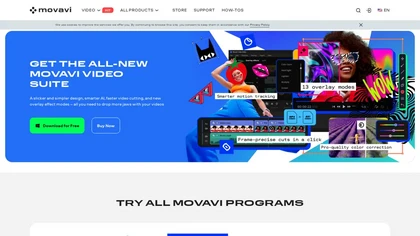
Movavi Video Editor is a desktop app for Mac and Windows that lets users trim, crop, color‑grade footage and add titles, overlays, and filters. AI features automate subtitles, noise suppression, and motion tracking. It includes a screen recorder for tutorials.
Paid
Vizard.ai automatically transcribes footage, spots highlights, and creates TikTok, Reels, and Shorts‑ready clips with one click. It provides text trimming, timeline precision, vertical resizing, multilingual captions, brand templates, collaborative workspaces, and API integration.
Freemium
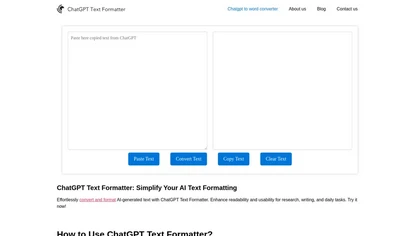
AI Text Formatter converts raw AI output into readable text by inserting line breaks, headings, bullets, and spacing while preserving meaning. It supports multiple languages and lets users quickly copy the formatted text to Word, Docs, Excel, or other apps.
Free

AIImageToVideo Pro is an AI tool that transforms static images and text prompts into short videos using models like Veo and Kling, offering control over motion, duration, and resolution. It features editing for text overlays and captions, with export options for creating watermark-free content for s
Freemium
- $9.99/mo
FastCut uses AI to transform raw footage into short‑form videos for TikTok, Reels, Shorts, and social ads. It trims clips, removes silence, adds captions, selects B‑rolls, and provides music and overlays, cutting editing time by up to 90%.
Freemium
- $20/mo
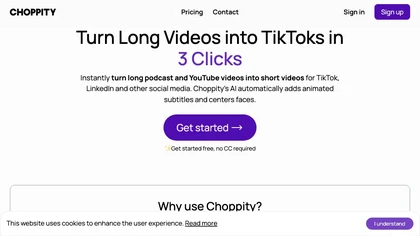
Choppiti is an AI-based video editing tool that repurposes longer videos for social media platforms and adds animated subtitles and face centering. It's faster and cheaper than traditional software or outsourcing, making it accessible to anyone.
Freemium
- $1.17/mo

Supercut is an asynchronous video messaging platform that records screen and webcam (up to 4K), auto-edits and chapters recordings, provides branded shareable links with embedded CTAs, analytics and engagement tracking, collaboration tools, and enterprise-grade security.
Free trial
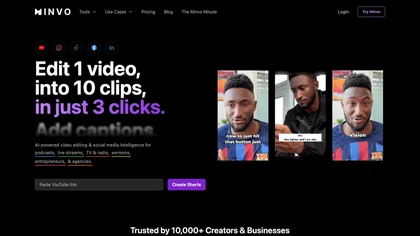
Minvo automates video editing and social media scheduling, converting long videos into short clips, images, and subtitles. Features include AI clip extraction, B‑roll insertion, multi‑language translation, animated captions, branding templates, and cross‑platform posting with performance analytics.
Subscription
- $6.99/mo

Clipfly turns text prompts into videos, animates images, and adds lifelike touches to photos. With an AI storyboard, one‑click enhancer, background removal, subtitles, and audio integration, it streamlines branded content, social clips, and personal memories.
Free
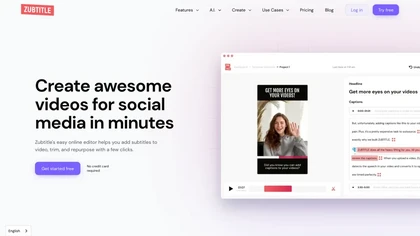
Zubtitle automatically captions videos, offers brand‑style templates and editing tools, and outputs ready‑to‑post formats for TikTok, YouTube, and LinkedIn. It adds subtitles, chapter timestamps, watermarks, and AI‑generated post copy.
Freemium
aicut.pro automates short‑form video creation for YouTube Shorts, TikTok, and Instagram Reels. It offers ready‑made viral templates, prompt cloning, AI voice‑overs, background swaps, image generation, auto‑posting, and a community forum for support.
Subscription
AI Video Agent converts text, product images or URLs, and reference clips into full‑scripted, brand‑aligned videos, automatically planning scenes, adding visual effects, and allowing prompt‑based refinement for fast marketing and social content creation.
Freemium
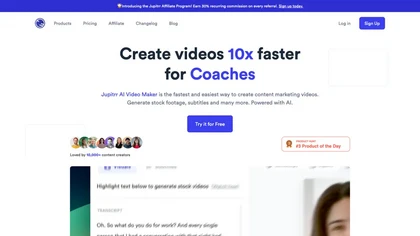
Jupitrr AI VideoOS offers an all‑in‑one workflow for planning, editing, and publishing videos. AI tools auto‑trim footage, generate scripts, create teleprompters, convert audio to clips, schedule cross‑platform posts, and track performance analytics.
Freemium
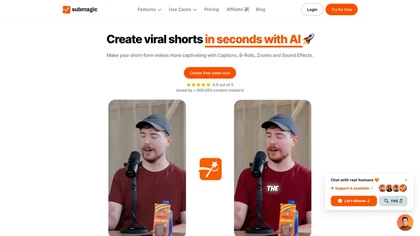
Submagic automates short‑form video editing, offering multilingual captions, text‑based trimming, AI‑powered features like auto‑zoom and eye‑contact correction, and direct multi‑platform publishing up to 4K@60fps, cutting editing time by up to 90%.
Free
- $1.33/mo
InShot is a mobile video editor that lets users cut, trim, and layer clips, auto‑generate multilingual captions, add music, intros/outros, and apply AI‑driven, 3D, glitch, and lens transitions, text, stickers, and picture‑in‑picture overlays.
Free
Smartrazor automates video editing by removing mistakes and pauses, adding English captions, and zooming to highlight speakers. It accepts uploads or live feeds, lets users fine‑tune edits via a transcript editor, and exports to YouTube or downloads.
Subscription
- $9/mo
Flarecut turns blog posts, websites, and scripts into short‑form videos for YouTube Shorts, TikTok, Instagram, and Facebook. It extracts key points, adds AI‑voiced narration, subtitles, and background visuals, enabling quick, faceless clips without editing skills.
Free trial


Audio Cut is a browser-based tool for trimming and cutting audio files without installation. It supports multiple formats, processes files securely in your browser, and allows for lossless export.
Free
Summarize.ing instantly condenses YouTube videos into concise summaries, segmented sections, mind maps, and keyword lists. It generates 8‑10 Q&A pairs for review, aiding students, educators, and professionals in quick comprehension and decision‑making.
Freemium
- $15.7/mo

YTvidhub is a YouTube subtitle downloader that extracts transcripts and captions from videos, playlists, and channels. It supports bulk downloads, multiple export formats (SRT, VTT, TXT), and includes an AI-powered summary generator for content analysis and repurposing.
Freemium

Medeo is a chat-driven AI video editor that converts text, scripts, slides, images and blog posts into finished videos using template "recipes", offering text/script-to-video, B-roll/stock generation, audio creation and multi-aspect export presets for social platforms.
- $28/mo

Nemovideo is an AI video editor that automates short-form content creation by generating trend-based scripts, storyboards, and auto-editing clips. Its tools include automated highlight selection, voiceovers, captions, and a talking-head editor for rapid production of social media videos.
Freemium
- $12.99/mo