
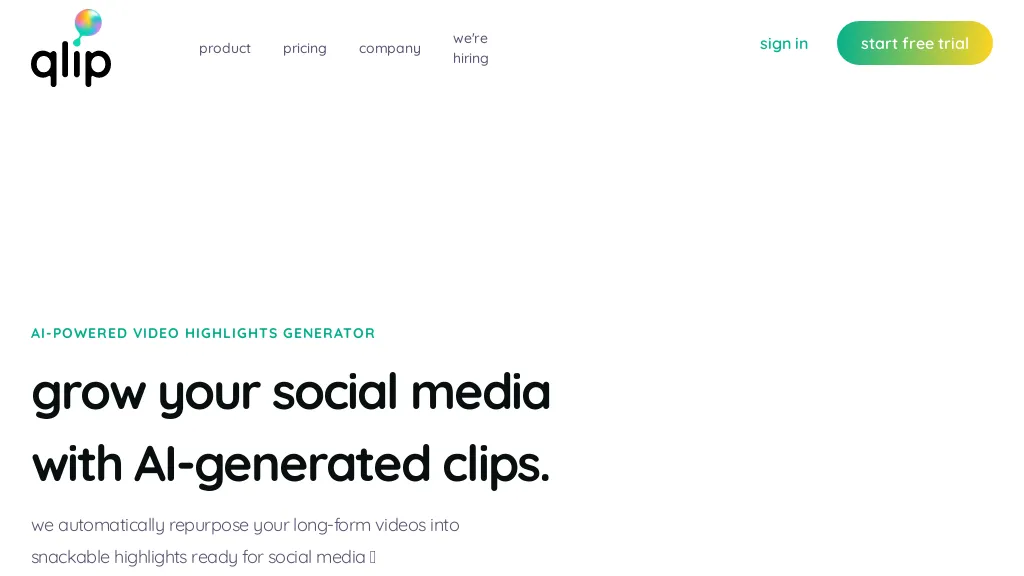
What is Qlip.ai?
Qlip automates the extraction of high‑impact short clips from longer videos using AI models trained on hundreds of thousands of hours of video. It converts horizontal footage to vertical or square formats while maintaining focus on the main point of attention, making content ready for platforms like TikTok, YouTube Shorts, and Instagram Reels.
Users can apply brand‑aligned templates—including fonts, logos, and subtitle styles—to ensure consistency across all clips. The platform generates full speech‑to‑text transcripts with speaker identification and timestamps, enabling easy subtitle creation and content indexing.
Developers can integrate these capabilities via a RESTful API that supports clip generation, aspect‑ratio conversion, subtitle burning, and transcription, streamlining workflow automation for marketing teams, content creators, and production studios.
Qlip.ai pricing
FreeThis tool is free to use, with no credit card required. Plans start from $3.
Verify on the official pricing page.
Get started freeQlip.ai's key features
-
Auto-resize videos to vertical/square
-
Extract highlights automatically
-
Transcribe speech with speaker IDs
-
Burn subtitles with custom templates
-
Reframe videos focusing attention
-
API for clip generation, transcription, subtitles
-
One-click share to YouTube and TikTok
Qlip.ai use cases
-
Generate short, vertical highlight reels from full‑length webinars for Instagram Stories, automatically applying branded templates and embedding subtitles for accessibility, all without manual editing or extra tools
-
Create a searchable, indexed library of key speaker moments in corporate training videos, with speaker‑tagged transcripts and a public API for fetching clip URLs, enabling instant access to essential content
-
Automate TikTok‑ready video snippets from YouTube tutorials, converting aspect ratios to 9:16, adding burn‑in subtitles, and uploading via API to streamline social media marketing
Qlip.ai user reviews
Based on 1 review, 100% of users recommend Qlip.ai, rated highly for quality results.
Liked for
Would you recommend Qlip.ai?
Who is Qlip.ai for?
-
Content creators
-
Graphic designers
-
Video editors
-
Social media managers
-
Digital marketers
Qlip.ai FAQ
Is Qlip.ai free?
Yes. Qlip.ai is free to use and does not require a credit card.
What are the best alternatives to Qlip.ai?
The closest alternatives to Qlip.ai are 2Short.Ai, Vizard, Opus Clip, Clipfly AI Video Generator and AI Video Cut. You can compare them side by side in the alternatives section further down this page.
Does Qlip.ai have an API?
Yes. Qlip.ai offers an API, so you can call it from your own applications instead of using the interface directly.


