
Subtitle Removal
The best 50 Subtitle Removal AI tools - Free & Paid
Explore 50 AI for Subtitle Removal
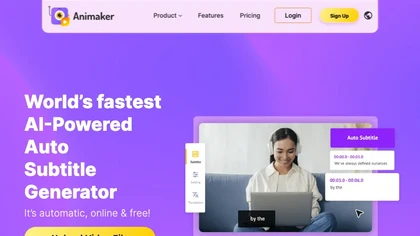
Animaker Subtitle Generator auto‑transcribes audio, adds and edits subtitles with a click, supports 20+ animated styles, translates to 100+ languages, allows manual adjustments or .srt/.vtt uploads, and exports videos or subtitle files for broader use.
Free
- $10/mo
2short.ai automatically extracts the most engaging segments from long videos to create 1080p YouTube Shorts, using facial‑tracking, one‑click animated subtitles, and flexible aspect ratios. It supports multiple languages, direct Drive/URL imports, and brand presets for consistent visuals.
Freemium
- $9.9/mo
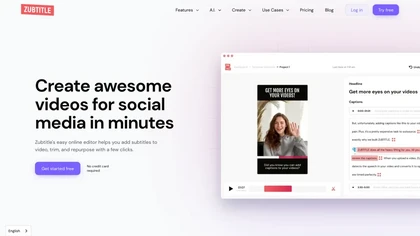
Zubtitle automatically captions videos, offers brand‑style templates and editing tools, and outputs ready‑to‑post formats for TikTok, YouTube, and LinkedIn. It adds subtitles, chapter timestamps, watermarks, and AI‑generated post copy.
Freemium
SubtitleBee automatically generates and syncs subtitles for video and audio files, supports on‑screen editing, customization, and multilingual translation, offers multiple export formats, and provides social‑media cropping for creators and podcasters, enabling accessible content across platforms.
Freemium
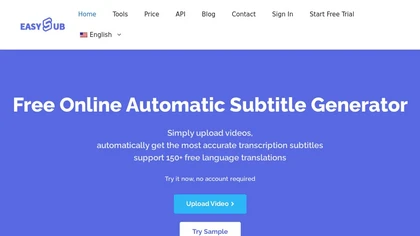
EasySub AI automatically transcribes and translates videos into over 150 languages. It supports MP4, MOV, AVI, MKV, MP3, WAV, and YouTube uploads, offers downloadable SRT/TXT/ASS files, an editor for fine‑tuning, and export presets for major social media platforms.
Freemium
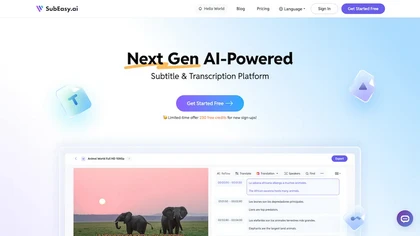
SubEasy AI delivers near‑perfect transcription and multilingual subtitles for video and audio, supporting 100 languages with 99 % accuracy. It offers dubbing, animated captions, speaker ID, OCR extraction, audio splitting, and export to VTT/SRT for social media publishing.
Freemium
- $9.9/mo
VEED is an AI‑powered video editor that lets users upload media, auto‑generate subtitles, edit clips, add music or text, correct eye contact, reduce noise, remove backgrounds, translate captions, and export in multiple formats.
Freemium
- $11/mo
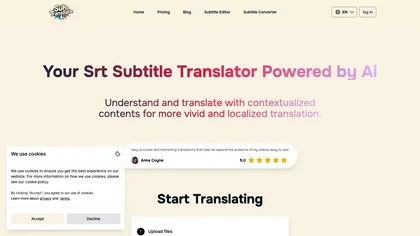
SRT Subtitle Translator converts SRT, VTT, MP3, WAV, MP4, MKV, AAC files into multiple languages using AI that considers full context. Users upload files, choose target languages, adjust settings, and download translated subtitles ready for editing or streaming.
Subscription
- $9.9/mo
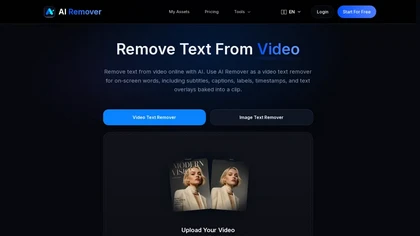
AIRemover.org is a web-based AI tool that removes on-screen text, subtitles, logos, and watermarks from videos and images with automatic detection or manual selection. It preserves background detail and resolution, allowing fast preview and download without frame-by-frame editing.
Freemium
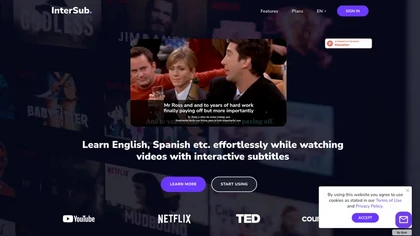
InterSub offers side‑by‑side subtitles in native and target languages on major streaming platforms. Hovering reveals real‑time AI definitions; highlighted words auto‑save to a personal wordbook that syncs with Anki, Telegram, and mobile apps.
Freemium
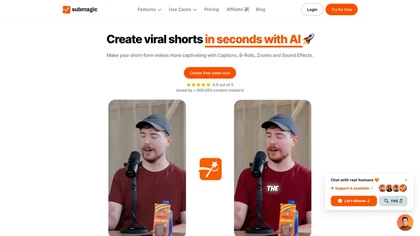
Submagic automates short‑form video editing, offering multilingual captions, text‑based trimming, AI‑powered features like auto‑zoom and eye‑contact correction, and direct multi‑platform publishing up to 4K@60fps, cutting editing time by up to 90%.
Free
- $1.33/mo
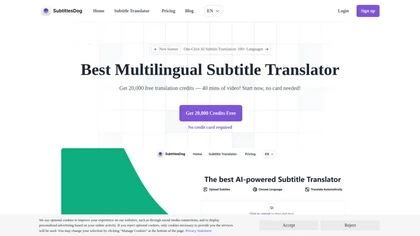
SubtitlesDog AI Subtitle Translator offers effortless translation of subtitles in over 100 languages, supporting popular formats like SRT and VTT. With advanced AI models ensuring accuracy and secure processing, it provides flawlessly timed subtitles for seamless playback.
Freemium
- $9.9/mo
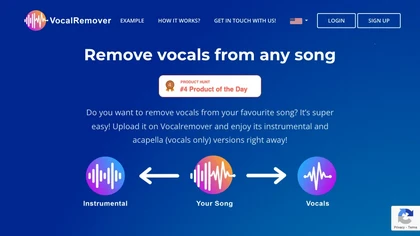
VocalRemover separates vocals from music in audio or video files up to 10 GB, supporting .wav, .mp3, .flac, .ogg, .opus, .mp4, .mkv, .avi, and .mov. Outputs include karaoke, vocals‑only, and individual instruments, with quick batch processing and temporary storage.
Subscription
- $4.99/mo
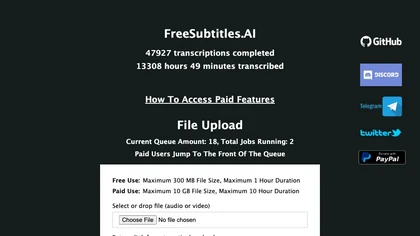
FreeSubtitles.AI converts MP4, MKV, MOV, MP3, WAV, and FLAC files up to 1 hour and 300 MB into accurate transcripts in over 100 languages, then translates subtitles into 91 languages, supporting educators, podcasters, and researchers.
Free
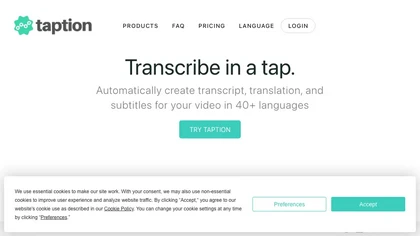
Taption transcribes audio or video into text and subtitles in over 40 languages, auto‑labels speakers, offers translations, editable timelines, video trimming, memos, AI summaries, chapter markers, Q&A search, and exports to MP4, SRT, PDF, etc., with collaborative permissions.
Freemium
- $12/mo
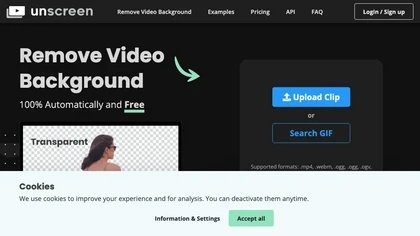
Unscreen is a cloud video editor that removes backgrounds from clips and exports them instantly, with format conversion and resizing. It offers plugins for After Effects and Premiere Pro and integrates with Canva for AI‑enhanced features.
Freemium
- $9
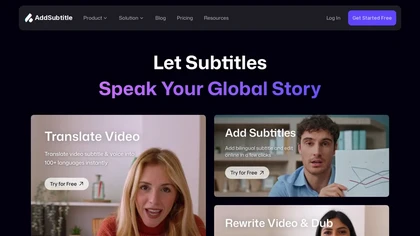
AddSubtitle is an AI video editing tool for creating multilingual subtitles and dubbing videos in 100+ languages, with translation and precise text-audio sync. It also allows subtitle customization and video rewriting while preserving original voice tones.
Freemium
- $18/mo
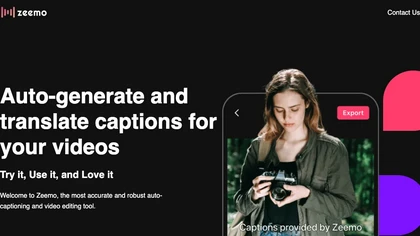
Zeemo.ai is an automatic video captioning tool with features such as dynamic captioning, subtitle translation, batch-edit captioning, and video editing tools to create customized videos in 17 languages with a 98% accuracy rate.
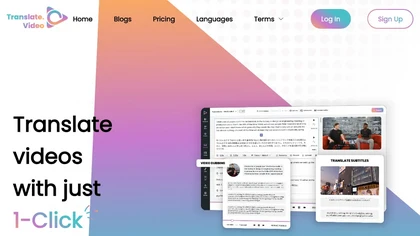
Translate.video automates video localization: it transcribes, generates subtitles, and dubs content in 75+ languages using voice cloning from a 50‑second clip. Users can edit captions, export SRT/VTT/MP4, and integrate plugins for Photoshop, Illustrator, and Figma.
Freemium
- $29/mo
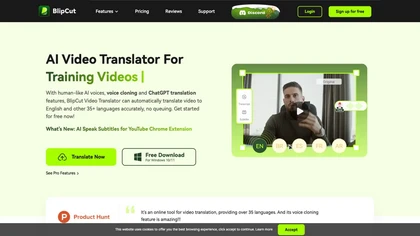
BlipCut AI Video Translator automates localization for over 140 languages, using speech recognition, transcription, AI‑dubbed voice cloning, and lip‑sync. It supports batch processing, subtitle editing, and customizable voice libraries for global video content.
Subscription
- $25/mo
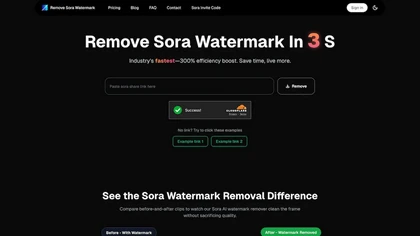
RemoveSoraWatermark is an AI tool that instantly removes the Sora watermark from any video link. It delivers high-quality, watermark-free videos without any loss in quality, ensuring your privacy as files are never stored.
Freemium
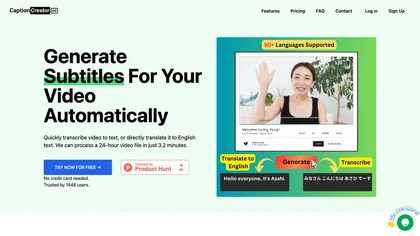
CaptionCreator automatically transcribes and captions audio/video in over 50 languages, detecting input language and translating to English. It handles noisy and multilingual speech, supporting files up to 2 GB and offering unlimited processing for registered users.
Paid
- $30

SendShort automatically converts long‑form videos into short‑form clips for TikTok, YouTube Shorts, and Instagram Reels. It adds faceless visuals, voiceovers, subtitles, translations, AI‑picked B‑roll, transitions, and lets users schedule multi‑platform publishing and export in 1080p or 2K.
Paid
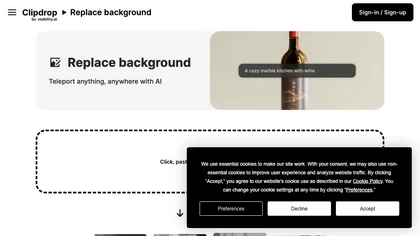
Clipdrop is an AI-driven tool for background replacement and image editing, allowing users to easily swap subjects with new environments, and provide additional capabilities like resizing, text removal, and relighting.
Free
Enhance Speech removes background noise and echo from audio or video files up to 1 GB, preserving natural sound levels. It supports batch processing, speaker separation, and Adobe Express integration for customizable audiograms and captions.
Free trial
- $9.99/mo
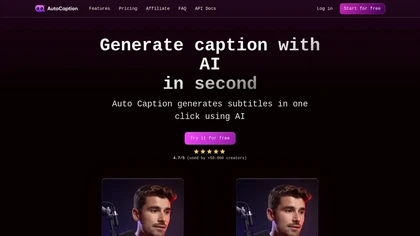
Auto Caption AI instantly generates subtitles in 99+ languages, preserving full HD 1080p/60 fps video quality. Editors can adjust fonts, colors, placement, and use ready‑made or custom templates, with one‑click emoji insertion to enhance captions.
Subscription
- $14/mo

Videoleap is a cross‑platform editor with AI background removal, infinite‑zoom, text‑to‑video, audio cutting, subtitles, and built‑in filters. It offers templates for TikTok, Reels, Shorts, and ads, plus a drag‑and‑drop interface for quick professional videos on web or mobile.
Free trial
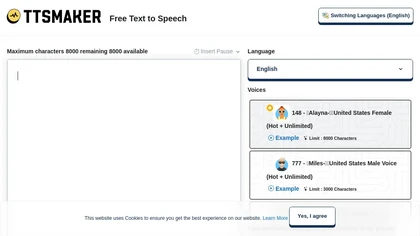
Online TTS platform converts text into audio in 100+ languages with 148+ AI voices. Users can tweak speed, pitch, pause, add background music, and download MP3, OGG, AAC, OPUS, or WAV for dubbing, audiobooks, and language learning.
Free

removefrom.video uses AI video inpainting to remove watermarks, logos, text, subtitles and unwanted objects from MP4, MOV and WEBM files. Drag-and-drop upload, automatic detection and manual masking with cloud processing that preserves motion and lighting.
Freemium
- $8.33/mo
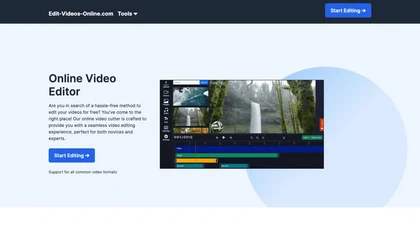
The AI-enhanced Online Video Editor provides smooth, registration-free editing with advanced features like AI background removal and auto caption generation. It supports multiple formats, enables easy audio/image insertion, and requires no software download.
Subscription
- $9.99/mo
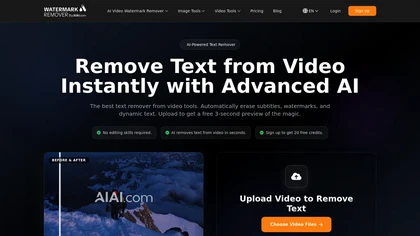
remove-text-from-video - aiai is an AI-powered tool that removes watermarks, logos, subtitles, and on-screen text from videos by automatically tracking and inpainting over them while preserving original resolution.
Free trial
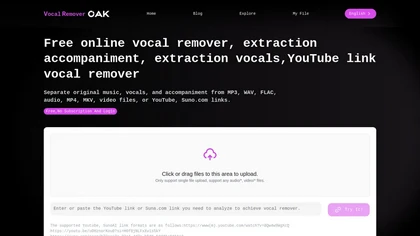
VocalRemover is a web‑based AI tool that isolates vocals and accompaniment from audio files. It supports MP3, WAV, FLAC, MP4, MKV, and YouTube/TikTok links, and outputs stems in WAV, MP3, or FLAC for karaoke, remixing, or podcast editing.
Freemium
Qlip automatically extracts short, vertical or square clips from longer videos, preserving focus on key moments. It applies brand templates, generates speech‑to‑text transcripts with speaker tags, and offers an API for clip creation, aspect‑ratio conversion, subtitle burning, and transcription.
Free
- $30
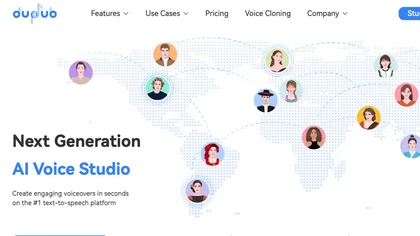
DupDub converts ideas into polished text, offers AI text‑to‑speech with 700+ voices across 90 languages, creates animated speaking avatars, automates video editing with subtitles and effects, and provides voice cloning and API integration for streamlined media production.
Freemium
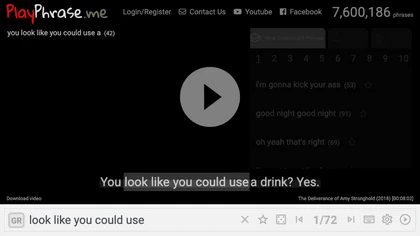
AI tool for searching and playing movie/TV dialogue clips using keywords. Includes login, favorites, and download options.
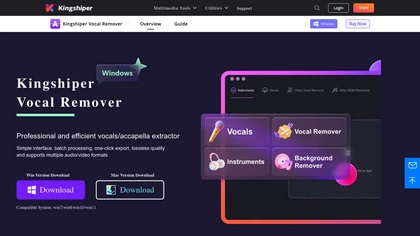
Kingshiper Vocal Remover uses AI to isolate vocals and instrumentals from audio or video, offering one‑click batch processing and lossless export in 1,000+ formats. It auto‑syncs audio and video for high‑fidelity podcasts, music, and karaoke.
Paid

InShot is a mobile video editor that lets users cut, trim, and layer clips, auto‑generate multilingual captions, add music, intros/outros, and apply AI‑driven, 3D, glitch, and lens transitions, text, stickers, and picture‑in‑picture overlays.
Free
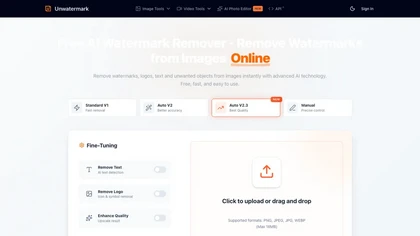
Unwatermark is a web tool that removes watermarks, logos, and text from images and videos using AI. It offers automatic and manual removal modes, batch processing, and supports multiple formats while ensuring user privacy.
Free trial
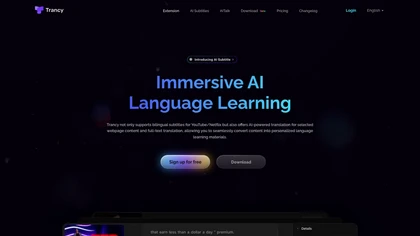
Trancy delivers bilingual subtitles for YouTube, Netflix, and educational platforms, featuring a reading mode, AI‑powered word lookup, grammar analysis, and part‑of‑speech tagging. It offers customizable translation engines, TTS voices, adjustable display options, and offline learning decks.
Freemium
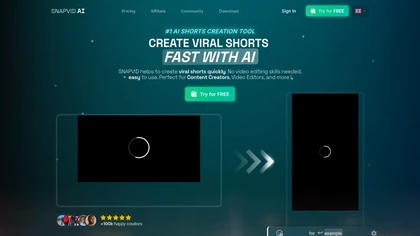
SNAPVID.AI automates cutting long videos into 30‑second clips, removes filler pauses, adds multi‑language subtitles, offers 4K output, AI‑generated B‑roll, audio cleanup, and batch processing with a credit‑based monthly reset for creators.
Subscription
- $16/mo

Trimmr: Automated video editing with AI-powered presets, captions, and animations for efficient content creation.
Freemium
- $7/mo
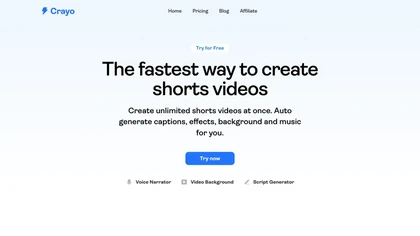
Crayo is a browser‑based AI video editor that lets creators upload or link clips, choose from 15+ subtitle styles, generate voiceovers, enhance speech, remove backgrounds, and produce short‑form videos in seconds, with tools for clipping, split‑screen, compression, and audio balance.
Subscription
- $19

BgSub is an AI‑powered web app that removes or replaces image backgrounds without local uploads. Users drag‑drop, paste or input a URL, edit in real time, and download the result in common image formats.
Freemium
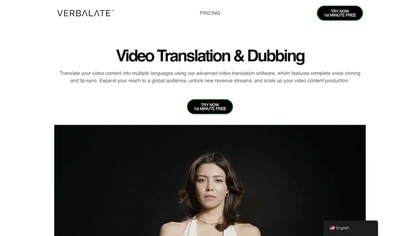
Verbalate automates video translation into 230+ languages, providing subtitles, voice cloning, and lip‑sync options. Users edit transcripts, perform back‑translation, and integrate via API, supporting industry terms and optional human verification for accuracy.
Subscription
- $9/mo
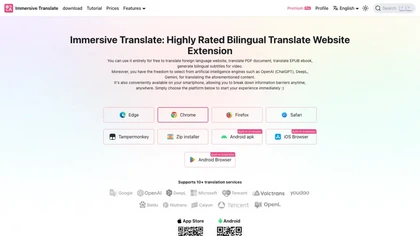
Immersive Translate is a browser and mobile extension that offers side‑by‑side bilingual web pages, translates PDFs, ePub, DOCX, subtitles, adds subtitles to videos, provides live translation for Zoom, Google Meet, Teams, OCR‑based image translation for students, researchers, and professionals.
Free
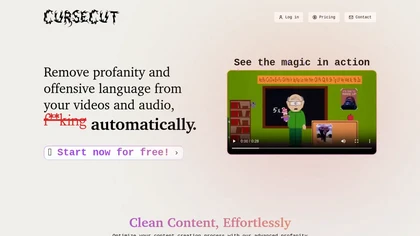
CurseCut automatically removes profanity from MP3, WAV, MP4, AVI, MOV files up to 2 GB. It supports batch processing, detects over 30 languages, allows custom word lists, and offers censor options (beep, silence, sound effect, reversal) locally.
Free
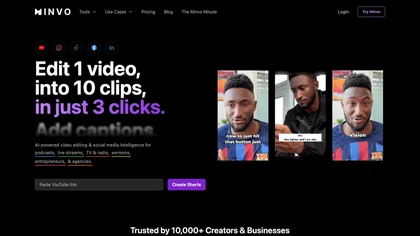
Minvo automates video editing and social media scheduling, converting long videos into short clips, images, and subtitles. Features include AI clip extraction, B‑roll insertion, multi‑language translation, animated captions, branding templates, and cross‑platform posting with performance analytics.
Subscription
- $6.99/mo
VidChapter automatically timestamps videos, generates chapters, tags, titles, and descriptions, and delivers near‑human transcription. It supports SRT, VTT, SBV, STL subtitles, multilingual translation, and can create summaries, thumbnails, blog posts, and other content for cross‑platform use.
Paid
- $15/mo