
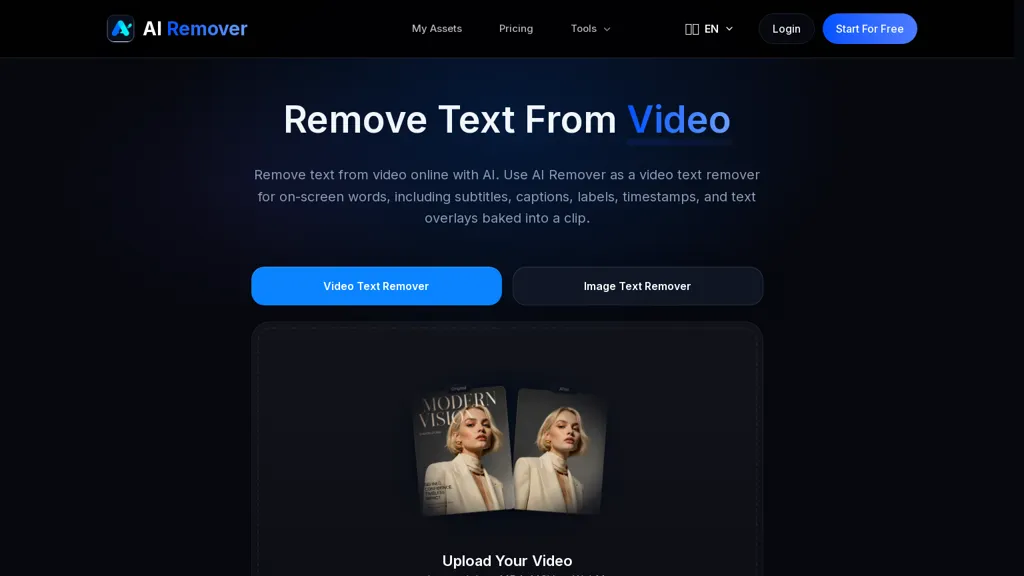
What is AIRemover?
AIRemover removes on-screen text from videos and images, including hardcoded subtitles, captions, labels, timestamps, logos and watermarks.The online AI text remover supports common formats such as MP4, MOV and WebM and accepts drag-and-drop uploads for quick processing.
Users can mark areas manually or use automatic detection with the video text remover, then preview and download cleaned files without frame-by-frame editing.The tool preserves background detail, color fidelity and resolution while minimizing blur or visible edit marks to maintain a natural appearance.
ai remover is suited to video editors, social media managers, translators and content creators who need to repurpose, translate or publish footage without visible text overlays.Common use cases include removing burned-in subtitles, deleting captions or labels, clearing timestamps and removing watermarks from clips or images for reuse and editing.
AIRemover details
- Jurisdiction
- Singapore
- Built for
- Individuals
AIRemover tech specs
- Works with
- Google / Nano Banana ByteDance / Seedream
AIRemover pricing
Freemium- Refund window
- 7 days
- Auto-renewal
- Yes
Verify on the official pricing page.
View plansAIRemover's key features
-
Removes on-screen text and overlays from videos and images (subtitles, captions, labels, timestamps, logos, watermarks)
-
Supports common video formats (MP4, MOV, WebM) and drag-and-drop uploads
-
Offers manual area selection and automatic text detection
-
Provides preview and download of cleaned files without frame-by-frame editing
-
Preserves background detail, color fidelity and resolution while minimizing blur and visible edit marks
AIRemover use cases
-
Prepare archival or user-generated videos for reuse in documentaries and social content by removing burned-in timestamps, subtitles and captions with AI Remover's automatic or manual selection while preserving background detail and original resolution
-
Convert brand videos and influencer clips for monetization and cross-platform publishing by removing logos, watermarks and hardcoded captions using AI Remover's drag-and-drop MP4/MOV/WebM support to create clean, publishable assets
-
Create polished marketing visuals and product shots by removing on-screen text and burned-in subtitles from images and video frames, maintaining background fidelity for professional editing and repurposing
AIRemover user reviews
Based on 1 review, 100% of users recommend AIRemover.
Liked for
Would you recommend AIRemover?
Who is AIRemover for?
-
Video editors
-
Content creators
-
Photographers
-
Social media managers
-
E-commerce sellers
AIRemover FAQ
Is AIRemover free?
Partly. AIRemover has a free plan with usage limits, and paid plans unlock the full feature set. Plans include Starter c 2000 at $9.9/mo or $24/year, Plus c 4500 at $19.9/mo or $40/year and Premium c 8000 at $49.9/mo or $100/year.
What are the best alternatives to AIRemover?
The closest alternatives to AIRemover are Remove Watermark - MarkGone, RemoveFrom.Video, Unwatermark AI, W-Agent and VideoWatermarkRemove. You can compare them side by side in the alternatives section further down this page.
What does AIRemover do with my data?
Its privacy policy states that personal data is not sold or shared for marketing purposes. Data may be shared with third-party service providers that help run the product.
Does AIRemover auto-renew or offer refunds?
AIRemover subscriptions renew automatically until you cancel. It states a 7-day refund window.
Which AI models does AIRemover use?
AIRemover is built on Google / Nano Banana and ByteDance / Seedream. Which models you can reach may depend on your plan.
Compliance, privacy and billing terms are as stated in each product's own published documentation and have not been independently verified by TopAI.tools.


