
Screen Recording Tutorial Creator
The best 50 Screen Recording Tutorial Creator AI tools - Free & Paid
Explore 50 AI for Screen Recording Tutorial Creator
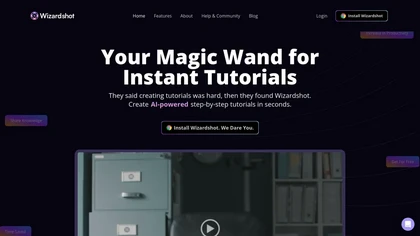
Wizardshot is a web app and Chrome extension that automatically converts screen recordings into structured, step‑by‑step tutorials. It exports to PDF/DOC, GIFs, embeds videos, supports team collaboration, role‑based access, blurs sensitive data, and provides analytics on usage and gaps.
Free
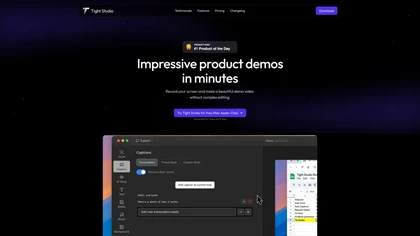
Tight Studio is a screen recording tool that enables users to create professional videos quickly. Features include smart zoom, captioning, background music, AI narration, and dynamic text overlays, making it ideal for tutorials, demos, and presentations.
Freemium

Tella is a cross-platform screen recorder and video editor that captures screen and webcam in 4K, offers clip-based recording with multi-camera layouts, transcript-driven and AI-assisted editing (filler removal, silence trim), templates, hosting and export options.
Free trial
- $13/mo
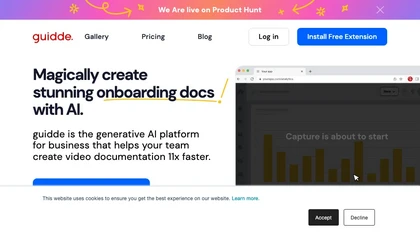
Guidde records screen activity, auto‑generates step‑by‑step video guides with AI narration and captions, editable and embeddable into platforms like Salesforce. Supports export, multilingual translation, and enterprise security for teams and knowledge bases.
Free trial
Layerpath converts a single screen recording into interactive demos, step‑by‑step guides, or videos, automatically capturing clicks and UI changes. It lets you edit steps, add multilingual narration, embed forms, apply branding, view analytics, and share via embed, link, or export.
Freemium
- $129/mo
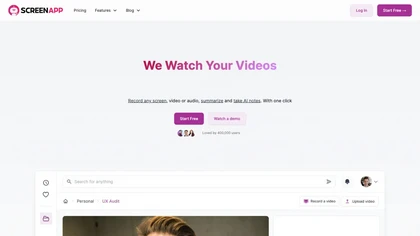
ScreenApp records and transcribes audio/video meetings, extracts key points and action items, and delivers searchable summaries and exports. It integrates with Zoom, Google Meet, YouTube and supports real‑time translation, helping teams quickly locate information.
Subscription
- $199/mo

CodeVideo records editor edits, terminal output, and UI events into an event-sourced, deterministic timeline for creating editable, scrubable code tutorials and training; export to video, Markdown, PDF, PPTX, HTML, framework-specific projects, or programmatic workflows via API/JSON.
Subscription
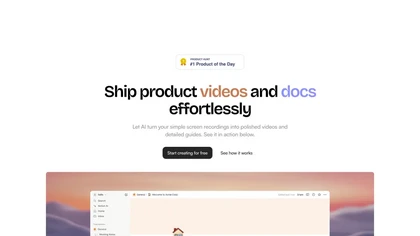
Trupeer turns browser screen recordings into product videos with AI‑generated scripts, voiceovers, and annotations. It supports 65+ languages, brand assets, avatars, and templates, and outputs videos, PDFs, or embed code. Centralized asset storage, searchable knowledge base, analytics, and security.
Freemium
- $19/mo
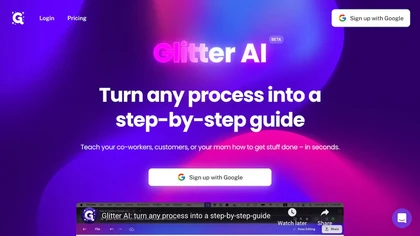
Glitter AI transforms video or screen‑capture recordings into structured step‑by‑step guides, SOPs, and onboarding documents. It auto‑transcribes, extracts key moments, and generates content with screenshots, exportable to PDF, HTML, Markdown, and popular knowledge‑base platforms.
Freemium
- $16/mo
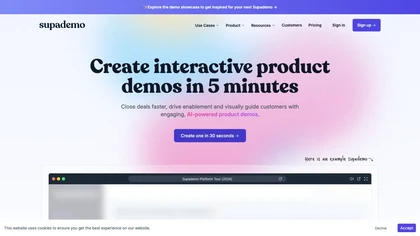
Supademo records user interactions and auto‑generates guided walkthroughs for web, mobile, and desktop apps. It offers HTML cloning, screenshots, Figma integration, multi‑language voiceovers, branching logic, analytics, and CRM integration to accelerate onboarding and support sales cycles.
Free trial

Motionik is a Windows and macOS screen recording and editing app combining cursor-tracking auto-zoom, timeline editing, overlays (titles, captions, webcam, mobile capture), trimming and masks, background replacement, AI transcripts and noise reduction for efficient demos and tutorials.
Free
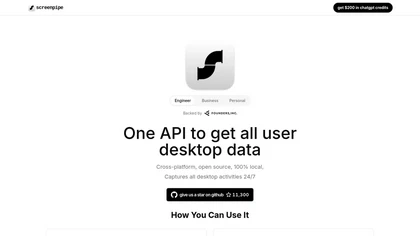
Screenpipe records screen and microphone continuously on macOS, Windows, or Linux, stores data locally, indexes it by text/audio, and runs AI agents that update CRMs, transcribe meetings, track expenses, or monitor competitors, delivering structured data to apps like Slack or Notion. Privacy is kept
Subscription
- $35/mo
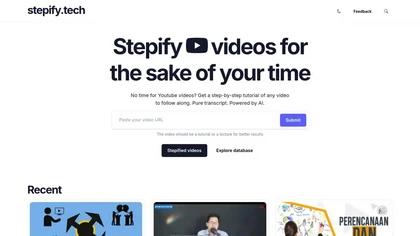
Stepify enables users to create step-by-step video tutorials by generating detailed summaries and transcripts. Ideal for educators and content creators, it simplifies complex content into manageable segments, enhancing user engagement and comprehension.
Freemium
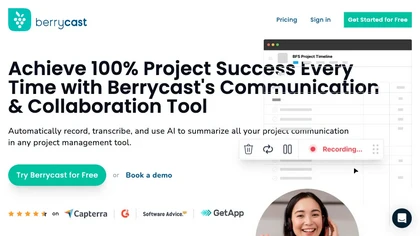
Berrycast is a cross‑platform screen‑recording tool that captures webcam, screen activity, and live voice narration. It instantly shares screencasts, integrates into productivity apps, and meets GDPR privacy and data‑security standards.
Subscription
- $1.33/mo

Supercut is an asynchronous video messaging platform that records screen and webcam (up to 4K), auto-edits and chapters recordings, provides branded shareable links with embedded CTAs, analytics and engagement tracking, collaboration tools, and enterprise-grade security.
Free trial

YouTube sumamry chrome extension is a YouTube video summary tool developed by Glasp Inc., currently in beta testing and requires installation on Chrome or Safari browsers along with sign-up.

SuperMaker AI Video Creator is a text-to-video platform that generates scripts, visuals, voiceovers, and music from prompts. It includes editing tools and customizable workflows for seamless video production.
Free trial
- $8.3/mo

TechScreen is an AI interview assistant that provides real-time support during technical interviews on video platforms. It processes audio and on-screen content, offers quick responses to coding challenges, and supports multiple programming languages to enhance interview efficiency.
Free trial
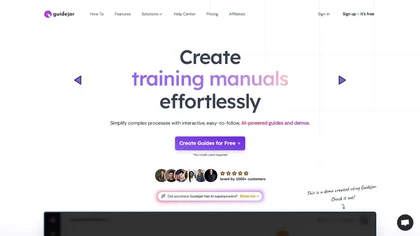
Guidejar records real‑time interactions via Chrome extension or desktop app and turns them into interactive, step‑by‑step walkthroughs. Users add AI voiceovers, conditional branching, and dynamic variables, and share guides through links, embeds, or a branded help center with analytics.
Freemium
- $79/mo
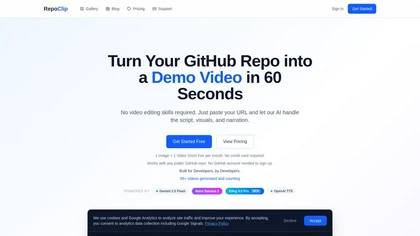
RepoClip is an AI tool that converts code repositories into narrated tutorial and demo videos. It analyzes a project's structure to automatically generate synchronized visual walkthroughs and demonstrations for documentation and onboarding.
Freemium
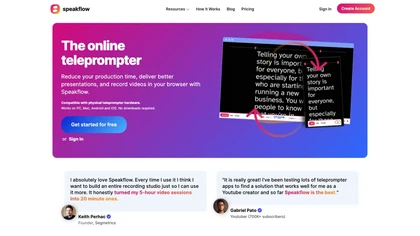
Speakflow is a web‑based teleprompter that lets users scroll scripts by voice or manually with real‑time speed control. It offers autosave editing, collaborative drafting, device‑synchronization, 1080p browser recording, and hardware compatibility.
Freemium
Scrybe Quill automatically generates audio/video recaps for tabletop RPG sessions by recording gameplay. Users can choose narrators and background music, preserving key moments and enhancing storytelling for future adventures.
Free trial
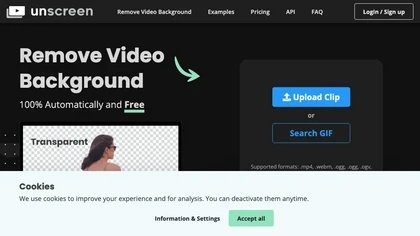
Unscreen is a cloud video editor that removes backgrounds from clips and exports them instantly, with format conversion and resizing. It offers plugins for After Effects and Premiere Pro and integrates with Canva for AI‑enhanced features.
Freemium
- $9
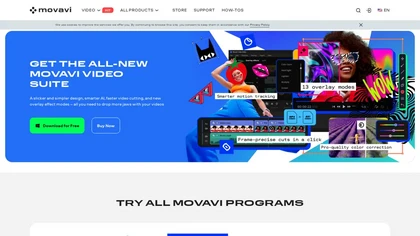
Movavi Video Editor is a desktop app for Mac and Windows that lets users trim, crop, color‑grade footage and add titles, overlays, and filters. AI features automate subtitles, noise suppression, and motion tracking. It includes a screen recorder for tutorials.
Paid
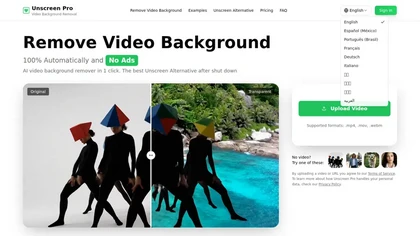
Unscreen Pro automatically removes video backgrounds frame by frame, no greenscreen, producing transparent outputs (MP4, MOV, WebM, AVI) at original or upscaled resolution, with live preview, batch processing and an API for workflow integration.
Freemium
- $4.99/mo
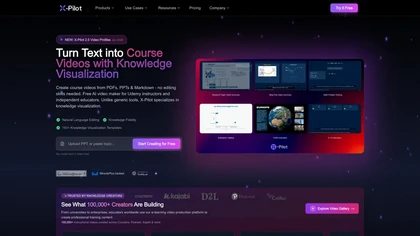
X-Pilot is an AI video maker that simplifies the creation of explainer videos and tutorials. It features editable animation layers, AI-generated voice options, and supports various exports, making it ideal for educators and course creators.
Free trial
FlexClip is an online video editor with templates, resources, and powerful tools to create and edit videos for various purposes, as well as integration with royalty-free stock media providers and easy social media sharing.
Freemium
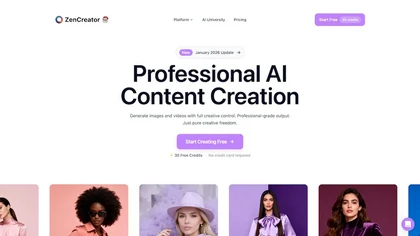
ZenCreator is an AI content suite for generating and editing high-resolution images and videos. It specializes in scalable workflows for social media, e-commerce visuals, and marketing assets with tools like avatars, lip-sync, and virtual try-ons.
Free trial
- $19.99
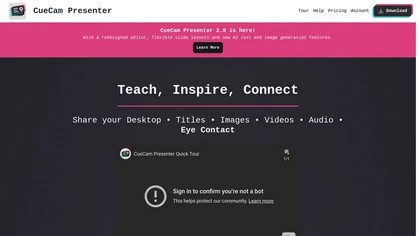
CueCam Presenter enables live or recorded webcam presentations with integrated slides, videos, and screen shares. Built‑in teleprompter, real‑time annotation, media slot system, and audio utilities support seamless delivery across macOS, iPad, iPhone, and major conferencing apps.
Subscription
- $4.99/mo
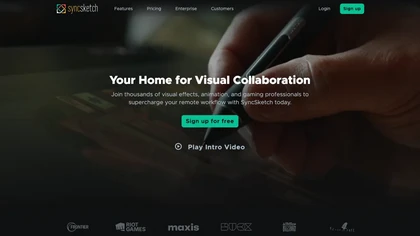
SyncSketch is a cloud-based collaboration tool for visual effects and gaming professionals, enabling remote teams to review media efficiently with synchronized presentations, frame-accurate annotations, version comparisons, and mobile access, while integrating with platforms like Jira and ShotGrid.
Free trial
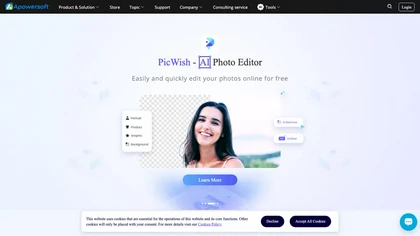
Apowersoft delivers cross‑platform screen, audio, and video capture with high‑fidelity recording, along with versatile media conversion, editing, and PDF OCR. It also offers background removal, data recovery for mobile/desktop, HEIC conversion, and multi‑monitor support for creators and businesses.
Free
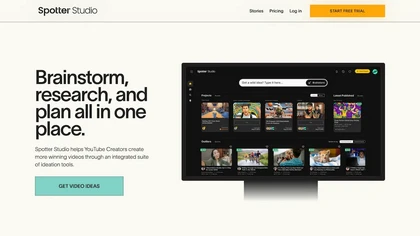
Spotter Studio provides Creators with an integrated solution for video brainstorming, research, and project planning. It's your all-in-one place to develop and organize high-performing video concepts, titles, and thumbnails solo or collaboratively with others.
Free trial
- $49/mo
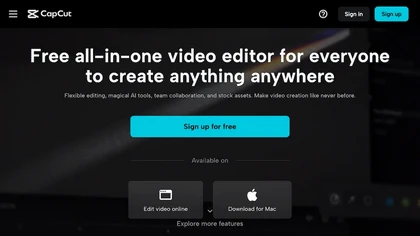
CapCut is an AI-powered video editor & design tool with social media templates, background removal, upscaling, color correction, portrait generation, text-to-speech, voice changers, and team collaboration support - accessible online and for Mac download.
Free trial
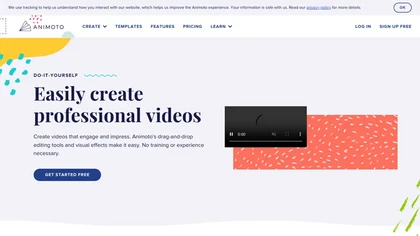
Animoto is a drag‑and‑drop video creation platform that lets users assemble polished videos using templates, screen and webcam recording, licensed music, and Getty stock assets. It supports voice‑overs, graphics, collaboration, and branding presets.
Freemium
- $7/mo
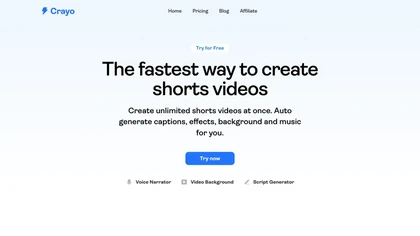
Crayo is a browser‑based AI video editor that lets creators upload or link clips, choose from 15+ subtitle styles, generate voiceovers, enhance speech, remove backgrounds, and produce short‑form videos in seconds, with tools for clipping, split‑screen, compression, and audio balance.
Subscription
- $19

Riverside is a comprehensive platform for recording high-quality video and audio, with AI-powered editing and live streaming tools. It centralizes hosting, publishing, and analytics for podcasts and videos, supporting remote collaboration and content repurposing.
Freemium
- $24/mo
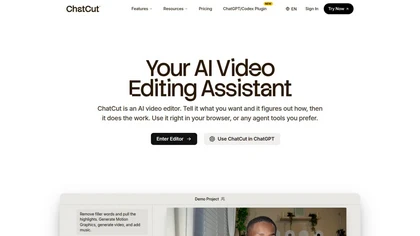
ChatCut is a browser and ChatGPT-plugin video editor that uses transcript-based editing to remove fillers, trim and reorder talking-head footage, assemble coherent cuts, generate motion graphics, B-roll, captions (100+ languages) and AI music, and export timelines.
Subscription
- $25
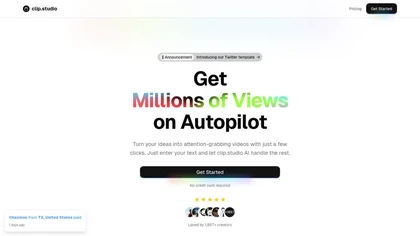
Clip Studio is an AI platform for creating viral short-form videos, offering customizable templates, automated captions, and music selection. It enables scheduling posts across platforms and provides performance analytics to enhance content strategy.
Free trial
- $1.17/mo
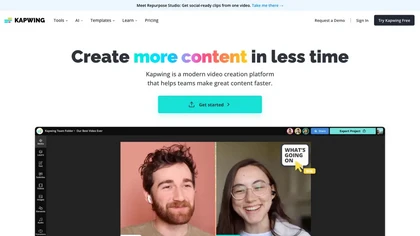
Kapwing is an online video platform offering drag‑and‑drop editing for trimming, layering, overlays, and team collaboration. Its audio tools record, edit, and clean tracks; subtitler auto‑generates captions in 40+ languages.
Freemium
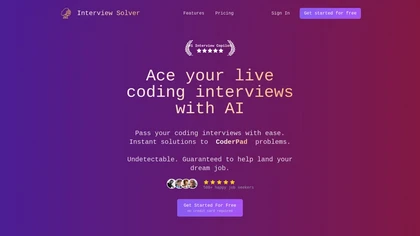
Interview Solver is a desktop AI copilot that supplies real‑time code and system‑design solutions during coding interviews, accepting screenshots, voice, and documents, and remains invisible in screen sharing and background processes.
Freemium
- $30
InShot is a mobile video editor that lets users cut, trim, and layer clips, auto‑generate multilingual captions, add music, intros/outros, and apply AI‑driven, 3D, glitch, and lens transitions, text, stickers, and picture‑in‑picture overlays.
Free
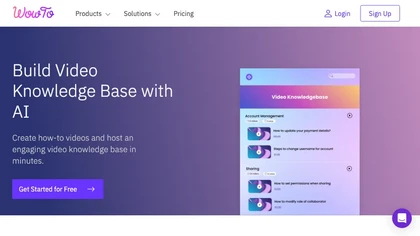
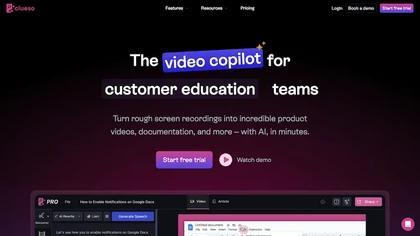
Clueso is a powerful AI tool that enables users to create professional-quality product videos, step-by-step articles, and screenshots in minutes. It offers features like AI voiceovers, smart zoom effects, multi-language translation, and easy text-based editing for seamless content creation.
Free trial
- $150/mo
Storyboarder.ai transforms scripts into detailed shot lists, storyboards, and animatics. Upload PDFs, Fountain, or prompts to auto‑generate visual panels; edit frames, adjust camera, and export PDFs for crew. Supports film, TV, commercials, and web projects.
Freemium

CrePal is an AI video platform that automates scriptwriting, storyboarding, image/video generation and editing across integrated models, producing multi-scene, style-consistent HD videos with subtitles, voiceover, lip-synced avatars, PDF-to-video conversion and export-ready outputs.
Subscription
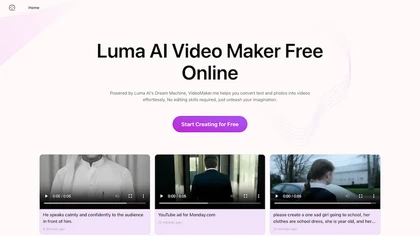
Google Veo 3 generates 8‑second, full‑HD cinematic clips from text prompts with lip‑synced dialogue and ambient audio. It animates still images, adds motion, lighting, perspective shifts, and over 60 visual effects for quick online video prototyping.
Subscription
- $7.9/mo