
Frame Aware Video Cleanup
The best 50 Frame Aware Video Cleanup AI tools - Free & Paid
Explore 50 AI for Frame Aware Video Cleanup

FrameTrace | Reverse Video Search is a tool that locates original video uploads and their reposts by matching visual frames and metadata across platforms like TikTok, YouTube, and Instagram. It analyzes uploaded clips or URLs to detect edits and re-encodings, providing source links and match confide
Freemium
- $4/mo
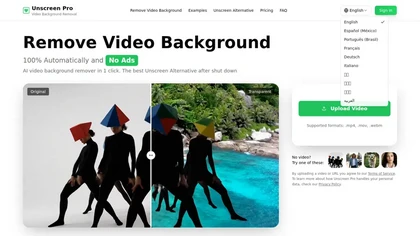
Unscreen Pro automatically removes video backgrounds frame by frame, no greenscreen, producing transparent outputs (MP4, MOV, WebM, AVI) at original or upscaled resolution, with live preview, batch processing and an API for workflow integration.
Freemium
- $4.99/mo
Neural Frames turns songs into audio‑reactive videos with a two‑click autopilot or frame‑by‑frame editor, offers text‑to‑video tools, stem‑based modulation, custom model training, and free 4K upscaling for professional media.
Paid
- $19/mo
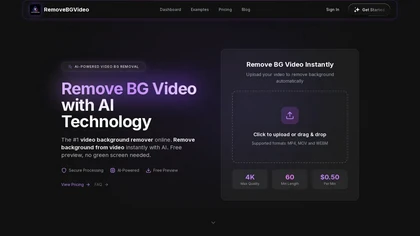
RemoveBGVideo is an AI tool that automatically removes backgrounds from videos, supporting HD/4K footage up to 60 minutes. It offers batch processing, green-screen support, and exports with transparent or custom backgrounds for content creators and e-commerce.
Freemium
- $6
CapCut is an AI-powered video editor & design tool with social media templates, background removal, upscaling, color correction, portrait generation, text-to-speech, voice changers, and team collaboration support - accessible online and for Mac download.
Free trial
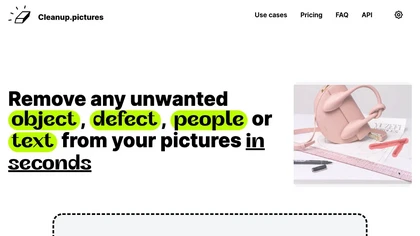
Cleanup.pictures is an AI-powered photo editing tool that allows users to remove objects, people, text, and defects from any picture with ease, highly valued by photographers, creative agencies, real estate professionals, and e-commerce businesses.
Free trail
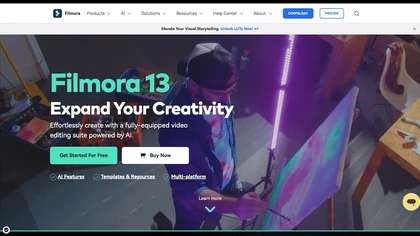
Wondershare Filmora is a cross‑platform video editor featuring AI tools like Video Extender, Image‑to‑Video, Text‑to‑Video, AI Music Generator, and AI Object Remover. It offers a timeline, dual‑timeline editing, motion‑path tools, AI‑assisted asset matching, GPU acceleration, and export presets for
Paid

CreatorFrames is an AI-driven tool for generating images and videos. It offers customizable templates across various styles, making it suitable for content creators and marketers to efficiently produce engaging visual media for diverse applications.
Subscription

removefrom.video uses AI video inpainting to remove watermarks, logos, text, subtitles and unwanted objects from MP4, MOV and WEBM files. Drag-and-drop upload, automatic detection and manual masking with cloud processing that preserves motion and lighting.
Freemium
- $8.33/mo

Wondershare Filmora® is an AI-driven video editing software that offers intuitive drag-and-drop editing, automatic scene detection, and audio synchronization, alongside templates and effects, making it suitable for beginners and experienced editors alike.
Freemium
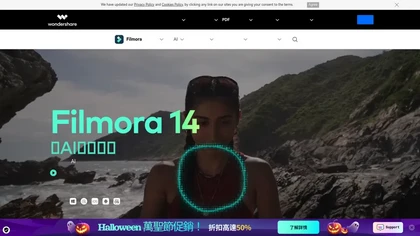
Filmora is a cross‑platform video editor featuring multi‑track editing, AI tools for background removal, audio‑to‑video conversion, automated subtitles, and music/voice enhancement. It offers templates, a vast media library, GPU acceleration, and export presets for major platforms.
Paid
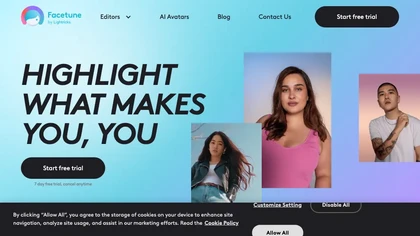
Facetune is an AI‑driven photo and video editor offering touch‑up, background removal, face and body reshaping, realistic makeup and hairstyle try‑on, background blur, and noise removal—enabling quick mobile edits for influencers, photographers, and stylists.
Subscription
- $25/mo
UniFab AI enhances video and audio with AI: upscales to 16K 120fps, denoises, colorizes black‑and‑white, sharpens faces, converts formats, upmixes to surround sound, removes vocals, and supports batch GPU‑accelerated processing for creators and archivists.
Paid
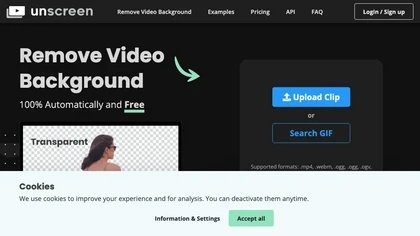
Unscreen is a cloud video editor that removes backgrounds from clips and exports them instantly, with format conversion and resizing. It offers plugins for After Effects and Premiere Pro and integrates with Canva for AI‑enhanced features.
Freemium
- $9

PhotoGrid is a browser‑based AI photo editor that offers one‑click enhancement, background removal, and upscaling. It lets users build collages from 20,000 templates, add stickers, text, custom backgrounds, and convert images into short video clips.
Subscription
- $2.83/mo
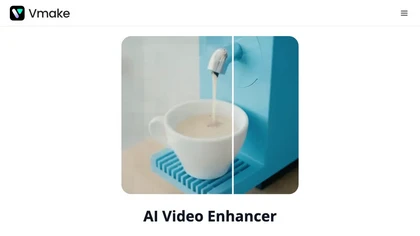
Vmake AI Video Enhancer upsamples MP4, MOV, AVI, etc. to 2K/4K/AI 4K+, removes artifacts, improves low‑light, reduces noise, and offers watermark/text removal, background elimination, and subtitle generation, giving creators, e‑commerce, and gamers sharper, cleaner videos.
Subscription
- $9.99/mo
Clipfly turns text prompts into videos, animates images, and adds lifelike touches to photos. With an AI storyboard, one‑click enhancer, background removal, subtitles, and audio integration, it streamlines branded content, social clips, and personal memories.
Free

Wan2.7.org is an AI video platform that generates, edits, and recreates clips with precise control over subjects, motion, and style. It streamlines production for ads, tutorials, and localized content by enabling targeted edits without rebuilding videos from scratch.
Freemium
- $25.9/mo


VSCO is a cross-platform photo and video editor combining 200+ presets, analog-style Film FX and precision exposure/color controls with AI-powered Remove and retouching, live in-app capture, clip-level video edits, and portfolio/workspace tools for creators.
Freemium
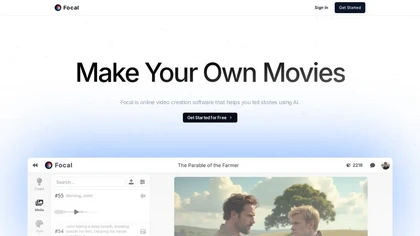
Focal lets users create and edit videos from scripts or simple ideas using AI models for video, image, and voice. It supports natural‑language script adjustments, timeline editing, asset consistency, and advanced features like frame interpolation and extended output.
Freemium
- $10/mo

Movavi Video Editor is a desktop app for Mac and Windows that lets users trim, crop, color‑grade footage and add titles, overlays, and filters. AI features automate subtitles, noise suppression, and motion tracking. It includes a screen recorder for tutorials.
Paid
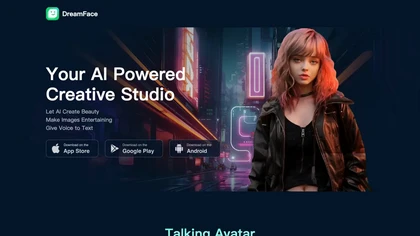
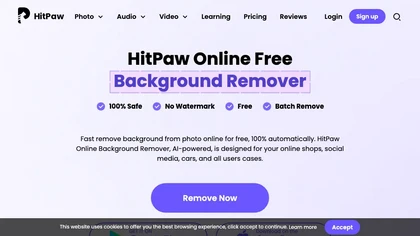
HitPaw Online Background Remover uses AI to delete backgrounds in seconds, supporting single or up to 50‑image batch uploads. It offers transparent, black, or template backgrounds, realistic shadows, and works on Windows, macOS, iOS, Android, and browsers.
Freemium
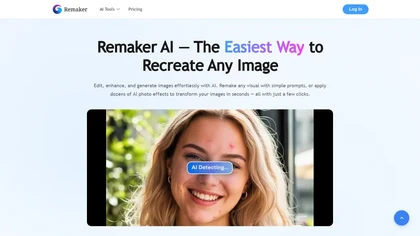
remaker ai offers web and mobile AI image and video editing for creators and teams, including upscaling, background removal, object erasing, face swap, text-to-image, lip-sync, batch processing and templates for short-form social content.
Free trial
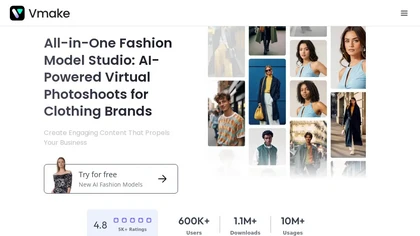
Vmake automates UGC and viral video cloning, producing product, fitness, and real‑estate clips with AI editing tools—watermark removal, background swap, noise suppression, upscaling. It auto‑generates captions, hooks, thumbnails, supports batch processing, and offers a teleprompter for polished deli
Free
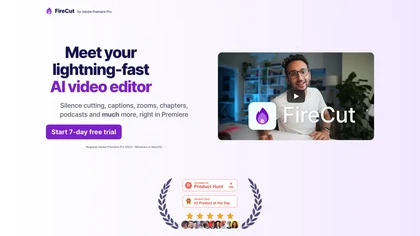
FireCut is an AI‑powered plugin for Premiere Pro and DaVinci Resolve that cuts silence, filler words, profanity, and repetitions. It auto‑generates multilingual captions, adds chapter markers, auto‑zoom, B‑roll, music, voiceover transcription, and short‑video exports for social media.
Subscription
- $10/mo
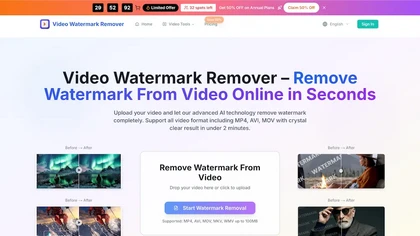
videowatermarkremover.org is a web-based AI tool that removes watermarks, logos, text, and unwanted objects from video files while preserving original resolution and detail. It supports batch processing, API integration, and works across common video formats for content creators, marketers, and team
Free trial
Veo Flow is an AI filmmaking tool designed for creatives, enabling seamless creation of cinematic clips and stories by combining user-provided assets with Google’s generative AI models, streamlining the filmmaking process.
Freemium

Webcam Effects Chrome Plugin provides browser-based virtual backgrounds, blur, and background replacement with images or video; records browser tabs or single sources; adds AI noise cancellation, smart auto-framing, picture-in-picture, emoji/Giphy, and custom layouts.
Freemium
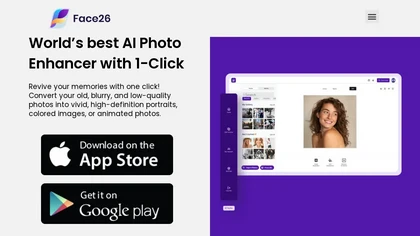
Face26 is an AI photo enhancer that improves image quality with denoising, color correction, upscaling, recoloring, and background removal. It supports photo‑realistic art, animated versions, and headshot creation, available on web and mobile.
Freemium

TensorPix enhances SD video to 4K 60FPS, removes artifacts from VHS and old footage, offers real‑time call improvement, batch processing, API integration, and cloud GPU processing—no local install needed.
Freemium

Framia is an AI video creation platform that transforms voice, text, images, or references into finished videos. It enables conversational editing with consistent characters and styles for ads, explainers, and educational content.
Subscription
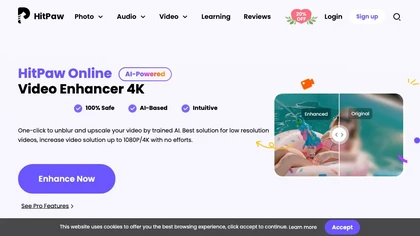
Upload video files (MP4, MOV, MKV, M4V, AVI) and apply AI models—Face, Animation, Denoise, Low‑Light, Colorize—to improve clarity, reduce noise, brighten dark scenes, or add color. Preview changes, upscale to 4K, then download without watermarks.
Paid
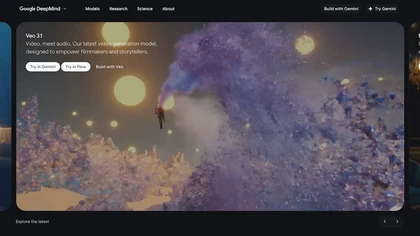
Veo3 is an advanced video generation model that creates high-quality 4K visuals with realistic motion. It supports various prompts and camera controls, minimizing artifacts while simulating real-world physics for dynamic cinematic results.
Freemium

FlexClip is an online video editor with templates, resources, and powerful tools to create and edit videos for various purposes, as well as integration with royalty-free stock media providers and easy social media sharing.
Freemium

Clipdrop is an AI image editor that adjusts aspect ratios, extends boundaries, and adds background space while preserving detail. It offers background removal, object cleanup, relighting, universal resizing, upscale, and text‑to‑image generation for photographers and designers.
Freemium
- $15/mo
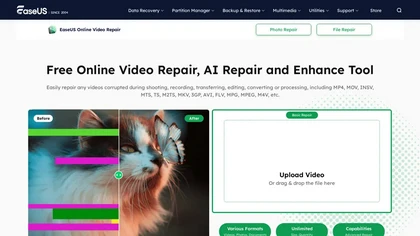
EaseUS Online Video Repair is an AI tool that repairs corrupted video files in formats like MP4, MOV, and AVI. It automatically fixes issues like pixelation and audio syncing while preserving original quality and offers advanced recovery options.
Free
AI‑powered video editor trims, merges, and transforms footage with minimal effort. It offers background removal, automated image upscaling, and real‑time synthesis from text prompts, enabling quick video creation and batch processing via a Django web interface.
Paid
- $14/mo

RemoveBackgroundAI.com is a web‑based AI that deletes image and video backgrounds from JPEG, PNG, GIF, MP4, MOV files up to 234 MB, offering transparent or solid colors. It supports batch processing, multiple output formats (PNG, WebP, MP4), and a multilingual interface.
Paid
- $70/mo
BeFunky is an online editor for photos, collages, and graphics. It offers crop, resize, blur, exposure, batch edits, AI background removal, object erasing, upscale, artistic filters, and drag‑and‑drop templates for banners, flyers, and social‑media posts.
Free

Facy lets users swap faces in photos and videos, batch process, upscale to 4K, remove backgrounds, and perform AI image‑to‑image, text‑to‑image/video, image‑to‑video conversions—all for free on JPEG/PNG files without registration.
Freemium
Kapwing is an online video platform offering drag‑and‑drop editing for trimming, layering, overlays, and team collaboration. Its audio tools record, edit, and clean tracks; subtitler auto‑generates captions in 40+ languages.
Freemium
AVCLabs Video Enhancer AI uses deep learning to upscale, denoise, sharpen, colorize, and interpolate frames, automatically detecting and refining faces. It supports batch conversion, preview comparison, multiple formats, preserves frame rates, and leaves originals unaltered.
Free

HitPaw FotorPea automatically enhances photos by applying AI models for sharpening, denoising, face and color correction. It unblurs images, upsizes to 4K/8K, restores old photos, removes backgrounds, and generates images from text prompts.
Free trial

AI Background Remover deletes backgrounds from JPG, PNG, WebP images while preserving resolution, handling up to 500 at once. Users can replace with color, gallery, or upload; ideal for designers, marketers, and e‑commerce workflows.
Freemium
- $9
Topaz Video AI is a powerful video enhancement tool that uses AI models to upscale, deinterlace, stabilize, and interpolate frames for high-quality results.
Paid
- $99

Retouch4me is an AI retouching suite that functions as Photoshop plugins or standalone apps. It automates skin, eyes, hair, clothing, and background edits in real‑time, supports RAW and batch workflows, and offers video color grading with offline processing.
Paid

Upscale.media is a browser-based AI upscaler that increases image and short-video resolution up to 2×/4×/8×, reconstructs detail, reduces noise/artifacts, and offers deblur, sharpen, colorisation, face restoration, batch processing and API access.
Freemium
- $0.02

VideoWatermarkRemove is an AI-powered online tool that intelligently removes watermarks, logos, and text from videos. It analyzes surrounding pixels to erase unwanted elements while preserving the original video quality.
Freemium