
Clip Trimming
The best 50 Clip Trimming AI tools - Free & Paid
Explore 50 AI for Clip Trimming
SliceTube trims and downloads YouTube videos directly, offering start‑and‑end selection and export to MP4, MP3, or WEBM up to 4K. Browser‑based, watermark‑free, and privacy‑protected, it’s useful for creators and educators needing quick clips.
Paid
- $5

EZTrimmer is a browser-based video editor for trimming, splitting, and merging clips with a timeline interface. It enables quick preparation of short-form content for platforms like TikTok and YouTube Shorts with frame-accurate cuts and drag-and-drop simplicity.
Free
CapCut is an AI-powered video editor & design tool with social media templates, background removal, upscaling, color correction, portrait generation, text-to-speech, voice changers, and team collaboration support - accessible online and for Mac download.
Free trial

Clipdrop is an AI image editor that adjusts aspect ratios, extends boundaries, and adds background space while preserving detail. It offers background removal, object cleanup, relighting, universal resizing, upscale, and text‑to‑image generation for photographers and designers.
Freemium
- $15/mo
FlexClip is an online video editor with templates, resources, and powerful tools to create and edit videos for various purposes, as well as integration with royalty-free stock media providers and easy social media sharing.
Freemium

Audio Cut is a browser-based tool for trimming and cutting audio files without installation. It supports multiple formats, processes files securely in your browser, and allows for lossless export.
Free
ChatCut is a browser and ChatGPT-plugin video editor that uses transcript-based editing to remove fillers, trim and reorder talking-head footage, assemble coherent cuts, generate motion graphics, B-roll, captions (100+ languages) and AI music, and export timelines.
Subscription
- $25
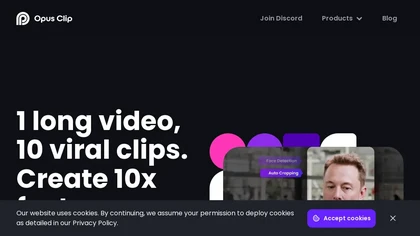
OpusClip is an AI-powered video tool that transforms long videos into shareable short clips with one click. It uses AI to identify compelling moments, generate captions, and optimize for social media.
Freemium
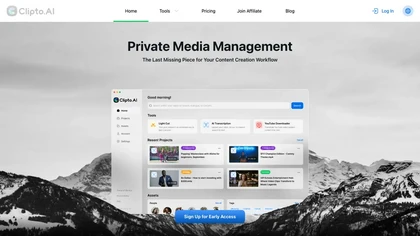
Clipto.ai is a private media management assistant that enables accurate AI transcription, supports various media sources, integrates with tools like Adobe Premiere, and allows smart searches for efficient content creation workflows, all without needing internet access.
Freemium
- $8.99/mo
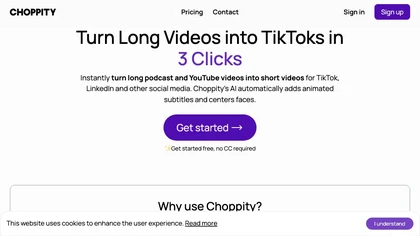
Choppiti is an AI-based video editing tool that repurposes longer videos for social media platforms and adds animated subtitles and face centering. It's faster and cheaper than traditional software or outsourcing, making it accessible to anyone.
Freemium
- $1.17/mo
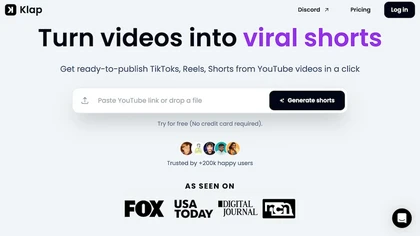
Klap automatically extracts key moments from long videos, reframes them for vertical formats, adds multilingual subtitles, and lets you customize branding. Upload files or YouTube links, then share or schedule ready‑to‑publish clips across TikTok, Instagram, LinkedIn, and YouTube.
Paid
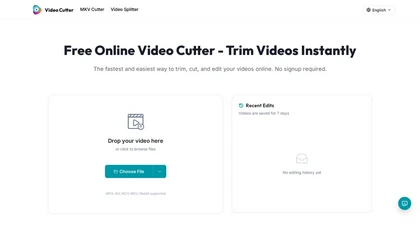
Video Cutter is a free online tool for precise, lossless trimming and splitting of videos in multiple formats. It features a drag-and-drop interface, preserves audio and subtitles, and allows quick export and sharing of clips.
Free
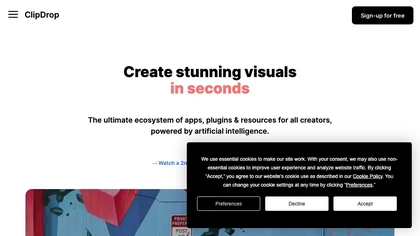
Clipdrop uses deep learning to remove backgrounds, objects, and text, upscale images, adjust lighting, uncrop, and resize. It also offers text‑to‑image generation and an API for developers, supporting design, marketing, and app workflows.
Subscription
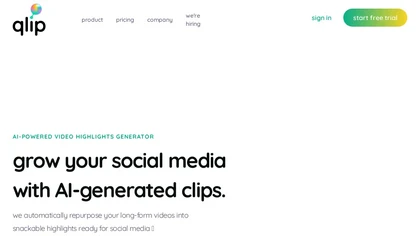
Qlip automatically extracts short, vertical or square clips from longer videos, preserving focus on key moments. It applies brand templates, generates speech‑to‑text transcripts with speaker tags, and offers an API for clip creation, aspect‑ratio conversion, subtitle burning, and transcription.
Free
- $30
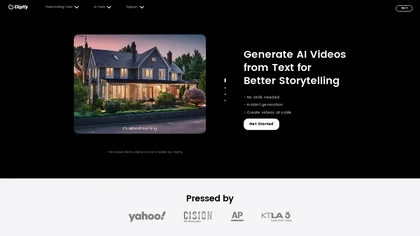
Clipfly turns text prompts into videos, animates images, and adds lifelike touches to photos. With an AI storyboard, one‑click enhancer, background removal, subtitles, and audio integration, it streamlines branded content, social clips, and personal memories.
Free
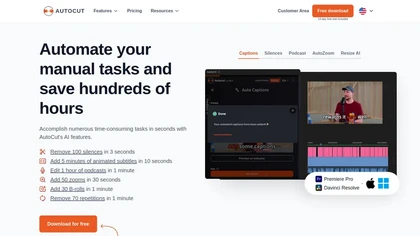
AutoCut AI is a Premiere Pro and DaVinci Resolve extension that automates routine editing—removing silences, auto‑captions, speaker‑driven angle cuts, context zooms, key moment extraction, stock integration, duplicate discard, profanity filtering, chapter markers, and social‑media resizing.
Paid
AI Video Cut uses prompt‑based AI to transform long videos into short, platform‑optimized clips. It auto‑detects faces, crops frames, adds multilingual captions, and supports multiple aspect ratios for fast, high‑quality content creation.
Freemium
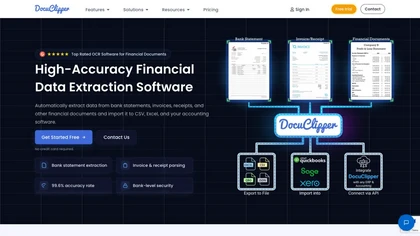
DocuClipper is an AI tool that automates the conversion of financial documents into structured formats using advanced OCR. It features bank statement reconciliation, transaction categorization, and integrates with accounting software for streamlined bookkeeping and financial analysis.
Free trial
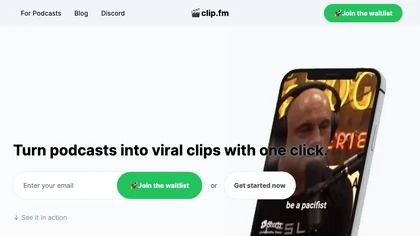
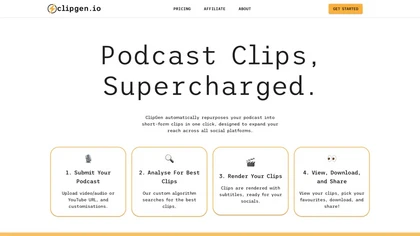
ClipGen converts podcast audio or video into shareable social media clips. Upload files or YouTube links, it auto‑scores segments, adds subtitles, lets you refine timing and captions, reframes for portrait or square formats, then exports or posts directly.
Freemium
- $9.99/mo
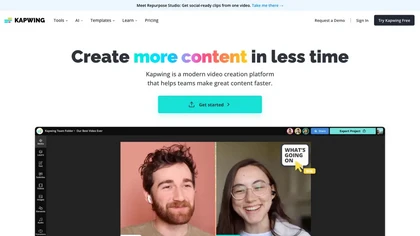
Kapwing is an online video platform offering drag‑and‑drop editing for trimming, layering, overlays, and team collaboration. Its audio tools record, edit, and clean tracks; subtitler auto‑generates captions in 40+ languages.
Freemium
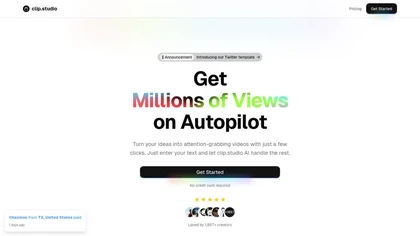
Clip Studio is an AI platform for creating viral short-form videos, offering customizable templates, automated captions, and music selection. It enables scheduling posts across platforms and provides performance analytics to enhance content strategy.
Free trial
- $1.17/mo
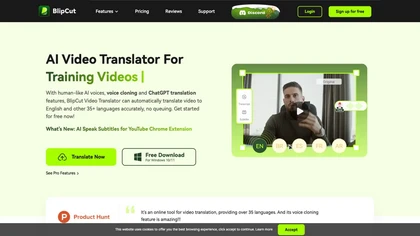
BlipCut AI Video Translator automates localization for over 140 languages, using speech recognition, transcription, AI‑dubbed voice cloning, and lip‑sync. It supports batch processing, subtitle editing, and customizable voice libraries for global video content.
Subscription
- $25/mo
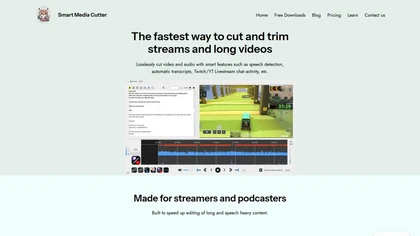
Smart Media Cutter is a desktop tool for streamers and editors that enables frame-accurate, lossless cutting of video and audio. It uses AI transcription, chat activity overlays, and automated silence removal to quickly find highlights and export clips for social media.
Free

Clip Recipe is a web tool that extracts recipes from social media platforms like TikTok and Instagram, enabling users to gather ingredients and cooking instructions efficiently. It streamlines meal planning and enhances the cooking experience for users.
Subscription
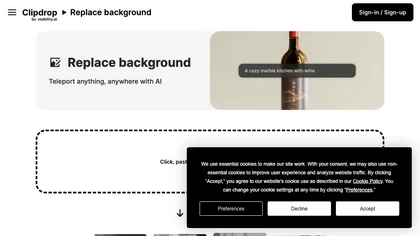
Clipdrop is an AI-driven tool for background replacement and image editing, allowing users to easily swap subjects with new environments, and provide additional capabilities like resizing, text removal, and relighting.
Free
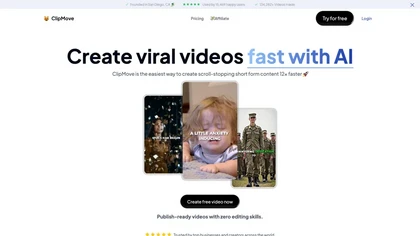
Clipmove is an AI video production tool that simplifies short-form content creation, featuring AI script generation, an avatar generator, dynamic captions in 40+ languages, and audio-video enhancement for quick, engaging video outputs.
Free trial
- $14.33/mo
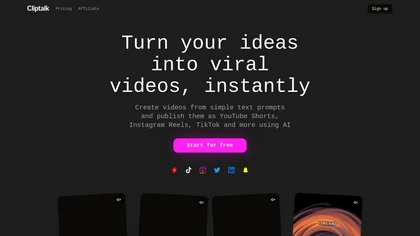
Cliptalk turns text, images, or website content into ready‑to‑publish short‑form videos, automating editing, captions, B‑roll, and voice creation. It supports multiple languages, voice styles, and natural‑language editing for quick publishing.
Paid
- $19
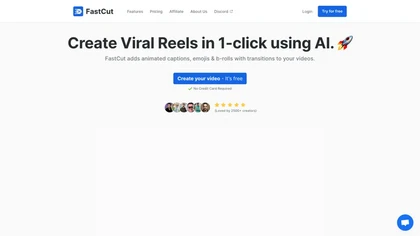
FastCut uses AI to transform raw footage into short‑form videos for TikTok, Reels, Shorts, and social ads. It trims clips, removes silence, adds captions, selects B‑rolls, and provides music and overlays, cutting editing time by up to 90%.
Freemium
- $20/mo
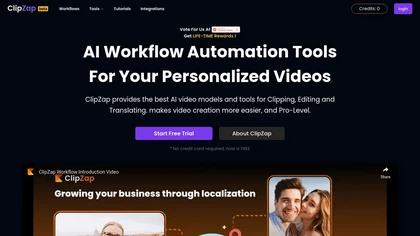
Clipzap.ai is a free AI video workflow editor that enables users to clip, edit, and translate videos in multiple languages. It features face-swapping, video generation, and integration with audio/video products for streamlined content creation.
Free trial

FragCut is an AI gaming clip generator that auto-detects highlights like kills and clutches from VODs and converts them into vertical, share-ready clips. It features auto-subtitles, a montage maker, and batch processing to drastically reduce editing time for creators.
Subscription
- $24.99/mo
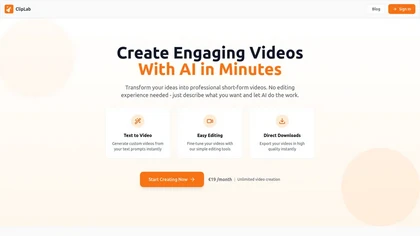
Cliplab is an AI-driven tool that converts single sentence story prompts into engaging short videos. It automates scene selection and timing, enabling users to create shareable content for platforms like TikTok and Instagram effortlessly.
Free trial
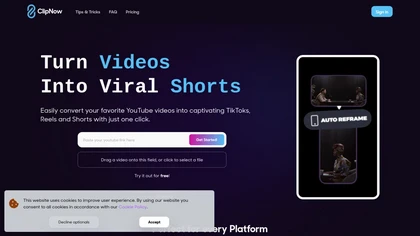
ClipNow is an AI tool that repurposes long-form videos into short content for social media. It features automatic cropping, captions, and face tracking, optimizing videos for platforms like TikTok, Instagram Reels, and YouTube Shorts.
Freemium
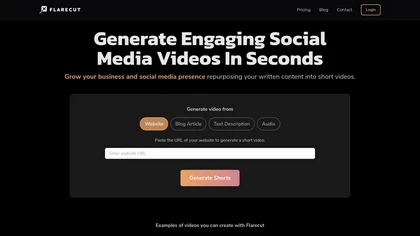
Flarecut turns blog posts, websites, and scripts into short‑form videos for YouTube Shorts, TikTok, Instagram, and Facebook. It extracts key points, adds AI‑voiced narration, subtitles, and background visuals, enabling quick, faceless clips without editing skills.
Free trial

Streamladder is a video editing tool for Twitch, YouTube, and TikTok that enables users to trim, split, and combine video segments easily. It offers customizable templates, effects, and integrated sharing options to enhance and distribute content efficiently.
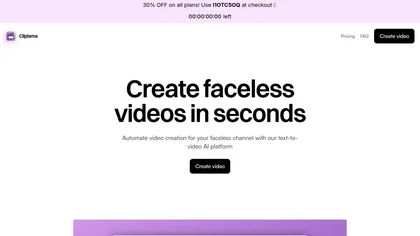
Cliplama converts text prompts into faceless TikTok and YouTube videos, offering ElevenLabs voice options, AI background music, credit‑based length control, automated scheduling, and quick short‑form auto‑generation for efficient high‑volume content production.
Subscription
- $19/mo
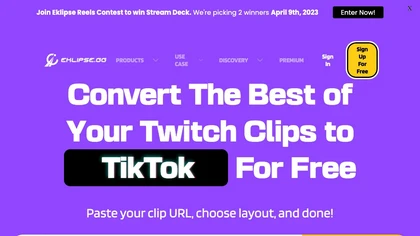
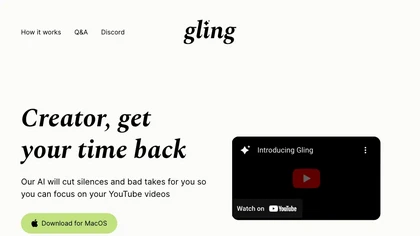
Eklips is an AI tool that automatically clips gaming moments from Twitch streams and converts them into TikTok, Reel, and Short formats for easy editing and sharing on social media. It also has a mobile app and video editor for customization.
Free

Trimmr: Automated video editing with AI-powered presets, captions, and animations for efficient content creation.
Freemium
- $7/mo
2short.ai automatically extracts the most engaging segments from long videos to create 1080p YouTube Shorts, using facial‑tracking, one‑click animated subtitles, and flexible aspect ratios. It supports multiple languages, direct Drive/URL imports, and brand presets for consistent visuals.
Freemium
- $9.9/mo
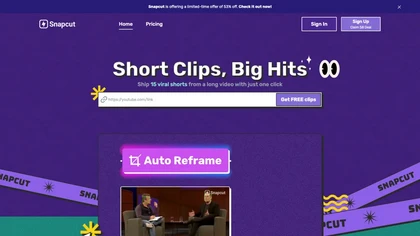
Snapcut.ai is an AI-driven video editing tool that transforms long videos into engaging short clips. It identifies key moments, reframes for various platforms, and adds animated captions, streamlining the editing process for social media content creators.
Free trial
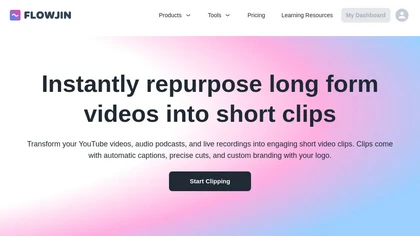
Flowjin AI Clip Maker extracts share-worthy moments from long videos and podcasts, creating 10+ short, captioned clips with platform‑specific titles, hashtags, and CTAs. It offers editing, templating, and one‑click scheduling for LinkedIn, YouTube, X, Instagram Reels, TikTok, and Facebook.
Subscription
- $10/mo
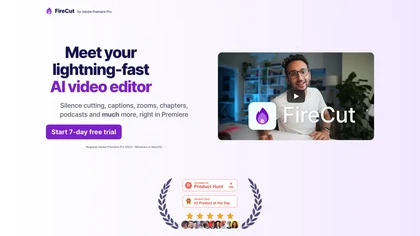
FireCut is an AI‑powered plugin for Premiere Pro and DaVinci Resolve that cuts silence, filler words, profanity, and repetitions. It auto‑generates multilingual captions, adds chapter markers, auto‑zoom, B‑roll, music, voiceover transcription, and short‑video exports for social media.
Subscription
- $10/mo
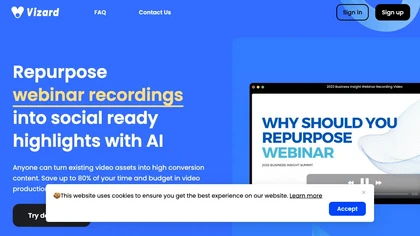
Vizard.ai automatically transcribes footage, spots highlights, and creates TikTok, Reels, and Shorts‑ready clips with one click. It provides text trimming, timeline precision, vertical resizing, multilingual captions, brand templates, collaborative workspaces, and API integration.
Freemium

ClipMake is an AI UGC video generator that creates user-generated-style ads and product videos from a product URL, enabling rapid, platform-specific creative testing for ecommerce and DTC brands.
Free trial
- $49/mo
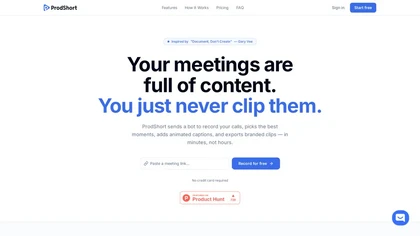
Prodshort.com is an AI tool that automates the creation of short meeting clips from Google Meet, Zoom, and Teams recordings. It uses AI transcription and engagement detection to flag key moments, offers a timeline editor for quick segment selection, and generates word-level animated captions optimiz
Free trial
- $49/mo
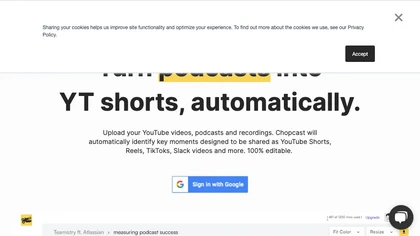
Chopcast is an AI-powered content repurposing tool that automates the process of identifying key moments in long-form video and turning them into short-form content for social media channels, saving time and reducing edit costs.
Free trial

Colorcinch is an AI photo editor that instantly cartoonizes or sketches images and offers background removal, cropping, resizing, exposure and detail controls, file compression, and 400 DPI print‑ready export. Mobile app adds cartoonizing, background removal, and upscaling on the go.
Paid

Pixelclip is an AI platform that simplifies video creation, allowing users to easily transform text and images into engaging videos. It features a rich template library, intuitive editing tools, and options for audio and style customization.
Free trial