
Video Subtitle Remover
The best 50 Video Subtitle Remover AI tools - Free & Paid
Explore 50 AI for Video Subtitle Remover

removefrom.video uses AI video inpainting to remove watermarks, logos, text, subtitles and unwanted objects from MP4, MOV and WEBM files. Drag-and-drop upload, automatic detection and manual masking with cloud processing that preserves motion and lighting.
Freemium
- $8.33/mo
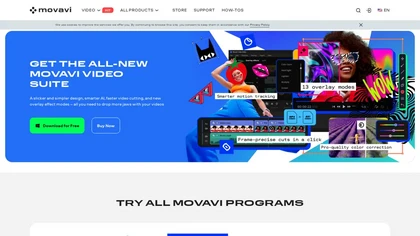
Movavi Video Editor is a desktop app for Mac and Windows that lets users trim, crop, color‑grade footage and add titles, overlays, and filters. AI features automate subtitles, noise suppression, and motion tracking. It includes a screen recorder for tutorials.
Paid
VEED is an AI‑powered video editor that lets users upload media, auto‑generate subtitles, edit clips, add music or text, correct eye contact, reduce noise, remove backgrounds, translate captions, and export in multiple formats.
Freemium
- $11/mo

YTvidhub is a YouTube subtitle downloader that extracts transcripts and captions from videos, playlists, and channels. It supports bulk downloads, multiple export formats (SRT, VTT, TXT), and includes an AI-powered summary generator for content analysis and repurposing.
Freemium
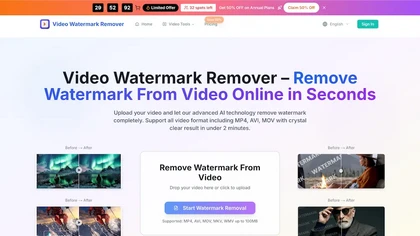
videowatermarkremover.org is a web-based AI tool that removes watermarks, logos, text, and unwanted objects from video files while preserving original resolution and detail. It supports batch processing, API integration, and works across common video formats for content creators, marketers, and team
Free trial
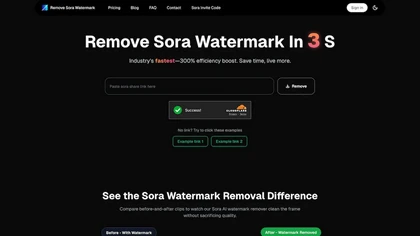
RemoveSoraWatermark is an AI tool that instantly removes the Sora watermark from any video link. It delivers high-quality, watermark-free videos without any loss in quality, ensuring your privacy as files are never stored.
Freemium
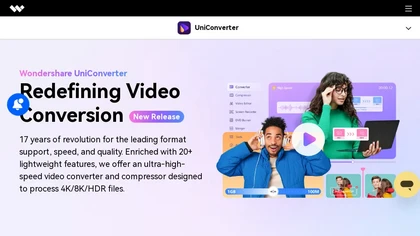
Wondershare UniConverter is an AI‑powered all‑in‑one tool that converts, enhances, compresses, records, and edits video and audio. It supports 1,000+ formats, delivers ultra‑fast conversions, upscales to 4K/8K, adds subtitles, removes backgrounds, and preserves metadata for creators and SMBs.
Paid
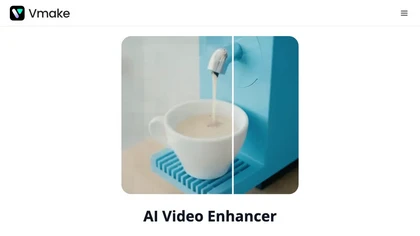
Vmake AI Video Enhancer upsamples MP4, MOV, AVI, etc. to 2K/4K/AI 4K+, removes artifacts, improves low‑light, reduces noise, and offers watermark/text removal, background elimination, and subtitle generation, giving creators, e‑commerce, and gamers sharper, cleaner videos.
Subscription
- $9.99/mo
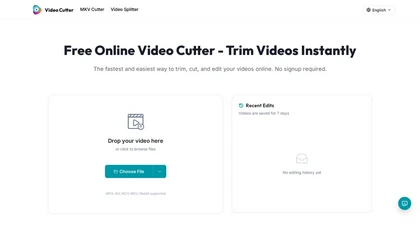
Video Cutter is a free online tool for precise, lossless trimming and splitting of videos in multiple formats. It features a drag-and-drop interface, preserves audio and subtitles, and allows quick export and sharing of clips.
Free
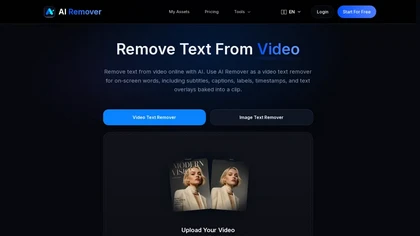
AIRemover.org is a web-based AI tool that removes on-screen text, subtitles, logos, and watermarks from videos and images with automatic detection or manual selection. It preserves background detail and resolution, allowing fast preview and download without frame-by-frame editing.
Freemium
2short.ai automatically extracts the most engaging segments from long videos to create 1080p YouTube Shorts, using facial‑tracking, one‑click animated subtitles, and flexible aspect ratios. It supports multiple languages, direct Drive/URL imports, and brand presets for consistent visuals.
Freemium
- $9.9/mo
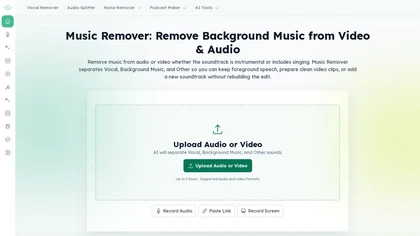
MusicRemover AI is a browser-based AI karaoke maker that separates vocals and instrumentals to create karaoke-ready tracks and lyric videos. It offers vocal/music removal, audio cleaning, word-level lyric editing, layout controls, and exports MP4 for singers, teachers, cover makers, and event hosts.
Free
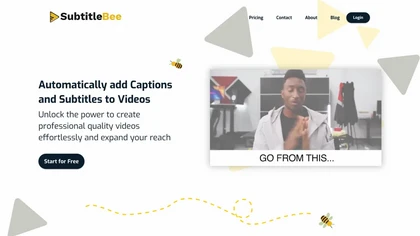
SubtitleBee automatically generates and syncs subtitles for video and audio files, supports on‑screen editing, customization, and multilingual translation, offers multiple export formats, and provides social‑media cropping for creators and podcasters, enabling accessible content across platforms.
Freemium

VideoWatermarkRemove is an AI-powered online tool that intelligently removes watermarks, logos, and text from videos. It analyzes surrounding pixels to erase unwanted elements while preserving the original video quality.
Freemium
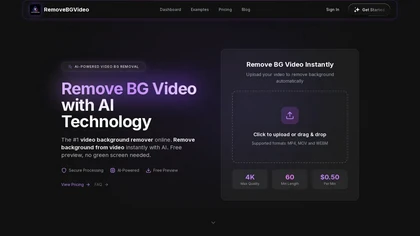
RemoveBGVideo is an AI tool that automatically removes backgrounds from videos, supporting HD/4K footage up to 60 minutes. It offers batch processing, green-screen support, and exports with transparent or custom backgrounds for content creators and e-commerce.
Freemium
- $6
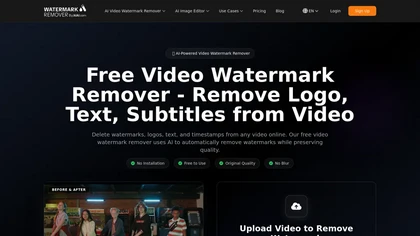
AI Video Watermark Remover removes watermarks, logos, timestamps, subtitles and unwanted objects from MP4/MOV/M4V/MKV (up to 500 MB/10 minutes) using automated detection, optional manual selection and AI inpainting for artifact-free, fast GPU processing.
Free trial
- $7.99
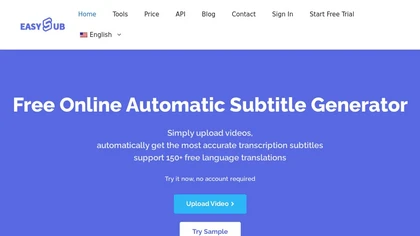
EasySub AI automatically transcribes and translates videos into over 150 languages. It supports MP4, MOV, AVI, MKV, MP3, WAV, and YouTube uploads, offers downloadable SRT/TXT/ASS files, an editor for fine‑tuning, and export presets for major social media platforms.
Freemium
SliceTube trims and downloads YouTube videos directly, offering start‑and‑end selection and export to MP4, MP3, or WEBM up to 4K. Browser‑based, watermark‑free, and privacy‑protected, it’s useful for creators and educators needing quick clips.
Paid
- $5
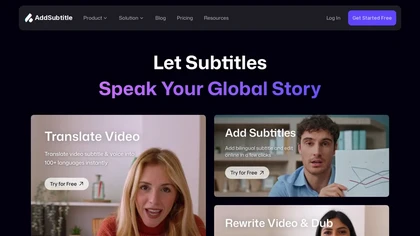
AddSubtitle is an AI video editing tool for creating multilingual subtitles and dubbing videos in 100+ languages, with translation and precise text-audio sync. It also allows subtitle customization and video rewriting while preserving original voice tones.
Freemium
- $18/mo
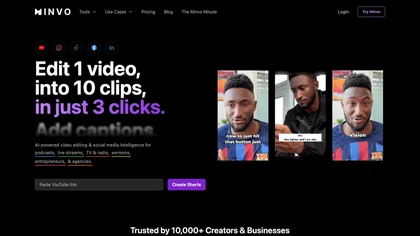
Minvo automates video editing and social media scheduling, converting long videos into short clips, images, and subtitles. Features include AI clip extraction, B‑roll insertion, multi‑language translation, animated captions, branding templates, and cross‑platform posting with performance analytics.
Subscription
- $6.99/mo

aivideosummarizer.io is an AI tool that converts videos (from uploads or links) into concise summaries, full transcripts, and chapter markers. It supports multiple formats and languages, generating editable outputs like study outlines and mind maps for faster content review.
Free
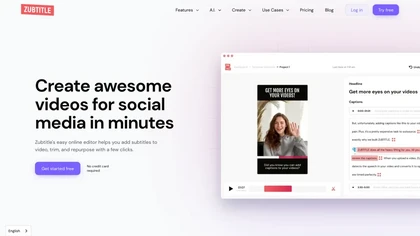
Zubtitle automatically captions videos, offers brand‑style templates and editing tools, and outputs ready‑to‑post formats for TikTok, YouTube, and LinkedIn. It adds subtitles, chapter timestamps, watermarks, and AI‑generated post copy.
Freemium
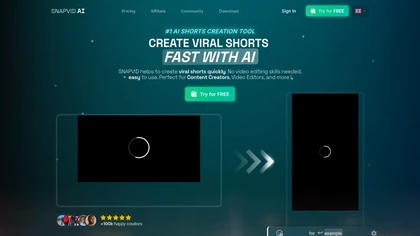
SNAPVID.AI automates cutting long videos into 30‑second clips, removes filler pauses, adds multi‑language subtitles, offers 4K output, AI‑generated B‑roll, audio cleanup, and batch processing with a credit‑based monthly reset for creators.
Subscription
- $16/mo

Videoleap is a cross‑platform editor with AI background removal, infinite‑zoom, text‑to‑video, audio cutting, subtitles, and built‑in filters. It offers templates for TikTok, Reels, Shorts, and ads, plus a drag‑and‑drop interface for quick professional videos on web or mobile.
Free trial
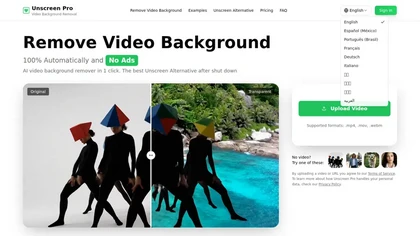
Unscreen Pro automatically removes video backgrounds frame by frame, no greenscreen, producing transparent outputs (MP4, MOV, WebM, AVI) at original or upscaled resolution, with live preview, batch processing and an API for workflow integration.
Freemium
- $4.99/mo
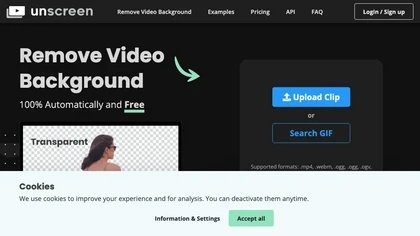
Unscreen is a cloud video editor that removes backgrounds from clips and exports them instantly, with format conversion and resizing. It offers plugins for After Effects and Premiere Pro and integrates with Canva for AI‑enhanced features.
Freemium
- $9
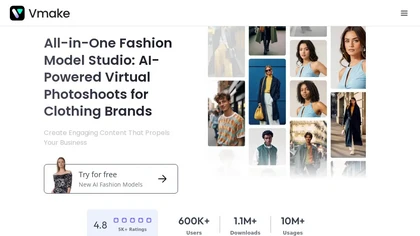
Vmake automates UGC and viral video cloning, producing product, fitness, and real‑estate clips with AI editing tools—watermark removal, background swap, noise suppression, upscaling. It auto‑generates captions, hooks, thumbnails, supports batch processing, and offers a teleprompter for polished deli
Free
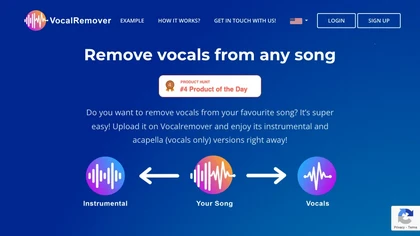
VocalRemover separates vocals from music in audio or video files up to 10 GB, supporting .wav, .mp3, .flac, .ogg, .opus, .mp4, .mkv, .avi, and .mov. Outputs include karaoke, vocals‑only, and individual instruments, with quick batch processing and temporary storage.
Subscription
- $4.99/mo
Filmora is a cross‑platform video editor featuring multi‑track editing, AI tools for background removal, audio‑to‑video conversion, automated subtitles, and music/voice enhancement. It offers templates, a vast media library, GPU acceleration, and export presets for major platforms.
Paid
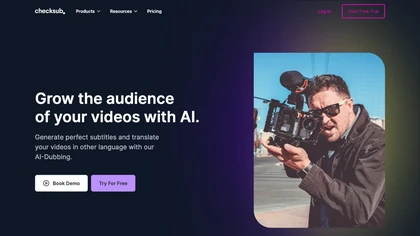

Sora Watermark Remover is a browser-based tool that removes watermarks from Sora videos via a share link. It processes files in the cloud and delivers a watermark-free download while preserving original quality.
Free trial
- $9.9/mo
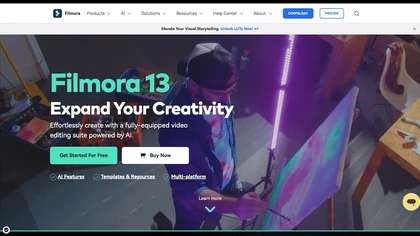
Wondershare Filmora is a cross‑platform video editor featuring AI tools like Video Extender, Image‑to‑Video, Text‑to‑Video, AI Music Generator, and AI Object Remover. It offers a timeline, dual‑timeline editing, motion‑path tools, AI‑assisted asset matching, GPU acceleration, and export presets for
Paid

Sora Watermark Remover uses a Sora share URL to strip visible watermarks from public Sora videos without uploads, preserving original resolution, audio and frame rate, offering lossless export, browser compatibility, and fast GPU-accelerated processing.
Freemium
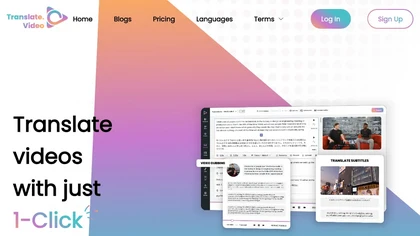
Translate.video automates video localization: it transcribes, generates subtitles, and dubs content in 75+ languages using voice cloning from a 50‑second clip. Users can edit captions, export SRT/VTT/MP4, and integrate plugins for Photoshop, Illustrator, and Figma.
Freemium
- $29/mo
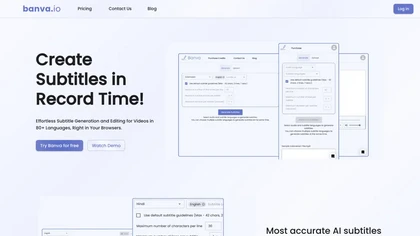
Banva transcribes audio/video into subtitles in over 80 languages with 95% accuracy, handles background noise and multiple speakers, and offers an editor for corrections and styling. Export as SRT, VTT, TXT, JSON, or burn directly into the video.
Free
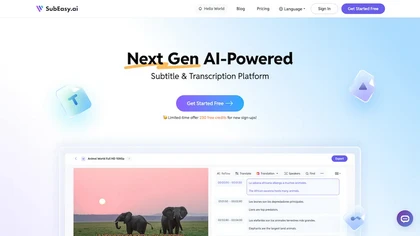
SubEasy AI delivers near‑perfect transcription and multilingual subtitles for video and audio, supporting 100 languages with 99 % accuracy. It offers dubbing, animated captions, speaker ID, OCR extraction, audio splitting, and export to VTT/SRT for social media publishing.
Freemium
- $9.9/mo
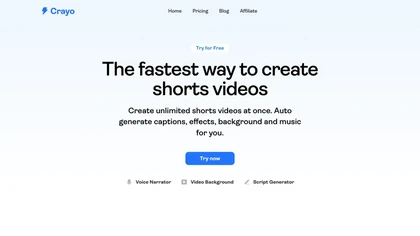
Crayo is a browser‑based AI video editor that lets creators upload or link clips, choose from 15+ subtitle styles, generate voiceovers, enhance speech, remove backgrounds, and produce short‑form videos in seconds, with tools for clipping, split‑screen, compression, and audio balance.
Subscription
- $19
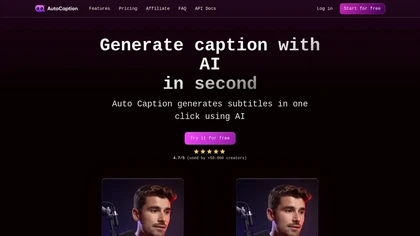
Auto Caption AI instantly generates subtitles in 99+ languages, preserving full HD 1080p/60 fps video quality. Editors can adjust fonts, colors, placement, and use ready‑made or custom templates, with one‑click emoji insertion to enhance captions.
Subscription
- $14/mo

AIVideo.com automates video production, creating music videos, lyric visuals, looping clips, and converting audio or images into video. It offers text‑to‑image/video, background removal, matchcut editing, and visual effects, enabling quick, professional media creation.
Freemium

Nemovideo is an AI video editor that automates short-form content creation by generating trend-based scripts, storyboards, and auto-editing clips. Its tools include automated highlight selection, voiceovers, captions, and a talking-head editor for rapid production of social media videos.
Freemium
- $12.99/mo

WatermarkRemover.io uses AI to erase watermarks from images, videos, and PDFs while preserving quality. It supports batch uploads, command‑line, web, API, and plugin integration for workflows, with secure, compliant data handling.
Subscription
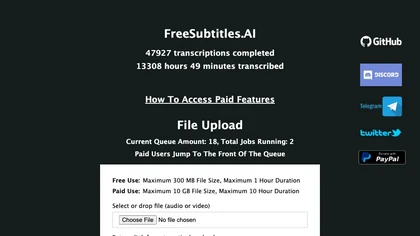
FreeSubtitles.AI converts MP4, MKV, MOV, MP3, WAV, and FLAC files up to 1 hour and 300 MB into accurate transcripts in over 100 languages, then translates subtitles into 91 languages, supporting educators, podcasters, and researchers.
Free
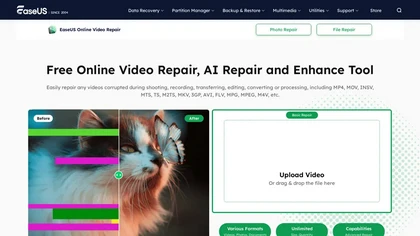
EaseUS Online Video Repair is an AI tool that repairs corrupted video files in formats like MP4, MOV, and AVI. It automatically fixes issues like pixelation and audio syncing while preserving original quality and offers advanced recovery options.
Free

removesorawatermark.video is a tool that instantly removes Sora's watermark from shared videos via a public link, delivering a clean MP4. It supports batch processing and API access for high-volume workflows, preserving the original video's quality.
Freemium
- $4.99/mo
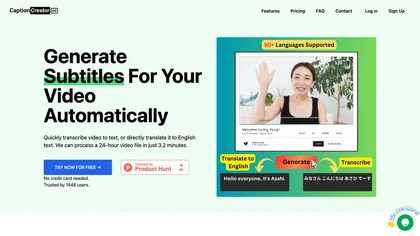
CaptionCreator automatically transcribes and captions audio/video in over 50 languages, detecting input language and translating to English. It handles noisy and multilingual speech, supporting files up to 2 GB and offering unlimited processing for registered users.
Paid
- $30
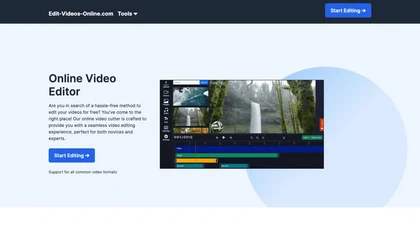
The AI-enhanced Online Video Editor provides smooth, registration-free editing with advanced features like AI background removal and auto caption generation. It supports multiple formats, enables easy audio/image insertion, and requires no software download.
Subscription
- $9.99/mo
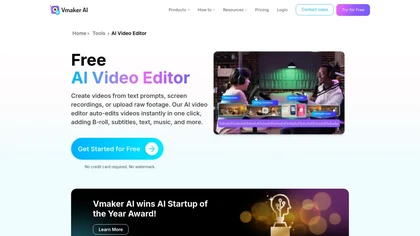
Vmaker AI is an online video editor that automatically adds B‑roll, music, transitions, text, and multilingual subtitles, and removes backgrounds. It also offers clip/highlight creation, manual timeline editing, avatar and voice‑over tools, and 4K export.
Freemium
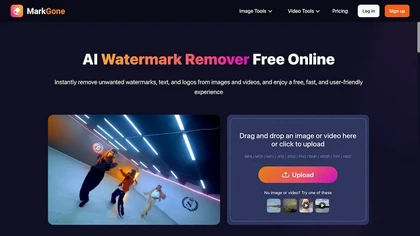
Remove Watermarks - MarkGone is an AI tool that automatically removes logos, text, and stamps from images and videos. It supports batch uploads for popular formats and preserves visual details with minimal artifacts.
Freemium
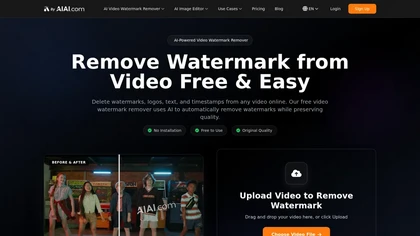
AI Video Watermark Remover uses AI-driven pixel restoration to automatically detect and remove watermarks, logos, text, and timestamps from short videos (up to 10 minutes/500 MB), preserving resolution and visual continuity for downloadable output.
Free trial
- $5
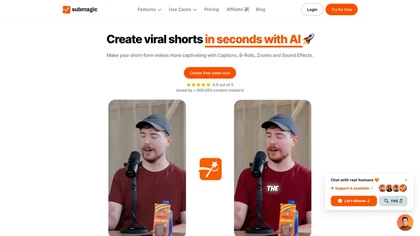
Submagic automates short‑form video editing, offering multilingual captions, text‑based trimming, AI‑powered features like auto‑zoom and eye‑contact correction, and direct multi‑platform publishing up to 4K@60fps, cutting editing time by up to 90%.
Free
- $1.33/mo