
What is Video Water Mark Remover?
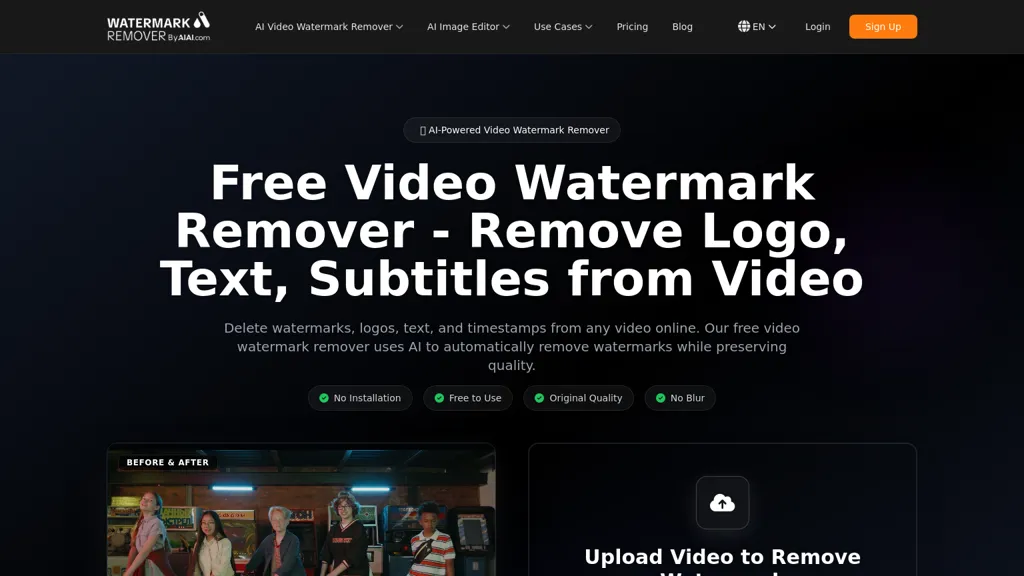
Free Video Watermark Remover is an AI video watermark remover that removes watermarks, logos, text, timestamps, hardcoded subtitles, stickers and unwanted objects from mp4, mov, m4v and mkv files. Supports files up to 500 MB and videos up to 10 minutes with automated watermark detection and optional manual region selection. Uses AI inpainting to reconstruct background pixels and preserve original quality while avoiding blur-based artifacts. Fast GPU processing targets quick turnaround for short-form and social media clips, including TikTok, YouTube and Instagram content. Workflow: upload video, review detected areas, apply removal, download watermark-free output. Use cases include content creators repurposing clips, marketing teams updating assets, educators removing distracting overlays, and editors fixing export stamps. Files are processed temporarily and deleted from servers after processing to support privacy.
Video Water Mark Remover tech specs
- Works with
- OpenAI / GPT OpenAI / Sora Google / Gemini Google / Veo Google / Nano Banana Meta xAI / Grok Kling MiniMax / Hailuo
Video Water Mark Remover pricing
Free trialVideo Water Mark Remover offers a free trial before requiring payment. Plans start from $7.99.
Verify on the official pricing page.
Start free trialVideo Water Mark Remover's key features
-
Removes watermarks, logos, text, timestamps, hardcoded subtitles, stickers and other unwanted objects from video
-
Supports mp4, mov, m4v and mkv formats; files up to 500 MB and videos up to 10 minutes
-
Automated watermark detection with optional manual region selection
-
AI inpainting to reconstruct background pixels and avoid blur-based artifacts while preserving original quality
-
Fast GPU-accelerated processing for quick video processing
Video Water Mark Remover use cases
-
Clean up social media clips and user-generated content by automatically removing watermarks, logos, timestamps and hardcoded subtitles from MP4/MOV/M4V/MKV (up to 500 MB/10 minutes) using automated detection and AI inpainting for artifact-free, fast GPU-accelerated results without advanced video-editing skills
-
Prepare marketing, product demo and presentation videos for reuse by removing intrusive logos and unwanted objects with optional manual selection and AI inpainting, producing polished MP4/MOV files ready for publishing or repurposing
-
Restore and enhance legacy or smartphone footage by removing timestamps, overlays and distracting elements and repairing the scene with AI inpainting for seamless cleanup, saving time versus manual frame-by-frame editing
Video Water Mark Remover user reviews
Based on 5 reviews, 40% of users recommend Video Water Mark Remover, rated highly for value for money.
Liked for
Disliked for
Would you recommend Video Water Mark Remover?
Who is Video Water Mark Remover for?
-
Content creators
-
Social media influencers
-
Video editors
-
E-learning creators
-
Social media managers
Video Water Mark Remover FAQ
Is Video Water Mark Remover free?
Not permanently. Video Water Mark Remover gives you a free trial, after which a paid plan is required. Paid plans start at $7.99.
What are the best alternatives to Video Water Mark Remover?
The closest alternatives to Video Water Mark Remover are RemoveFrom.Video, Video Watermark Remover, VideoWatermarkRemove, Unwatermark AI and Remove Watermark - MarkGone. You can compare them side by side in the alternatives section further down this page.
Which AI models does Video Water Mark Remover use?
Video Water Mark Remover is built on OpenAI / GPT, OpenAI / Sora, Google / Gemini, Google / Veo, Google / Nano Banana, Meta, xAI / Grok, Kling and MiniMax / Hailuo. Which models you can reach may depend on your plan.


