
Subtitle Format Converter
The best 50 Subtitle Format Converter AI tools - Free & Paid
Explore 50 AI for Subtitle Format Converter
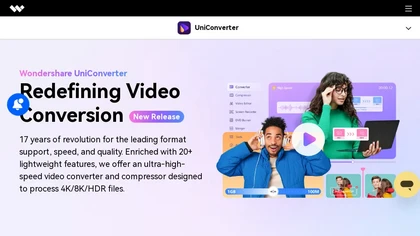
Wondershare UniConverter is an AI‑powered all‑in‑one tool that converts, enhances, compresses, records, and edits video and audio. It supports 1,000+ formats, delivers ultra‑fast conversions, upscales to 4K/8K, adds subtitles, removes backgrounds, and preserves metadata for creators and SMBs.
Paid
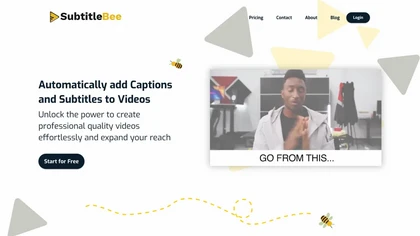
SubtitleBee automatically generates and syncs subtitles for video and audio files, supports on‑screen editing, customization, and multilingual translation, offers multiple export formats, and provides social‑media cropping for creators and podcasters, enabling accessible content across platforms.
Freemium

YTvidhub is a YouTube subtitle downloader that extracts transcripts and captions from videos, playlists, and channels. It supports bulk downloads, multiple export formats (SRT, VTT, TXT), and includes an AI-powered summary generator for content analysis and repurposing.
Freemium
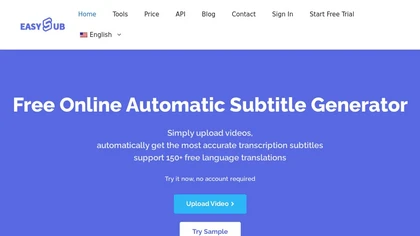
EasySub AI automatically transcribes and translates videos into over 150 languages. It supports MP4, MOV, AVI, MKV, MP3, WAV, and YouTube uploads, offers downloadable SRT/TXT/ASS files, an editor for fine‑tuning, and export presets for major social media platforms.
Freemium

aivideosummarizer.io is an AI tool that converts videos (from uploads or links) into concise summaries, full transcripts, and chapter markers. It supports multiple formats and languages, generating editable outputs like study outlines and mind maps for faster content review.
Free
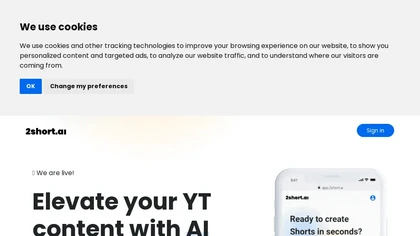
2short.ai automatically extracts the most engaging segments from long videos to create 1080p YouTube Shorts, using facial‑tracking, one‑click animated subtitles, and flexible aspect ratios. It supports multiple languages, direct Drive/URL imports, and brand presets for consistent visuals.
Freemium
- $9.9/mo
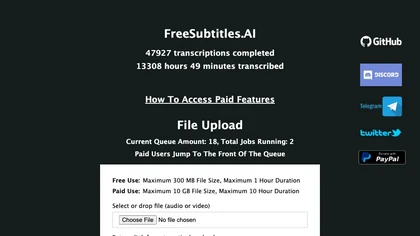
FreeSubtitles.AI converts MP4, MKV, MOV, MP3, WAV, and FLAC files up to 1 hour and 300 MB into accurate transcripts in over 100 languages, then translates subtitles into 91 languages, supporting educators, podcasters, and researchers.
Free
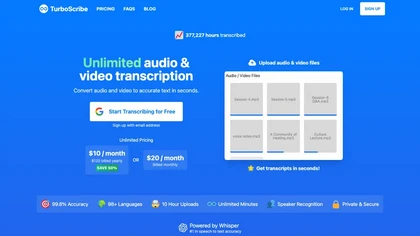
TurboScribe is an AI-powered transcription tool offering ultra-fast conversion of audio and video files to text. It supports over 98 languages, handles uploads up to 10 hours long, and features speaker recognition for meetings, interviews, and podcasts.
Freemium
- $10/mo
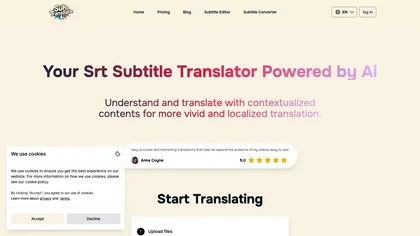
SRT Subtitle Translator converts SRT, VTT, MP3, WAV, MP4, MKV, AAC files into multiple languages using AI that considers full context. Users upload files, choose target languages, adjust settings, and download translated subtitles ready for editing or streaming.
Subscription
- $9.9/mo
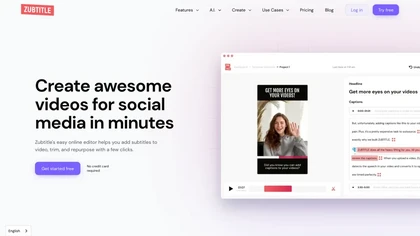
Zubtitle automatically captions videos, offers brand‑style templates and editing tools, and outputs ready‑to‑post formats for TikTok, YouTube, and LinkedIn. It adds subtitles, chapter timestamps, watermarks, and AI‑generated post copy.
Freemium
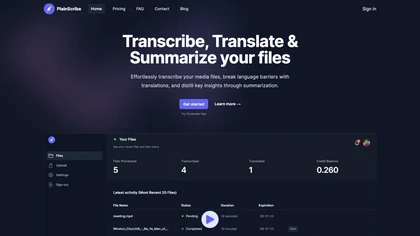
PlainScribe converts MP3, MP4, WAV, and M4A files into punctuated transcripts with speaker identification. It detects language, translates 47 languages to English, produces AI‑summaries, and exports to TXT, CSV, SRT, VTT, JSON, or subtitles.
Freemium
- $16.99/mo
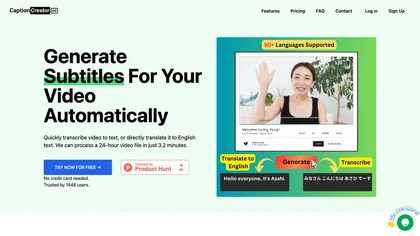
CaptionCreator automatically transcribes and captions audio/video in over 50 languages, detecting input language and translating to English. It handles noisy and multilingual speech, supporting files up to 2 GB and offering unlimited processing for registered users.
Paid
- $30

Browser-based Online Audio Converter converts 300+ audio/video formats to MP3, WAV, M4A, FLAC, OGG, etc., extracts audio from video, offers bitrate/sample rate/channel controls, fade/reverse/voice removal, batch conversion, metadata editing, and cloud export.
Subscription
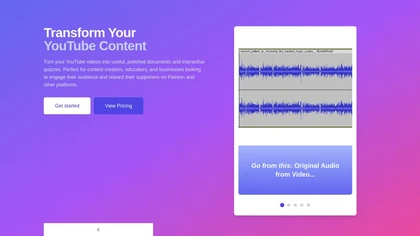
YouTube Transcript Optimizer turns video URLs into 98%+ accurate transcripts, formats them as Markdown, HTML, or PDF, auto‑generates quizzes, and lets users edit content with PDFs updating automatically. Ideal for creators, educators, and businesses needing structured video materials.
Paid
- $10
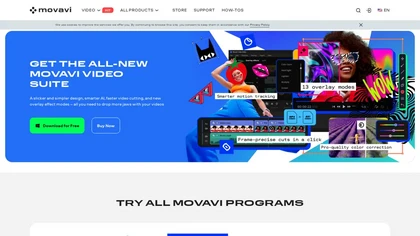
Movavi Video Editor is a desktop app for Mac and Windows that lets users trim, crop, color‑grade footage and add titles, overlays, and filters. AI features automate subtitles, noise suppression, and motion tracking. It includes a screen recorder for tutorials.
Paid
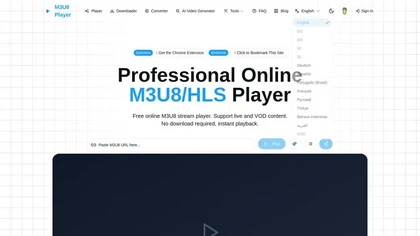
m3u8 player online is a browser-based HLS player and downloader that plays live and on-demand streams with adaptive bitrate switching, while also enabling in-browser conversion of m3u8 files to MP4/WebM/MKV and batch downloading with resume support.
Free
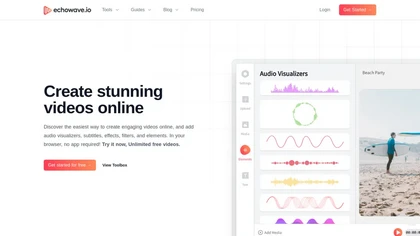
EchoWave converts audio into video using templates or custom layouts, adds subtitles and waveforms, offers editing tools, compresses files, and exports to social media formats—ideal for podcasters, musicians, and creators seeking quick, cloud‑based video production without software.
Freemium
- $19/mo
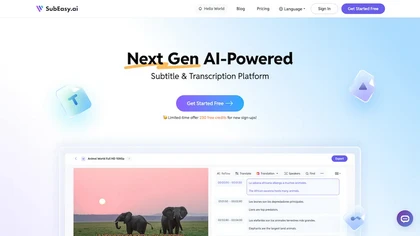
SubEasy AI delivers near‑perfect transcription and multilingual subtitles for video and audio, supporting 100 languages with 99 % accuracy. It offers dubbing, animated captions, speaker ID, OCR extraction, audio splitting, and export to VTT/SRT for social media publishing.
Freemium
- $9.9/mo
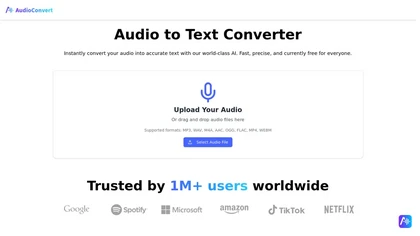
AudioConvertis a free AI tool that instantly transcribes audio files like mp3 and wav into text. It automatically identifies different speakers and provides timestamped transcripts for export.
Free
Eightify uses AI to extract key ideas from YouTube videos, delivering timestamped bullet‑point summaries, full transcripts, and comment insights via a Chrome extension and mobile apps. It supports 40+ languages, helping users preview, note‑take, and share content efficiently.
Freemium
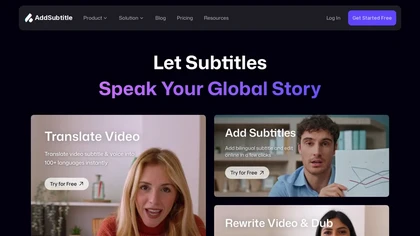
AddSubtitle is an AI video editing tool for creating multilingual subtitles and dubbing videos in 100+ languages, with translation and precise text-audio sync. It also allows subtitle customization and video rewriting while preserving original voice tones.
Freemium
- $18/mo
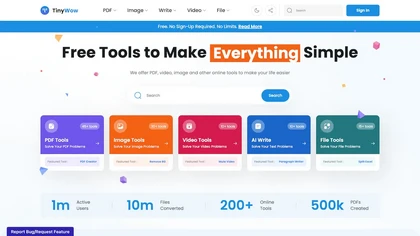
TinyWow is a web-based service that offers free tools for editing and converting PDFs, images, and videos, plus AI-driven text and image creation. Files are auto‑deleted after an hour for privacy.
Subscription
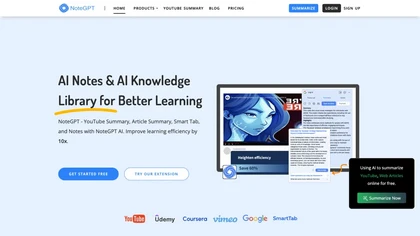
NoteGPT transcribes and summarizes lectures, meetings, and recordings in any language, offering PDF/PPT/book/video overviews, translation, and AI drafting tools. It also supports text‑to‑speech, voice cloning, infographics, slide generation, and multi‑model chat assistance.
Free trial
- $9/mo
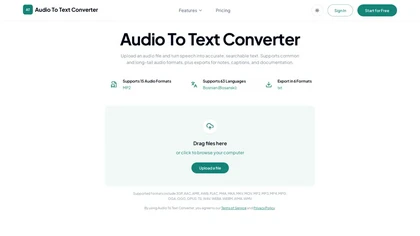
audiototextconverter.com is a versatile AI transcription tool that converts audio and video files into accurate, searchable text in 63 languages. It offers a simple upload-transcribe-export workflow, with editing, summaries, and mind maps for efficient review and repurposing.
Free trial
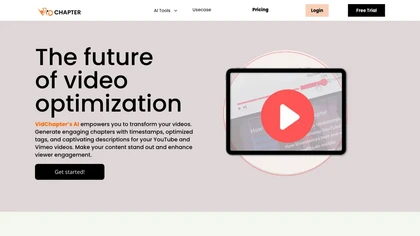
VidChapter automatically timestamps videos, generates chapters, tags, titles, and descriptions, and delivers near‑human transcription. It supports SRT, VTT, SBV, STL subtitles, multilingual translation, and can create summaries, thumbnails, blog posts, and other content for cross‑platform use.
Paid
- $15/mo
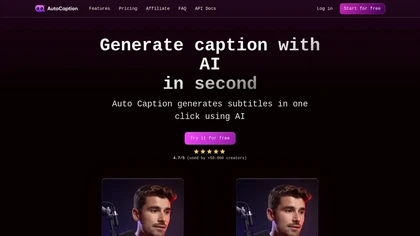
Auto Caption AI instantly generates subtitles in 99+ languages, preserving full HD 1080p/60 fps video quality. Editors can adjust fonts, colors, placement, and use ready‑made or custom templates, with one‑click emoji insertion to enhance captions.
Subscription
- $14/mo
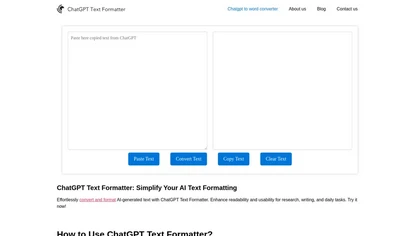
AI Text Formatter converts raw AI output into readable text by inserting line breaks, headings, bullets, and spacing while preserving meaning. It supports multiple languages and lets users quickly copy the formatted text to Word, Docs, Excel, or other apps.
Free
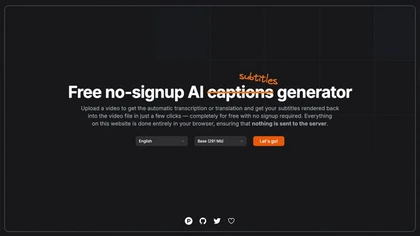
Automatically generate captions or subtitles from any video with a single upload. The tool transcribes dialogue or translates it into multiple languages, embedding subtitles back into the file. All processing occurs locally in the browser, ensuring privacy and quick creation for creators.
Free
Tubly, a Chrome extension, uses the YouTube API to deliver AI‑generated summaries of subscribed channel videos. It extracts key transcript points, offers timestamps and chapter markers, and lets users save highlights and download transcripts.
Freemium
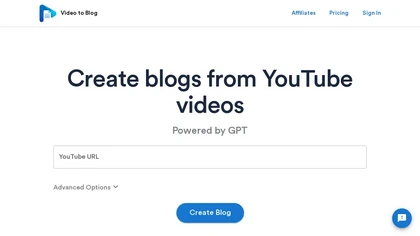
Video To Blog converts YouTube links or uploads into ready‑to‑publish blog posts in under a minute, supporting 30+ languages. It formats prose, adds headings, SEO metadata, and embeds, and outputs HTML, Markdown, PDF, or links.
Paid
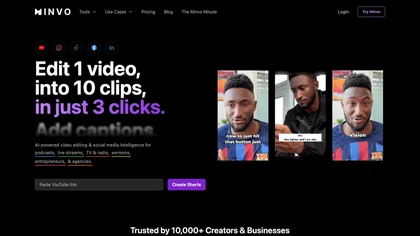
Minvo automates video editing and social media scheduling, converting long videos into short clips, images, and subtitles. Features include AI clip extraction, B‑roll insertion, multi‑language translation, animated captions, branding templates, and cross‑platform posting with performance analytics.
Subscription
- $6.99/mo
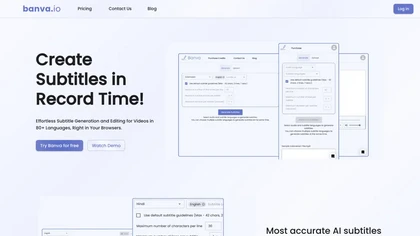
Banva transcribes audio/video into subtitles in over 80 languages with 95% accuracy, handles background noise and multiple speakers, and offers an editor for corrections and styling. Export as SRT, VTT, TXT, JSON, or burn directly into the video.
Free
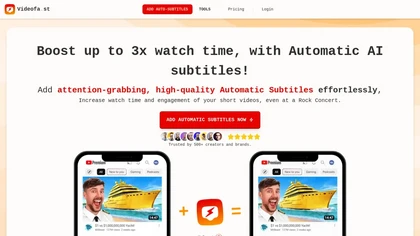
Videofa.st automates subtitling for short videos, providing accurate captions in 99 languages. It enhances accessibility, engagement, and maintains brand aesthetics with customizable, professional-quality outputs, compatible with various video formats and easy to integrate into workflows.
Freemium
- $6/mo

Summarify AI gives YouTube video summaries in‑app and via Chrome, offering text, bullet, outline styles with timestamps for quick navigation. It supports export to PDF, Markdown, TXT, etc., helping students, researchers, creators save time and organize content.
Free
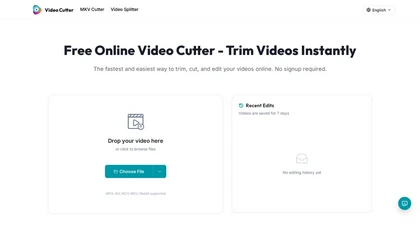
Video Cutter is a free online tool for precise, lossless trimming and splitting of videos in multiple formats. It features a drag-and-drop interface, preserves audio and subtitles, and allows quick export and sharing of clips.
Free
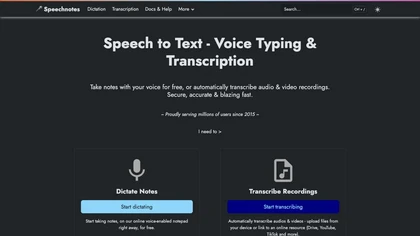
Speechnotes is a web‑based speech‑to‑text tool for real‑time dictation and batch transcription in multiple languages. It offers speaker tagging, timestamps, subtitle export, and imports from Google Drive, YouTube, or local files. Export to text, markdown, PDF while preserving privacy.
Freemium
- $1.9/mo
SliceTube trims and downloads YouTube videos directly, offering start‑and‑end selection and export to MP4, MP3, or WEBM up to 4K. Browser‑based, watermark‑free, and privacy‑protected, it’s useful for creators and educators needing quick clips.
Paid
- $5
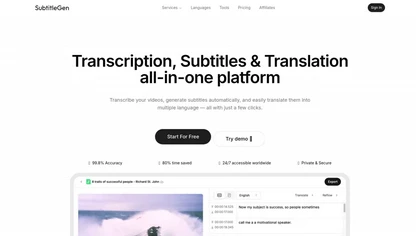
Subtitlegen is an AI-powered tool that automatically transcribes videos and generates subtitles with high accuracy in multiple languages. It features online editing, easy export options, and strong privacy measures, enhancing accessibility for content creators.
Freemium
- $10/mo
Qlip automatically extracts short, vertical or square clips from longer videos, preserving focus on key moments. It applies brand templates, generates speech‑to‑text transcripts with speaker tags, and offers an API for clip creation, aspect‑ratio conversion, subtitle burning, and transcription.
Free
- $30
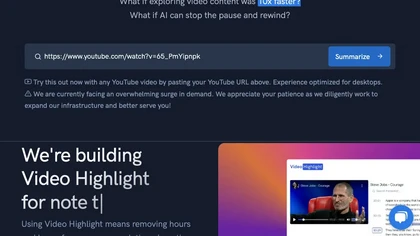
Video Highlight delivers AI‑driven summaries, searchable transcripts, and timestamped key points for YouTube, Vimeo, Dailymotion, and private files in 37+ languages. It supports annotations, exports to Notion, Word, Markdown, CSV, Readwise, and enables collaborative sharing.
Freemium
YTSummary delivers on‑demand YouTube summaries powered by ChatGPT. It offers Outline, Mind Map, and Segment modes for concise highlights, visual maps, or timestamped sections. Supports multiple languages, exports in various formats, and tracks history for easy reference.
Subscription
- $9/mo
Podsqueeze automates podcast transcription with speaker tags, timestamps, and subtitle export. It produces show notes, summaries, short clips, and audiograms, trims audio, edits subtitles, and offers AI voice tuning and topic suggestion for streamlined production.
Subscription
- $35/mo
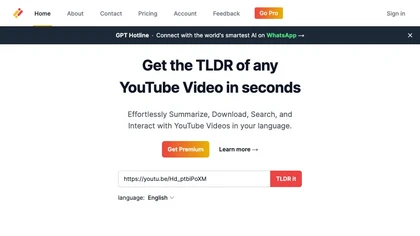
Transcribes, translates, and summarizes YouTube videos in 125+ languages, delivering instant transcripts, AI‑generated summaries with timestamps, and automatically formatted blog posts, LinkedIn articles, Twitter threads, PPT decks, chapter markers, and clip ideas for students, researchers, educator
Subscription
- $19/mo
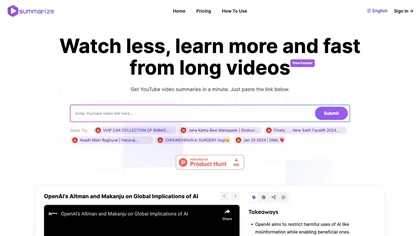
Summarize.ing instantly condenses YouTube videos into concise summaries, segmented sections, mind maps, and keyword lists. It generates 8‑10 Q&A pairs for review, aiding students, educators, and professionals in quick comprehension and decision‑making.
Freemium
- $15.7/mo
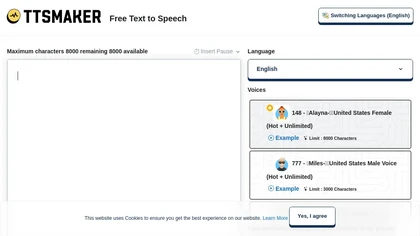
Online TTS platform converts text into audio in 100+ languages with 148+ AI voices. Users can tweak speed, pitch, pause, add background music, and download MP3, OGG, AAC, OPUS, or WAV for dubbing, audiobooks, and language learning.
Free
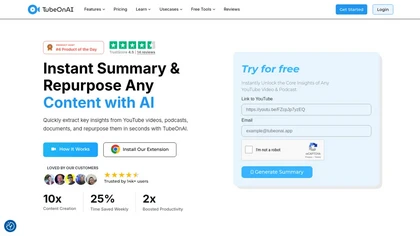
TubeOnAI automatically summarizes videos, podcasts, PDFs, and web content, offering multilingual text and audio outputs. It auto‑subscribes to channels for instant updates and transforms insights into blogs, social posts, newsletters, scripts, and mind maps with one click.
Freemium
- $19/mo

BookFab downloads and decrypts ebooks and audiobooks from Kindle, Kobo, Audible and other stores, converts and batch-processes files to EPUB/PDF/MP3/FLAC/OPUS, preserves formatting and metadata, offers DRM removal, a Calibre plugin and AI TTS with voice cloning.
Free
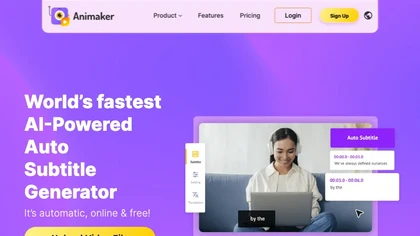
Animaker Subtitle Generator auto‑transcribes audio, adds and edits subtitles with a click, supports 20+ animated styles, translates to 100+ languages, allows manual adjustments or .srt/.vtt uploads, and exports videos or subtitle files for broader use.
Free
- $10/mo