
What is Videohighlight?
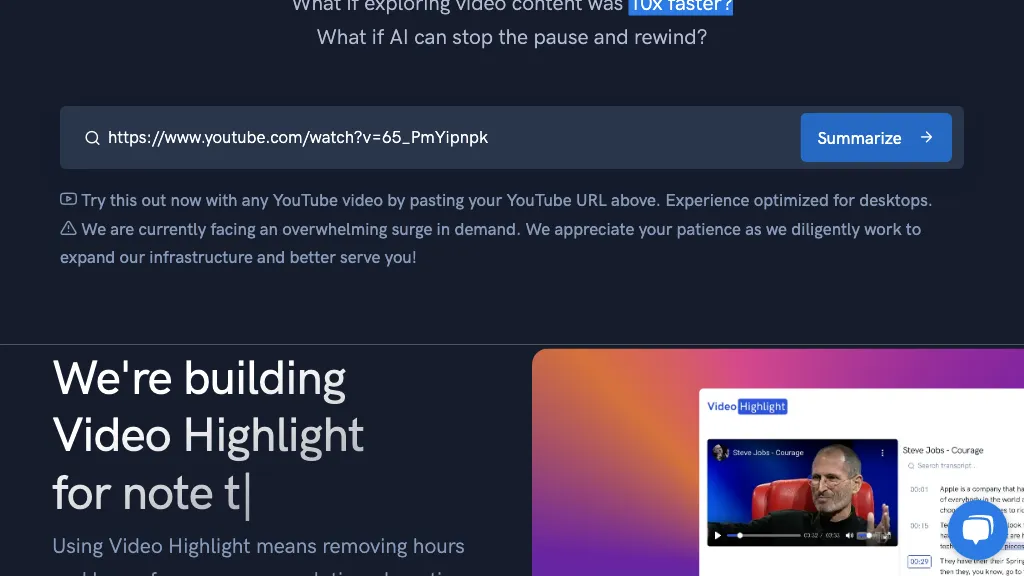
Video Highlight summarizes YouTube, Vimeo, and Dailymotion videos in seconds, providing timestamped key points and searchable transcripts in over 37 languages. It allows users to upload private MP4, MOV, MKV, AVI, MP3, WAV, and M4A files for AI‑driven summaries and transcriptions.
The chat feature lets researchers, students, and professionals ask questions and receive precise answers linked to exact timestamps. Users can highlight and annotate video sections, capture screenshots, and sync YouTube playlists or channels for organized research workflows.
Export options include Notion, Word, Markdown, CSV, and Readwise, while smart search locates specific moments across all stored content. Video Alerts notify users of new relevant video uploads, and the Teams feature supports collaborative sharing of playlists, highlights, and notes.
Videohighlight details
- Company
- VHS Media Group LTD
- Built for
- Individuals
- Data residency
- United States
Videohighlight tech specs
- Integrations
- Notion WhatsApp
Videohighlight pricing
FreemiumVerify on the official pricing page.
View plansVideohighlight's key features
-
Summarize YouTube videos
-
Transcribe in 37+ languages
-
Timestamped key insights
-
Chat Q&A with video
-
Cross‑video search and Q&A
-
Highlight and bookmark sections
-
Export summaries to Notion or Readwise
Videohighlight use cases
-
Create concise meeting notes from recorded webinars, automatically export to Notion and share with team for quick review
-
Generate searchable transcript and key points for multilingual e-learning videos, exporting to Markdown for course documentation
-
Collaborate on video research by annotating timestamps and exporting to CSV for data analysis
Videohighlight user reviews
Based on 2 reviews, 50% of users recommend Videohighlight, rated highly for quality results.
Liked for
Would you recommend Videohighlight?
Who is Videohighlight for?
-
Content creators
-
Product designers
-
E-commerce sellers
-
Academic researchers
-
University students
Videohighlight FAQ
Is Videohighlight free?
Partly. Videohighlight has a free plan with usage limits, and paid plans unlock the full feature set.
Is Videohighlight safe to use?
Videohighlight is operated by VHS Media Group LTD. It has a substantial audience that is independently measured month to month.
What are the best alternatives to Videohighlight?
The closest alternatives to Videohighlight are Eightify, AIVideoSummarizer.io, You-tldr, Summarize-Youtube Video Summarizer and Recapio. You can compare them side by side in the alternatives section further down this page.
What does Videohighlight do with my data?
Its privacy policy states that personal data is not sold or shared for marketing purposes. Data may be shared with third-party service providers that help run the product. Customer data is held in United States.
Who made Videohighlight?
Videohighlight is built and operated by VHS Media Group LTD.
What does Videohighlight integrate with?
Videohighlight connects with Notion and WhatsApp.
Compliance, privacy and billing terms are as stated in each product's own published documentation and have not been independently verified by TopAI.tools.


