
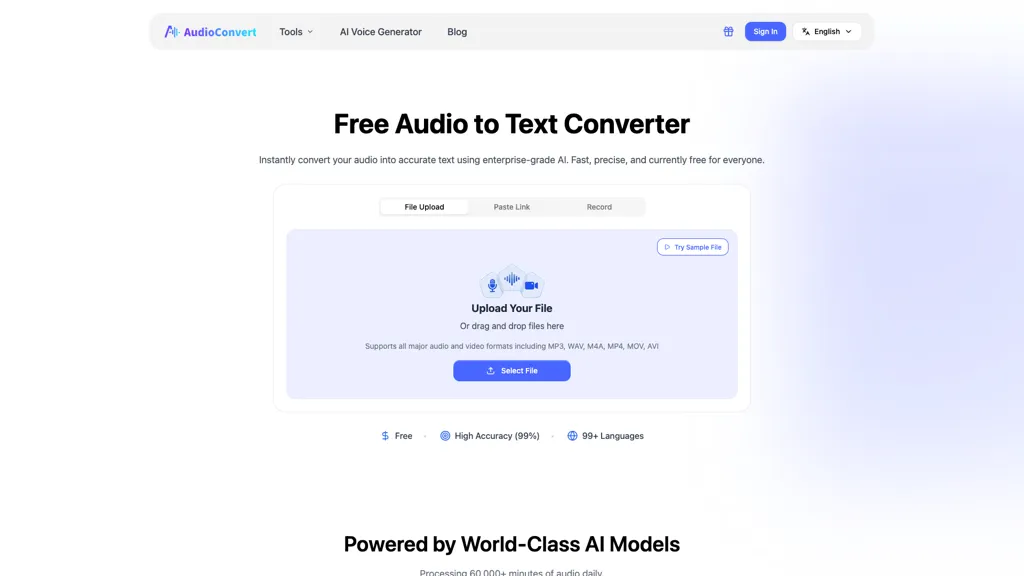
What is AudioConvert?
Audio to Text Converter is an AI tool that quickly transcribes audio files into accurate, searchable text. It supports multiple formats, identifies different speakers, adds precise timestamps, and exports transcripts as TXT, DOCX, SRT, or VTT. Ideal for students, researchers, podcasters, journalists, professionals, and content creators, it streamlines lecture notes, interviews, meetings, podcasts, and subtitles. The tool enables faster workflows, accurate documentation, and easy content repurposing.
AudioConvert details
- Built for
- Individuals
- Data residency
- United States or other international territories
AudioConvert tech specs
- Works with
- OpenAI / GPT
AudioConvert pricing
FreeThis tool is free to use, with no credit card required.
- Refund window
- 1 days
- Auto-renewal
- Yes
Verify on the official pricing page.
Get started freeAudioConvert's key features
-
Audio file transcription
-
Supports mp3, wav, and m4a formats
-
Automatic speaker detection and labeling
-
High-accuracy speech recognition
-
Export to txt, docx, and srt formats
AudioConvert use cases
-
Transcribe and organize interviews by uploading audio files in mp3 or wav formats, allowing users to easily share and analyze the conversation with timestamped transcripts and speaker identification
-
Convert podcast episodes into text format effortlessly, enabling better accessibility and content repurposing for blog posts, show notes, or social media excerpts while exporting to popular formats like txt or docx
-
Create accurate meeting minutes by converting recorded audio discussions into clear, timestamped transcripts with multi-speaker identification, ensuring all participants are accurately represented and follow-up actions are easily noted
AudioConvert user reviews
Based on 7 reviews, 57% of users recommend AudioConvert, rated highly for quality results.
Liked for
Disliked for
Would you recommend AudioConvert?
Who is AudioConvert for?
-
Content creators
-
Journalists
-
Researchers
-
Students
-
Podcasters
AudioConvert FAQ
Is AudioConvert free?
Yes. AudioConvert is free to use and does not require a credit card.
What are the best alternatives to AudioConvert?
The closest alternatives to AudioConvert are Audioconverter, TurboScribe, AudioTranscriber.io, TranscribetoText.AI and AccurateScribe.ai. You can compare them side by side in the alternatives section further down this page.
What does AudioConvert do with my data?
Its privacy policy states that personal data is sold or shared for marketing purposes. Data may be shared with third-party service providers that help run the product. Customer data is held in United States or other international territories.
Does AudioConvert auto-renew or offer refunds?
AudioConvert subscriptions renew automatically until you cancel. It states a 1-day refund window.
Which AI models does AudioConvert use?
AudioConvert is built on OpenAI / GPT. Which models you can reach may depend on your plan.
Compliance, privacy and billing terms are as stated in each product's own published documentation and have not been independently verified by TopAI.tools.


