
Portrait Video Cropping
The best 50 Portrait Video Cropping AI tools - Free & Paid
Explore 50 AI for Portrait Video Cropping
Clipdrop is an AI image editor that adjusts aspect ratios, extends boundaries, and adds background space while preserving detail. It offers background removal, object cleanup, relighting, universal resizing, upscale, and text‑to‑image generation for photographers and designers.
Freemium
- $15/mo
CapCut is an AI-powered video editor & design tool with social media templates, background removal, upscaling, color correction, portrait generation, text-to-speech, voice changers, and team collaboration support - accessible online and for Mac download.
Free trial
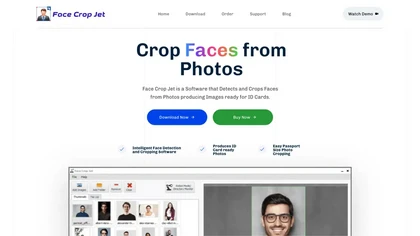
Face Crop Jet uses AI to automatically detect and crop faces for ID cards, supporting batch and directory monitoring. It corrects orientation, offers customizable crop settings, and runs locally on Windows/macOS with a server edition for unattended use.
Paid
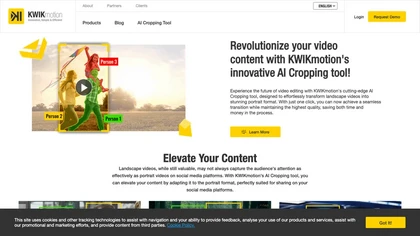
AI‑driven cropping converts landscape footage to portrait in one click, preserving key subjects. Supports batch processing, real‑time preview, and export to Instagram, TikTok, YouTube Shorts. Integrates with editing suites for streamlined, efficient workflows.
Freemium
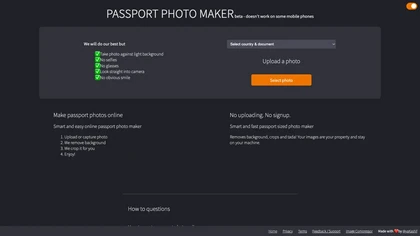
Passport Photo Maker lets users upload or capture an image, removes background, and crops it to passport‑standard dimensions for many countries. No sign‑ups; data stays on device. Outputs JPG or PNG ready for travel documents.
Free

PhotoGrid is a browser‑based AI photo editor that offers one‑click enhancement, background removal, and upscaling. It lets users build collages from 20,000 templates, add stickers, text, custom backgrounds, and convert images into short video clips.
Subscription
- $2.83/mo
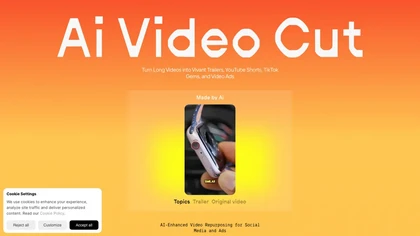
AI Video Cut uses prompt‑based AI to transform long videos into short, platform‑optimized clips. It auto‑detects faces, crops frames, adds multilingual captions, and supports multiple aspect ratios for fast, high‑quality content creation.
Freemium
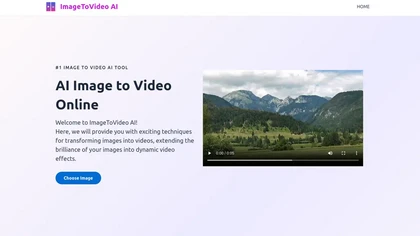
ImageToVideo AI converts JPG, PNG, or WebP images into MP4 videos. Users can crop, resize to social‑media ratios, choose speed/quality presets, apply 50+ templates, add AI music, and edit motion via a prompt editor—all watermark‑free.
Paid
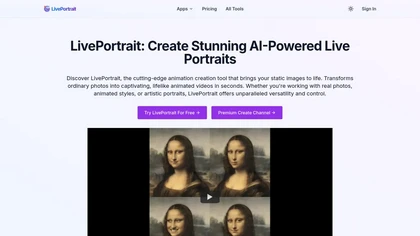
LivePortrait turns static images (PNG, JPEG, WEBP) into animated videos using AI motion synthesis. It restores, colorizes, upscales photos, lets users choose or upload motion, and fine‑tunes eye and lip movements for realistic portraits in seconds.
Freemium

Image Video AI converts photos (JPG/PNG/WEBP) into short MP4 videos up to 1080p using multiple AI models, enabling text-guided motion, style and duration, animating faces, bodies, objects or avatars with fast, simple workflows and commercial usage.
Freemium
- $7.99/mo
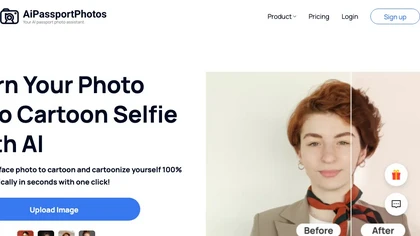
AiPassportPhotos transforms portrait photos into cartoon styles—sketch, 3D, manga—via one click. It also offers background removal, blur, face cutout, enhancement, colorization, and old‑photo restoration, all online with instant downloads. For mobile and desktop browsers, ensuring privacy with a dat
Free
Photoleap is an iOS‑only photo editing app that uses AI for quick enhancements, background removal, object deletion, collage creation, filters, text‑to‑image, video from stills, 4K upscaling, style transfer, portrait retouching, and hair color simulation.
Free trial

AI TikTok Video Resizer converts horizontal and square footage to native 9:16 vertical format using AI framing to auto-crop and reframe while preserving faces and key subjects. Supports batch processing, manual framing, presets, and standard exports.
Freemium

Vimi.art is an AI photo editor that transforms portraits, pets, and family moments into stylized art using themed filters and presets. It streamlines batch editing with consistent styles, delivering social-media-ready and print-formatted images.
Freemium
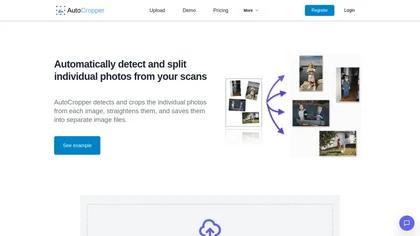
AutoCropper uses AI to detect, crop, and straighten photos from scans, handling JPEG, PNG, TIFF, and PDF in batches. It splits images into full‑quality files, lets you resize or tag crops, all in the browser with full privacy.
Freemium
- $18
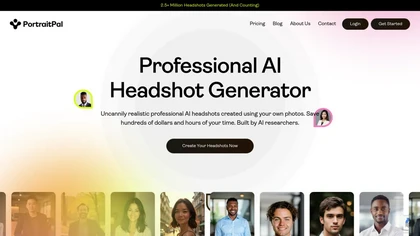
Portrait Pal uses AI to generate realistic, high‑resolution headshots from a few user photos. It outputs 800×1024 images suitable for LinkedIn, resumes, and team sites, while ensuring privacy and brand consistency.
Paid

Cutout.pro is a powerful AI-based platform for creating and editing visual content that enhances e-commerce and marketing efforts.
Freemium
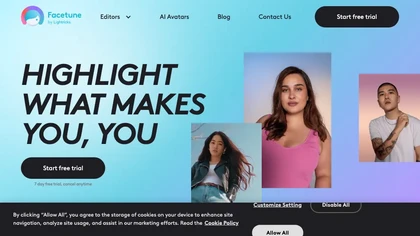
Facetune is an AI‑driven photo and video editor offering touch‑up, background removal, face and body reshaping, realistic makeup and hairstyle try‑on, background blur, and noise removal—enabling quick mobile edits for influencers, photographers, and stylists.
Subscription
- $25/mo
AiPassportPhotos auto‑adjusts uploaded images to meet passport, visa, and ID specifications for the U.S., Canada, U.K., EU, and other countries. It replaces backgrounds, crops head size, centers facial features, and outputs compliant JPEG/PNG files with an instant compliance report.
Free
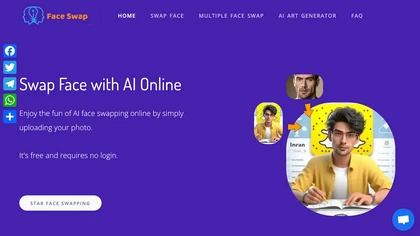
AIFaceSwap lets you swap faces in photos, GIFs, and videos without sign‑up. It supports JPG, PNG, WebP, batch processing, and gender swapping. Results are watermark‑free, auto‑deleted after 24 hours, and mobile‑friendly.
Free
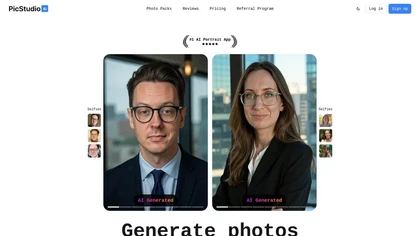
PicStudio.AI turns uploaded selfies into realistic headshots in minutes. It trains on multiple photos to produce corporate, casual, or editorial styles, offers upscaling, background removal, version control, and full commercial ownership of results.
Paid
- $29.99
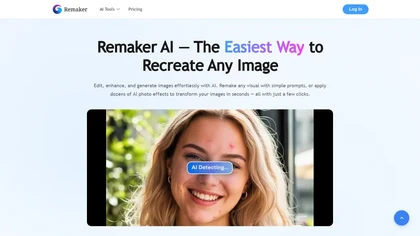
remaker ai offers web and mobile AI image and video editing for creators and teams, including upscaling, background removal, object erasing, face swap, text-to-image, lip-sync, batch processing and templates for short-form social content.
Free trial
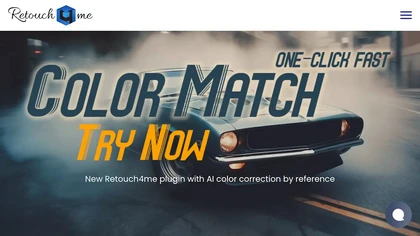
Retouch4me is an AI retouching suite that functions as Photoshop plugins or standalone apps. It automates skin, eyes, hair, clothing, and background edits in real‑time, supports RAW and batch workflows, and offers video color grading with offline processing.
Paid
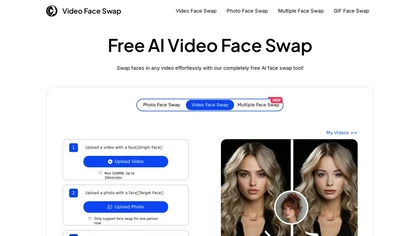
VideoFaceSwap lets users swap faces in videos, GIFs, and photos using a target face image. It supports single‑ and multi‑face swaps, processes entirely in‑browser, respects privacy, and is useful for creators and marketers.
Free
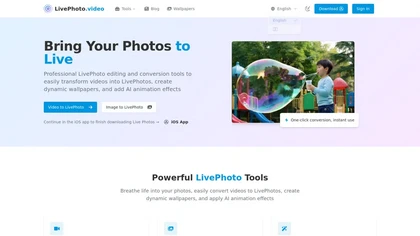
LivePhoto.video is a tool that converts videos, GIFs, and static images into animated Live Photos and dynamic wallpapers for iPhone. It uses AI to add motion, offers one-click saving to your Camera Roll, and allows direct sharing to social media.
Freemium
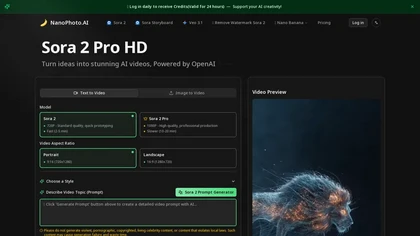
NanoPhoto.AI is an AI-powered media editor that simplifies generating and editing images and videos. It offers features like photo restoration and style changes, and supports batch processing for efficient workflows.
Free trial
- $15/mo
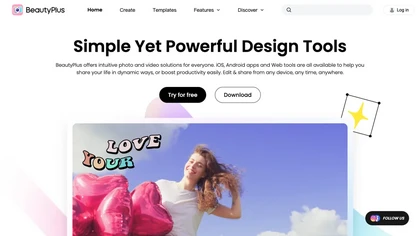
BeautyPlus - Versatile AI tool for effortless photo & video editing; offers face reshaping, filter & sticker additions; perfect for enhancing selfies & videos.
Free trial
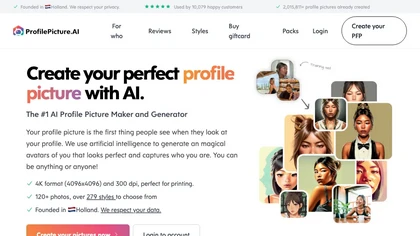
PFP.AI produces studio‑quality profile pictures from a single high‑definition photo, offering preset styles for professional, minimalist, fashion, corporate, or creative looks. It outputs a gallery of JPG, PNG, or WebP images, with privacy data deleted after 24 hours.
Freemium
- $8
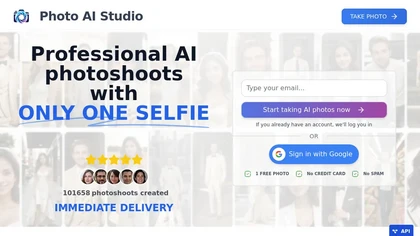
AI Photo Studio delivers AI‑powered image and video creation, including generation, background removal, virtual try‑on, style libraries, advanced editing (skin, age, expression, eye color), outpainting, thumbnails, and direct social publishing via a web interface.
Free
- $1.99
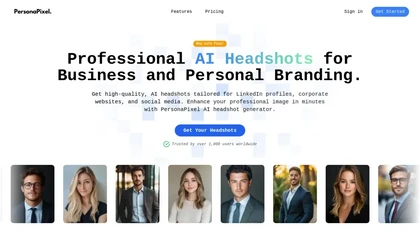
PersonaPixel transforms user selfies into studio‑grade headshots in 15–30 minutes. It processes 4–10 photos, offers style packs (business, cinematic, creative), and securely deletes images, helping job seekers, entrepreneurs, HR teams, and creators.
Paid
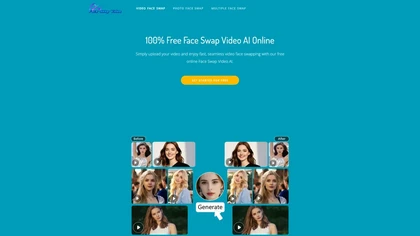
Face Swap Video is a web-based AI tool that automates face detection and replacement in videos, photos, and GIFs, supporting multiple faces, trimming, cropping and frame-by-frame GIF edits, with browser upload and automatic 24-hour file deletion.
Free
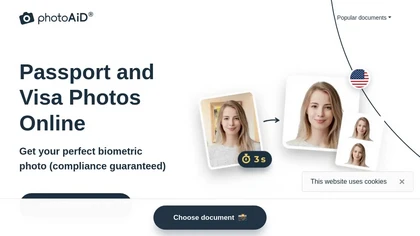
PhotoAiD generates passport, visa, and driver‑license photos from user selfies. The AI crops, resizes, and removes backgrounds to meet official specifications, flags compliance issues, and offers downloadable high‑resolution images or same‑day printed copies via Android or iOS.
Free

PicWish AI Photo Editor automates image enhancement, background removal, and watermark deletion. It processes batches of up to 30 files, offering resizing, lighting, upscaling, AI Designer prompts, Face Cutout, and single‑click unblur/sharpen. Available on Windows, macOS, iOS, Android, and browser.
Subscription
- $9.99/mo

Upload video files (MP4, MOV, MKV, M4V, AVI) and apply AI models—Face, Animation, Denoise, Low‑Light, Colorize—to improve clarity, reduce noise, brighten dark scenes, or add color. Preview changes, upscale to 4K, then download without watermarks.
Paid
2short.ai automatically extracts the most engaging segments from long videos to create 1080p YouTube Shorts, using facial‑tracking, one‑click animated subtitles, and flexible aspect ratios. It supports multiple languages, direct Drive/URL imports, and brand presets for consistent visuals.
Freemium
- $9.9/mo
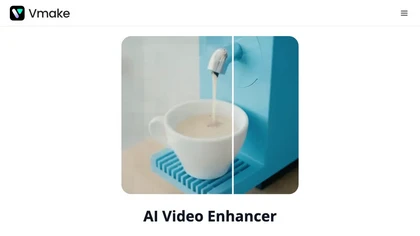
Vmake AI Video Enhancer upsamples MP4, MOV, AVI, etc. to 2K/4K/AI 4K+, removes artifacts, improves low‑light, reduces noise, and offers watermark/text removal, background elimination, and subtitle generation, giving creators, e‑commerce, and gamers sharper, cleaner videos.
Subscription
- $9.99/mo

AIImageToVideo Pro is an AI tool that transforms static images and text prompts into short videos using models like Veo and Kling, offering control over motion, duration, and resolution. It features editing for text overlays and captions, with export options for creating watermark-free content for s
Freemium
- $9.99/mo
PhotoHero.AI lets users replace people, faces, and backgrounds in photos and videos with AI and text prompts. It automatically swaps video faces while preserving motion and lighting, offers one‑click refresh, and speeds production for designers, editors, and marketers.
Freemium
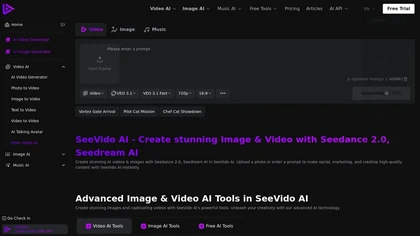
See Vido AI is a versatile AI tool that transforms text prompts and user-uploaded photos into high-quality videos and images, supporting both text-to-video and photo-to-video workflows. It also offers features like avatar creation, face mapping, and rapid HD rendering (720p–1080p) for social media,
Free trial
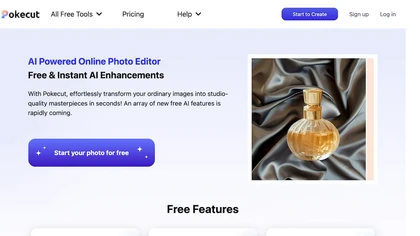
Pokecut is an AI-powered online photo editor that instantly enhances images, transforming them into studio-quality visuals effortlessly. With features like one-click background removal, customizable templates, and advanced photo enhancement, it caters to both e-commerce designers and photography ent
Freemium
- $9.99
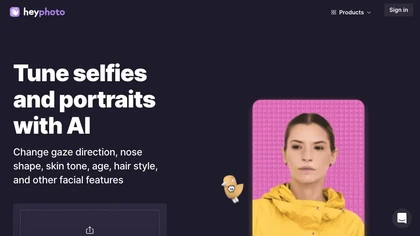
HeyPhoto is an AI‑powered photo editor that lets users swap faces, generate new faces, upscale images, and remove backgrounds with one click, offering facial attribute adjustments and support for common image formats up to 5 MB.
Free
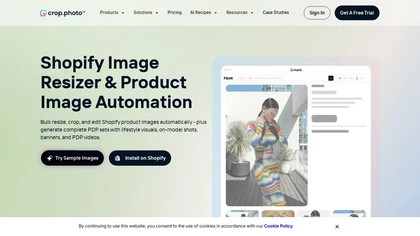
crop.photo is an AI-powered image-editing platform for e-commerce and fashion, specializing in generating on-model images, flat-lays, and packshots. It automates bulk editing, background removal, resizing, and video creation to streamline asset production for marketplaces and D2C stores.
Free trial
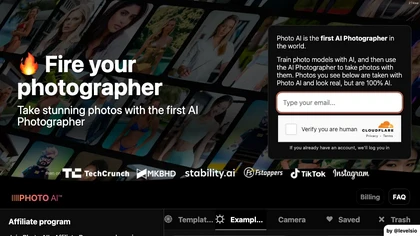
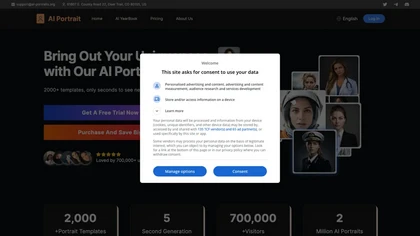
AI Portrait Generator turns a single selfie into over 2,000 AI‑style portraits—including ID photos, comics, oil paintings, cartoons, anime, and avatars—using Midjourney V5. The web app delivers results in 30‑60 seconds and never stores your images.
Freemium
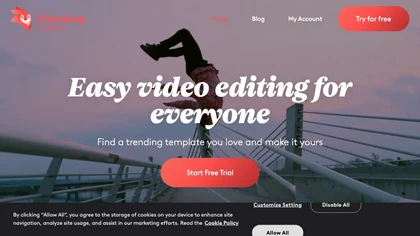
Videoleap is a cross‑platform editor with AI background removal, infinite‑zoom, text‑to‑video, audio cutting, subtitles, and built‑in filters. It offers templates for TikTok, Reels, Shorts, and ads, plus a drag‑and‑drop interface for quick professional videos on web or mobile.
Free trial
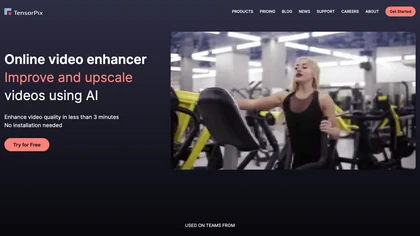
TensorPix enhances SD video to 4K 60FPS, removes artifacts from VHS and old footage, offers real‑time call improvement, batch processing, API integration, and cloud GPU processing—no local install needed.
Freemium
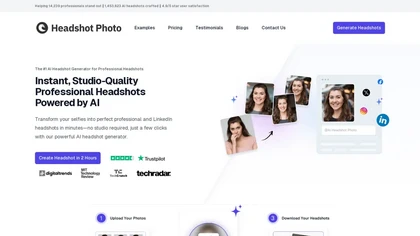
Headshot Photo is an AI-driven tool that transforms selfies into studio-quality professional headshots in minutes. With customizable backgrounds and outfits, it provides a quick, cost-effective solution for enhancing professional online presence.
Paid
- $19

Resize.ai is an AI-powered tool that automatically converts horizontal or square videos into the vertical 9:16 format for TikTok and mobile platforms. It uses smart cropping to keep subjects in focus and offers batch processing to save time for creators and marketing teams.
Freemium
Lensa AI is a mobile photo editor that offers one‑tap portrait retouching, automatic background and object removal, adjustable background blur with bokeh, a variety of social‑media filters, stylized avatar generation, and high‑resolution exports for iOS and Android.
Free trial
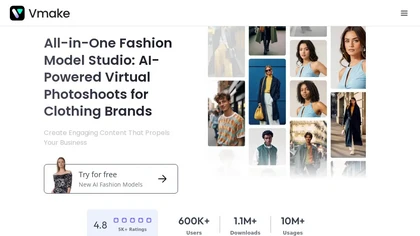
Vmake automates UGC and viral video cloning, producing product, fitness, and real‑estate clips with AI editing tools—watermark removal, background swap, noise suppression, upscaling. It auto‑generates captions, hooks, thumbnails, supports batch processing, and offers a teleprompter for polished deli
Free