
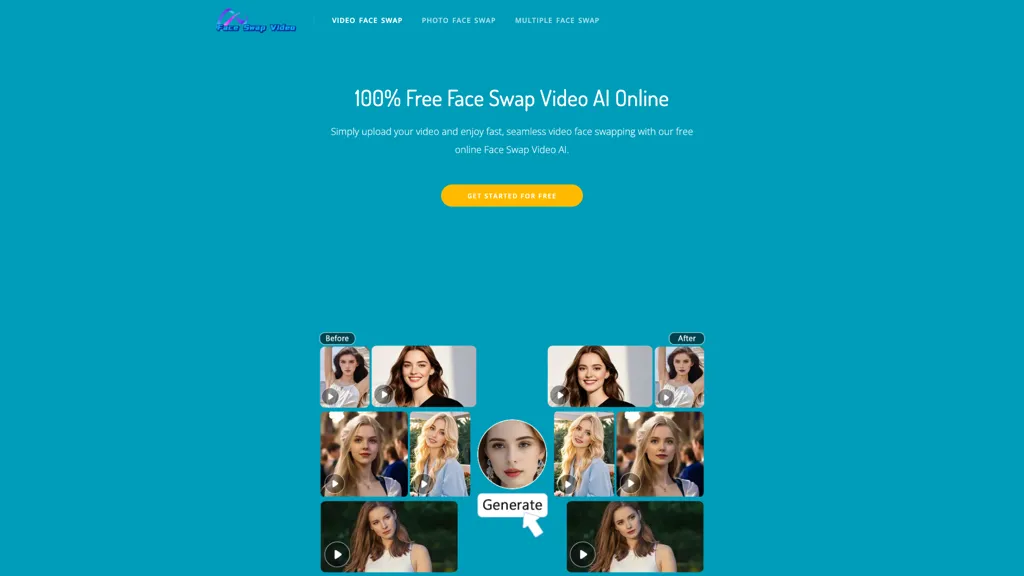
What is Face Swap Video?
Face Swap Video is an online AI face swap tool for videos, photos, and GIFs. It automates face detection and replacement across frames, supporting MP4, MOV, M4V, and GIF video uploads (≤100 MB) and JPG, PNG, WEBP image uploads (≤20 MB). Features include clip trimming (max 15 s), cropping, multiple-face swaps, and frame-by-frame GIF processing.
The web-based interface works on desktop and mobile browsers with no sign-up required and a queued processing workflow. Uploaded files are deleted automatically within 24 hours and are not used for third-party AI training. Target users include content creators, social media managers, meme makers, educators, and video editors needing automated video face swap, photo face swap, and GIF face swap capabilities.
Face Swap Video pricing
FreeThis tool is free to use, with no credit card required.
Verify on the official pricing page.
Get started freeFace Swap Video's key features
-
AI video face swap with automatic face detection and replacement
-
Supports video uploads (MP4, MOV, M4V, GIF) up to 100 MB with max duration 15 s and in-app trimming
-
AI photo face swap supporting JPG, PNG, WEBP images up to 20 MB
-
GIF face swap with frame-by-frame face detection and seamless replacement
-
Web-based, mobile-compatible processing with no signup required and automatic deletion of uploads within 24 hours
Face Swap Video use cases
-
Produce personalized marketing and social media videos by swapping in customer or influencer faces across short clips and GIFs using the tool's multi-face support, trimming and cropping tools and browser upload — with automatic 24-hour file deletion for privacy
-
Create realistic visual effects for indie films, student projects or demos by replacing actors' faces across footage and GIFs frame-by-frame, leveraging multiple-face handling and precise trim/crop controls without installing software
-
Anonymize sensitive video, photo or GIF content for reporting, training or research by automatically replacing faces in-browser while preserving scene context with cropping/trim and ensuring confidentiality via automatic 24-hour file deletion
Face Swap Video user reviews
Based on 2 reviews, 50% of users recommend Face Swap Video.
Liked for
Disliked for
Would you recommend Face Swap Video?
Who is Face Swap Video for?
-
Content creators
-
Social media users
-
Video editors
-
Marketing professionals
-
Entertainment industry professionals
Face Swap Video FAQ
Is Face Swap Video free?
Yes. Face Swap Video is free to use and does not require a credit card.
What are the best alternatives to Face Swap Video?
The closest alternatives to Face Swap Video are VideoFaceSwap.com, AI Face Swap, Face Swapper AI, FaceAI.art and DeepSwapper. You can compare them side by side in the alternatives section further down this page.
What does Face Swap Video do with my data?
Face Swap Video states that customer content is not used to train its models. Its privacy policy states that personal data is not sold or shared for marketing purposes.
Compliance, privacy and billing terms are as stated in each product's own published documentation and have not been independently verified by TopAI.tools.


