
Lossless Png To Jpeg
The best 50 Lossless Png To Jpeg AI tools - Free & Paid
Explore 50 AI for Lossless Png To Jpeg
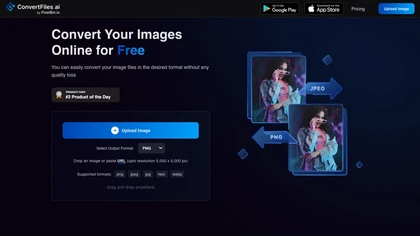
ConvertFiles.ai offers free, server‑side conversion for PNG, JPEG, WEBP, and HEIC files up to 5000 × 5000 px via upload, URL, or drag‑and‑drop. It preserves quality, supports bulk processing, provides instant downloads, and includes a mobile app.
Freemium
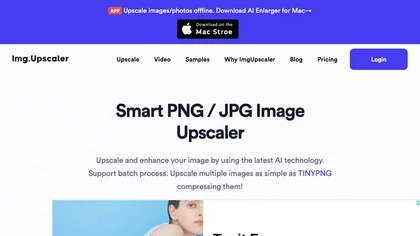
ImgUpscaler enlarges JPG, PNG, WebP images up to 400 % using super‑resolution, producing 16k × 16k outputs with minimal detail loss. Batch up to 5 images, offers basic editing, deletes uploads after 24 h, free commercial use.
Free
jpgHD uses AI to perform lossless restoration of old, scratched photos, adding color, repairing damage, and providing Ultra Restore. It animates up to ten faces, offers 2×/4× super‑resolution, denoising, and high‑definition enhancement via web UI or REST API.
Paid
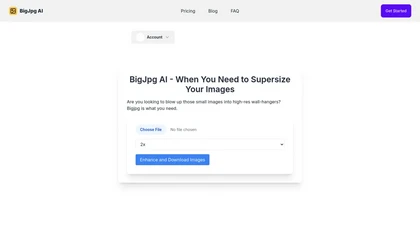
BigJpg AI upsizes JPEG, PNG, GIF, BMP images from 2× to 16× while preserving edge sharpness and detail. It automatically sharpens textures, keeps fine lines and color gradients, and supports single or batch processing for printing, displays, and design work.
Paid
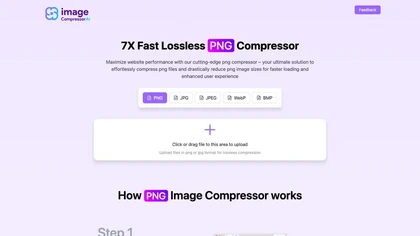
Image Compressor AI tool dramatically reduces PNG file sizes for faster loading times. Boasts batch processing, custom quality settings, and an intuitive interface, catering to web designers and bloggers seeking optimal visuals without sacrificing speed.
Free

ImageToCartoon turns JPEG, PNG, or WebP photos into high‑resolution cartoon images directly in the browser. Users pick from 80+ styles—Ghibli, Pixar, anime, comics—to create avatars, prints, or pet illustrations, with royalty‑free commercial rights.
Free
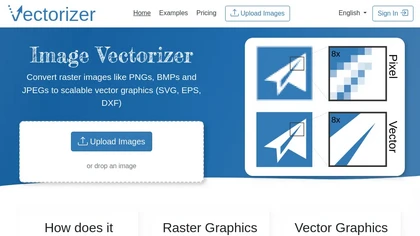
Image Vectorizer transforms raster PNG, BMP, JPEG files into scalable vector formats (SVG, EPS, DXF) using AI noise removal and color simplification. It sharpens edges, converts pixels to geometric primitives, and outputs high‑resolution vectors for logos, apparel, tattoos, and billboards.
Subscription
- $8.99/mo
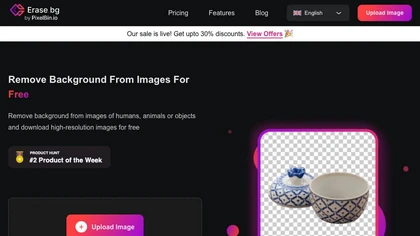
Erase.bg uses AI to remove backgrounds from PNG, JPG, JPEG, WEBP, and HEIC files. It supports batch processing, lets users replace backgrounds with colors or images, works on browser, iOS, Android, outputs PNG/JPEG, and clears data after use.
Freemium

PNG Maker turns typed text into high‑resolution PNG images with transparent backgrounds. Users can set fonts, sizes, colors, and background opacity, review, and download ready‑for‑web graphics. It works directly in the browser and supports batch creation.
Freemium

Imglarger is an image enhancer that upsamples photos up to 8×, supports batch processing, and offers background, object, and face retouch tools. It converts WebP, JPEG, PNG, SVG, JFIF formats and lets users adjust brightness, contrast, and saturation via web or mobile.
Freemium
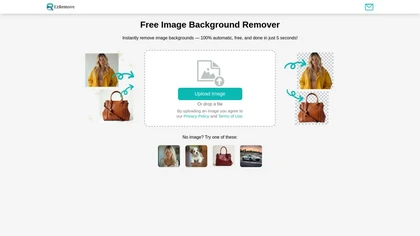
EzRemove.ai is an AI-powered tool that instantly removes image backgrounds in 5 seconds, delivering high-quality transparent PNGs with precision. It offers batch processing, customizable backgrounds, and basic editing features, ideal for ecommerce, design, and social media.
Free
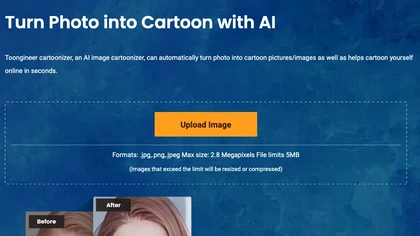
Toongineer Cartoonizer turns JPEG, PNG, or JPG photos into cartoon images with anime, Disney, Ghibli, or comics styles. It supports up to 2.8 MP, offers batch processing, real‑time previews, and quick upscaling via stable diffusion and AnimeGANv2.
Paid
- $4.95
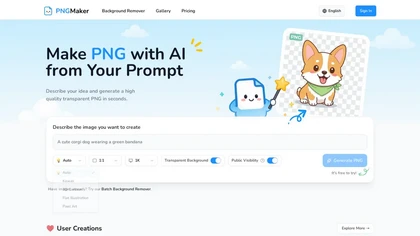
png-maker.com is a text-to-image tool that generates transparent PNG images by combining AI image creation with automatic background removal. It supports multiple aspect ratios, resolutions up to 4k, and styles like kawaii, 3D cartoon, flat illustration, and pixel art for design-ready assets.
Freemium
- $23.9/mo
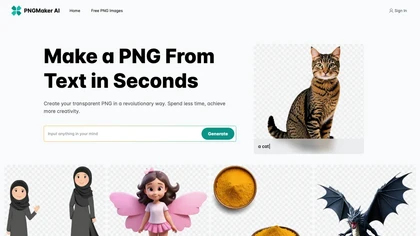
PNGmaker.ai generates transparent PNGs from text prompts in about ten seconds, letting designers, developers, marketers, and creators quickly produce logos, icons, and graphics in multiple sizes for seamless project integration.
Freemium
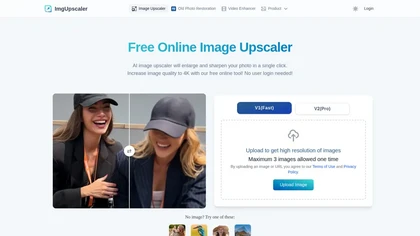
Imgupscaler is an AI tool for enhancing image quality by upscaling images to 4K resolution. It supports multiple formats and restores details while reducing noise, making it suitable for e-commerce, social media, and graphic design.
Freemium
AI Video Enhancement enlarges and improves video/images with no quality loss, scaling to 2K/4K/8K, noise‑reducing, colorizing black‑and‑white, interpolating up to 240fps for smooth slow‑motion. Supports MP4, MOV, MKV, AVI, JPG, PNG, BMP, GIF, WEBP; batch ZIP; desktop for Mac/Windows.
Paid

Colorcinch converts photos to cartoons, sketches, or paintings with one click, offers AI background removal, adjustable sliders, overlay effects, multi‑layer editing, high‑resolution export to JPG/PNG/PDF, all usable online/offline without login.
Free
- $8.99
Upload or drag a photo, then upscale it with one of six algorithms—Magic Kernel Sharp, Lanczos 3, Hermite, or AI‑based ESRGAN—entirely client‑side for privacy. Crop as needed and download in JPG, PNG, or WebP.
Free
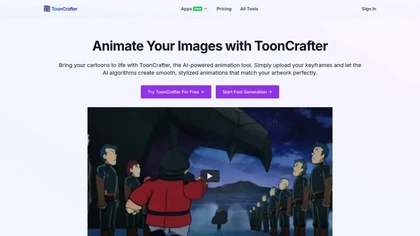
ToonCrafter turns 2‑4 static cartoon images into 8 fps, 512×512 MP4 clips by interpolating keyframes. It preserves texture with style transfer, supports WEBP, PNG, JPG, and offers looping for extended sequences.
Freemium
PixPretty AI Photo Editor is a free tool that uses AI to remove or replace backgrounds in seconds. It also supports batch editing for bulk transformations, retouching, and format conversion.
Freemium
- $12.99/mo
AI Background Remover deletes backgrounds from JPG, PNG, WebP images while preserving resolution, handling up to 500 at once. Users can replace with color, gallery, or upload; ideal for designers, marketers, and e‑commerce workflows.
Freemium
- $9
BgEraser is a web‑based AI that removes photo backgrounds in seconds, supporting JPEG, PNG, and WebP. It handles up to 20 images at once, preserves fine detail, offers drag‑and‑drop uploads, and provides commercial‑ready, watermark‑free downloads.
Free
Kolorize automatically colorizes grayscale, black‑and‑white, or sepia images in 3–8 seconds. It accepts JPEG, PNG, WebP, GIF, or AVIF up to 4096×4096 pixels, resamples larger files, outputs colorized JPGs, and deletes uploads after processing.
Freemium
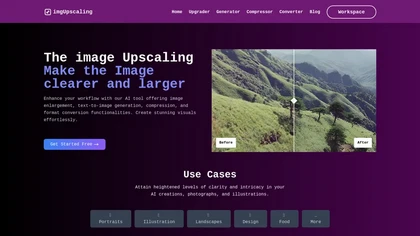
AI‑powered image editor that runs entirely in the browser, offering smart crop, AI expand, format conversion, lossless compression, watermarking, color adjustment, filter, GIF creation, side‑by‑side comparison, and batch workflow design—all processed locally with WebAssembly for speed and privacy.
Free
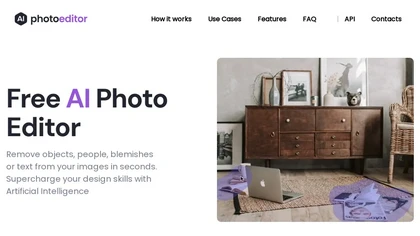
PhotoEditor.ai edits JPG, PNG, HEIC, and WEBP images up to 15 MB in a browser or mobile app. It offers portrait transformation, background removal, detail enhancement, and 4K upscaling, delivering instant downloads for photographers, marketers, and designers.
Paid
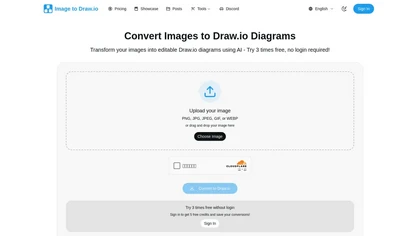
Image to Drawio is an AI-powered tool that converts static images (PNG, JPG, GIF) into editable draw.io diagrams, preserving shapes, text, and connections. It supports flowcharts, network diagrams, and sketches, allowing drag-and-drop uploads and secure, reusable edits.
Freemium
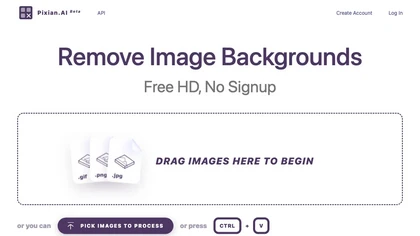
Vectorizer.ai is an AI-powered tool that converts raster images into vector images quickly and easily.
Free
- $1
Upscalepics lifts image resolution up to 8× with one click via a machine‑learning model, supporting JPG, PNG, and WebP files up to 4000 px. It offers custom dimensions, bulk uploads, and outputs up to 256 MP for print‑ready quality.
Freemium
- $3.3/mo

imgtoimg.ai is an AI image transformation tool that generates new images from your photo inputs and text prompts. It offers precise control over style and composition, plus built-in utilities like upscaling and background removal for creators.
Freemium
- $9.99/mo

AI-driven image upscaler that enlarges photos to 7680 × 7680 px, supporting JPEG, PNG, WebP and up to 500 images per batch. It offers an API for sharpening, noise reduction, and a Mac app with background removal, photographers, designers, marketers, and social media managers.
Subscription
- $19.99/mo

AI image enhancer that upscales up to 4×, removes noise, sharpens blur, and can enhance faces or colorize. Handles .png/.jpg/.webp/.tif/.bmp/.raw and outputs the same formats. Windows, macOS and Photoshop plugin supported.
Free trial
LetsEnhance is an AI image editor that upscales up to 512 MP, sharpens, restores, and removes compression artifacts from JPG, PNG, or WebP files. It supports batch processing, high‑resolution outputs for prints and AI art, preserving natural texture without watermarks.
Freemium
- $0.75/mo
Upload JPG, PNG, or WebP (≤1 MB) to convert images into Disney Pixar or Studio Ghibli style artwork. Specify prompts to guide the transformation and receive high‑resolution JPEG or PNG outputs ready for printing or sharing, all in a simple, subscription‑free workflow.
Paid
Image Text Converter is an online OCR tool that extracts text from JPG, PNG, and SVG images, converting them into editable .txt files. It supports multiple languages, including mathematical equations, enhancing document automation and data entry for various users.
Freemium
- $3.5

Colorcinch is an AI photo editor that instantly cartoonizes or sketches images and offers background removal, cropping, resizing, exposure and detail controls, file compression, and 400 DPI print‑ready export. Mobile app adds cartoonizing, background removal, and upscaling on the go.
Paid
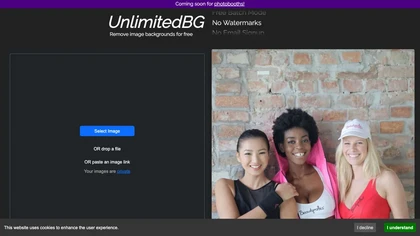
UnlimitedBG uses AI to remove image backgrounds in seconds, supporting PNG, JPG, GIF, WebP, BMP, TIFF, and AVIF. It offers batch processing, local browser execution, no sign‑up, no watermark, and unlimited high‑resolution output.
Free
ImageToVideo AI converts JPG, PNG, or WebP images into MP4 videos. Users can crop, resize to social‑media ratios, choose speed/quality presets, apply 50+ templates, add AI music, and edit motion via a prompt editor—all watermark‑free.
Paid
AI caricature generator that accepts JPEG/PNG/WebP up to 10 MB and uses text prompts for expression, pose, clothing, hairstyle, background. It creates high‑resolution, watermark‑free caricatures in multiple styles via drag‑and‑drop, preview, download. Works locally with no registration.
Free
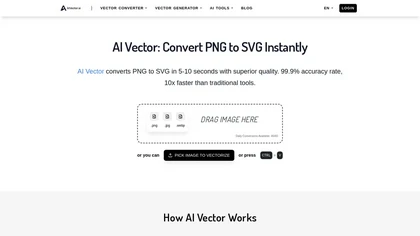
AI Vector.ai is a tool that instantly converts PNG, JPG, and WEBP images into SVG format using advanced algorithms for high-quality, watermark-free results. It requires no account, offers unlimited daily conversions, and ensures your files are never stored.
Free

PNG Free Download is a searchable library of free high-resolution transparent PNGs—icons, clip art, photo frames and extensive Christmas collections—offering category filters and one-click downloads (no registration) optimized for layering in web, print, and social media.
Free

Picture Drawing AI transforms photos into artistic drawings in various styles, including sketches and watercolors. Users can easily upload images and generate high-resolution outputs quickly, making it useful for artists and content creators seeking unique visuals.
Freemium
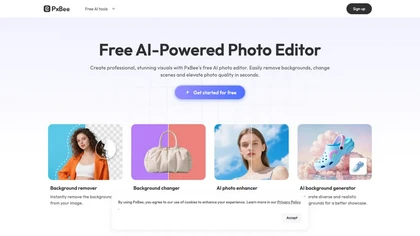
PxBee is an AI-powered photo editor that offers tools like background removal, blur fixing, noise reduction, and resolution upscaling. It also generates realistic backgrounds and works entirely in your browser with an intuitive interface.
Free

PicWish AI Photo Editor automates image enhancement, background removal, and watermark deletion. It processes batches of up to 30 files, offering resizing, lighting, upscaling, AI Designer prompts, Face Cutout, and single‑click unblur/sharpen. Available on Windows, macOS, iOS, Android, and browser.
Subscription
- $9.99/mo
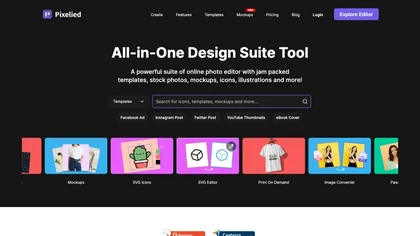
Pixelied is an online photo editor and design suite that offers brightness, saturation, and filter tools, background removal, a 4 million‑photo library, vector editing, team collaboration, and pre‑made templates for quick resizing.
Freemium
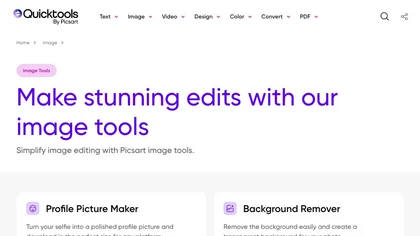
An online image tool with features including background removal, image resizing, text addition, color palettes, conversion, and AI-powered social media bios, market slogans, business name ideas, and hashtag generation.
Free
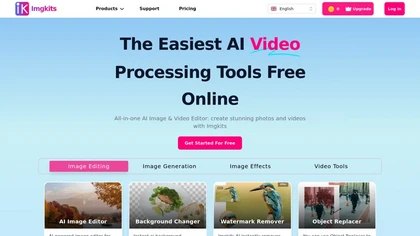
ImgKits is an AI-powered image and video processing tool that enables background removal, object replacement, and photo enhancement while preserving quality. It supports batch processing for JPG, PNG, and WEBP formats, offering features like watermark removal, upscaling, and unblurring.
Free trial
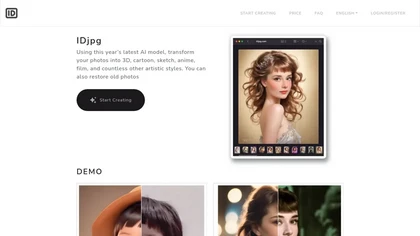
IDjpg is an AI image editor that applies style transfers, restores photos, creates ID images, converts line art, and renders product illustrations. It offers batch processing, face analysis, pose adjustment, and character swapping for professional visuals.
Paid
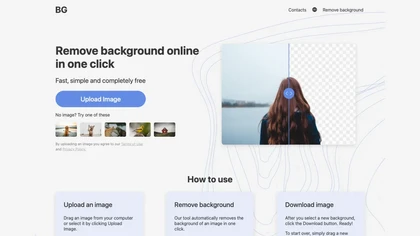
BG is an online AI background remover that deletes image backgrounds with a single click, supporting PNG/JPG of any size. It outputs high‑resolution transparent or custom‑colored images, works in-browser on PC and mobile, no installation required.
Free