
Image Inpainting
The best 50 Image Inpainting AI tools - Free & Paid
Explore 50 AI for Image Inpainting
Generates digital images from text prompts in diverse styles such as anime, cyberpunk, oil painting, and 3‑D cartoon. Users adjust seed, denoise, add reference images, select 512–1024 px resolutions, and use background removal, outpainting, headshots, or avatars.
Free
Image to Image AI is a tool that intelligently edits and transforms your photos based on simple text prompts. It allows for complex alterations like style changes, object removal, and realistic detail enhancement while maintaining consistency.
Free trial
PicCreator.ai is an AI image maker and editor that combines text-to-image generation with robust photo editing tools. It enables prompt-based creation, inpainting/outpainting, batch editing, and high-resolution upscaling for marketers, designers, and photographers.
Freemium
- $5.99/mo

Colorcinch converts photos to cartoons, sketches, or paintings with one click, offers AI background removal, adjustable sliders, overlay effects, multi‑layer editing, high‑resolution export to JPG/PNG/PDF, all usable online/offline without login.
Free
- $8.99
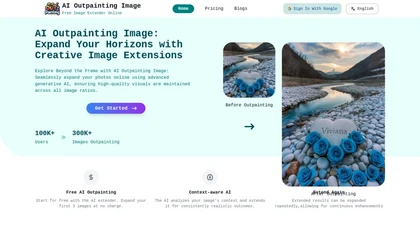
AI Outpainting extends photographs and artwork in all four directions—up, down, left, right—while preserving style, texture, colors, and lighting. The deep‑learning model supports higher‑resolution output and batch processing of up to five images, aiding designers and photographers.
Freemium

editaimg.com is an AI-powered image editor for professionals, offering background removal, object editing, and style transforms for retouching and composition. It also provides upscaling, text translation, and creative effects to streamline workflows for e-commerce, design, and content creation.
Freemium

Colorcinch is an AI photo editor that instantly cartoonizes or sketches images and offers background removal, cropping, resizing, exposure and detail controls, file compression, and 400 DPI print‑ready export. Mobile app adds cartoonizing, background removal, and upscaling on the go.
Paid

AI image enhancer that upscales up to 4×, removes noise, sharpens blur, and can enhance faces or colorize. Handles .png/.jpg/.webp/.tif/.bmp/.raw and outputs the same formats. Windows, macOS and Photoshop plugin supported.
Free trial
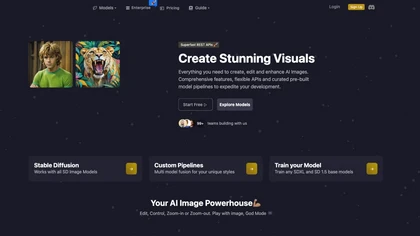
Image Pipeline delivers AI image creation and editing using Stable Diffusion, Flux, and custom checkpoints. It supports LoRA, embeddings, adapters, ControlNet for inpainting, and Face Lock/Quick Swap for facial editing, all via a REST API.
Paid
- $3

Picsman is an AI‑powered editor that removes or replaces backgrounds, ups image resolution, and applies styles like Ghibli or cartoon. It also offers text‑prompt editing, video generation, image extending, and watermark removal for quick, high‑definition results.
Free
- $5.99/mo
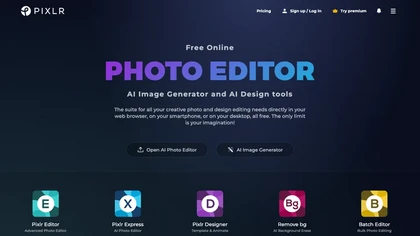
Pixlr is a browser‑based photo editor that uses AI for background removal, generative fill, and object deletion. It offers cropping, color correction, collages, templates, and social media layouts across desktop, tablet, and mobile.
Free trial
- $1.99/mo
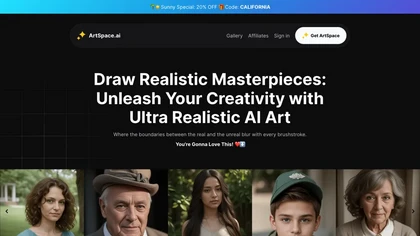
ArtSpace.ai generates high‑resolution images from text in seconds and lets users edit them with 1‑click tools—face swap, pose, clothing, hairstyle, tattoo—and refine scenes via inpainting, outpainting, background removal, plus 4K upscaling—all in the browser.
Free

imgtoimg.ai is an AI image transformation tool that generates new images from your photo inputs and text prompts. It offers precise control over style and composition, plus built-in utilities like upscaling and background removal for creators.
Freemium
- $9.99/mo
Deep‑Image.ai offers photo upscaling, denoising, sharpening, color and lighting adjustments. It removes backgrounds, adds virtual staging, creates business headshots, and delivers batch product‑photo presets, inpainting, and high‑resolution generative upscaling up to 300 MP.
Freemium
Pincel is a web‑based AI image editor offering tools for photo retouching, generative fill, background removal, and creative manipulation. It supports upscaling, virtual makeup, and quick edits across devices for designers and marketers.
Subscription
- $19/mo
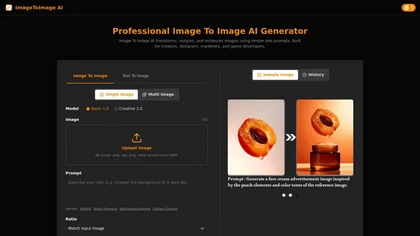
Image to Image AI is a versatile photo editor that transforms images using text prompts, enabling style transfer, background replacement, and object removal. It supports multi-image uploads and fast generation for creators and designers needing high-resolution, watermark-free results.
Freemium
DeWatermark uses AI to remove watermarks, logos, text, emojis, and timestamps from photos, videos, PDFs, and images. It applies inpainting, offers a manual brush for edits, and batch processes up to 50 files on mobile and desktop.
Free
- $10/mo

PicWish AI Photo Editor automates image enhancement, background removal, and watermark deletion. It processes batches of up to 30 files, offering resizing, lighting, upscaling, AI Designer prompts, Face Cutout, and single‑click unblur/sharpen. Available on Windows, macOS, iOS, Android, and browser.
Subscription
- $9.99/mo

The AI Lab provides an advanced tool with image and facial enhancements features such as photo colorization, object and background removal, cartoon creation, retouching portraits, adjusting facial expressions, and API and platform for developers.
Free
ImgKits is an AI-powered image and video processing tool that enables background removal, object replacement, and photo enhancement while preserving quality. It supports batch processing for JPG, PNG, and WEBP formats, offering features like watermark removal, upscaling, and unblurring.
Free trial
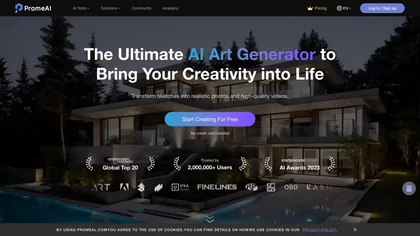
PromeAI is a web‑based AI image generator that turns text or sketches into realistic renders, supports sketch‑to‑photo, background removal, and outpainting, offers style‑consistent generation via consistency models, and includes in‑interface editing tools and HD upscaling.
Freemium
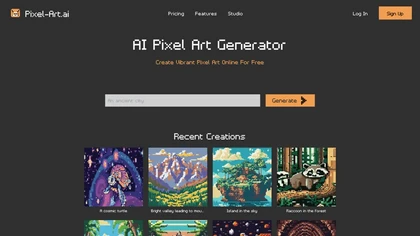
Pixel‑Art.ai is a browser-based pixel art studio that offers multiple canvases, layer and brush controls, copy/paste, AI inpainting for editing, custom canvas size, and ready‑made scenes. All creations stay private and export as PNG.
Freemium
- $0.42/mo
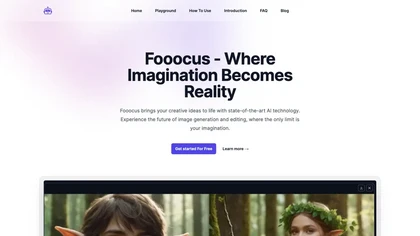
Fooocus is an AI image generator and editor that supports advanced inpainting, multi‑prompt synthesis, SDXL model flexibility, custom aspect ratios, fine‑tuned style controls, prompt reweighting, face swapping via InsightFace, and hardware‑optimized performance for collaborative design.
Subscription
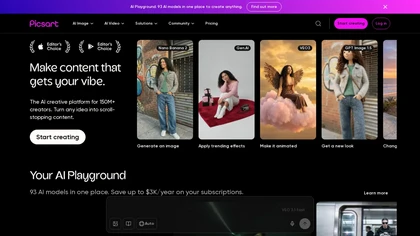
Picsart is a web and mobile photo editor and design app offering layers, filters, color correction, retouching, automatic background removal, collage and template tools, stickers and text overlays, basic social-video editing, and AI image generation with cross-device sync.
Freemium
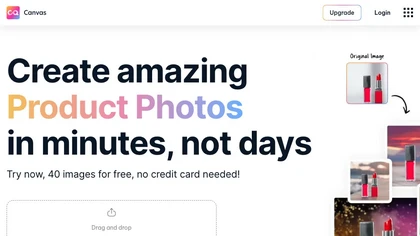
Magicstudio Canvas is an AI tool for quickly creating product photos with up to 40 free uploads in JPEG or PNG format. It offers intuitive, easy-to-use editing tools and features for profile pictures, removing backgrounds, and adding text.
Freemium
Clipdrop uses deep learning to remove backgrounds, objects, and text, upscale images, adjust lighting, uncrop, and resize. It also offers text‑to‑image generation and an API for developers, supporting design, marketing, and app workflows.
Subscription
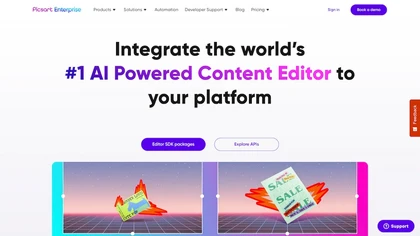
Picsart.io empowers creators and businesses with AI-driven tools for image and video editing, including background removal, generative AI features, format conversion, and video optimization, ensuring seamless workflows and user-friendly integration.
Free trial
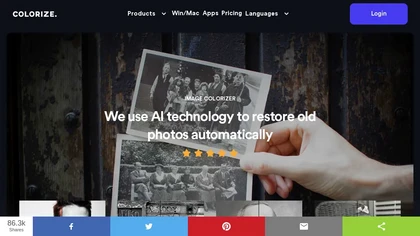
ImageColorizer automatically colorizes black‑and‑white photos, doubles resolution, removes scratches, deletes unwanted objects, and retouches portraits. It supports batch processing, delivering high‑quality, corrected images quickly for restorers and hobbyists and preserves surrounding detail.
Freemium
- $3.9/mo
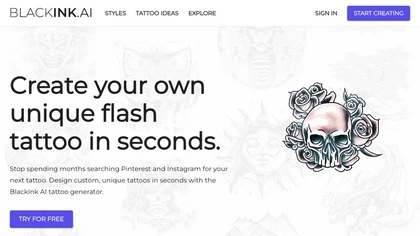
BlackInk AI turns text prompts and images into custom tattoo designs in seconds. Users can adjust style, shape, detail, and body placement, generate cover‑ups, and download high‑resolution graphics—all in over 100 supported languages.
Freemium
- $3
AI Imagine offers image and video generation and editing: text-to-image creation, enhancement, background/object/watermark removal, upscaling, unblurring, style transfer, batch format conversion, portrait retouching and virtual try-ons, plus short-form video with consistent character styling.
Free trial
- $4.99/mo
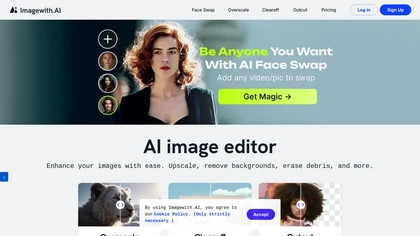
Imagewith.AI offers web‑based AI tools for image enhancement, background removal, object deletion, upscaling, photo restoration, and portrait improvement. Deep‑learning algorithms increase resolution, reduce noise, clean artifacts, and preserve fine detail for designers, photographers, and archivist
Free
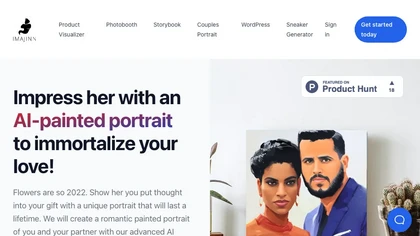
Imajinn AI provides various tools such as portrait creator, AI-paint portrait generator, custom children's book creator, AI photobooth, and print/framing options for generating unique portraits and customizing children's books.
Usage Based
PhotoEditor.ai edits JPG, PNG, HEIC, and WEBP images up to 15 MB in a browser or mobile app. It offers portrait transformation, background removal, detail enhancement, and 4K upscaling, delivering instant downloads for photographers, marketers, and designers.
Paid

DiffusionArt converts text prompts into high-resolution images using diffusion models, offering prompt-to-image, inpainting, image editing, batch generation, upscaling and style controls for consistent, print- and web-ready visuals with workflow and access management.
Freemium
jpgHD uses AI to perform lossless restoration of old, scratched photos, adding color, repairing damage, and providing Ultra Restore. It animates up to ten faces, offers 2×/4× super‑resolution, denoising, and high‑definition enhancement via web UI or REST API.
Paid
AI Image Translator extracts text from JPG, PNG, GIF images with ~99% accuracy, translates it into over 130 languages, then removes the original text and inpaints the background while preserving font, size, color, and layout for high‑quality localised images.
Freemium
Pixelied is an online photo editor and design suite that offers brightness, saturation, and filter tools, background removal, a 4 million‑photo library, vector editing, team collaboration, and pre‑made templates for quick resizing.
Freemium
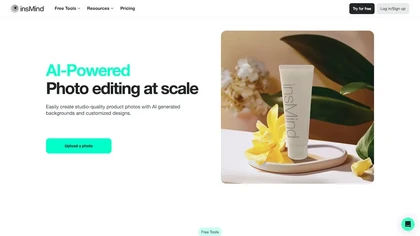
insMind AI is an all‑in‑one visual platform that generates images, animates videos, and edits photos. It offers background removal, upscaling, batch editing, and template automation for designers, marketers, and small businesses to produce high‑quality visuals quickly.
Paid
- $6.99/mo
The AI tool is a digital painting generator that allows users to turn text into high-detail images with editing and variation functions.
Subscription
- $10
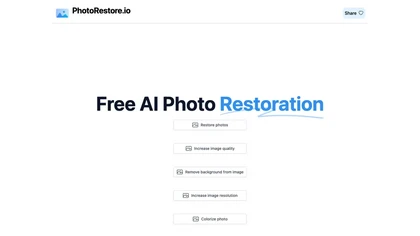
PhotoRestore uses AI to repair scratches, fading, and stains in legacy photos, auto‑colorizes black‑and‑white images, sharpens and denoises for clarity, upscales 2‑4×, and removes backgrounds for clean cutouts, supporting common formats and album sharing.
Free

Image Editor Online is an AI-powered tool that edits your photos using simple text prompts. It allows you to remove backgrounds, adjust poses, transfer styles, and continuously refine your images in one place.
Free
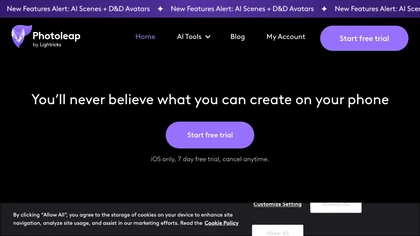
Photoleap is an iOS‑only photo editing app that uses AI for quick enhancements, background removal, object deletion, collage creation, filters, text‑to‑image, video from stills, 4K upscaling, style transfer, portrait retouching, and hair color simulation.
Free trial

AI Photo Studio automates e‑commerce image editing: background removal, resolution enhancement, lossless compression, profile passport creation, hairstyle preview, object cleanup, old‑photo restoration, colorization, AI fashion model generation, clothing recolor, background changes, and file convers
Free
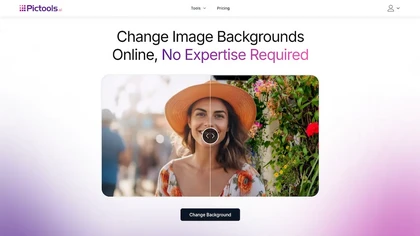
PicTools.AI is a web‑based photo editor that lets users upload images and apply changes via text prompts or over 100 one‑click AI filters—background removal, outfit changes, smile addition, restoration, and artistic styles—without design skills.
Subscription
- $23.4/mo

ImageToCartoon turns JPEG, PNG, or WebP photos into high‑resolution cartoon images directly in the browser. Users pick from 80+ styles—Ghibli, Pixar, anime, comics—to create avatars, prints, or pet illustrations, with royalty‑free commercial rights.
Free

removefrom.video uses AI video inpainting to remove watermarks, logos, text, subtitles and unwanted objects from MP4, MOV and WEBM files. Drag-and-drop upload, automatic detection and manual masking with cloud processing that preserves motion and lighting.
Freemium
- $8.33/mo
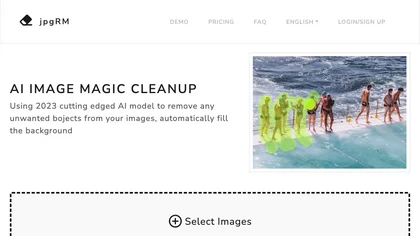
AI Image Magic Cleanup uses a 2026 GAN to automatically erase backgrounds or unwanted objects from photos. Users mark areas with a brush, then the tool refines and fills the space with matching background detail, delivering quick results on mobile.
Paid
EzImgEditor.io is a browser-based AI tool for editing, enhancing, and transforming photos. It enables tasks like object removal, background replacement, and style transfer with text-prompt controls and multi-image blending.
Freemium
MagickImg is an AI image enhancement platform that uses deep‑learning models for upscaling, colorizing, background removal, and headshot generation. Its simple interface processes images quickly, securely deletes files after an hour, and uses a credit system for transparent usage.
Freemium
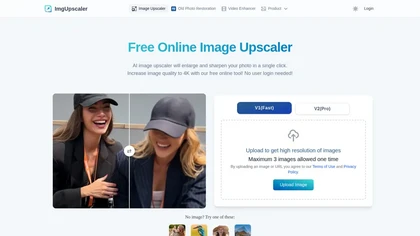
Imgupscaler is an AI tool for enhancing image quality by upscaling images to 4K resolution. It supports multiple formats and restores details while reducing noise, making it suitable for e-commerce, social media, and graphic design.
Freemium