
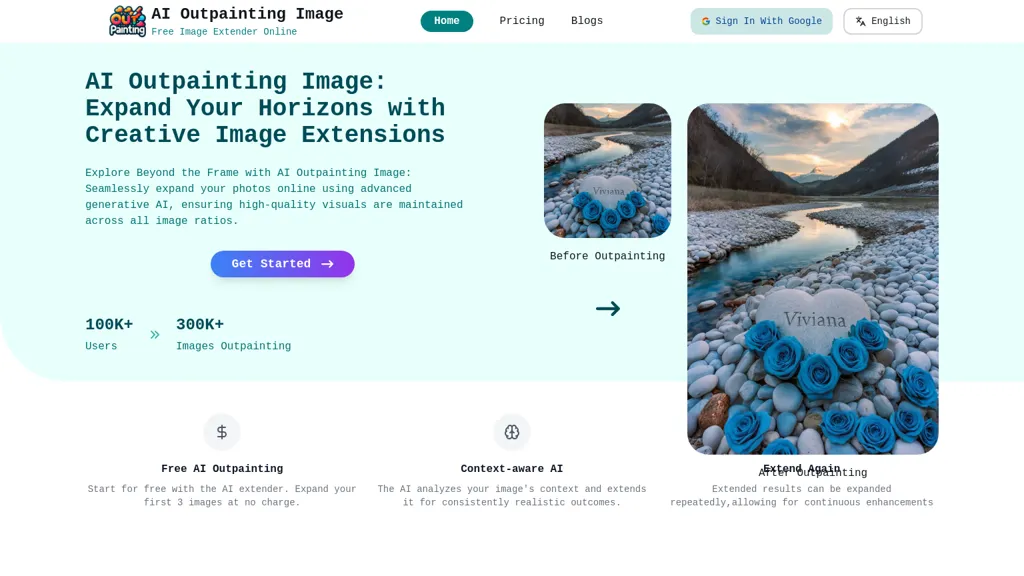
What is AI Outpainting Image?
AI Outpainting expands photographs and artwork by generating additional content in four directions—up, down, left, and right—while preserving the original style and texture. The tool applies a deep‑learning model that analyzes the uploaded image’s context, enabling seamless extensions that match existing colors, lighting, and patterns.
Users can increase pixel dimensions during the outpainting process, improving resolution without losing quality. The service allows batch processing of up to five images at once, which is useful for designers and photographers working on multiple assets.
An interactive gallery showcases examples of outpainted images, illustrating the tool’s capability to extend scenes, portraits, and abstract artwork. The platform offers a free trial of three outpainting operations to evaluate the output before committing to larger projects.
AI Outpainting Image pricing
FreemiumVerify on the official pricing page.
View plansAI Outpainting Image's key features
-
Multi-directional image expansion
-
Style preservation during outpainting
-
Pixel dimension enhancement
-
Batch processing of images
-
User-friendly online interface
-
Realistic content generation with GANs
-
Integration with popular editing tools
AI Outpainting Image use cases
-
Extend a landscape photograph into a seamless panoramic scene for cinematic backgrounds in game or film production, leveraging batch outpainting to process multiple images at once while preserving lighting and texture
-
Use AI Outpainting to expand product shots with contextual surroundings for e‑commerce 360° galleries, producing high‑resolution, style‑consistent extensions without additional photos
-
Restore and extend missing background areas in historical artwork for museum digital exhibits, ensuring original brushwork and color integrity are maintained in the high‑resolution outpaint
AI Outpainting Image user reviews
Would you recommend AI Outpainting Image?
Who is AI Outpainting Image for?
-
Visual artists
-
Graphic designers
-
Digital creators
-
Image editors
-
Creative artists
AI Outpainting Image FAQ
Is AI Outpainting Image free?
Partly. AI Outpainting Image has a free plan with usage limits, and paid plans unlock the full feature set. Plans include Basic at $4.9, Pro at $12.9 and Ultimate at $36.9.
What are the best alternatives to AI Outpainting Image?
The closest alternatives to AI Outpainting Image are Deep Art Effects, DeepAI, ExtendImage, Imagine.art and HitPaw Photo AI. You can compare them side by side in the alternatives section further down this page.


