What is Pixel-art.ai?
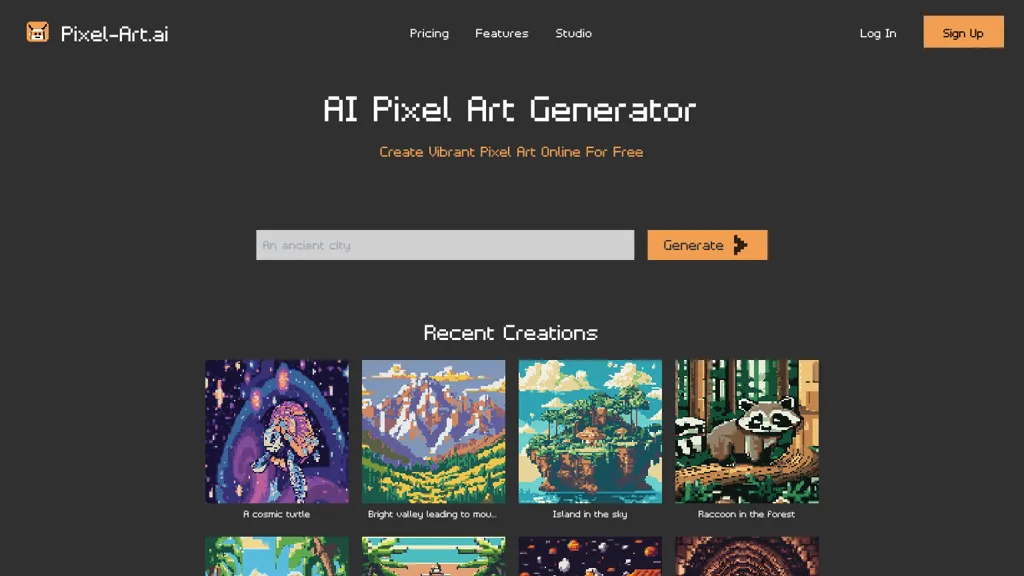
Pixel‑Art.ai Pixel‑Art.ai lets users generate pixel art images directly in the browser. The built‑in studio offers multiple canvases, layer management, brush tools, and copy/paste functionality for pixel‑perfect editing. Users can modify existing images with AI inpainting by selecting an area, entering a prompt, and applying the AI‑generated result.
Pixel-art.ai pricing
FreemiumVerify on the official pricing page.
View plansPixel-art.ai's key features
-
Built-in Pixel Art Studio
-
Multiple Canvas Management
-
PNG Export Capability
-
Pixel-Perfect Editing Tool
-
Layers and Brushes
-
AI Inpainting Feature
-
Copy/Paste Functionality
Pixel-art.ai use cases
-
Design and export high‑resolution sprite sheets for mobile games, utilizing layer controls and ready‑made background scenes to streamline character animation workflow
-
Create pixel‑perfect social media graphics by quickly correcting background details with AI inpainting, then exporting clean PNGs for instant sharing
-
Build a private pixel‑art portfolio in the browser, customizing canvas sizes for each project, and exporting each piece as PNG for professional presentation
Pixel-art.ai user reviews
Based on 1 review, 0% of users recommend Pixel-art.ai.
Disliked for
Would you recommend Pixel-art.ai?
Who is Pixel-art.ai for?
-
Digital artists
-
Creative designers
-
Creative experimenters
-
Art educators
-
Pixel enthusiasts
Pixel-art.ai FAQ
Is Pixel-art.ai free?
Partly. Pixel-art.ai has a free plan with usage limits, and paid plans unlock the full feature set. Plans include Premium at $5/mo (billed yearly).
What are the best alternatives to Pixel-art.ai?
The closest alternatives to Pixel-art.ai are Canva AI, ImagesArt AI, Imagine.art, ArtSpace.ai and Picsart. You can compare them side by side in the alternatives section further down this page.