
Clipboard Text Cleanup
The best 50 Clipboard Text Cleanup AI tools - Free & Paid
Explore 50 AI for Clipboard Text Cleanup
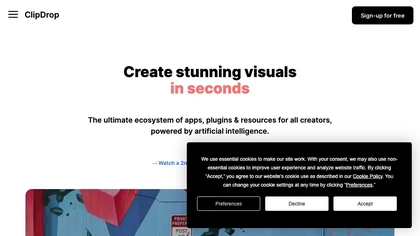
Clipdrop uses deep learning to remove backgrounds, objects, and text, upscale images, adjust lighting, uncrop, and resize. It also offers text‑to‑image generation and an API for developers, supporting design, marketing, and app workflows.
Subscription
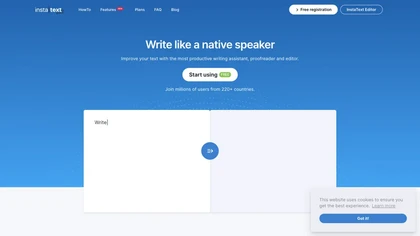
InstaText is an AI editing assistant that highlights suggestions for clarity, flow, word choice, and grammar. Users can accept or reject each change, select dialect, formality, or add custom terms. It works on Chrome, Gmail, Slack, Docs, Overleaf, and Word.
Paid
- $9.99/mo
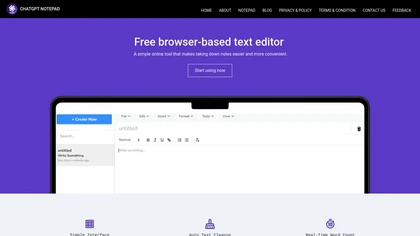
ChatGPT Notepad is a browser‑based plain‑text editor that lets users create, edit, and manage multiple notes without registration. It offers undo, redo, cut/copy/paste, find‑replace, spell check, real‑time word count, AI‑content cleanup, and .txt export, compatible with major browsers.
Free
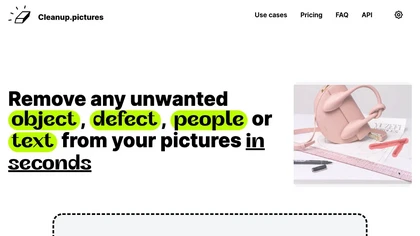
Cleanup.pictures is an AI-powered photo editing tool that allows users to remove objects, people, text, and defects from any picture with ease, highly valued by photographers, creative agencies, real estate professionals, and e-commerce businesses.
Free trail
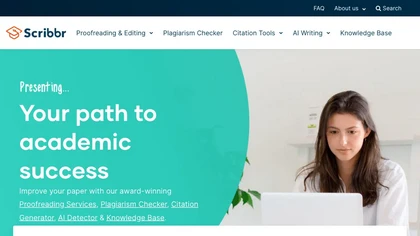
Scribbr offers academic writing support with professional editing, plagiarism detection, citation generation across styles, AI‑powered proofreading, paraphrasing, summarizing, sentence rewriting, and a Chrome extension for in‑browser citations, helping students and researchers produce polished manus
Freemium

OneTap is a clipboard management app for Apple devices that streamlines the copy-paste process, enabling users to save and retrieve text, links, images, and files easily. It features cloud syncing, clipboard history, and Siri shortcuts for enhanced workflow.
Freemium
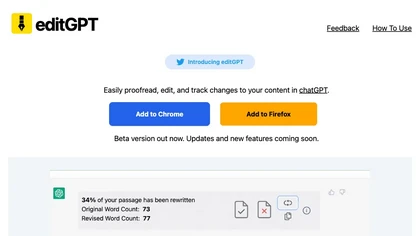
editGPT is a Chrome extension that turns ChatGPT into a writing assistant. It provides real‑time grammar, style, and rewriting support in 80+ languages, preserves formatting, tracks changes, and manages revisions.
Free
- $10/mo
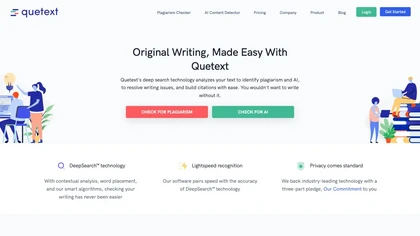
Quetext is an all‑in‑one writing platform offering plagiarism detection, AI content detection, real‑time grammar and spell correction, summarization, paraphrasing, and citation generation. It supports PDF, DOC, TXT files with bulk uploads for students, teachers, researchers, and creators.
Freemium
- $8/mo

Clipdrop is an AI image editor that adjusts aspect ratios, extends boundaries, and adds background space while preserving detail. It offers background removal, object cleanup, relighting, universal resizing, upscale, and text‑to‑image generation for photographers and designers.
Freemium
- $15/mo

Browser-based, client-side tool that detects, visualizes, and removes 30+ invisible Unicode watermark and formatting characters (ZWSP, ZWJ, NBSP, BOM, etc.), preserving visible punctuation while offering real-time stats and configurable cleaning for publishing and data preparation.
Free
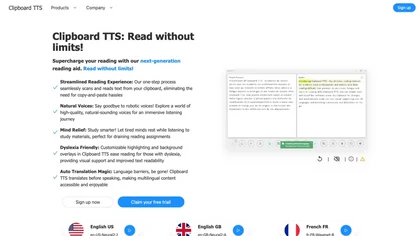
Clipboard TTS automatically reads clipboard changes with 49 languages and 100+ voices, supports translation, OCR, dictionary, text editing, history, experimental AI summaries, and user‑defined order for mutations on Windows and Linux.
Subscription
- $4.49/mo
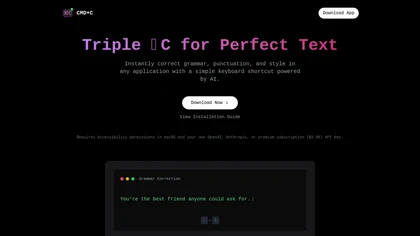
Cmd-C.app is a macOS tool that offers real-time grammar, punctuation, and style corrections via a keyboard shortcut. It integrates with various platforms and provides detailed reviews and explanations for improved writing accuracy and productivity.
Free trial
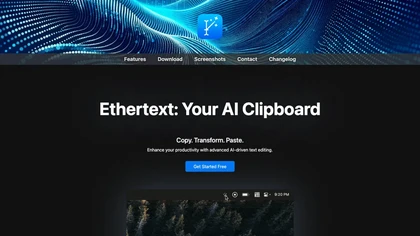
Ethertext is a macOS clipboard utility that uses AI models (OpenAI, Gemini, Anthropic, or local Ollama) to transform copied text with one‑click shortcuts. It supports API keys, on‑device MLX privacy, dictation, OCR, and custom prompts for writers, developers, and researchers.
Free
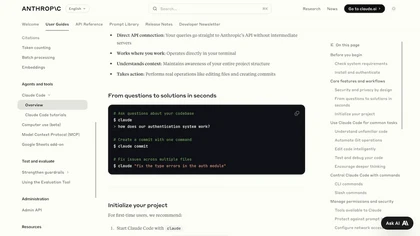
Claude Code is an AI-powered coding assistant that operates within the terminal, automating tasks like editing files, fixing bugs, executing tests, and managing git workflows. It enhances developer productivity through natural language commands and real-time support.
Free
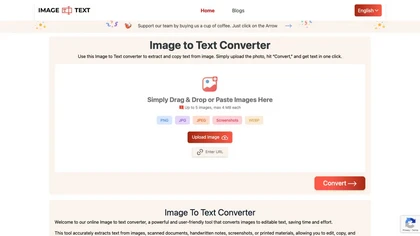
Image to Text Converter extracts text from images, PDFs, and handwritten notes in 30+ languages. It accepts JPEG, PNG, WebP, GIF, PDF, handles blurry files, and can recognize equations. Users can crop regions, and outputs editable TXT, PDF, or DOCX.
Free
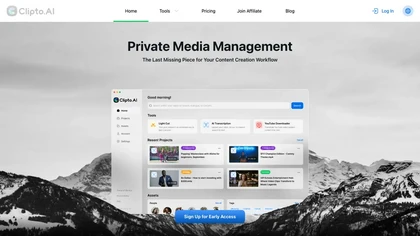
Clipto.ai is a private media management assistant that enables accurate AI transcription, supports various media sources, integrates with tools like Adobe Premiere, and allows smart searches for efficient content creation workflows, all without needing internet access.
Freemium
- $8.99/mo
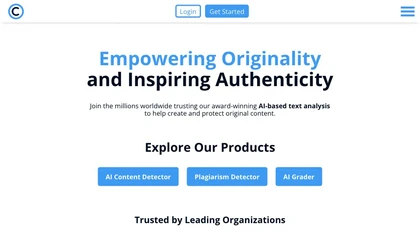
Copyleaks delivers AI text and image detection, plagiarism checking, grammar correction, and text moderation in 30+ languages. It integrates via API, LMS, browser extensions, and Google Docs, supports major LLMs, and ensures secure, compliant workflows for education and enterprise.
Free
- $13.99/mo
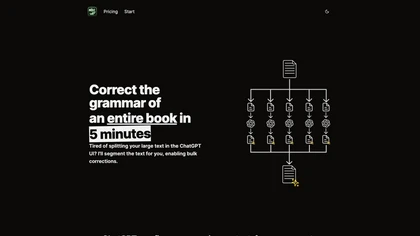
BulkCorrector segments large documents into ChatGPT‑sized chunks to auto‑correct grammar, spelling, and punctuation in one workflow. It also supports bulk translation, custom prompts, a prompt library, and a ten‑session history log via a copy‑paste web interface.
Subscription
- $29
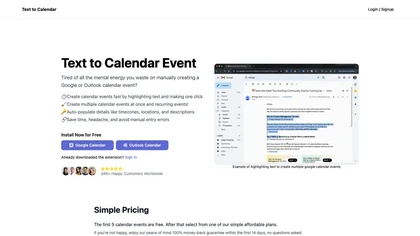
Text to Calendar is a browser extension that converts highlighted text into Google or Outlook events, supporting recurring series. It auto‑fills time, location, and description, letting users add events instantly without manual entry.
Paid
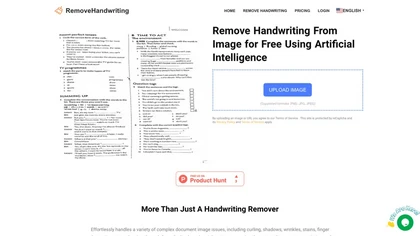
Remove Handwriting AI Tool efficiently eliminates handwritten content from images and PDFs with ease. Corrects distortions like curling and shadows, making documents pristine. Ideal for education, business, and document management needs.
Freemium
- $2
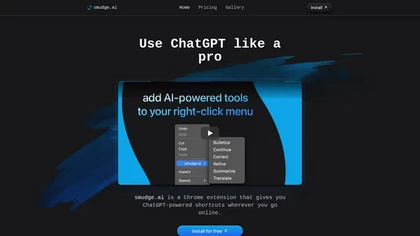
smudge.ai is a Chrome extension that adds AI commands to the right‑click menu for instant summarizing, proofreading, bullet‑pointing, and translating highlighted text. It handles up to 150k words, syncs across devices, and uses OpenAI without logging content.
Subscription
- $5/mo
GitHub Copilot is an AI pair programmer that uses the OpenAI Codex to suggest code and entire functions in real-time.
Free trial
Clearly Reader cleans web pages by removing ads and distractions, offers adjustable readability settings, built‑in text‑to‑speech, clipping and bookmarking, AI‑driven summarization, and export to PDF, Word, Markdown, and third‑party services for students, researchers, and casual readers.
Freemium

Clico is a browser extension that brings AI writing assistance directly into any text field on your current webpage. It can summarize content, draft replies, and rewrite text using the visible page as context, all without leaving your tab.
Free
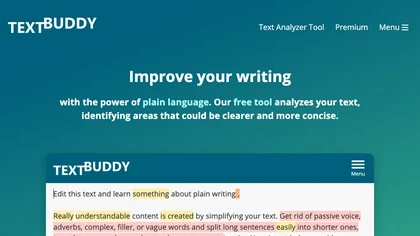
Textbuddy is an AI‑powered rewriter and plain‑English editor that flags long sentences, complex words, passive voice, and filler words, providing a readability score. It offers synonyms, CEFR language levels, keyword repetition stats, and supports over 50 languages.
Subscription
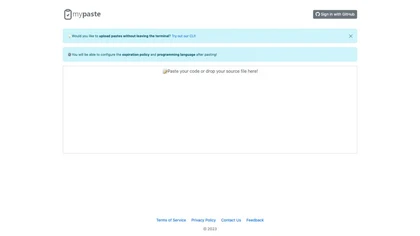
mypaste is an AI-powered code pasting tool for Github users. Upload pastes seamlessly from your terminal with CLI convenience. Customize expiration policies and programming languages for flexible and efficient workflow.
Freemium
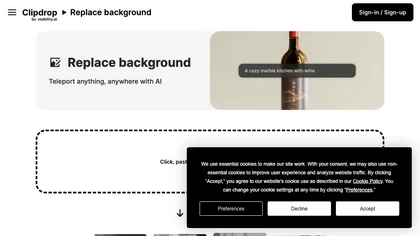
Clipdrop is an AI-driven tool for background replacement and image editing, allowing users to easily swap subjects with new environments, and provide additional capabilities like resizing, text removal, and relighting.
Free
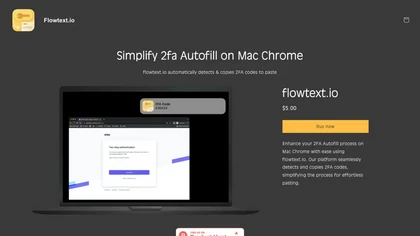
Flowtext.io automatically extracts two‑factor authentication codes from iMessage SMS on macOS, copies them to the clipboard, and notifies the user. It supports many 2FA services, keeps data local, and eliminates manual copy‑paste during logins.
Paid
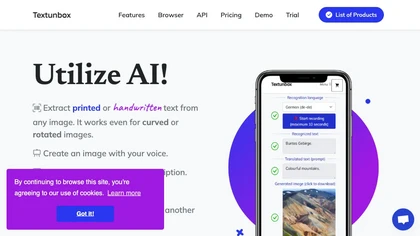

removefrom.video uses AI video inpainting to remove watermarks, logos, text, subtitles and unwanted objects from MP4, MOV and WEBM files. Drag-and-drop upload, automatic detection and manual masking with cloud processing that preserves motion and lighting.
Freemium
- $8.33/mo
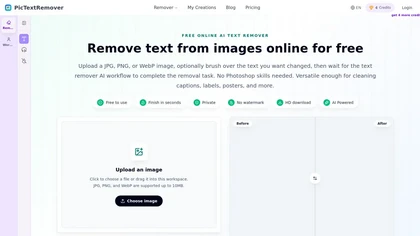
PicTextRemover is a text removal tool that automatically detects and erases visible text, logos, and watermarks from images while intelligently reconstructing the background. It also supports object removal for people and clutter, producing clean results for product photos and marketing assets.
Freemium
- $8/mo
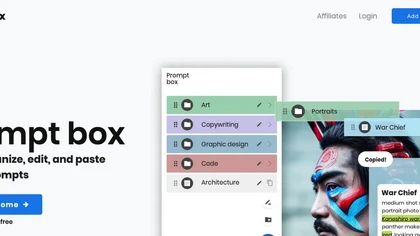
PromptBox is an AI‑driven platform that lets users create, store, and reuse text prompts across mobile and desktop with cloud sync and team collaboration. It offers unlimited prompt generation, tagging, and keyboard shortcut integration.
Free trial
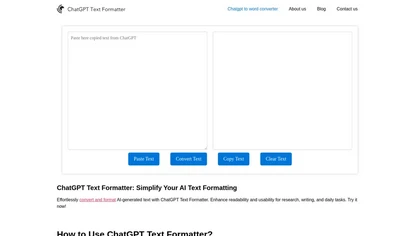
AI Text Formatter converts raw AI output into readable text by inserting line breaks, headings, bullets, and spacing while preserving meaning. It supports multiple languages and lets users quickly copy the formatted text to Word, Docs, Excel, or other apps.
Free
OASIS is a macOS app that converts spoken words to editable text, offers AI‑driven rewrites for clarity and style, multiple format options, review transcript, and writing history management, and quick toggling between recording, editing, and rewriting functions.
Freemium

Scraib.app corrects grammar, tone, and style in any macOS app, rewriting selected text with a keyboard shortcut. Set global or per-app style rules and use preferred AI providers or a local runtime for consistent, in-context edits.
Free trial
Cleanvoice AI automates podcast post‑production by removing background noise, filler words, pauses, mouth sounds, and breath artifacts in 20+ languages. It offers transcription, summaries, show notes, chapter markers, multi‑track editing, a drag‑and‑drop interface, and an API for batch processing.
Paid
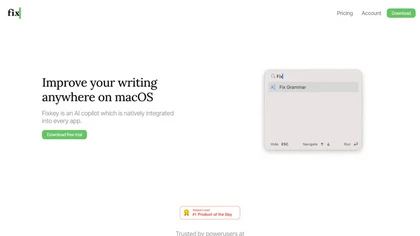
Fixkey is a native macOS app offering real‑time voice‑to‑text transcription and AI‑powered editing across all apps. Supporting 180+ languages, it delivers low‑latency, context‑aware text refinement and customizable shortcuts for seamless workflow integration.
Free
- $4/mo
ClIptics is an online tool that converts text to speech, enabling dynamic narrations in videos and podcasts. Transform text into vibrant audio to engage your audience with professional-quality voiceovers.
Free
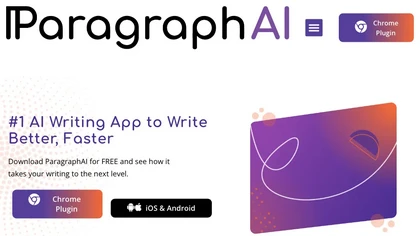
ParagraphAI offers real‑time grammar correction, one‑tap email drafting, and instant summarization of web pages and PDFs. It provides multilingual translation, customizable tone filters, a template library, and an instruction engine for repetitive tasks across mobile, desktop, and Chrome.
Free
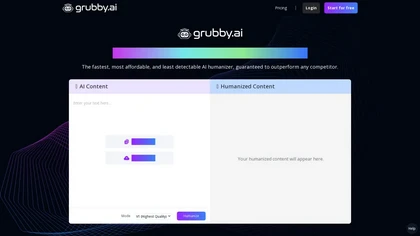
Grubby AI converts AI-generated content into human-like text, enabling it to evade detection systems. It processes plain text and PDFs in over 30 languages while eliminating AI-specific watermarks for unique outputs.
Freemium

FLUX Context is an AI image and video generation platform that integrates multiple models for tasks like text-to-image, inpainting, and text-to-video. It enables precise editing with features for object modification, style transfer, and OCR-based text editing, streamlining workflows for professional
Freemium
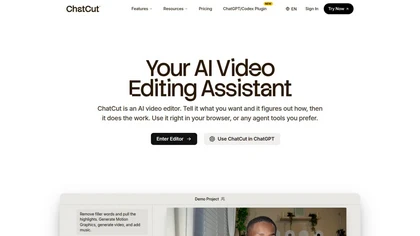
ChatCut is a browser and ChatGPT-plugin video editor that uses transcript-based editing to remove fillers, trim and reorder talking-head footage, assemble coherent cuts, generate motion graphics, B-roll, captions (100+ languages) and AI music, and export timelines.
Subscription
- $25
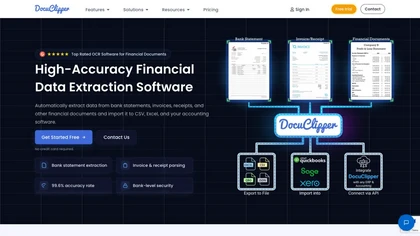
DocuClipper is an AI tool that automates the conversion of financial documents into structured formats using advanced OCR. It features bank statement reconciliation, transaction categorization, and integrates with accounting software for streamlined bookkeeping and financial analysis.
Free trial
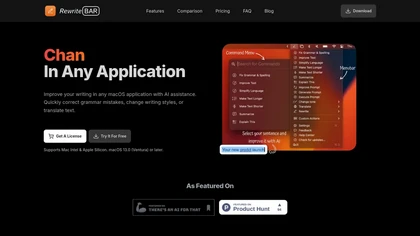
RewriteBar is a macOS menu bar AI assistant that enhances writing by correcting grammar, changing styles, and translating text across applications. It supports 30 languages, streamlining the writing process for diverse users with a user-friendly interface.
Free trial
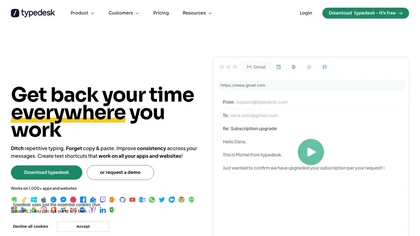
Typedesk is a cross‑platform text expander that creates shortcuts, dynamic variables, and AI‑generated prompts for consistent replies. It integrates with Gmail, Outlook, Slack, Teams, Zendesk, and more, offering shared, version‑controlled templates for emails, contracts, and support tickets.
Freemium
An online image tool with features including background removal, image resizing, text addition, color palettes, conversion, and AI-powered social media bios, market slogans, business name ideas, and hashtag generation.
Free
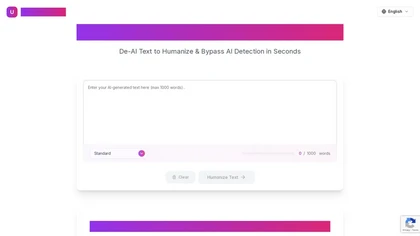
UnAIMyText is a free AI humanizer that converts robotic AI-generated content into natural, human-like writing. It preserves original meaning while enhancing tone, readability, and SEO, and bypasses AI detection tools like Turnitin or GPTZero.
Free
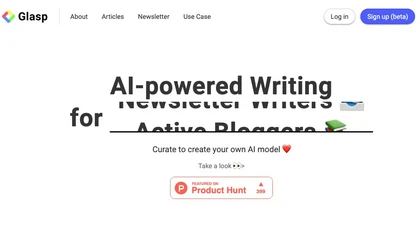
Glasp is a web app that enables users to highlight and take notes on online articles, curate and organize their reading materials, share insights with the Glasp community, and discover like-minded individuals through its social network feature.
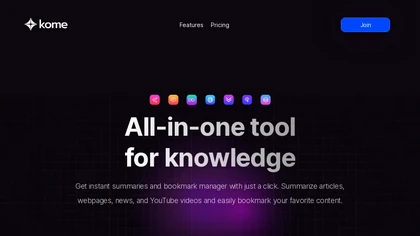
Kome is a browser extension that summarizes articles, news, videos, and PDFs for quick skimming. It bookmarks pages for easy retrieval, powers Smart Compose for emails and posts, and extracts emails and color palettes for designers.
Freemium
- $5.99/mo