
What is Scraib.app?
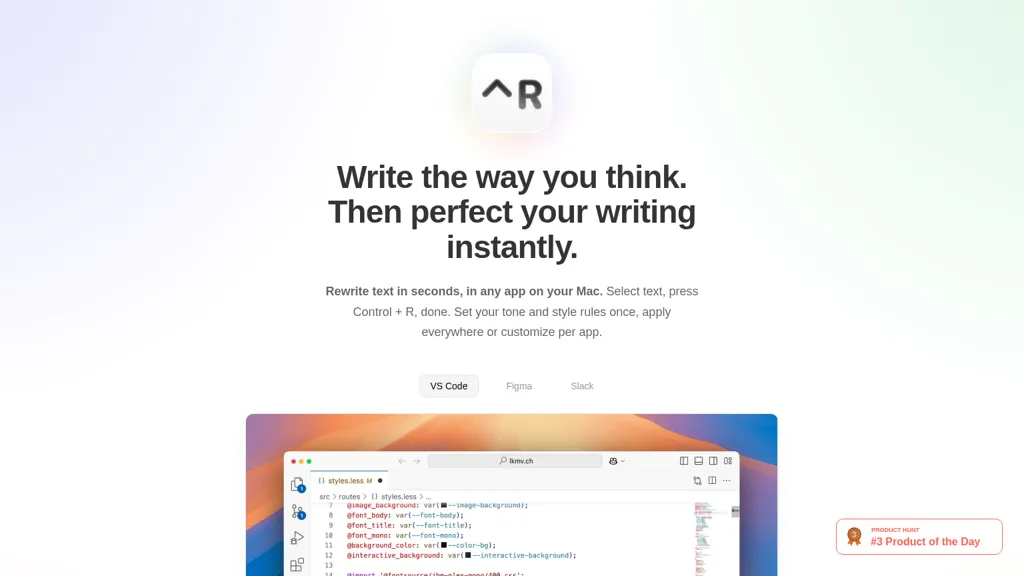
Scraib.app corrects grammar, tone, and style across macOS apps. It rewrites selected text with a single keyboard shortcut (Control + R), enabling in-app edits without switching windows. Users can set global or per-app tone and style rules to enforce consistency across VS Code, Figma, Slack, and other macOS apps.
The tool supports use of your own AI provider and API keys (ChatGPT, Claude, Gemini, Grok, Ollama, LiteLLM, OpenRouter) or a local runtime (Ollama) to keep processing on-premise. Target users include writers, developers, designers, and teams who need fast in-context text refinement.
Scraib.app details
- Built for
- Individuals
Scraib.app tech specs
- Works with
- OpenAI / GPT Anthropic / Claude Google / Gemini xAI / Grok
- Integrations
- Slack Figma
Scraib.app pricing
Free trialScraib.app offers a 7-day free trial before requiring payment.
- Free trial
- 7 days
Verify on the official pricing page.
Start free trialScraib.app's key features
-
Rewrite and correct text (grammar, tone, and style) in any app on macOS
-
Trigger rewrites via a keyboard shortcut (select text + Control+R)
-
Set custom tone and style rules once, apply globally or customize per app
-
System-wide integration with macOS apps (examples: VS Code, Figma, Slack)
-
Use your own AI provider/API keys (supports ChatGPT, Claude, Gemini, Grok, Ollama, LiteLLM, OpenRouter) and run models locally with Ollama
Scraib.app use cases
-
Polish emails, messages, and documents across macOS apps with a single keyboard shortcut using Scraib.app to correct grammar, tone, and style in-context, applying per-app rules and your preferred AI provider or a local runtime for privacy-sensitive communication
-
Refine creative writing, blog drafts, and marketing copy directly in your editor or notes app by selecting text and instantly rewriting it to match a chosen voice and style guide, ensuring consistent brand tone across apps without leaving the document
-
Speed up code comments, commit messages, and internal documentation by enforcing a concise technical tone per-app and using a local AI runtime for on-device editing, keeping sensitive code and IP secure while improving clarity and consistency
Scraib.app user reviews
Would you recommend Scraib.app?
Who is Scraib.app for?
-
Desktop editors
-
Style guides
-
Content creators
-
Application developers
-
System administrators
Scraib.app FAQ
Is Scraib.app free?
Not permanently. Scraib.app gives you a free trial of 7 days, after which a paid plan is required.
What are the best alternatives to Scraib.app?
The closest alternatives to Scraib.app are RewriteBar, InstaText, Linguix, LanguageTool and Just Rewrite. You can compare them side by side in the alternatives section further down this page.
What does Scraib.app do with my data?
Scraib.app states that customer content is not used to train its models. Its privacy policy states that personal data is not sold or shared for marketing purposes. Data may be shared with third-party service providers that help run the product.
Does Scraib.app have an API?
Yes. Scraib.app offers an API, so you can call it from your own applications instead of using the interface directly.
Is there a mobile app for Scraib.app?
Yes. Scraib.app has a mobile app alongside its web version.
Which AI models does Scraib.app use?
Scraib.app is built on OpenAI / GPT, Anthropic / Claude, Google / Gemini and xAI / Grok. Which models you can reach may depend on your plan.
What does Scraib.app integrate with?
Scraib.app connects with Slack and Figma.
Compliance, privacy and billing terms are as stated in each product's own published documentation and have not been independently verified by TopAI.tools.


