
What is Clipboard TTS?
Clipboard TTS
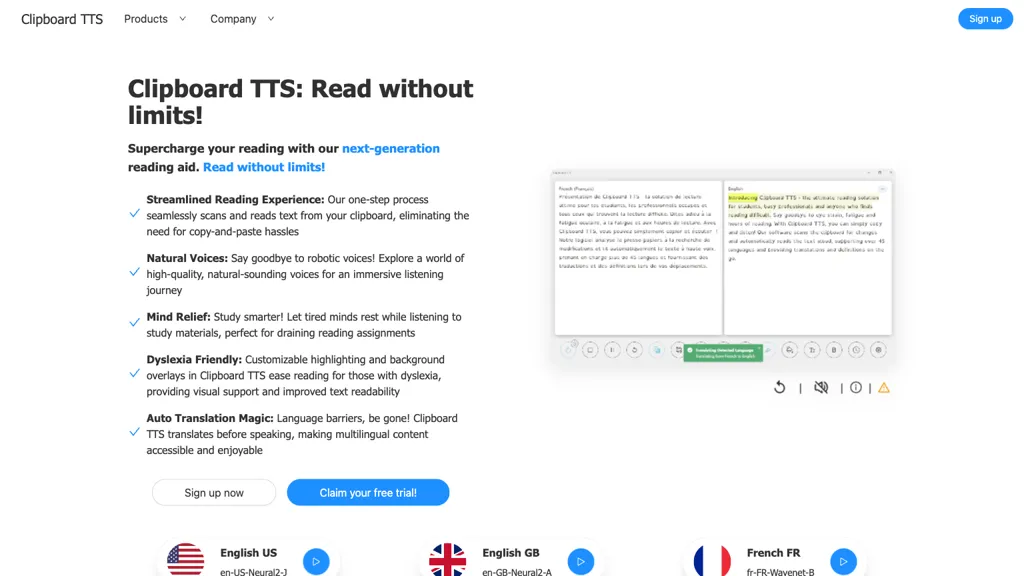
- Detects clipboard changes and reads the text aloud automatically with 49 languages and 100+ voices.
- Translates copied text into the user‑selected language and supports image‑to‑text conversion.
- Offers a built‑in dictionary that reads definitions of copied words to aid vocabulary learning.
- Provides font customization, sentence and word highlighting, background overlays, and bold cues for improved readability.
- Includes a substitution feature for text editing before playback and a history log to replay previous clips.
- Experimental AI Assist can generate summaries or modify content based on custom prompts.
Clipboard TTS pricing Subscription
Standard
$4.49/mo
Ultimate
$14.99/mo
Verify on the official pricing page.
View plansClipboard TTS user reviews
Would you recommend Clipboard TTS?
Recommend this tool?
Clipboard TTS's key features
-
GPT-3 text transformation
-
Clipboard auto-text-to-speech
-
Auto-translation for copied text
-
Image-to-text conversion
-
Custom audio profile optimization
-
Font customization options
-
Substitution text replacement
Clipboard TTS use cases
-
Listen to any copied email body in your native language with voice options and real‑time translation, enabling hands‑free review of important messages on Windows/Linux
-
Quickly convert copied screenshots into spoken descriptions via OCR and TTS, allowing visually impaired users to access visual content without manual transcription
-
Use AI summarization on copied research notes and instantly hear the condensed version, plus store the playback history for later reference
Who is it for?
-
Teaching educators
-
Student learners
-
Language learners
-
Accessibility advocates
-
Technology evaluators


