
What is Clearly Reader?
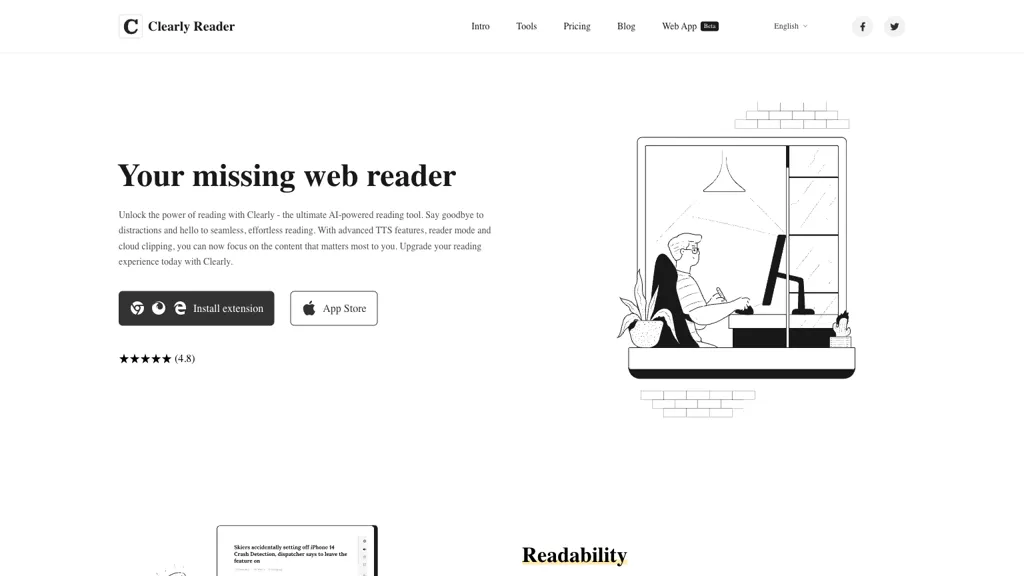
Clearly Reader is an AI‑powered web reading assistant that removes ads, floating text, and other distractions to provide a clean reading experience.
It offers a readability mode that formats pages with adjustable fonts, line spacing, margins, and themes for comfortable reading in any lighting condition.
The built‑in text‑to‑speech engine, powered by browser TTS and Microsoft voices, lets users listen to articles with selectable voice, rate, and pitch.
Users can clip and bookmark articles, generate outlines, links, word counts, and estimated reading times, and export content to PDF, Word, Markdown, or other formats.
AI features include article summarization, keyword extraction, and seamless export to third‑party services such as Craft, Obsidian, Pocket, and Instapaper.
The extension is available for Chrome, Edge, Firefox, and iOS, enabling a distraction‑free reading experience for students, researchers, and casual readers alike.
Clearly Reader details
- Built for
- Individuals
Clearly Reader pricing
Freemium- Refund window
- 7 days
Verify on the official pricing page.
View plansClearly Reader's key features
-
AI summarization and keyword extraction
-
Distraction-free reading mode removing ads
-
Real-time translation word or paragraph
-
Custom themes, fonts, and layouts
-
Export to PDF, Word, Markdown
-
Browser TTS with adjustable voice
Clearly Reader use cases
-
Students can read academic articles ad‑free, clip key points, generate concise summaries, and export their notes to PDF or Markdown for quick assignment prep.
-
Researchers can streamline literature reviews by converting long web studies into concise outlines, use text‑to‑speech for passive reading, and export organized PDFs for sharing with collaborators.
-
Casual readers enjoy distraction‑free news consumption, adjust font size for comfortable reading, use voice narration while commuting, and bookmark articles for later export to Word for personal archive.
Clearly Reader user reviews
Based on 2 reviews, 50% of users recommend Clearly Reader, rated highly for quality results.
Liked for
Disliked for
Would you recommend Clearly Reader?
Who is Clearly Reader for?
-
Digital readers
-
Digital educators
-
Online learners
-
Language translators
-
Digital enthusiasts
Clearly Reader FAQ
Is Clearly Reader free?
Partly. Clearly Reader has a free plan with usage limits, and paid plans unlock the full feature set. Plans include 10/month at $10, Annually at $17 discount on premium, 30/month at $30 and 50/month at $50.
What are the best alternatives to Clearly Reader?
The closest alternatives to Clearly Reader are NaturalReader, TLDR This, Audioread, Linnk.AI and Free Text-To-Speech. You can compare them side by side in the alternatives section further down this page.
What does Clearly Reader do with my data?
Its privacy policy states that personal data is not sold or shared for marketing purposes. Data may be shared with third-party service providers that help run the product.
Does Clearly Reader auto-renew or offer refunds?
Clearly Reader states a 7-day refund window.
Is there a mobile app for Clearly Reader?
Yes. Clearly Reader has a mobile app alongside its web version.
Compliance, privacy and billing terms are as stated in each product's own published documentation and have not been independently verified by TopAI.tools.


