
Auto Screenshot Organizer
The best 50 Auto Screenshot Organizer AI tools - Free & Paid
Explore 50 AI for Auto Screenshot Organizer
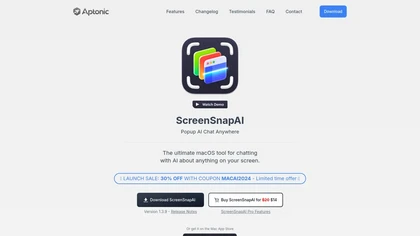
ScreenSnapAI auto‑renames and tags screenshots on macOS, letting users open an AI chat for instant content explanations. Accessible via menu or shortcut, it organizes images with AI‑generated metadata, speeding knowledge capture and retrieval on Intel and Apple Silicon machines.
Freemium
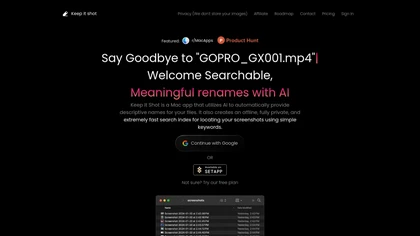
Keep It Shot is a macOS app that auto‑generates descriptive names for screenshots, builds a local index for quick keyword search, allows bulk renaming with two clicks, and can revert to original filenames if needed. OCR adds metadata.
Subscription
- $8/mo
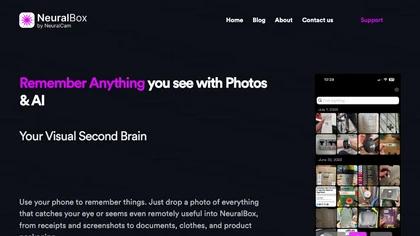
NeuralBox captures photos instantly via camera, lock‑screen widget, or share extension, auto‑imports screenshots, and offers a scanning mode. AI image recognition and OCR enable keyword searches; similarity browsing groups images by visual traits. Files sync locally or in the cloud.
Subscription
- $5.99/mo
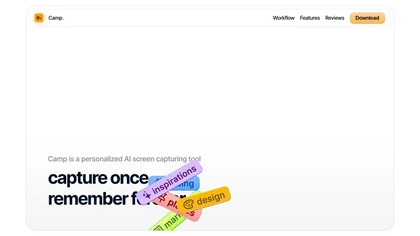
Camp is a macOS and iOS screen‑capture app that stores screenshots locally, auto‑tags and titles them, supports keyboard shortcuts, lets users annotate, search by keyword, and pin favorites for quick access.
Freemium

SaveDay is a cross‑platform bookmark and knowledge organizer that captures web pages, videos, and other content with a single click. It auto‑tags items, offers AI‑powered search and summarization, and stores data locally with strict access controls.
Freemium
- $5.59/mo
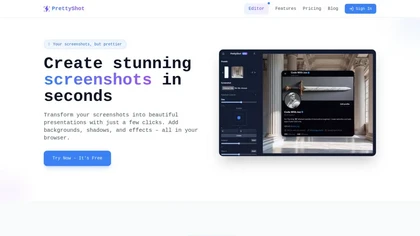
PrettyShot is a web-based tool that enhances standard screenshots by adding backgrounds, shadows, and effects, allowing users to create professional-quality visuals. It supports mockups with device frames and offers efficient preset slots for customization.
Free trial
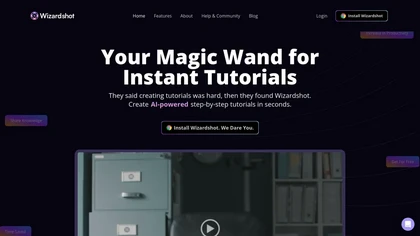
Wizardshot is a web app and Chrome extension that automatically converts screen recordings into structured, step‑by‑step tutorials. It exports to PDF/DOC, GIFs, embeds videos, supports team collaboration, role‑based access, blurs sensitive data, and provides analytics on usage and gaps.
Free
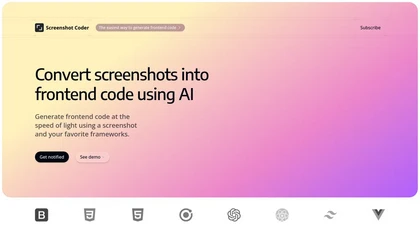
Screenshot Coder transforms visual mockups into production‑ready frontend code in seconds, supporting Tailwind CSS, Bootstrap, and React. It delivers responsive, clean UI code directly from screenshots, accelerating prototyping for designers and developers.
Free
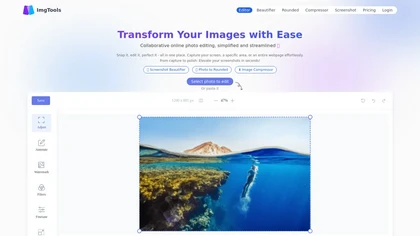
ImgTools is a versatile screenshot tool that simplifies capturing, editing, and enhancing images efficiently. It offers features like screenshot beautifier, advanced editing options, collaborative online editing, and customization tools to elevate your visuals effortlessly.
Freemium
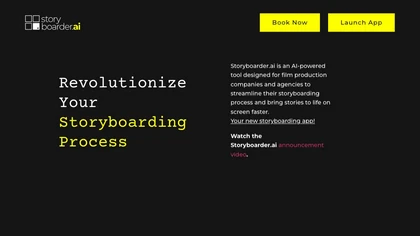
Storyboarder.ai transforms scripts into detailed shot lists, storyboards, and animatics. Upload PDFs, Fountain, or prompts to auto‑generate visual panels; edit frames, adjust camera, and export PDFs for crew. Supports film, TV, commercials, and web projects.
Freemium
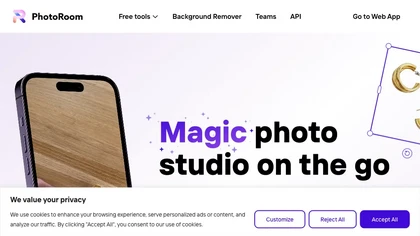
Photoroom is an AI-powered tool for creating professional product visuals at scale, featuring automatic background removal, image generation, virtual staging, and batch editing capabilities for efficient high-quality output.
Free trial
- $5.99/mo
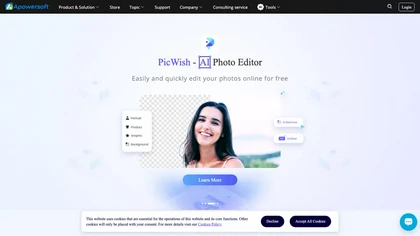
Apowersoft delivers cross‑platform screen, audio, and video capture with high‑fidelity recording, along with versatile media conversion, editing, and PDF OCR. It also offers background removal, data recovery for mobile/desktop, HEIC conversion, and multi‑monitor support for creators and businesses.
Free
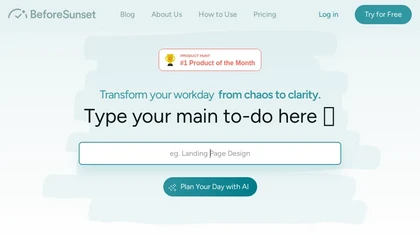
BeforeSunset AI converts notes into prioritized tasks, generating daily agendas with time‑efficient scheduling. It offers a Pomodoro workspace, reminders, recurring tasks, labels, and cross‑device sync, supporting founders, students, and designers efficiently.
Subscription
- $8/mo
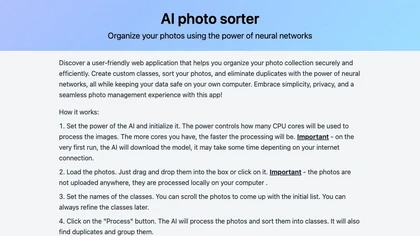
AI Photo Organizer classifies images locally with neural networks, enabling drag‑and‑drop uploads, custom categories, and duplicate detection. It generates a script that moves kept photos into chosen folders and deletes others, all processed on the user’s computer.
Freemium
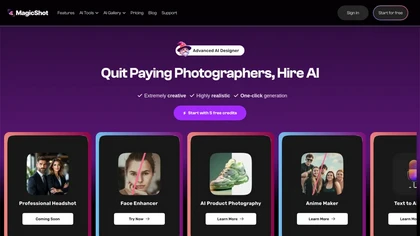
MagicShot.ai creates images, videos, and audio from text or photos. It offers AI image generation for product shots, logos, icons, and book covers, and a video generator that animates photos. Editing, avatars, stickers, QR codes, and 3D tools streamline design.
Paid

Self-Manager is an AI task manager that extracts tasks, owners, dates and priorities from notes and emails, offering date-centric planning, built-in timers with per-task time tracking, AI-generated period summaries, collaboration tools, customizable dashboards, and analytics.
Free trial
- $6/mo
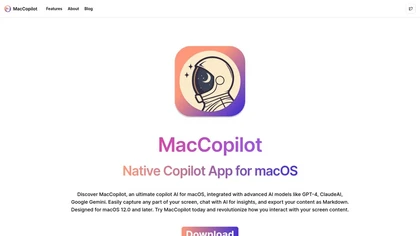
MacCopilot lets macOS users select any screen area, capture screenshots, and chat with AI models—GPT‑4o, Claude, Gemini, or local Ollama—to receive instant visual analysis, code reviews, design feedback, and contextual insights directly on‑screen. Hotkeys and history improve workflow.
Free
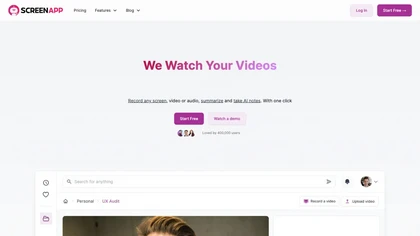
ScreenApp records and transcribes audio/video meetings, extracts key points and action items, and delivers searchable summaries and exports. It integrates with Zoom, Google Meet, YouTube and supports real‑time translation, helping teams quickly locate information.
Subscription
- $199/mo
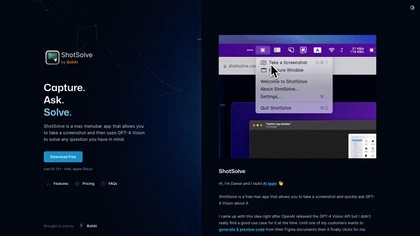
ShotSolve is a native macOS app that captures screenshots and uses GPT‑4o for instant queries. It offers a clean chat interface with themes, code styling, context controls, secure key storage, and configurable parameters for custom AI interactions.
Free
- $29/mo

Reclaim is an AI-powered scheduling tool that helps teams create intelligent and flexible schedules while saving up to 40% of their workweek.
Freemium

Picture Picker is an AI-driven image management tool that captures images via browser extension, syncs libraries across devices, supports one-click collection and bulk downloads, natural-language image search and automatic categorization, color palette extraction, format conversion, and compression.
Free
- $9/mo

PhotoGrid is a browser‑based AI photo editor that offers one‑click enhancement, background removal, and upscaling. It lets users build collages from 20,000 templates, add stickers, text, custom backgrounds, and convert images into short video clips.
Subscription
- $2.83/mo

Remio AI is a personal knowledge hub that auto-captures and organizes ideas from multiple sources, offering AI-driven recommendations and secure, device-based storage. It enhances productivity with smart search, tailored insights, and upcoming features like writing aids and advanced reasoning.
Waitlist
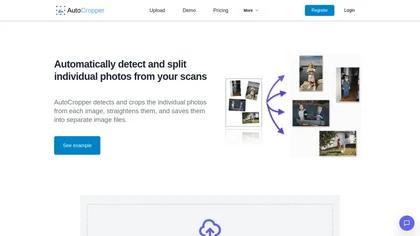
AutoCropper uses AI to detect, crop, and straighten photos from scans, handling JPEG, PNG, TIFF, and PDF in batches. It splits images into full‑quality files, lets you resize or tag crops, all in the browser with full privacy.
Freemium
- $18

Clockwise automated calendar management by integrating with major calendars to schedule meetings, create Focus Time blocks, and optimize daily plans. Its AI moved events to better slots, added Smart Hold breaks, and removed clutter, boosting productive hours while maintaining privacy.
Freemium
Cross‑platform personal knowledge manager consolidating notes, bookmarks, articles, images, and quotes into one private space. Auto‑classifies content, generates AI summaries, and enables search by color, keyword, brand, or date. Real‑time sync across iOS, Android, macOS, Chrome, Edge, and Safari.
Subscription
- $24.92/mo
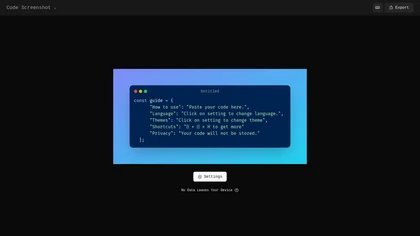
Code Screenshot allows developers to convert code snippets into visually appealing images with syntax highlighting for various languages. It features customizable themes, keyboard shortcuts for efficiency, and local storage for enhanced privacy in sensitive projects.
Freemium
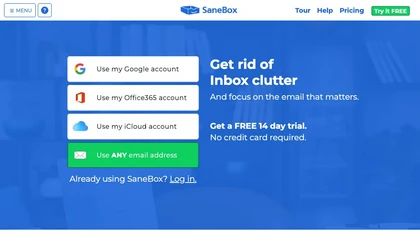
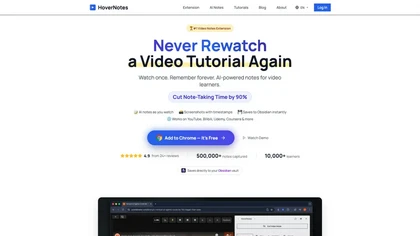
HoverNotes is an AI browser extension that enhances note-taking for videos by capturing key concepts, screenshots, and timestamps. It integrates with Obsidian for organized storage, making it ideal for students and professionals engaged in technical subjects.
Free trial
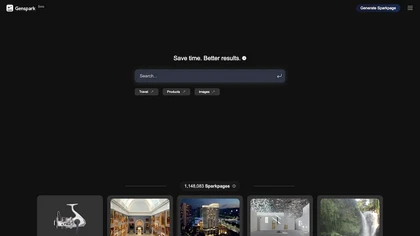
Genspark unifies inbox, workflows, and collaboration into one AI workspace, offering a 1‑million‑token context window, voice‑to‑text, auto‑meeting notes, and Chrome extensions for instant summarization and task automation across WhatsApp, Slack, and Teams.
Freemium
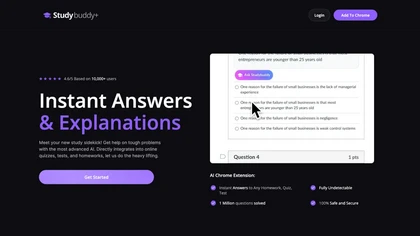
StudyBuddy Chrome Extension captures screenshots or highlights of questions to provide instant answers and detailed step‑by‑step explanations. It supports math, diagrams, and image queries in English, Spanish, and Portuguese, and includes a personal AI chat for broader study assistance.
Freemium
- $0.99
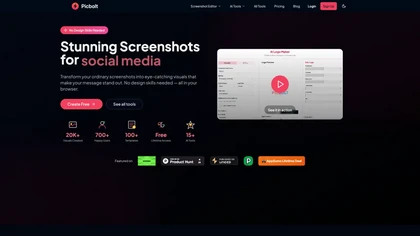
Picbolt is a screenshot editor that transforms screenshots into high-quality visuals with one-click presets, smart cropping, and customizable device mockups. It is ideal for educators, content creators, and small business owners, offering tools for annotations and workflow optimization.
Free trial
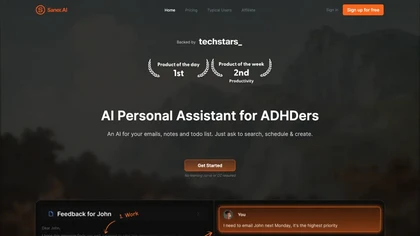
Saner.AI consolidates emails, calendar, Slack, Drive, and notes into a searchable workspace, auto‑generating tasks, scheduling them, and organizing content with AI tags. It reduces context switching, protects privacy with encrypted storage, and supports bulk import/export of notes.
Freemium
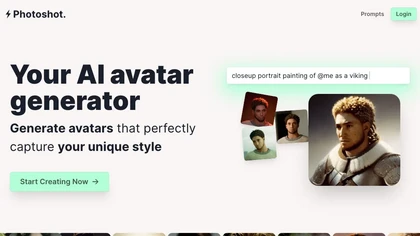
Photoshot lets users upload multiple selfies to train a personalized AI model, automatically producing high‑resolution (4K) portraits that reflect their unique look. Detailed prompts and iterative refinement allow precise, creative outputs for individual creators and brand teams.
Paid
- $12

OneTap is a clipboard management app for Apple devices that streamlines the copy-paste process, enabling users to save and retrieve text, links, images, and files easily. It features cloud syncing, clipboard history, and Siri shortcuts for enhanced workflow.
Freemium
StoryboardHero turns a brief or existing script into AI‑generated storyboard visuals and scenes in minutes, offering customizable styles, consistent character rendering, optional hand‑drawn sketches, PDF/export, and collaborative link sharing to cut revision time.
Subscription
- $19/mo

Studioshot is an AI tool that transforms uploaded photos into professional headshots with customizable styles, lighting, and backgrounds. It delivers high-quality, retouched results quickly, including outfit and background adjustments.
Freemium
Automagical Apps automates routine Google Workspace tasks with add‑ons that handle Gmail follow‑ups, document‑to‑form conversion, multi‑language translation of Slides and Drive files, and OCR extraction, helping educators, marketers, sales, and operations teams streamline communication and documenta
Free trial

Shotva is an AI tool that transforms screenshots into polished images with customizable backgrounds, frames, and annotations. Its auto-styling feature analyzes content to create cohesive designs, while also streamlining ad creation with brand identity scraping.
Free
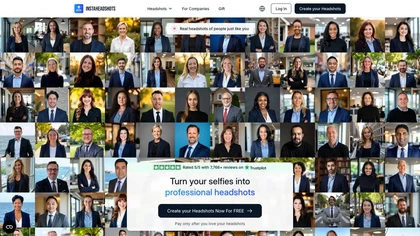
InstaHeadshots uses AI to turn a handful of varied selfies into high‑resolution professional headshots in about fifteen minutes. It generates a customizable library for LinkedIn, resumes, and print, securely deleting all photos and outputs after 30 days.
Paid

Picsman is an AI‑powered editor that removes or replaces backgrounds, ups image resolution, and applies styles like Ghibli or cartoon. It also offers text‑prompt editing, video generation, image extending, and watermark removal for quick, high‑definition results.
Free
- $5.99/mo
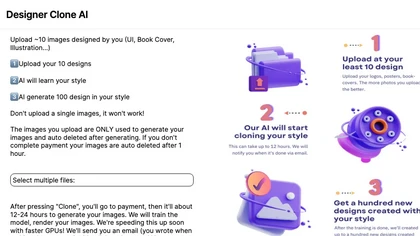
Stockimg AI generates logos, illustrations, and social‑media assets from text prompts, offering background removal, bulk scheduling, and cross‑platform publishing via an integrated calendar. A mobile app allows on‑the‑go daily editing.
Subscription
- $12/mo

SnapEdit is an AI‑driven photo editor that removes objects, backgrounds, and text, provides 100+ background templates, upsamples images to HD/4K, and offers skin retouching, all accessible via web, iOS, and Android.
Freemium
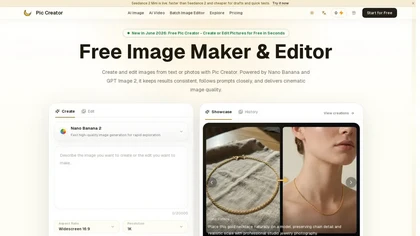
PicCreator.ai is an AI image maker and editor that combines text-to-image generation with robust photo editing tools. It enables prompt-based creation, inpainting/outpainting, batch editing, and high-resolution upscaling for marketers, designers, and photographers.
Freemium
- $5.99/mo
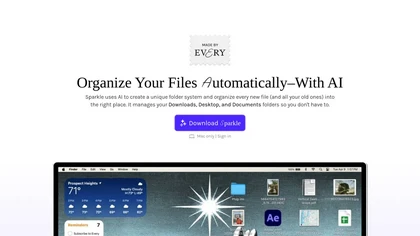
Sparkle is an AI‑driven Mac cleaner that auto‑detects and removes junk, deletes duplicates, and organizes downloads, receipts, and screenshots into AI‑generated folders. It backs up before deleting, supports cloud folders, and schedules recurring clean‑ups, keeping local and online storage tidy.
Subscription
- $30/mo
Unscreen is a cloud video editor that removes backgrounds from clips and exports them instantly, with format conversion and resizing. It offers plugins for After Effects and Premiere Pro and integrates with Canva for AI‑enhanced features.
Freemium
- $9
Autodraw is an AI tool for quick drawing using machine learning, with a how-to section and shortcuts.
Free