
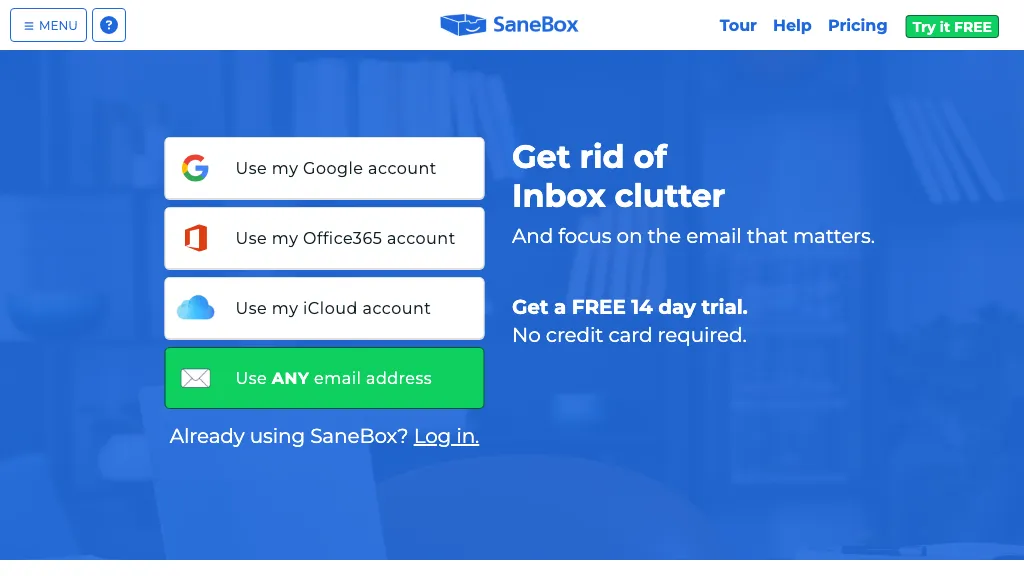
What is SaneBox?
SaneBox is an AI‑driven email management tool that categorizes incoming messages into folders based on importance, reducing inbox clutter. It automatically unsubscribes users from unwanted senders with a single click and deletes repetitive emails from BlackHole.
A daily Digest summarizes unopened, low‑priority mail, while a follow‑up reminder system flags replies that are overdue. The Snooze feature lets users postpone messages until a specified date, keeping the inbox tidy. SaneBox integrates with Gmail, Microsoft 365, Apple iCloud, Yahoo!, Fastmail, and any IMAP or Exchange server via OAuth, requiring no downloads or manual setup.
SaneBox details
- Company
- SaneBox, Inc.
- Jurisdiction
- Commonwealth of Massachusetts
SaneBox tech specs
- Integrations
- Google Workspace
SaneBox pricing
PaidVerify on the official pricing page.
View plansSaneBox's key features
-
AI-powered email organizer
-
Filters by importance
-
Auto-filing learning
-
SaneBlackHole sender removal
-
SaneLater auto-move
-
Reminder follow-up alerts
-
Digest summary of unopened
SaneBox use cases
-
Automate inbox triage so that high‑priority messages surface instantly while newsletters, spam, and duplicates are automatically filtered or archived, boosting productivity by up to 50%
-
Allow marketing and sales teams to eliminate inbox clutter by auto‑unsubscribing from irrelevant mailing lists and removing duplicate promotions, ensuring only key outreach stays in the inbox
-
Integrate follow‑up reminders and snooze functionality into daily workflows, guaranteeing timely responses to important emails while keeping inbox security intact across Gmail, Outlook, and iCloud
SaneBox user reviews
Based on 17 reviews, 47% of users recommend SaneBox, rated highly for value for money.
Liked for
Disliked for
Would you recommend SaneBox?
Who is SaneBox for?
-
Email administrators
-
Information overload managers
-
Time management enthusiasts
-
Inbox organizers
-
Productivity seekers
SaneBox FAQ
How much does SaneBox cost?
SaneBox is a paid product with no free plan. Plans include Snack at $4.13, Lunch at $7.04 and Dinner at $20.79.
Is SaneBox safe to use?
SaneBox is operated by SaneBox, Inc., registered in Commonwealth of Massachusetts. SaneBox carries the TopAI.tools verified mark, which we award after a manual review of pricing transparency, published terms, public following and working functionality. It has a substantial audience that is independently measured month to month.
Is SaneBox good?
SaneBox has a 47% recommendation rate from 17 reviewers on TopAI.tools. Reviewers rate it highest on value for money and ease of use.
What are the best alternatives to SaneBox?
The closest alternatives to SaneBox are ZeroInbox.ai, Inbox Zero AI, EmailTriager, InboxPro and Upstream. You can compare them side by side in the alternatives section further down this page.
What does SaneBox do with my data?
SaneBox states that customer content is not used to train its models. Its privacy policy states that personal data is not sold or shared for marketing purposes. Data may be shared with third-party service providers that help run the product.
Who made SaneBox?
SaneBox is built and operated by SaneBox, Inc., a company registered in Commonwealth of Massachusetts.
What does SaneBox integrate with?
SaneBox connects with Google Workspace.
Compliance, privacy and billing terms are as stated in each product's own published documentation and have not been independently verified by TopAI.tools.


Sounds like SaneBox could help admins trim spam and flag key threads, but I'm not sure how it handles dynamic labeling for different projects—does it adapt quickly?